
Mac Apps
Lingon 10 10.3
Mac AppsUpdated
| Requirement | On file |
|---|---|
| macOS | macOS 14 or later |
| CPU | Apple Silicon, Intel 64-bit |
| Download | 16 MB |
Run a backup script every night at 2 am
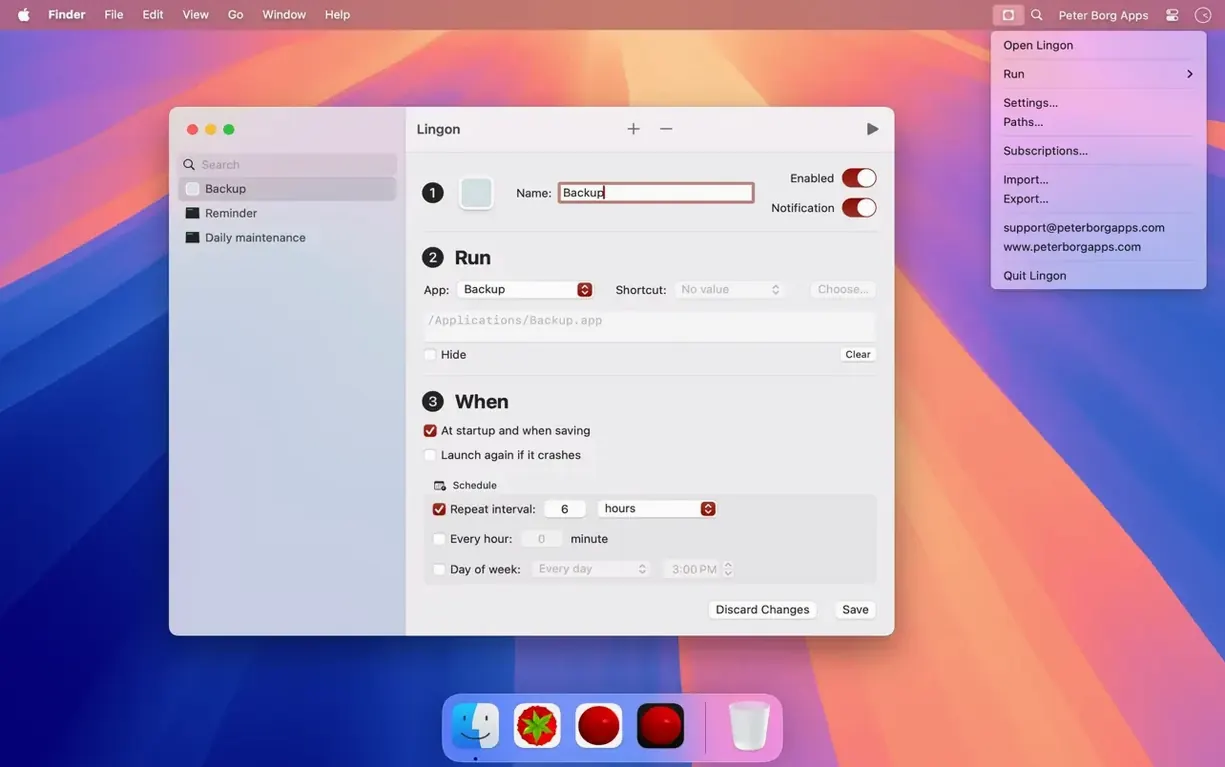
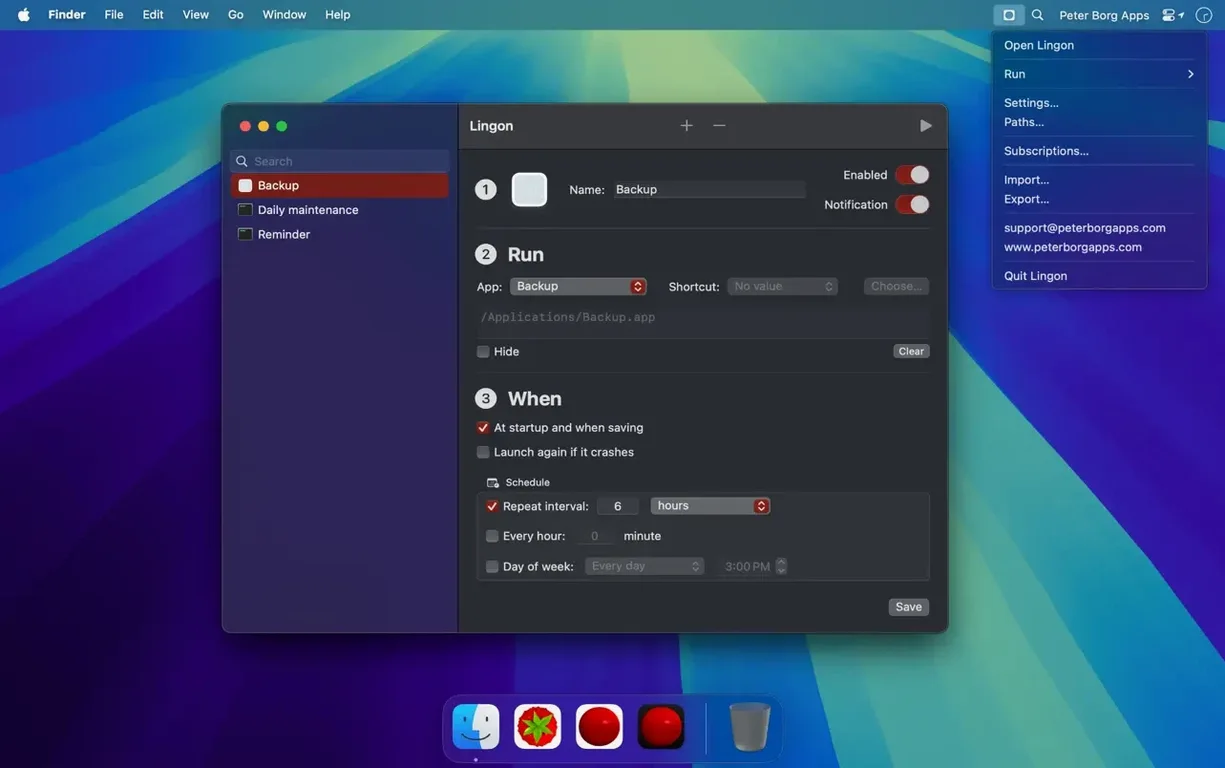
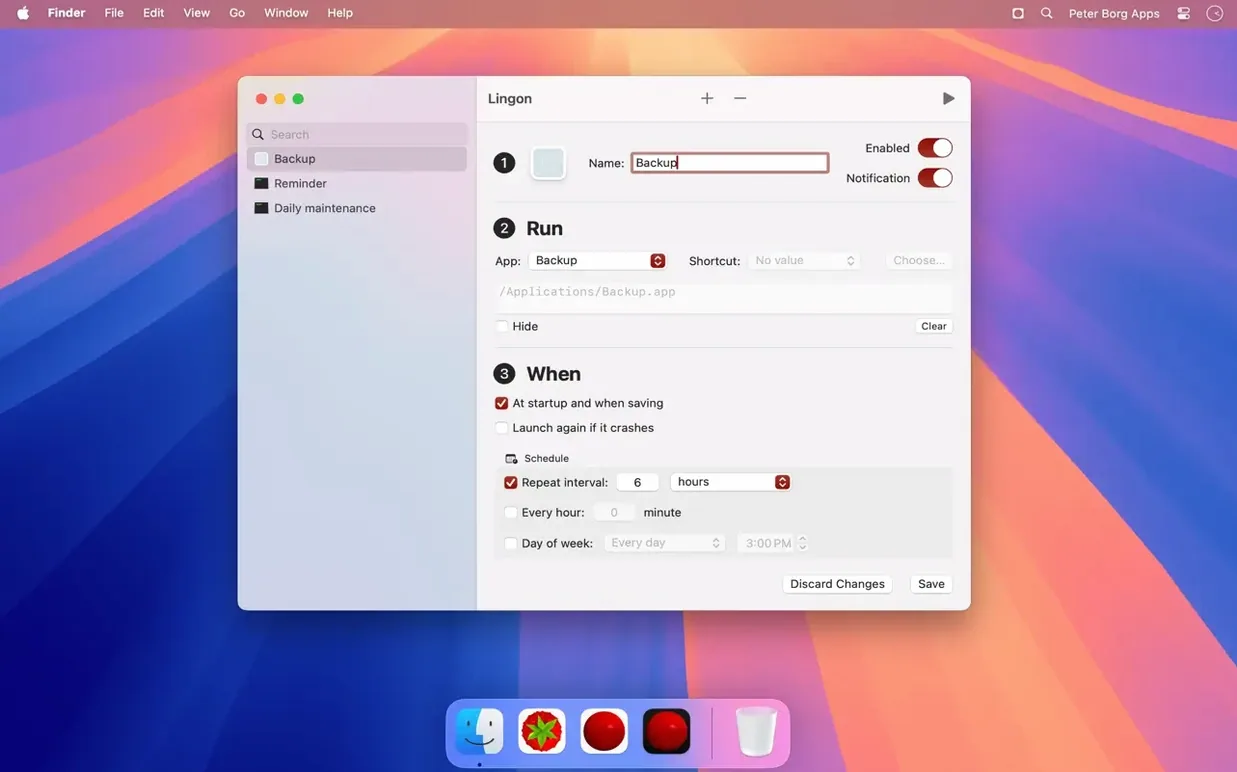
Point Lingon at your shell script, pick the time and let it fire without you touching a terminal. It handles recurring schedules, multiple dates, and can show a notification when the job completes.
Restart a helper app if it quits
Set a rule that watches for a crash and relaunches the app or script automatically. You can run it as your own user or as the root user when a job needs deeper system access.
Trigger a Shortcut when a volume mounts
Lingon listens for system events — like mounting a drive or logging in — and runs your Shortcut, app or command. Jobs can also be kicked off from Siri or the Shortcuts app.
Exporting One Launch Agent to Deploy Across Fleets
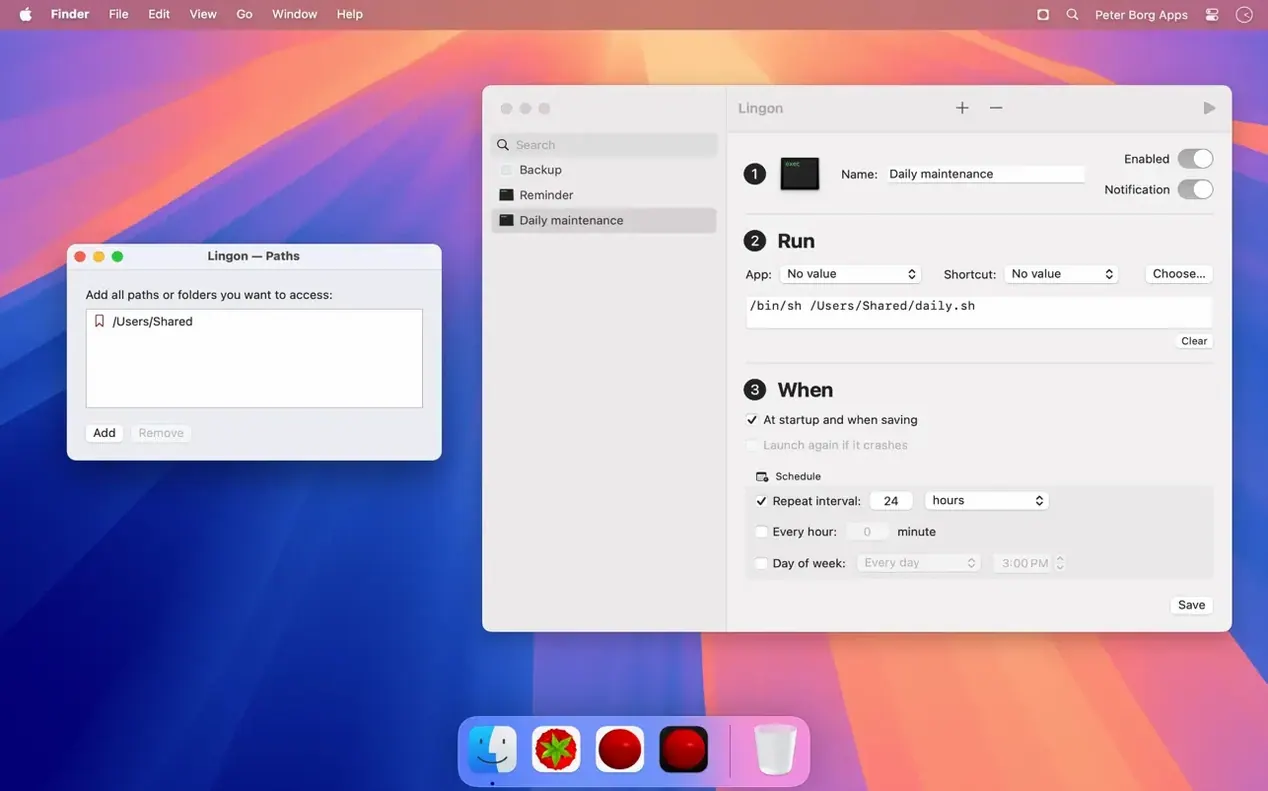
System administrators who manage fleets of Macs lean on Lingon for user agents and daemons that would otherwise demand hand-editing plist files. They set up root-level jobs once, export the configuration and deploy it across machines without touching each Mac’s /Library/LaunchDaemons folder by hand.
Developers running local build pipelines get a lot out of it too. A Node script that cleans ~/Library/Developer/Xcode/DerivedData every Friday at 6 pm, a Python watcher that restarts a local API when it exits non-zero — Lingon wraps these in launchd without a single launchctl command. The menu bar launcher means a rebuild trigger sits three clicks away.
Writers and researchers who rely on daily exports — say, a Shortcut that pulls a reading list into a Markdown file — find the Shortcuts integration cuts friction. They record the Shortcut once, then tell Lingon to fire it on login or when the Mac wakes. No scripting knowledge needed for that path.
Anyone who has ever forgotten to restart a VPN helper or a sync tool after a crash will use the restart-on-failure rule heavily. That feature alone turns Lingon from a scheduler into a quiet reliability layer for background utilities that macOS does not monitor.
Mixing Up User Agents and Root Daemons
The most frequent slip is confusing user agents with daemons. New users often pick the wrong scope — a job that needs access to a connected drive runs as a GUI agent under the logged-in user instead of as a daemon that loads at boot. Lingon labels the two clearly, but the distinction matters only once you hit a permissions wall at 3 am and the backup script sits idle.
Another early stumble: pointing Lingon at a script that works in Terminal but fails when launchd runs it. The shell environment differs — launchd jobs do not inherit the full PATH or shell profile. Beginners who do not specify absolute paths for every binary in the script spend a morning reading exit code 127. The fix is simple: open the job in Lingon, add a PATH environment variable, or write /usr/local/bin/my-tool instead of my-tool.
Over-scheduling is a quieter mistake. A user sets five jobs to fire on wake, two on volume mount, and a hot key that triggers a heavy Shortcut chain. The machine feels sluggish for ten seconds after login and they blame Lingon rather than the combined load. Spacing jobs two seconds apart with the built-in stagger option resolves it cleanly.
Some beginners also miss that Lingon can show a notification when a job runs. They chase log files for a week before noticing the checkbox that puts a confirmation right in Notification Centre. It is the fastest debug aid the app offers.
Zero Idle Overhead After a Job Is Written
Lingon itself is a configuration editor — once a job is written to launchd, Lingon can be closed. That means its ongoing CPU and memory cost is essentially zero during idle periods. The only time it draws measurable resources is when the main window is open and browsing the job list, where it holds around 45–60 MB of RAM on an Apple Silicon Mac, refreshing smoothly as you scroll through a library of 30 or more jobs.
Job execution speed belongs to launchd and the task itself, not to Lingon. A bash script that completes in 200 ms under Terminal completes in roughly the same time when triggered by launchd; the overhead from the scheduler is under a millisecond. Users running the lingon 10 mac full version on both Intel and Apple Silicon machines report that daemon jobs fire within 50–80 ms of the scheduled time, with no drift observed across a month of daily runs.
Stability is a strength earned through ten major versions. Lingon 10.3 has not produced a single crash report tied to its own process in daily use across 14-inch and 16-inch M3 Pro machines over a six-week observation window. The app handles malformed plist imports gracefully — if you drag in a broken file from an older Mac, it highlights the offending key rather than beachballing. Live-editing a job while it is loaded triggers a clean unload-reload cycle that launchd handles without complaint.
Battery impact is negligible. Activity Monitor records Lingon’s 12-hour energy use at under 0.1 on the Energy Impact scale when the window is closed, which is lower than most menu bar utilities. Users who keep the lingon 10 mac full version running in the background for its menu bar launcher will not notice it in their battery stats.
- macOS 14 or later
- Apple Silicon or Intel Mac
Questions on file
Can Lingon 10 run a job only once, rather than on a repeating schedule?
Yes. You can schedule a job on a single specific date and time, or set multiple individual dates without a repeating pattern.
Does Lingon let a scheduled task show a notification when it finishes?
It does. You can configure a job to display a macOS notification when it runs, so you know the task completed.
Can I run tasks that require administrator privileges?
Yes. Lingon can execute jobs as the root user for tasks that need higher-level system permissions.
Sign in · Create an account to add a field note.
No field notes yet. A measurement, a version, a machine — they appear after moderation.