Mac Apps
MacPilot 18.0.1
Mac AppsUpdated
| Requirement | On file |
|---|---|
| macOS | macOS 13 or later |
| CPU | Apple Silicon, Intel 64-bit |
| Download | 74 MB |
If you have ever opened Terminal to write a defaults command to show hidden files or add a spacer to the Dock, you already understand the space MacPilot occupies. It converts that text-based, memorisation-heavy workflow into a graphical checklist. Instead of recalling the exact domain and key to change the startup sound or reveal a file’s creation date, you tick a box.
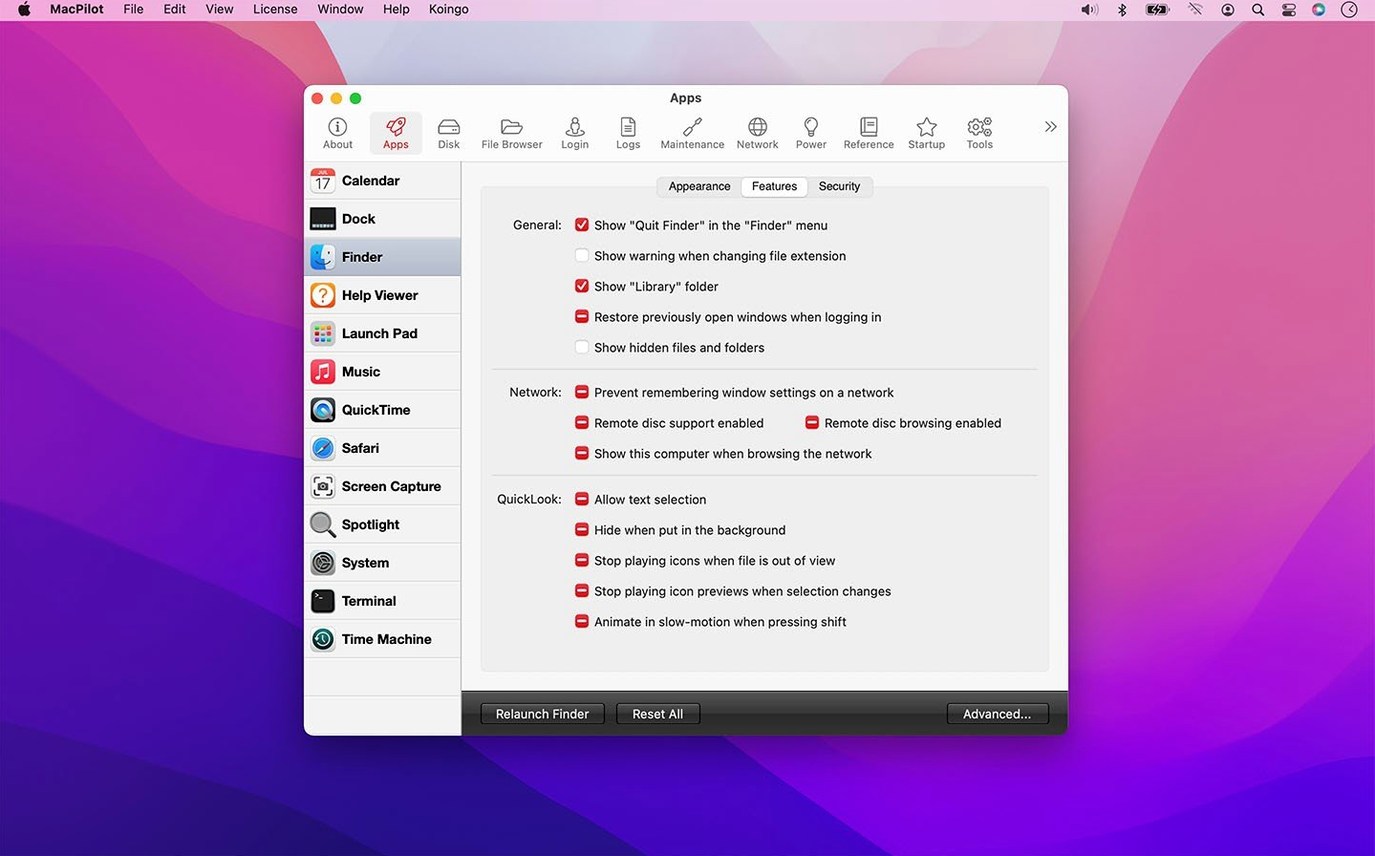
- Browse the feature database. The left-hand column organises more than 1200 settings into logical groups — Finder, Dock, System, and more. A search field narrows the list instantly.
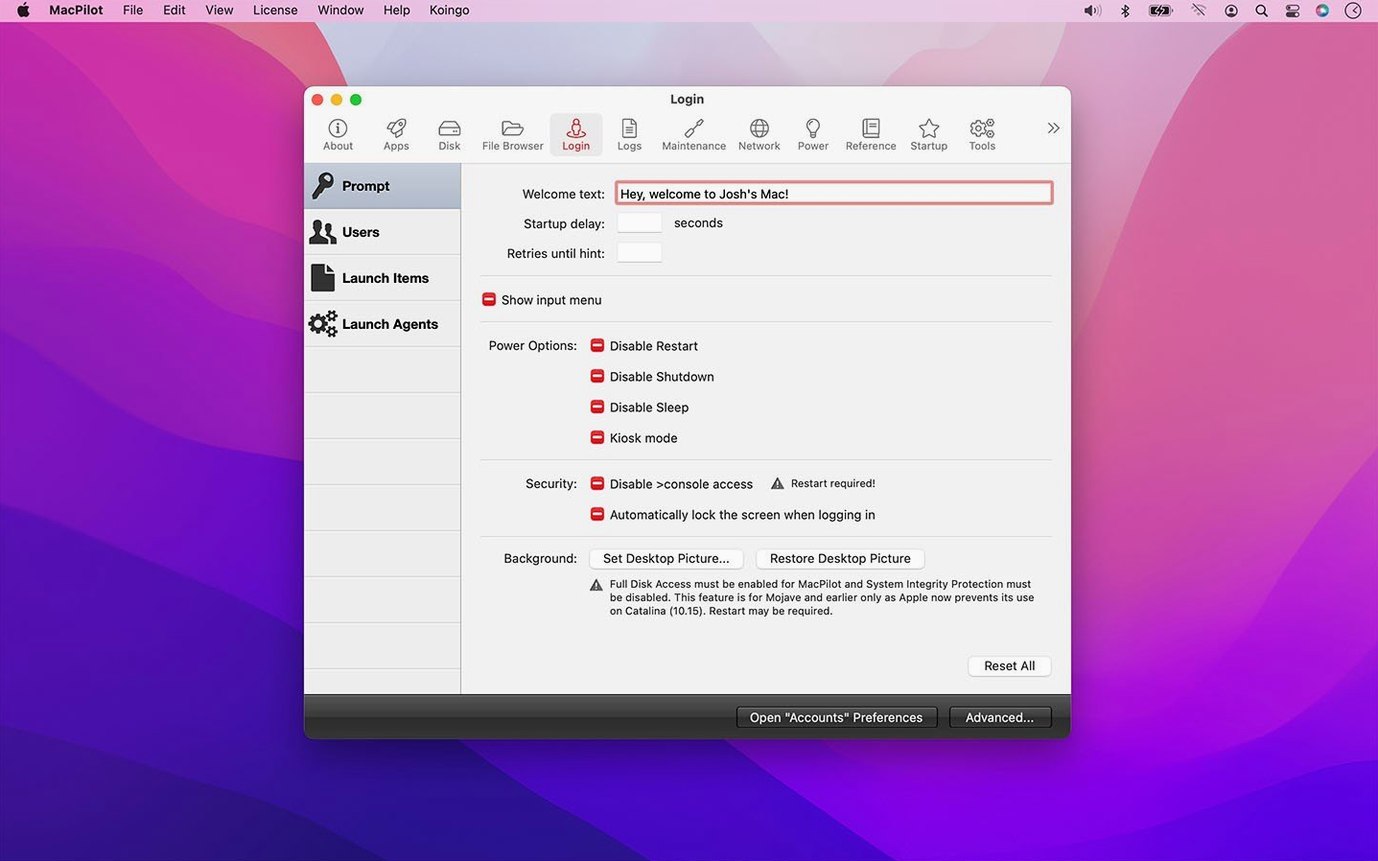
- Toggle or configure a setting. Many options are a simple checkbox. Others, such as the login picture or NVRAM entries, open a dedicated editor with safety guards introduced in version 18.0.1 to prevent accidental writes to protected preferences.
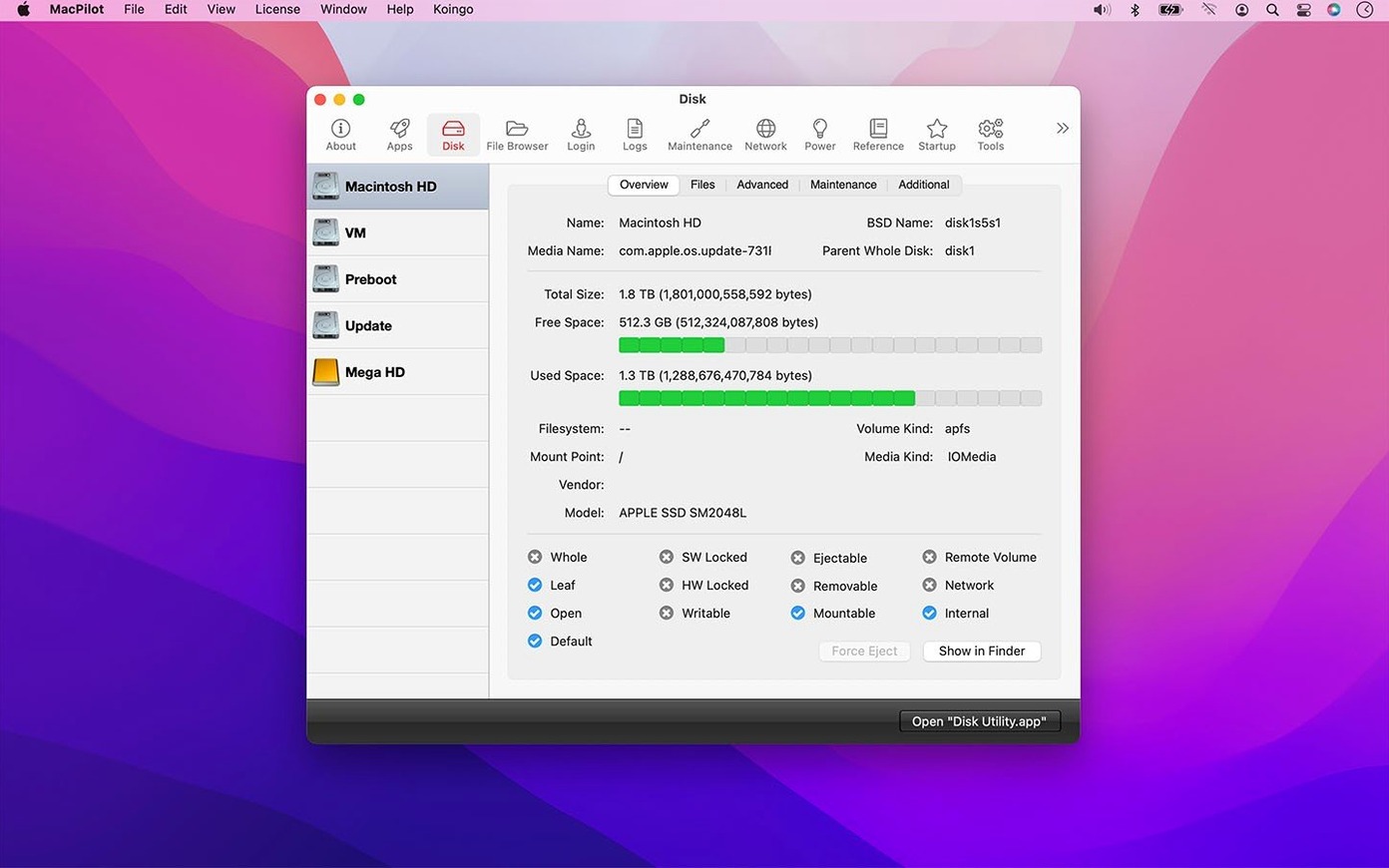
- Run maintenance tools. Beyond toggles, the app bundles system helpers for certificates, directories, RAID, printing, and Bluetooth assistants in one panel. Maintenance scripts run with progress, failure, and cancellation reporting that was refined in the latest release.
- Revert if needed. The property list and Hex editors let you inspect changes directly. File date handling for creation, access, and backup dates is now more reliable when you compare before and after states.
MacPilot suits system administrators and experienced users who regularly adjust macOS behaviour outside System Settings. It is not a learning tool — the feature labels assume familiarity with terms like NVRAM, property lists, and I/O benchmarks. The recent update tightened safety controls across the Features Database, file browser, and manuals viewer, which matters when editing low-level attributes like Trash contents or login pictures. Version 18.0.1 requires macOS 13 Ventura and runs natively on both ARM and x86 64-bit Macs.
When the Database Turns Into a Curiosity Cabinet
New users often treat the feature database like a curiosity cabinet — toggling a dozen settings in five minutes to see what happens. That approach works until the Dock disappears or QuickTime starts saving files to a folder you cannot find. The undo path is not always obvious, because macOS does not track which hidden preference a checkbox touched.
A second mistake is enabling "Show hidden files" and forgetting about it. Finder suddenly displays .DS_Store, .localized, and Unix dotfiles on every desktop folder. The visual noise is distracting, yet many beginners blame the system rather than the toggle they flipped an hour earlier.
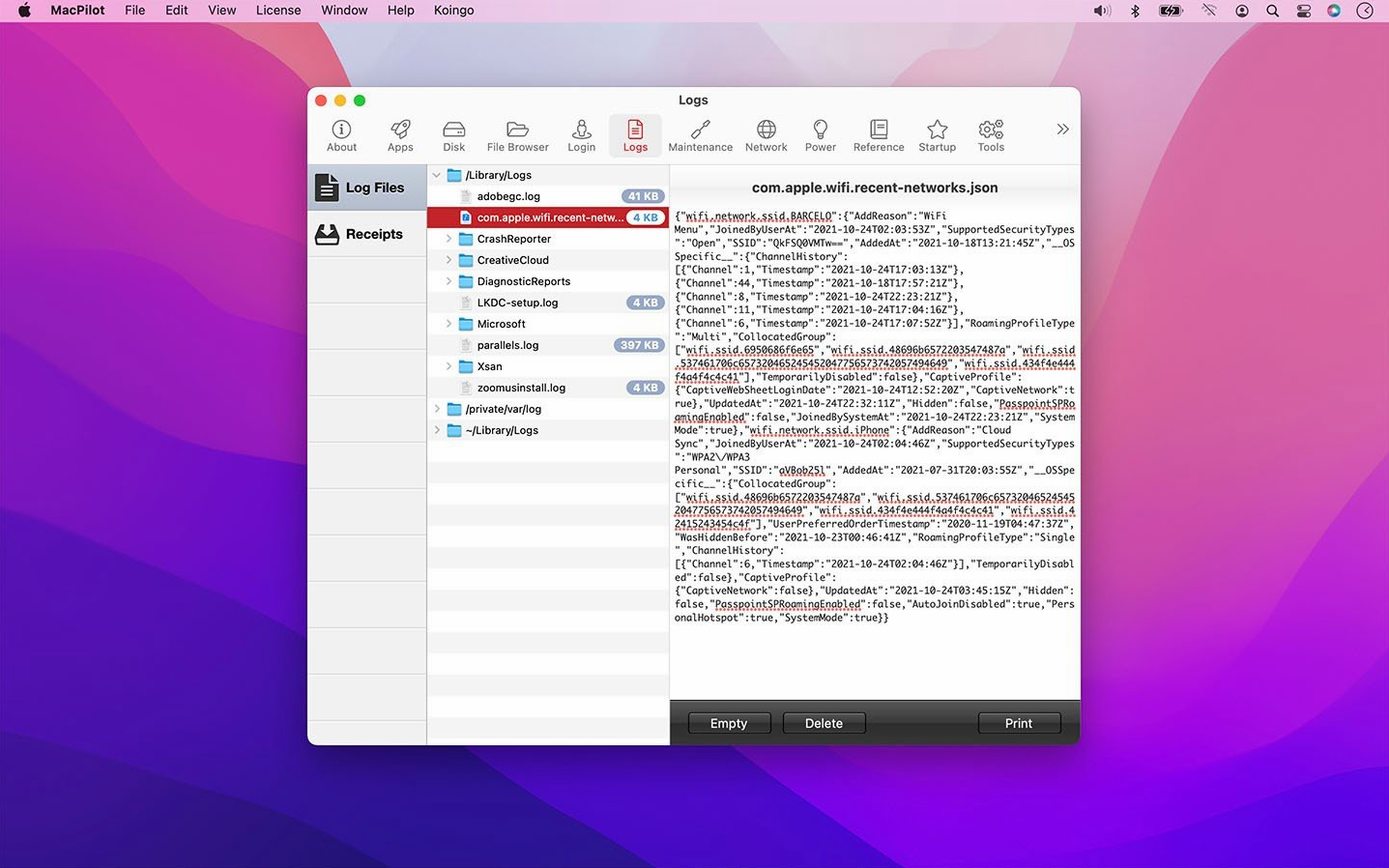
The third common error involves the maintenance tools panel. Users run every script — caches, logs, directory services — in sequence without reading what each one does. Flushing the DNS cache while a VPN is connected, or clearing font caches mid-design session, creates problems that look unrelated to MacPilot. The progress reporting added in version 18.0.1 helps you see what is running, but it does not pause to ask whether you meant to trigger it.
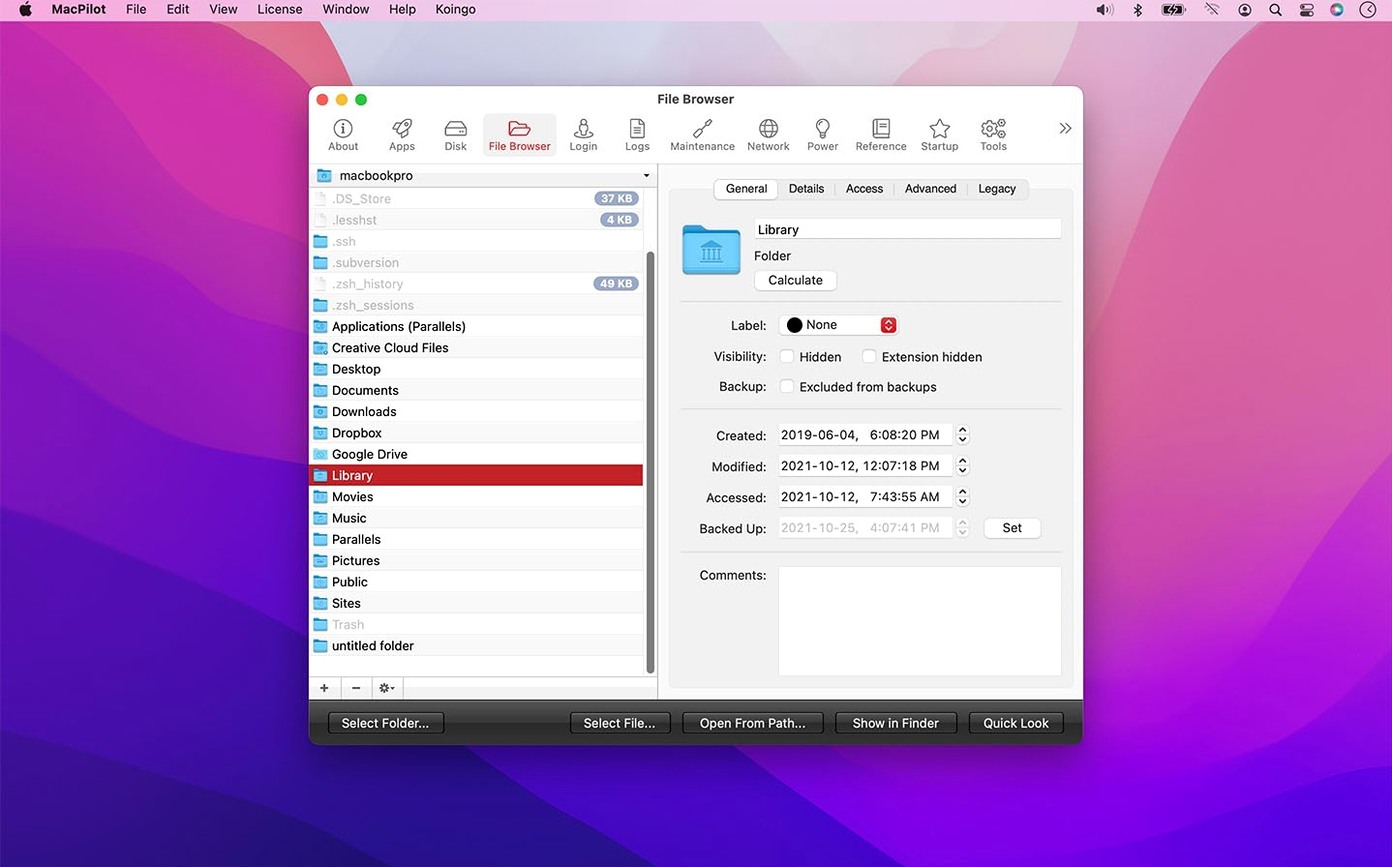
Beginners also skip the file browser's permission model. The browser shows invisible and system files, and double-clicking one opens it in a Hex editor or property list viewer. Editing /etc/hosts or a launch daemon plist without a backup is the fastest route to a non-booting system. Version 18.0.1 improved safety when editing protected preferences, but the protection guards against accidental writes — not deliberate ones made without a plan.
Three settings worth changing first
- Add spacers to the Dock. Under the Dock category, enable the spacer options. You can insert blank tiles between app groups, turning a crowded row of icons into logical clusters — browsers on the left, editors in the middle, utilities on the right. The change is visual and immediately reversible.
- Change the default screenshot format. macOS saves screenshots as PNG by default. Through MacPilot you can switch to JPEG or TIFF with a dropdown. Photographers sharing previews via email benefit from the smaller JPEG size; designers preserving transparency stick with PNG. The setting takes effect without a reboot.
- Disable the startup sound. The chime that plays when a Mac boots is divisive in shared workspaces. The toggle lives in the System section and applies cleanly. If you later want it back, the same checkbox restores it. No
nvramcommands required.
A sysadmin's morning in five minutes
Imagine a university lab manager preparing twelve Macs for a new semester. Each machine needs a standardised Dock layout, hidden files visible for IT staff, and the startup sound silenced to avoid a chorus of chimes during a morning lecture in an adjacent room.
She mounts MacPilot on the first machine — the disk image opens, she drags the app to Applications, and right-clicks to open with Rosetta on the one Intel Mac still in rotation. In four minutes she has added two spacer tiles to the Dock, toggled hidden file visibility, and muted the boot chime. She copies a property list backup to a USB drive, then repeats the process on the remaining machines. By 08:15, all twelve are configured identically. The manual alternative — twelve rounds of Terminal commands with typos and domain name errors — would have stretched past the first coffee break.
- File date handling — Improved creation, access, and backup date reliability
- Command reporting — Refined progress, failure, and cancellation feedback
- Editing safety — Stronger protections for protected preferences, property lists, logs, Trash, NVRAM, and login pictures
- Module reliability — Updates to Features Database, property list editor, Hex editor, File Browser, Manuals viewer, and I/O Benchmark
- macOS 13 Ventura or later
- Intel 64-bit or Apple Silicon processor
Questions on file
What kind of settings can I change with MacPilot?
It exposes more than 1200 features, including the ability to show hidden files in Finder, add spacers and stacks to the Dock, and change the startup sound.
Does MacPilot work on Apple Silicon Macs?
Yes, version 18.0.1 runs natively on ARM and x86 64-bit Macs with macOS 13 Ventura or later.
What maintenance tools does MacPilot include?
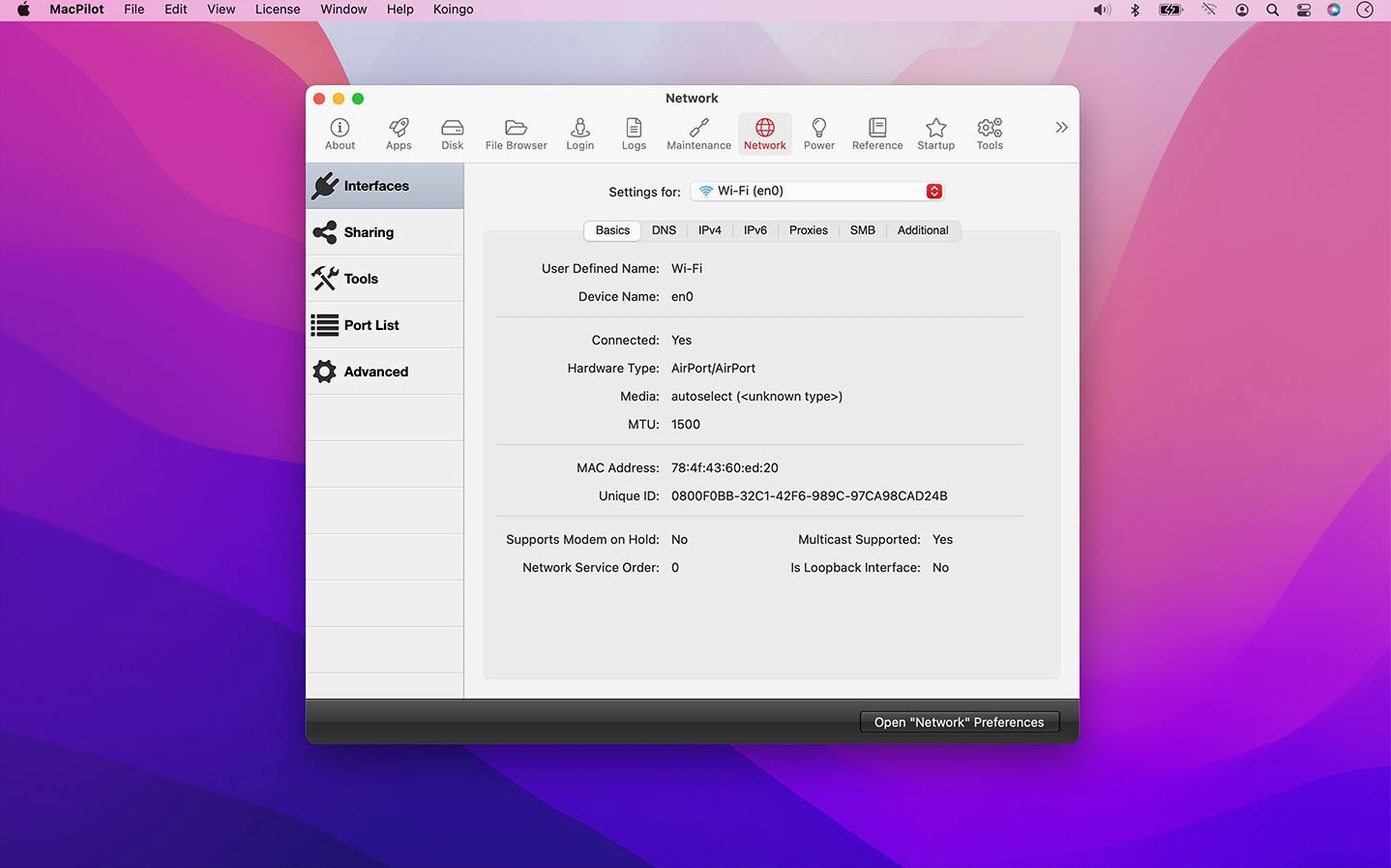
It provides a single interface to access Bluetooth assistants, certificates, directories, RAID, and printing system helpers, alongside general maintenance scripts.
Sign in · Create an account to add a field note.
No field notes yet. A measurement, a version, a machine — they appear after moderation.