Mac Apps
Mela 2.6.1
Mac AppsUpdated
| Requirement | On file |
|---|---|
| macOS | macOS 11 or later |
| CPU | Apple Silicon, Intel 64-bit |
| Download | 14 MB |
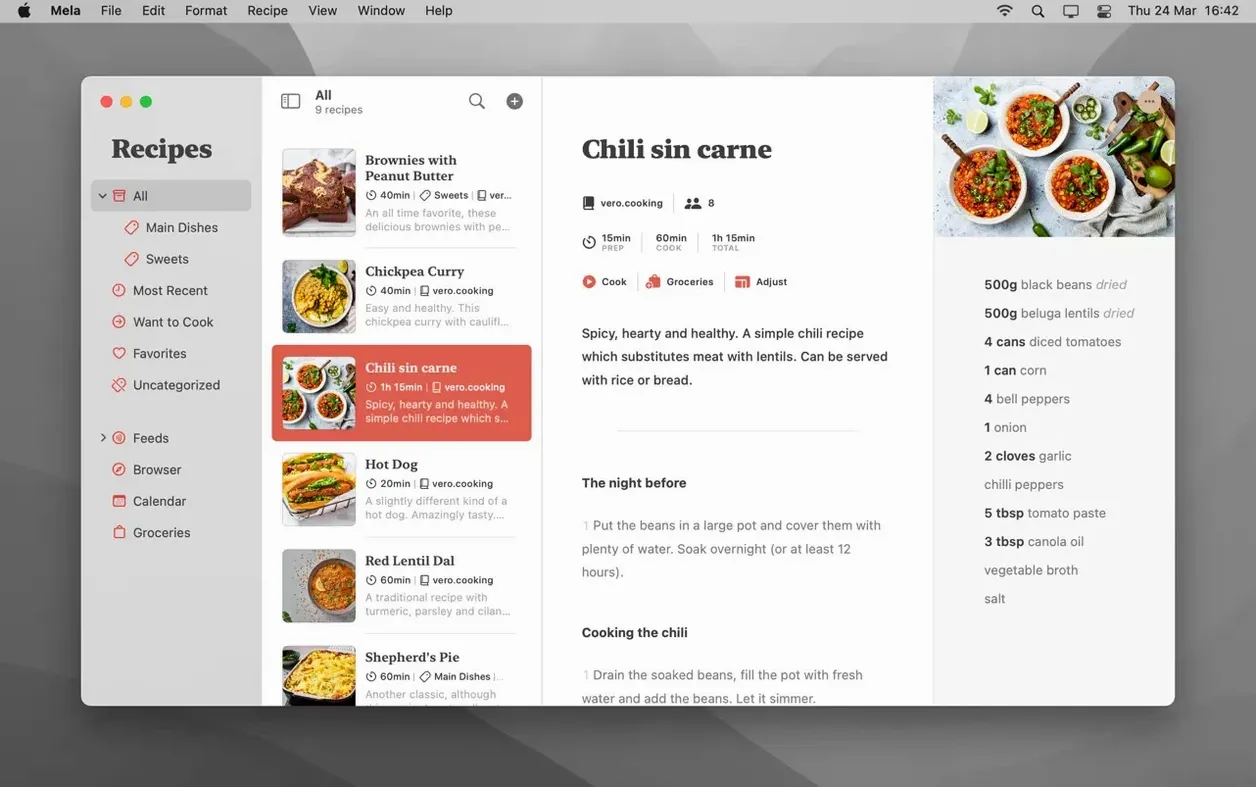
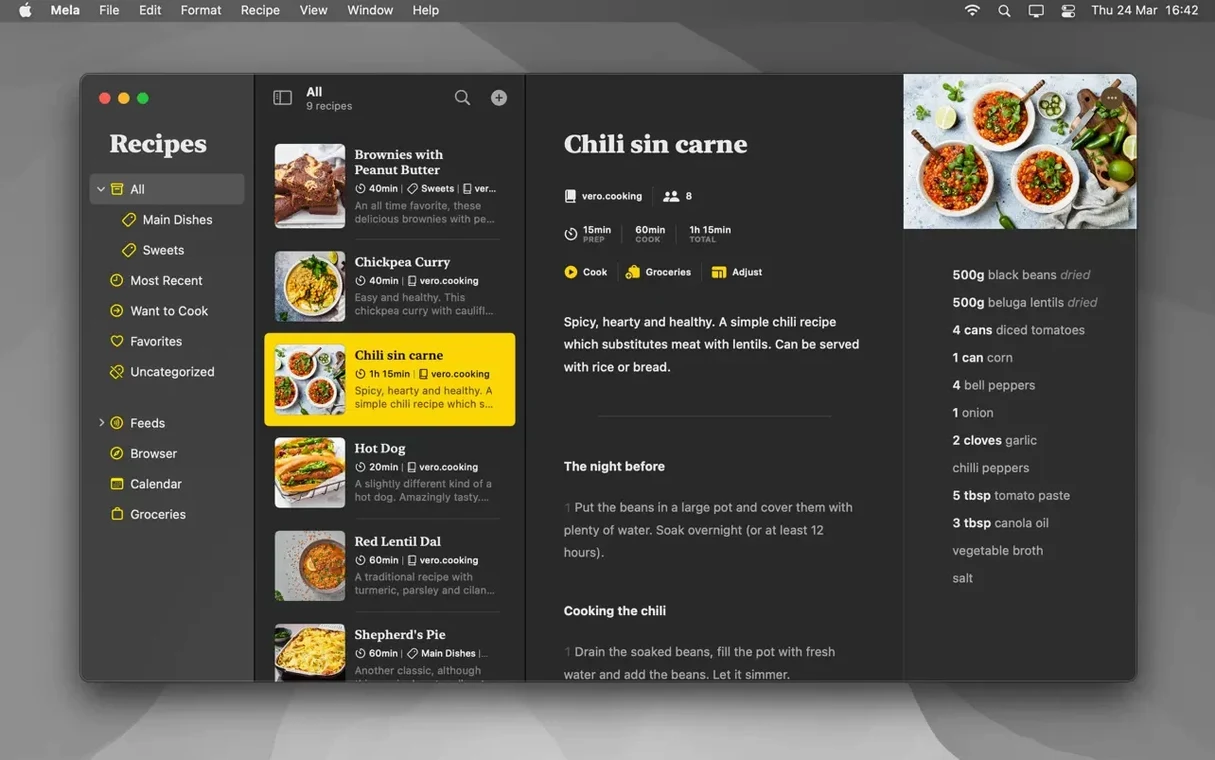
A personal recipe organiser built for Apple’s ecosystem, using iCloud to keep your collection current across devices.
Calendar-Synced Meal Planning & iCloud Sharing
- Sync method — iCloud, with optional shared libraries for other iCloud users (requires macOS 12).
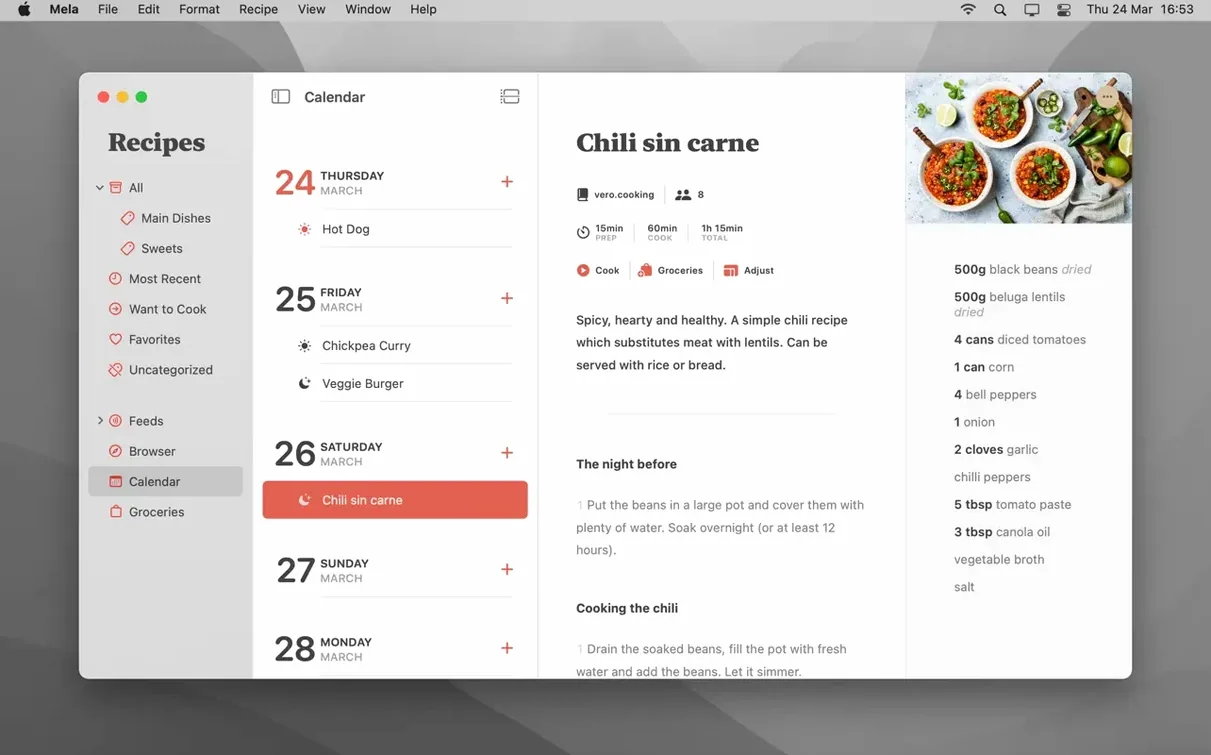
- Meal planning — integrated calendar controlled by Calendar.app; assign recipes to dates directly.
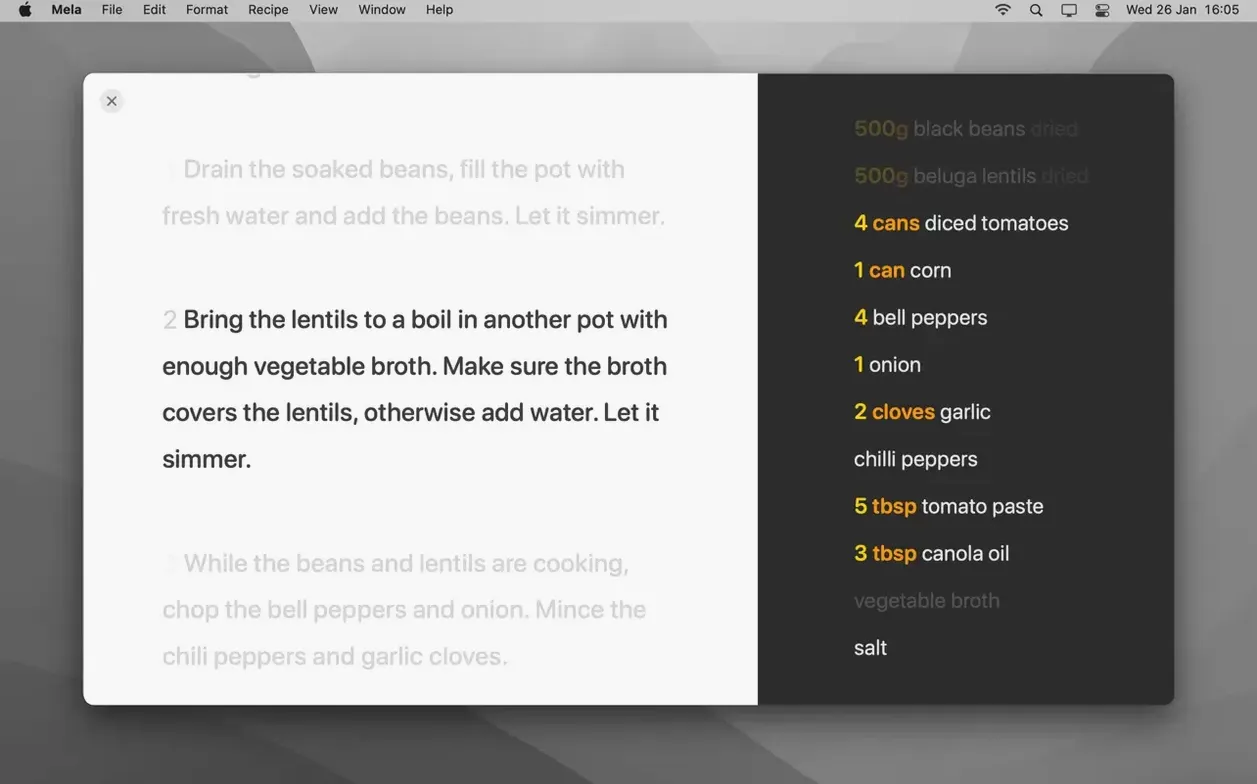
- Cooking mode — step-by-step view with built-in timers.
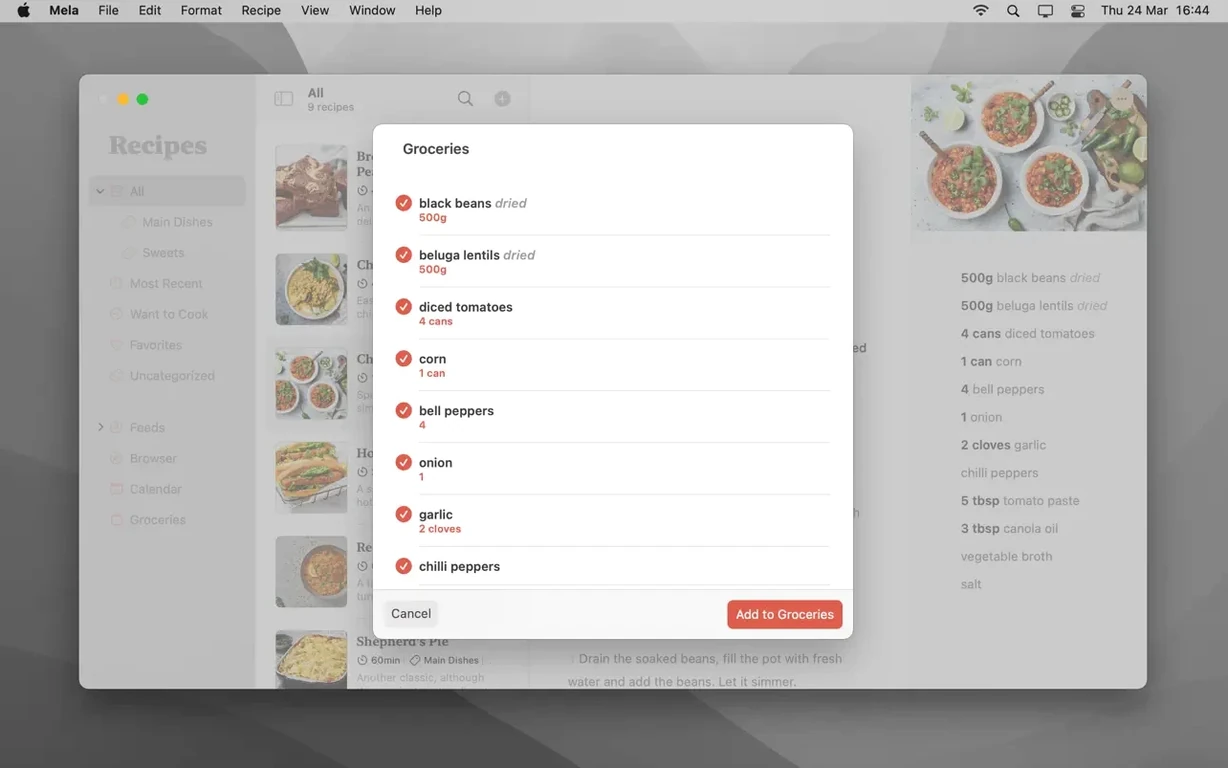
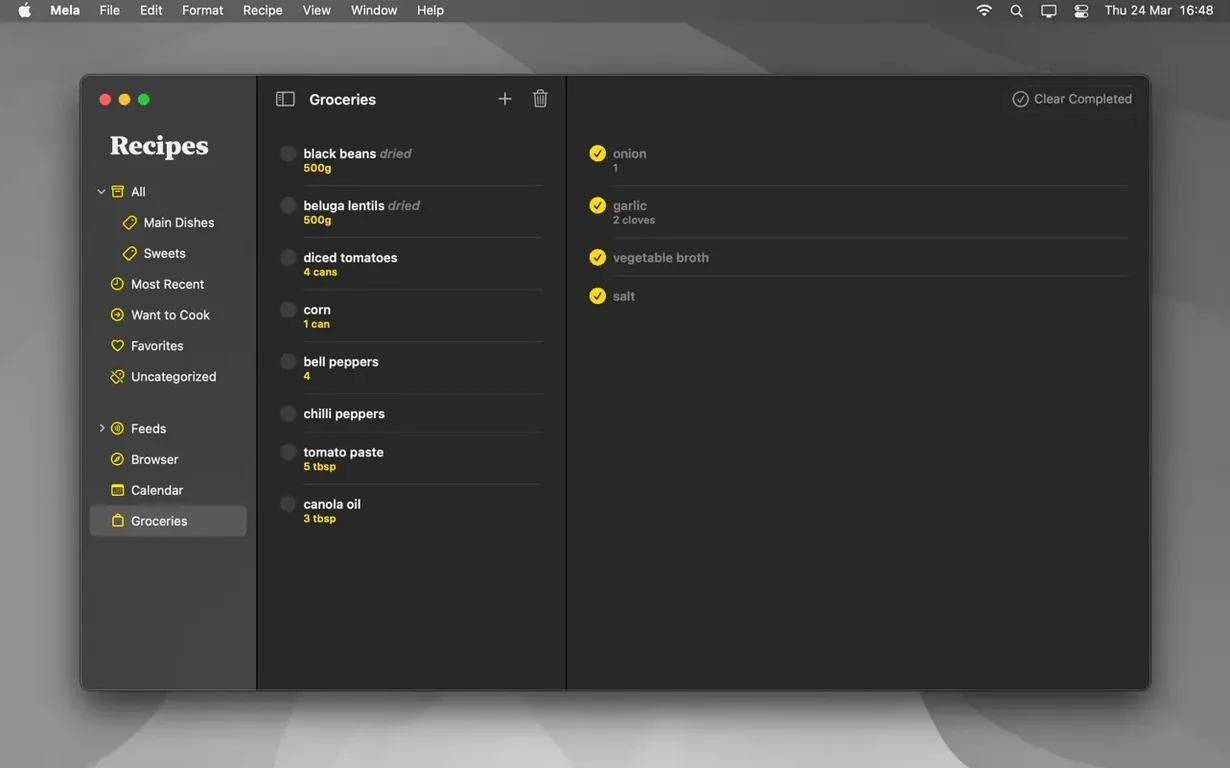
- Organisation — categories and a Favorites marker for quick filtering.
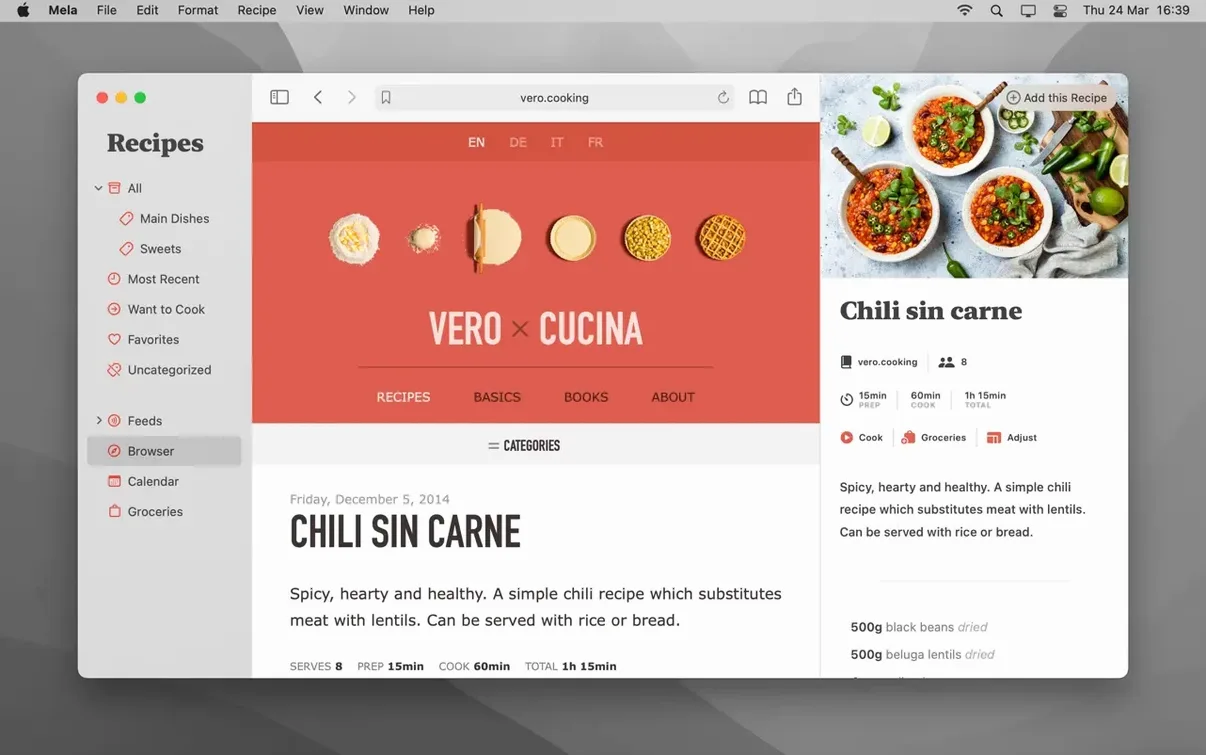
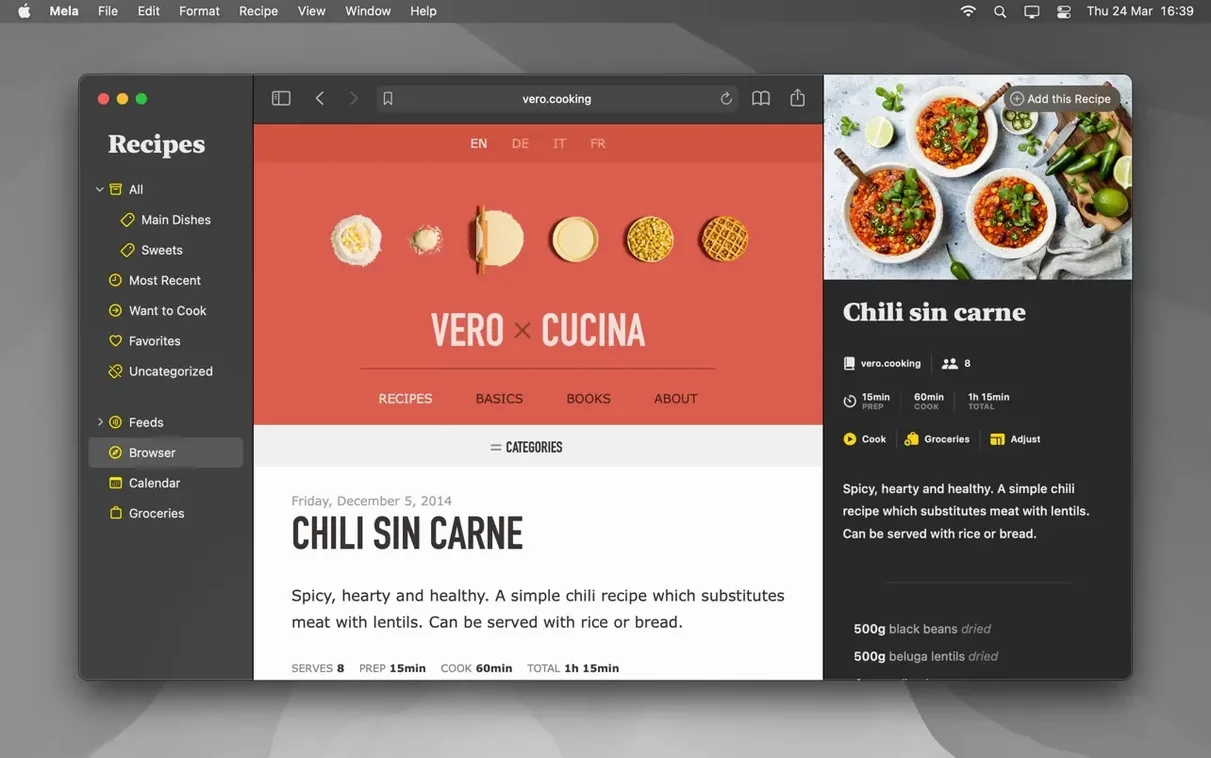
- Adding recipes — sharing extension support captures recipes from other apps; the in-app browser detects and displays a recipe found on the current webpage.
- Output — print recipes straight from the app.
- Interface — English, German, Italian, French.
macOS 11 Minimum, Shared Libraries Need macOS 12
- macOS 11 or later
- Apple Silicon and Intel Macs
- Shared recipe libraries need macOS 12
Meal Plans Live in Your Standard Calendar.app
The meal planning calendar lives inside Mela but reads and writes data through Calendar.app, so any changes appear in your standard Mac calendar. Shared libraries are an iCloud feature: everyone you invite needs their own iCloud account and macOS 12. The recipe browser’s detection works on most structured recipe pages, though heavily fragmented layouts may produce partial results. There is no manual sync button—iCloud handles transfers in the background, and timing depends on network conditions.
Scan Handwritten Recipe Cards with Your Mac’s Camera
Does Mela replace my paper recipe collection or just sit alongside it? The scanning feature uses on-device text recognition, so you can point your Mac’s camera at a handwritten card or a printed cookbook page and pull the ingredients and method into a digital recipe. The result depends on lighting and handwriting clarity—clean block capitals scan reliably, but heavily stylised cursive can trip the recognition. Once captured, the recipe behaves like any other in your library: editable, searchable, and synced.
Will it slow down if I import hundreds of recipes at once? Mela’s database lives in iCloud, and the initial sync can feel sluggish if you bulk-import a large collection while other devices are also pulling data. The app itself stays responsive during import; it is the cloud transfer that dictates pace. A practical approach is to add recipes in batches of 30–40 and let iCloud settle between rounds.
Can two people cook from the same recipe library at the same time? With a shared library and macOS 12 on all devices, yes. Both users see the same recipes, categories, and Want to Cook markers. Cooking mode is per-device, so timers and step tracking remain independent. One person setting a 12-minute pasta timer does not trigger a notification on the other person’s screen.
Switch the Default Recipe View for Cooking
Mela ships with sensible defaults, but a few adjustments change how the app fits into a daily cooking routine. Open Mela → Settings (or Preferences on older macOS builds) after launch.
- Default recipe view. The app opens recipes in a compact view. Switch the default to Cooking mode under General if you tend to open the app at the counter rather than at a desk. Larger text loads immediately, and you skip a click every time.
- Recipe browser behaviour. The in-app browser’s detection trigger can be set to automatically scan every page you visit, or to wait for a manual button press. Automatic mode suits focused recipe-blog browsing sessions; manual mode saves battery and avoids false positives on non-recipe pages.
- iCloud library selection. If you use shared libraries, check iCloud settings to confirm which library receives new recipes. The default is your private library. Forgetting to switch the target before a bulk-import session means recipes land in the wrong collection and must be moved later.
- Calendar integration. Mela writes to a dedicated calendar named “Mela” inside Calendar.app. In Calendar settings, you can point it to a different calendar if you prefer meal plans to appear inside a shared family calendar rather than a separate one.
Pinch-to-Zoom Steps Without Changing Text Size
Several shortcuts and gestures hide just below the surface. The recipe viewer supports pinch-to-zoom on trackpads, which is useful during cooking mode when you want to enlarge a single step without changing the global text size. Right-clicking a recipe in the sidebar reveals a quick menu for toggling Favorites and Want to Cook without opening the recipe card.
Timers inside cooking mode accept typed durations, not just plus and minus taps. Click the timer field and type “8m” or “90s” to set it directly. If a recipe lists multiple timed steps—say, a 15-minute bake followed by a 5-minute rest—you can queue them as separate timers and they will run sequentially.
The scanner’s text recognition has a crop tool that appears after the initial capture. Dragging the crop handles to isolate only the recipe block improves accuracy noticeably, especially on dense cookbook pages with sidebars or annotations.
For recipe blog subscribers, the feed list inside Mela supports swipe gestures on trackpads: swipe left on a feed to reveal an unsubscribe option, swipe right to mark all its recipes as read. These gestures are not labelled in the interface and are easy to overlook.
Printing and PDF export both respect the current view. If you are in cooking mode with timers visible, the output includes the timer durations alongside each step. If you prefer a clean layout, switch back to the standard recipe view before exporting.
Built for a Single Library Across iPhone, iPad, and Mac
Mela rewards users who are already invested in Apple’s ecosystem and prefer a single recipe library that follows them across an iPhone, iPad, and Mac without manual transfers. The iCloud sync is the backbone—if you primarily cook with a phone or tablet nearby and plan meals at a desk, the device handoff feels natural.
Home cooks who follow recipe blogs regularly benefit from the subscription feature and the in-app browser’s detection. Instead of copying text from a webpage into a note, you subscribe to the blog and browse new recipes inside Mela’s viewer, which strips out ads and narrative preamble. The Want to Cook marker then acts as a shortlist for the week ahead.
Meal planners who already use Apple’s Calendar.app will find the integration practical rather than redundant. Dragging a recipe to a date creates an event with the recipe name and a link back to Mela. The calendar remains readable in any app that can display iCloud calendars, so a partner who does not use Mela can still see the weekly plan on their own device.
Users who cook from physical books occasionally—not daily—tend to appreciate the scanning feature most. It turns a handful of favourites into searchable, editable digital recipes without the commitment of a full library conversion. Scanning a dozen recipes from a single cookbook takes under ten minutes with the crop tool applied.
Those who prefer local storage or want manual control over sync timing may find Mela’s iCloud reliance constraining. The app does not offer an offline-only mode or a sync toggle. If your kitchen has spotty Wi-Fi and you rely on cooking mode, consider marking a few recipes as favourites before moving out of range; the app caches recently viewed recipes for offline access, but the cache is not configurable.
- macOS 11 (Big Sur) or later
- Apple Silicon or Intel 64‑bit processor
Questions on file
Can I share my recipe collection with someone who uses an older Mac?
Shared libraries require macOS 12 on every participant’s machine; a person on macOS 11 can still use Mela but won’t see shared libraries.
Does the meal planner work offline?
The calendar syncs through Calendar.app, so changes made offline apply once the network connection returns and iCloud catches up.
What happens when the recipe browser can’t detect a recipe?
You can still save the page manually using the sharing extension, though Mela won’t auto-parse the ingredient list and steps.
Sign in · Create an account to add a field note.
No field notes yet. A measurement, a version, a machine — they appear after moderation.