
Mac Apps
m’s HalfTone 1.5.3
Mac AppsUpdated

| Requirement | On file |
|---|---|
| macOS | See the sheet |
| CPU | Apple Silicon, Intel 64-bit |
| Download | 6 MB |
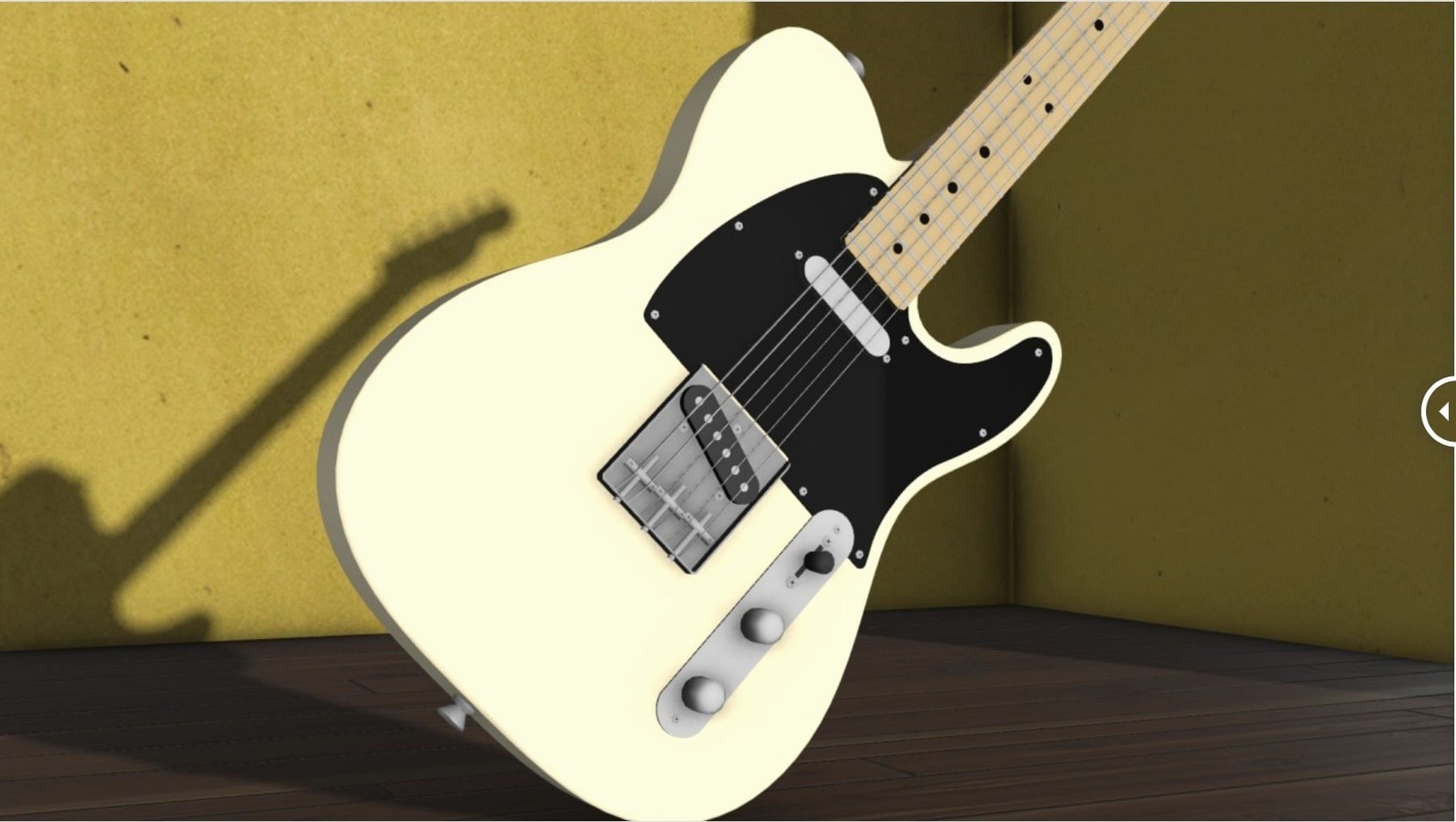
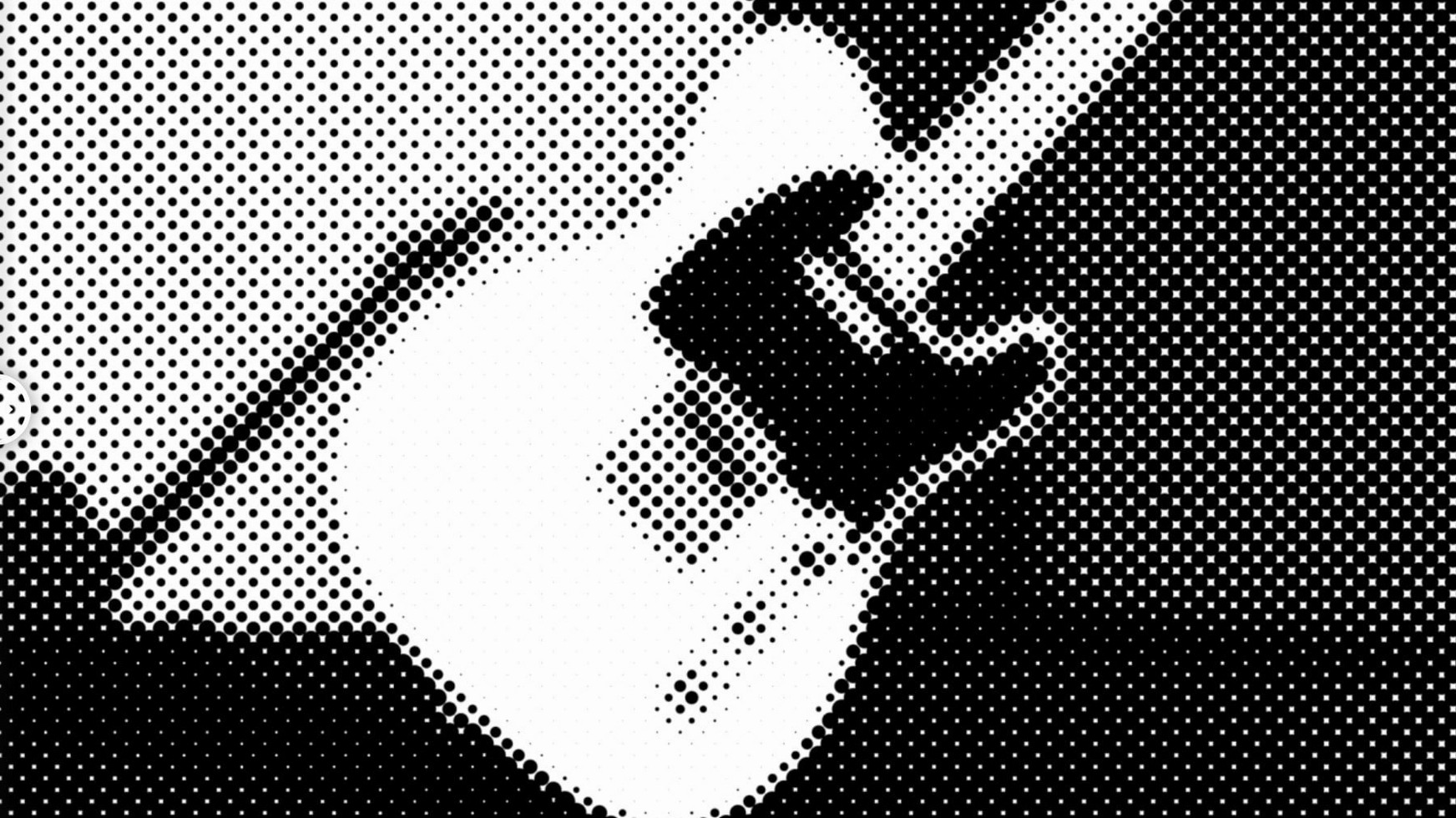
The plugin's dot-size slider moves in 0.1 px increments from a 2.0 px minimum. m’s HalfTone applies the effect straight onto a layer — no layer maps or pre-comps needed. Circle, square and line patterns are the three shape engines, each responding to rotation, offset and alpha fall-off controls so the raster blends into the plate cleanly.
Which host versions does it run in?
Compatibility stretches from After Effects CS5 all the way to the 2026 release. The installer places a single .plugin file that loads natively on both Intel and Apple Silicon Macs.
What sampling controls does it offer?
A threshold-style sampling mode drives the halftone from luminance values, while the alpha channel can gate the effect’s visibility across the frame. Together they let you isolate highlights or shadows without duplicating the layer.
How does shape selection change the result?
Circle mode produces a traditional newsprint dot, square mode gives a blocky pixel-grid texture, and line mode creates angled ruling patterns. Switching between them is instant and the rotation dial aligns the pattern to artwork geometry.
Building a vintage-print title card from scratch
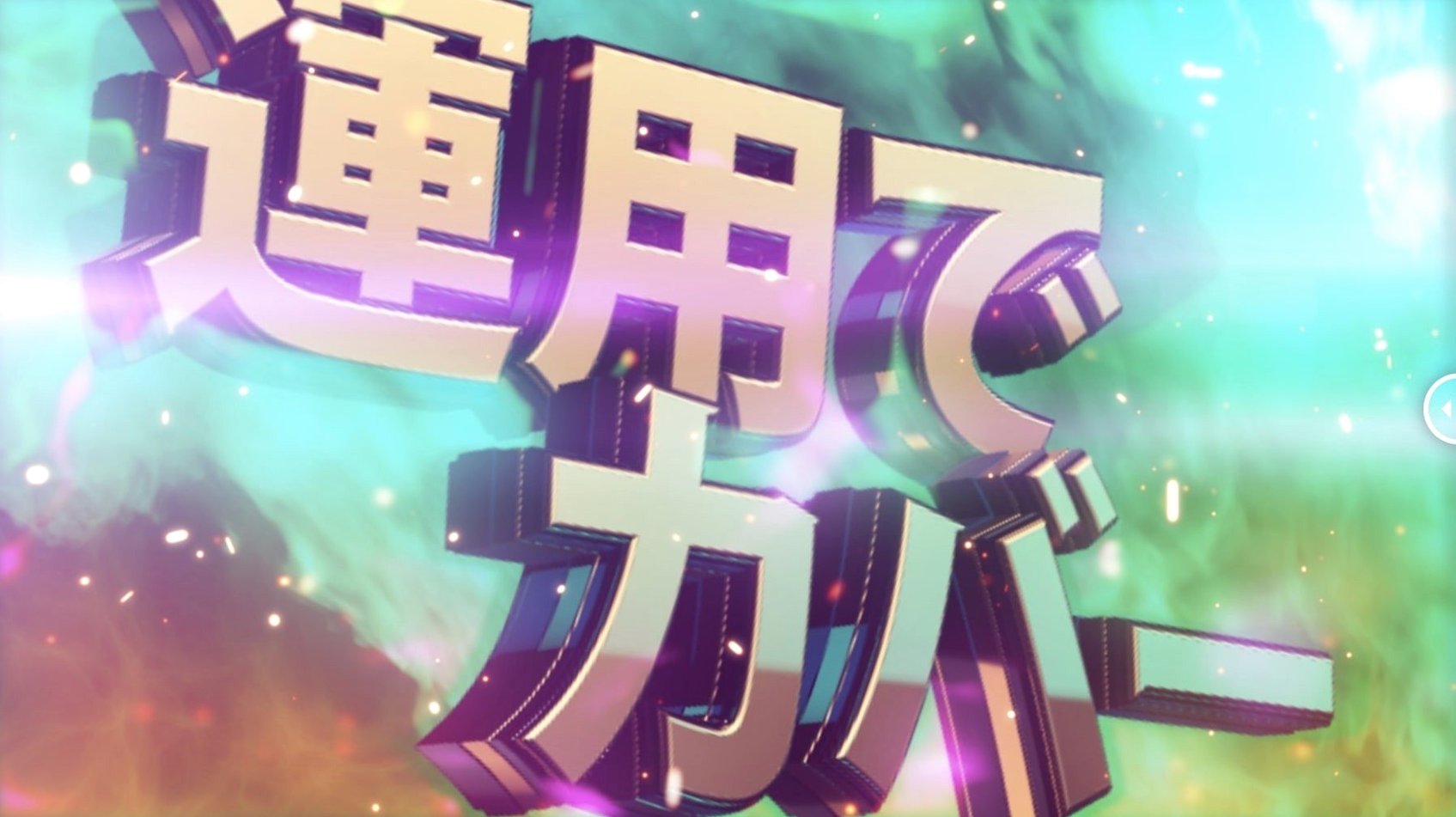
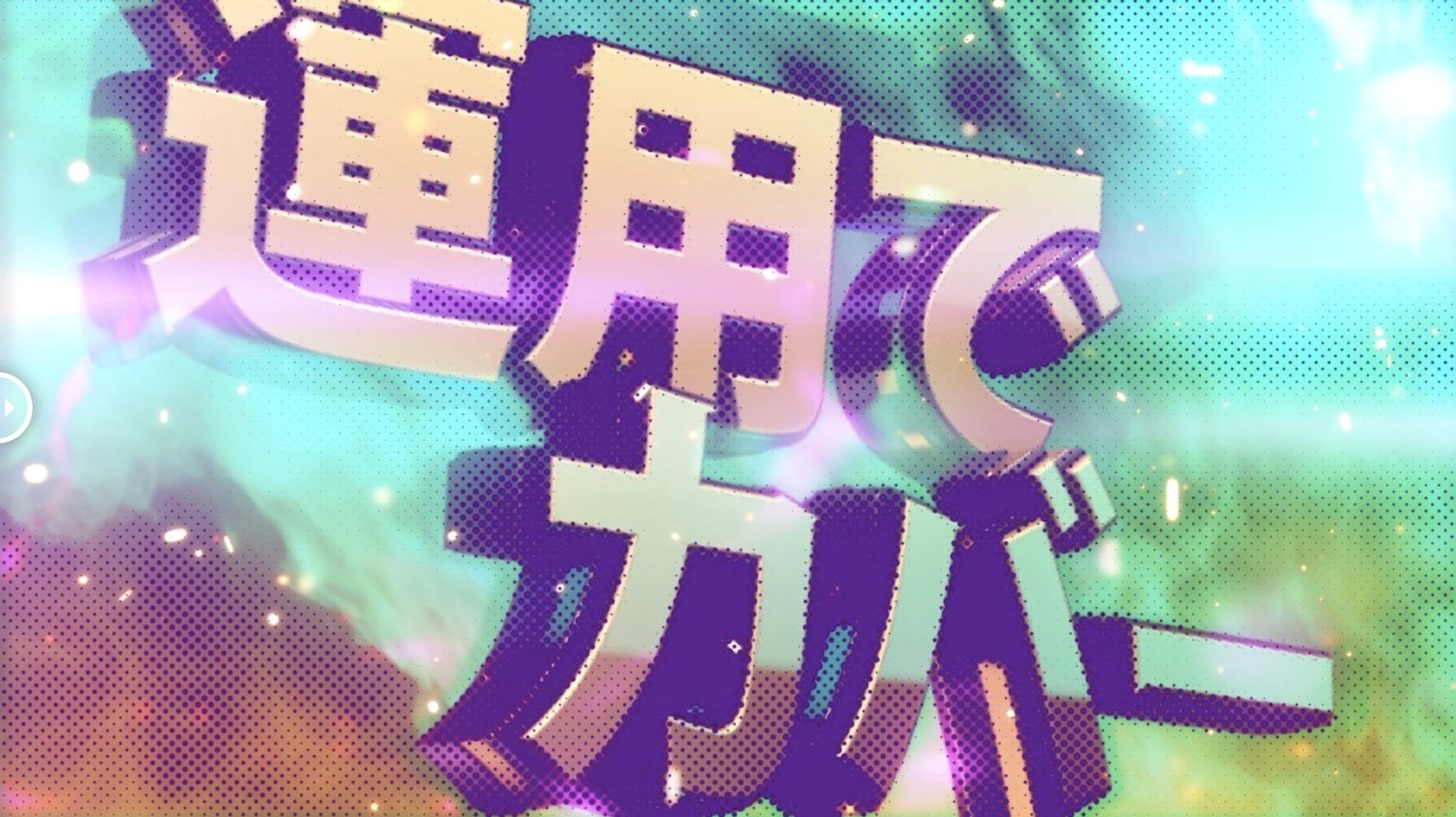
Drop a solid or a text layer into a 1920×1080 comp, then apply m’s HalfTone from the Effect menu. The panel opens with circle mode active by default. Push the dot size to 4.5 px and the halftone pattern locks to the luminance of whatever sits on the layer — no second source, no matte layer, just the effect reading the frame directly.
Switch the shape to line mode and spin the rotation dial to 45°. The lines shear diagonally across the type, thinning where the glyphs are light and thickening in the shadows. Pull the alpha fall-off slider left to let the pattern fade at the edges of each character. The raster peels away from the transparent background without clipping harshly, which saves the extra step of a track matte.
Add a second instance of the effect below the first in the Effects Control panel. Set this one to square mode, drop the dot size to 2.0 px, and tick the invert sampling checkbox. The squares now bite into the darkest areas only, creating a gritty under-print that sits beneath the dominant line pattern. Both instances read the same layer data, so the registration stays pixel-perfect even when the comp plays back at full resolution.
To finish, keyframe the offset X value over 12 frames at the cut point so the halftone slides in from the left before locking into its final position. The whole treatment — two effect instances, three keyframes — renders in real time on the timeline with no pre-comp nesting.
Shift-drag dials for fast rotation snaps
The offset X and Y parameters accept negative values, which lets you nudge the pattern origin outside the layer bounds and slide it back in. If you hold Shift while dragging the rotation dial in the Effects Control panel, the angle snaps to 15° increments — undocumented but consistent across CS6 through 2026.
The effect reads alpha channel data natively. A layer with a feathered mask gets a halftone that softens at the mask edge without a separate blur operation. This is particularly useful for vignettes: apply m’s HalfTone to an adjustment layer with an elliptical mask and the dot pattern fades smoothly into the comp background.
Copying the effect from one layer to another preserves all parameter values, including the shape selection and sampling mode. When you need the same halftone treatment across a dozen lower-thirds, set it once, copy, and paste. The plugin does not reference external files, so the paste operation completes instantly with no missing-footage warnings.
The dot-size slider responds to the mouse wheel when hovered over the value, stepping in 0.1 px ticks. For coarse adjustments, typing a number into the field and pressing Enter jumps directly to that value — typing 10.0 sets a 10 px dot with a single keystroke sequence.
Four-second cross-clip halftone build
09:42. The timeline holds a 15-second product reel with six hero shots. The brief asks for a halftone transition between shots three and four. The editor drags m’s HalfTone onto the outgoing clip with four seconds left on its tail.
09:44. Circle mode, 3.0 px dot size, rotation at 15°. The pattern appears across the entire frame. A quick solo of the layer confirms the effect is reading luminance only — the bright window in the background pulls heavy dot density, the darker foreground stays sparse. The alpha fall-off is dialled to 12% so the dots soften at the frame edges.
09:47. Two keyframes go onto the dot-size parameter: 3.0 px at the start of the transition zone, 0.2 px at the end. The halftone disintegrates into near-invisible specks over 28 frames. The motion blur shutter on the comp is set to 180°, and the shrinking dots streak just enough to feel organic.
09:50. The incoming shot gets the same effect but reversed: dot size keyframes from 0.2 px to 4.5 px, square mode, rotation at 0°. The squares grow in from nothing as the outgoing clip fades. Because the square pattern reads the new shot's own luminance, the reveal feels tied to the image content rather than a generic wipe.
09:53. The editor nudges the offset Y value on the incoming clip by 12 px to align the square grid with the horizon line in the shot. The adjustment takes three seconds of dragging. No pre-comp, no layer map, no waiting. The RAM preview plays the transition back at full frame rate.
09:55. The sequence is rendered out. Total time spent inside the effect controls: under four minutes. The halftone treatment lives entirely on two layers with four keyframes between them.
BCC Halftone vs. built-in vs. a la carte patterns
Three other halftone options exist in the After Effects ecosystem on macOS, each with a different philosophy.
BCC Halftone from Boris FX ships inside the Continuum suite and offers a deep parameter set — multiple pattern types, colour controls, and a built-in turbulence field for organic distortion. The trade-off is weight: BCC Halftone pulls in the full Continuum framework, which adds render time and memory overhead. m’s HalfTone runs as a single .plugin file with no shared library dependencies, so it loads faster on timeline open and does not trigger the BCC licence-check dialog when moving projects between machines.
Halftone 2 by Mister Horse is a widely used pay-what-you-want alternative that operates through a layer-map workflow: you feed it a second layer to define the halftone pattern. This gives precise control but demands an extra layer in the comp and manual setup each time. m’s HalfTone skips the map layer entirely — the effect reads the host layer's own pixel data, so the comp stays flatter and the project file travels lighter.
Built-in CC Block Load is a related native effect that creates a coarse pixel-block look. It can approximate a square halftone at large sizes, but it lacks dot rotation, alpha fall-off, and luminance-driven sampling. It also does not offer circle or line patterns. The native effect covers quick blocking; m’s HalfTone covers intentional halftone design with shape-specific controls.
Where m’s HalfTone stands out is its direct-to-layer approach and the three-shape engine that switches without rebuilding the effect stack. The offset, rotation, and sampling parameters mirror what experienced motion designers expect from a dedicated halftone tool, while the absence of layer-map requirements keeps session speed high. The plugin's compatibility range — CS5 through the current After Effects release — also means a project started on an older Mac Pro with CS6 opens without effect-migration issues on an Apple Silicon machine running the latest version.
- Licensing framework — updated to v4.1.4.
- macOS (Intel and Apple Silicon supported).
- After Effects CS5 through 2026.
Questions on file
What shapes does m’s HalfTone generate?
It generates circle, square and line halftone patterns, each with independent size, rotation and offset controls.
Sign in · Create an account to add a field note.
No field notes yet. A measurement, a version, a machine — they appear after moderation.