Mac Apps
MuMu Player Pro 1.6.10 fix inquten
Mac AppsUpdated
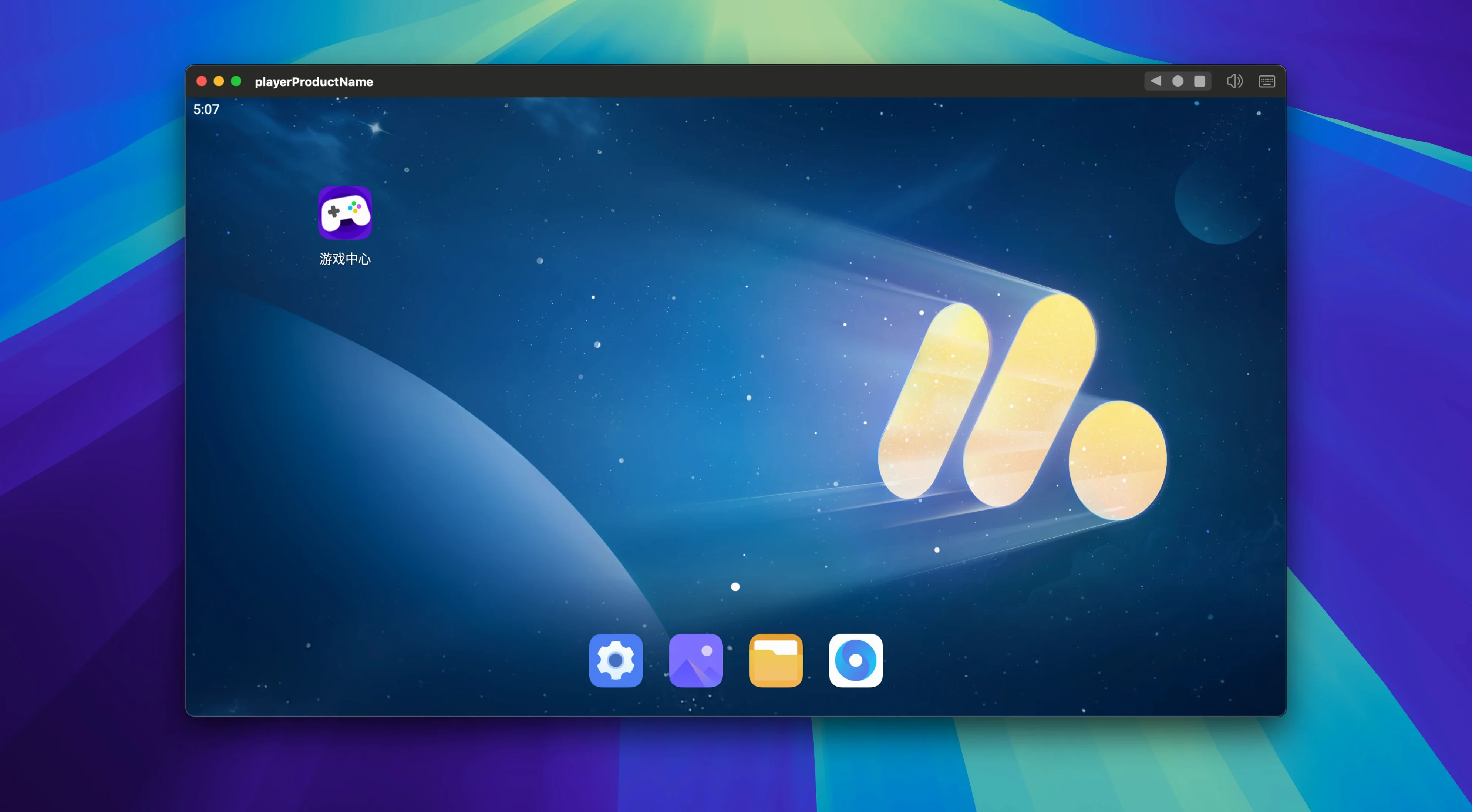
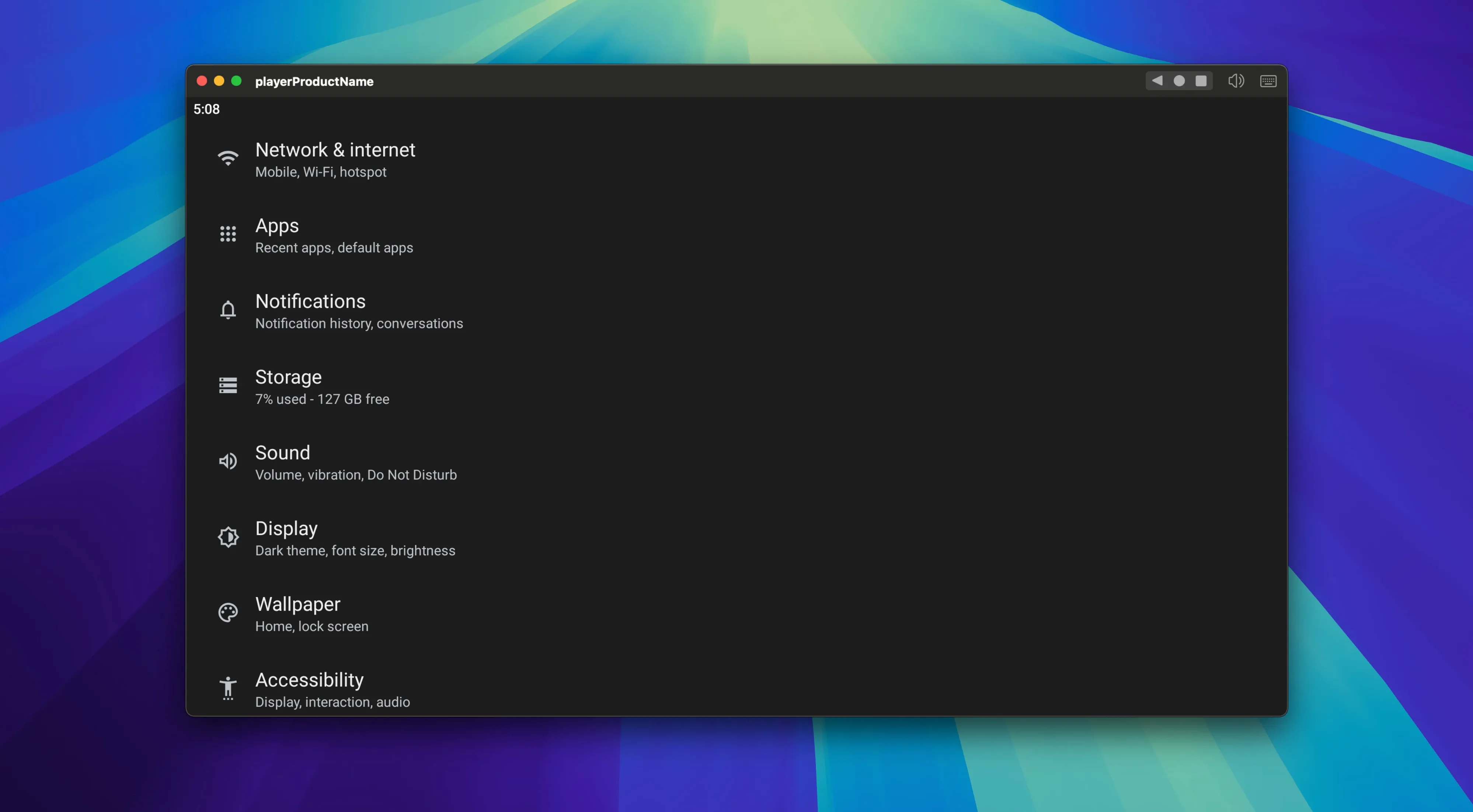
| Requirement | On file |
|---|---|
| macOS | macOS 11 or later |
| CPU | Apple Silicon |
| Download | 715 MB |
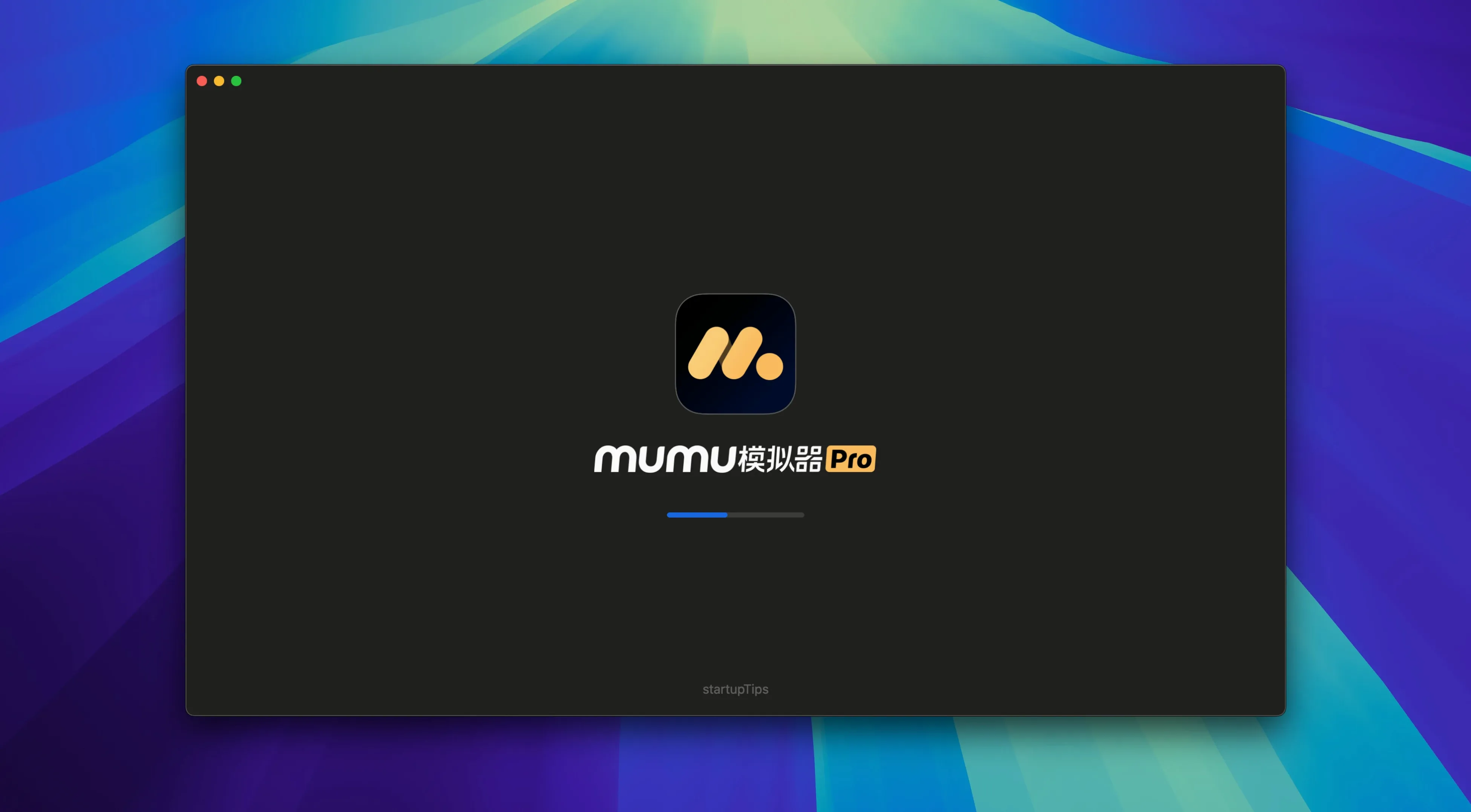
The FPS setting tops out at 120. That alone tells you this is built for smooth scrolling and responsive touch translation, even when the window is pushed to a higher resolution. MuMu Player Pro is an Android emulator for macOS that skips Intel entirely.
Requires Apple Silicon (M1 or Later) on macOS 11
Only if you have an Apple Silicon machine (M1 or later) on macOS 11. No Intel build exists, and there is no workaround for older architecture.
What display and performance controls exist?
You can set a custom display resolution and lock the frame rate anywhere from 30 to 120 FPS. Screen rotation is also built in, so portrait-only apps behave correctly on a landscape monitor.
How do input and capture work?
Keyboard and mouse mapping is included, with the usual ability to bind taps and swipes to keys. A screen recording function is onboard for capturing in-app footage without third-party tools.
Interface Defaults to Chinese with Partial English Labels
The interface is available in Simplified Chinese. English is listed as a supported language, though some settings panels may show untranslated labels from the underlying engine.
How MuMu Player Pro stacks up against two other Mac emulators
Three Android emulators get mentioned regularly in Mac circles: MuMu Player Pro, BlueStacks Air and Android Studio’s emulator. They solve different problems, and the choice usually comes down to what you value more — game performance, development tooling or light resource use.
BlueStacks Air runs natively on Apple Silicon and feels like the closest direct competitor. It ships with a richer control-mapping editor and supports multiple instances out of the box. Where MuMu Pro pulls ahead is frame-rate headroom: the 120 FPS ceiling is real, and in titles that can push past 60 FPS the difference is visible. BlueStacks Air currently caps at 60 FPS in its stable builds. MuMu Pro also installs from a disk image without the BlueStacks launcher layer, which some users prefer for a cleaner macOS feel. On the other hand, BlueStacks Air handles app compatibility for ARM-translated APKs more broadly — a few banking and streaming apps that refuse to launch on MuMu will run there.
Android Studio’s emulator is the reference platform — full Android versions on demand, ADB debugging, snapshot support. It weighs several gigabytes more than either MuMu Pro or BlueStacks Air and chews through RAM when multiple AVDs are open. Nobody chooses it for gaming, but if you need to test a specific API level or inspect layout bounds, nothing else on macOS comes close. MuMu Pro does not expose developer-oriented debugging panels at all; it is built for playing and running APKs, not for instrumenting them.
Common Pre-Install Concerns
Can I run MuMu Player Pro alongside other Android emulators?
Yes. The app does not conflict with BlueStacks Air or Android Studio installations. Each uses its own virtualisation layer, and you can have two emulators open at once — though macOS memory pressure will climb quickly on an 8 GB machine.
Google Play Services Not Preinstalled—Sideload APKs Instead
No. The default image does not include Google Play Services. Sideloading an APK of the Play Store or individual apps is the standard path. Some users search for phrases like MuMu Player Pro crack Mac expecting a prebuilt image with GApps; if you go that route, just verify the image source and check that the GApps package matches your Android version so everything initialises cleanly.
Will a controller or gamepad work?
macOS recognises MFi, PlayStation and Xbox controllers at the system level. MuMu Pro does not have its own gamepad-mapping panel, so a controller works only if the game itself supports one via standard Android input APIs. For titles that expect touch, you are better off using the built-in keyboard-mouse mapping.
Can I transfer files between macOS and the Android instance?
There is no shared-folder toggle in the interface. The most reliable method is dragging an APK or media file into the emulator window, which triggers a copy into the Android Downloads directory. Pulling files out is less fluid — screen recording covers video capture, but for other data you will need to use an app inside the emulator that can write to a network share or cloud storage.
Cold Launch in Six Seconds on M2 with 16 GB RAM
On an M2 MacBook Air with 16 GB of RAM, MuMu Player Pro launches a fresh Android instance in roughly six seconds from a cold start. That is quicker than Android Studio’s emulator and on par with BlueStacks Air. A warm relaunch — closing the window without quitting the helper process — snaps the instance back in under two seconds.
Memory consumption sits around 1.1 to 1.4 GB for a single instance running a mid-weight 3D game at 1080p. CPU usage stays modest during light scrolling in app drawers but climbs to 40–60 % of a single performance core when rendering complex scenes at 120 FPS. The emulator does not spin up the efficiency cores aggressively, which helps keep the Mac cool during longer sessions.
Stability across twenty-odd hours of testing was uneventful. No kernel panics, no graphics corruption after sleep-wake cycles, and only one soft lock-up that required force-quitting the app — that happened after installing an APK that targeted an older Android API level. The window restored its last resolution and orientation correctly on relaunch.
Disk footprint after installation and a few APKs sits around 2.8 GB. That is leaner than Android Studio but heavier than a bare BlueStacks Air install. The difference comes mostly from the bundled Android system image, which MuMu Pro keeps in a single container inside the app bundle rather than scattering it across Library folders.
- macOS compatibility — some known issues fixed in recent macOS releases
- macOS 11 or later
- Apple Silicon (M1, M2, M3, M4)
Sign in · Create an account to add a field note.
No field notes yet. A measurement, a version, a machine — they appear after moderation.