Mac Apps
Noir 2026.2.2
Mac AppsUpdated
| Requirement | On file |
|---|---|
| macOS | macOS 12 or later |
| CPU | Apple Silicon, Intel 64-bit |
| Download | 12 MB |
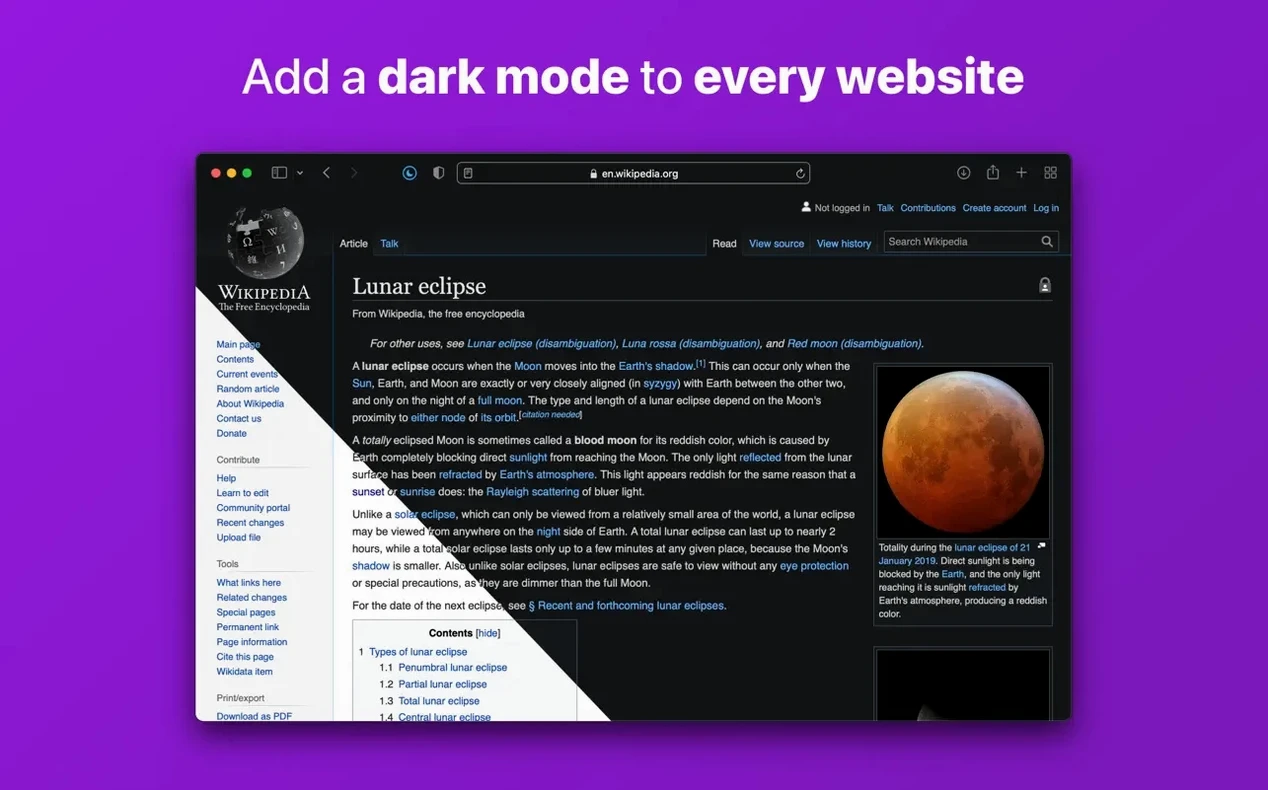
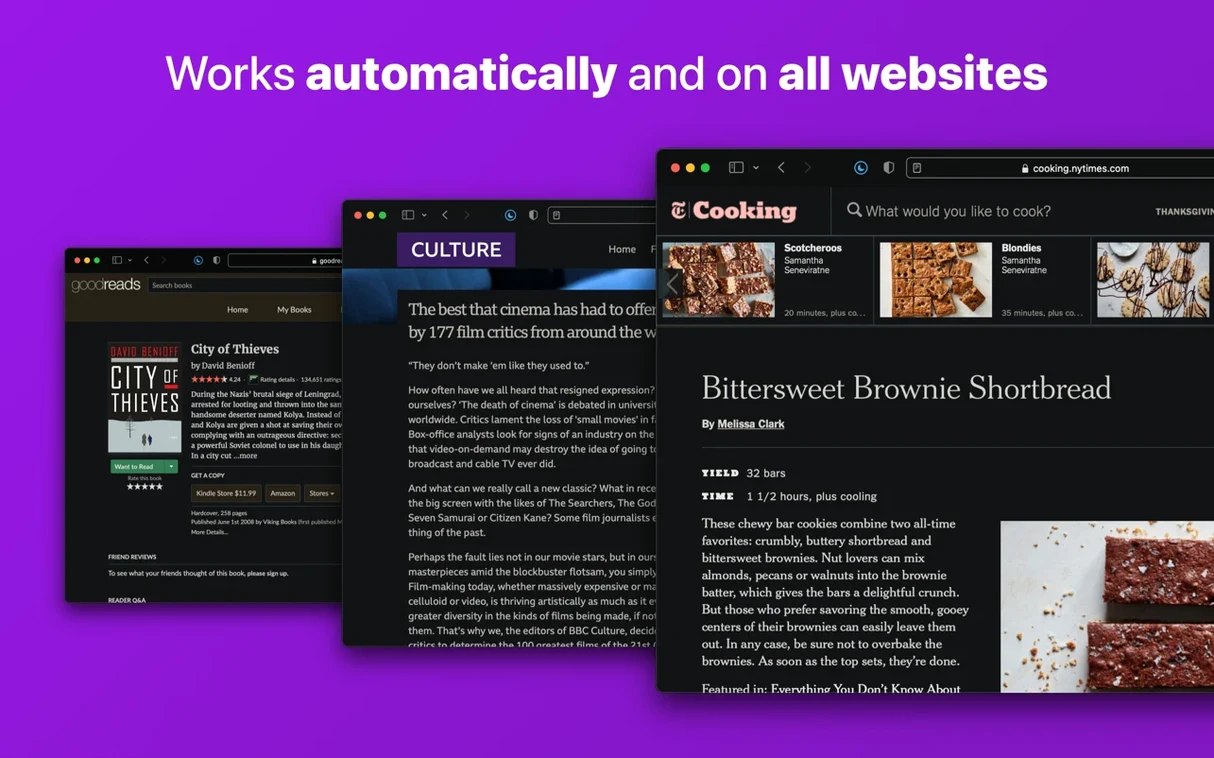
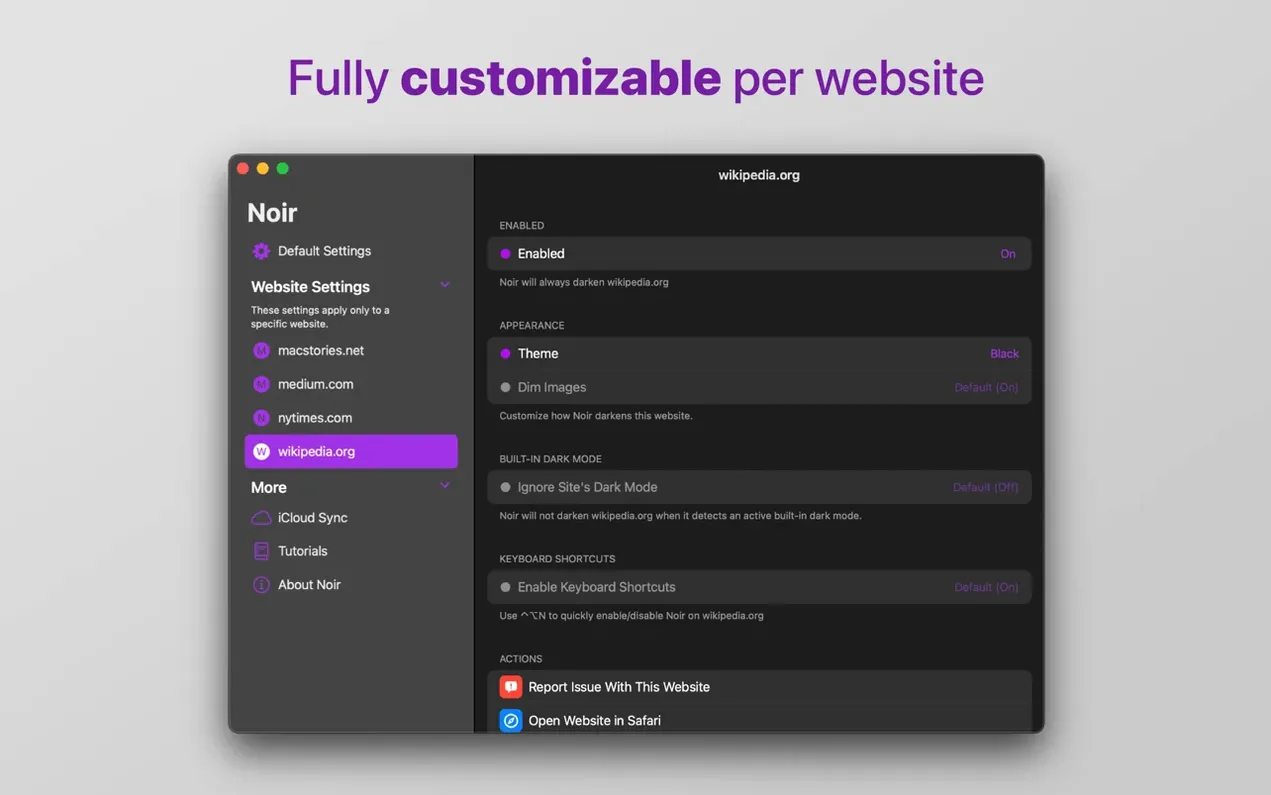
Theme Override per site is where you fix the one stubborn page that keeps blinding you at night. Noir adds dark mode to websites that lack their own, working as a Safari extension on macOS.
Dark Mode — Noir generates a dark colour scheme for any page. It inverts light backgrounds and adjusts text contrast on the fly, without touching images or video where it can avoid it.
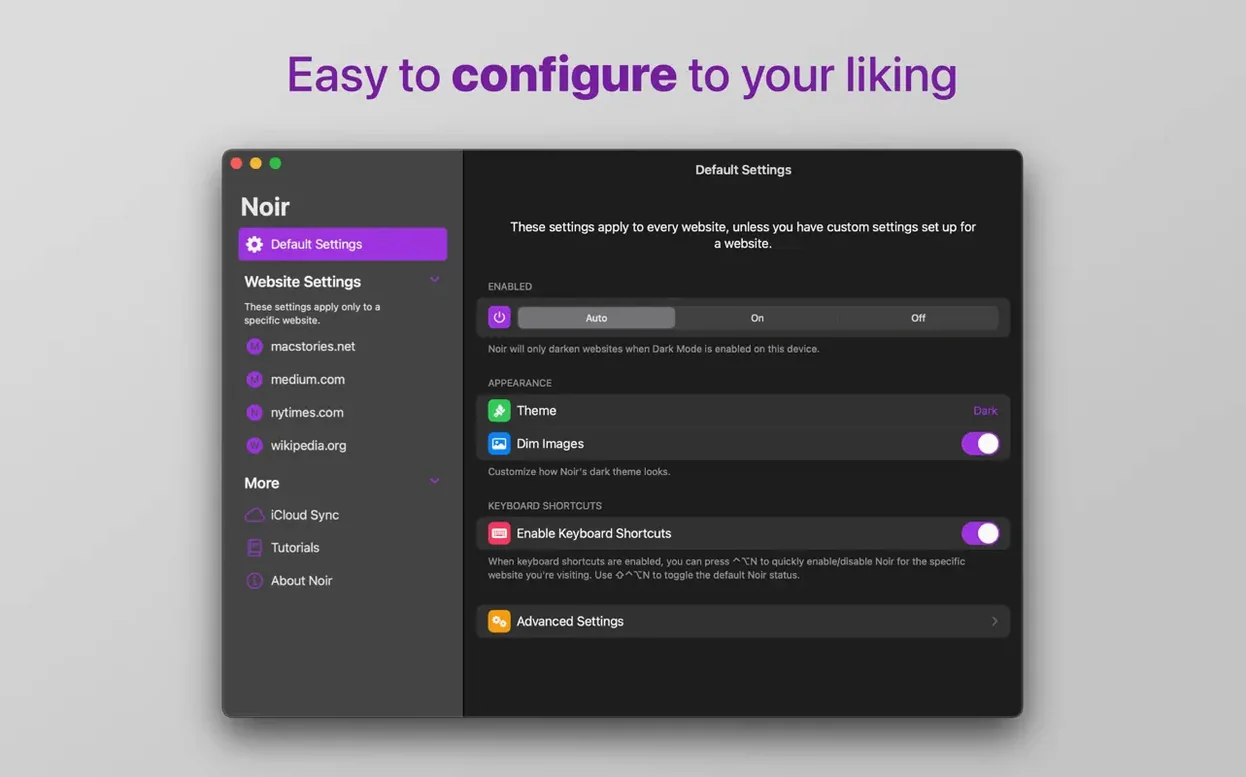
Per-Site Control — You can enable Noir only on selected websites, disable it on selected websites, or toggle it with a toolbar button. Each site remembers its own setting.
System Link — The extension can follow your device dark mode, switching on when macOS switches to Dark appearance and off when it returns to Light.
Shortcuts Integration — Noir works with the Shortcuts app, so you can tie dark mode toggling into larger automations.
Interface — English only. The controls sit inside Safari’s extension preferences and toolbar.
Enable the toolbar toggle for per-site control
Out of the box, Noir follows your system appearance and applies its dark theme to every site. That default works for most people, but three adjustments make a noticeable difference in daily use.
Toggle the toolbar button on. Noir can run in the background with no visible control, but adding its button to Safari's toolbar gives you a one-click override when a site needs it. Right-click the Safari toolbar, choose Customise Toolbar, and drag the Noir icon into place. The button shows the current state for the active tab — tap it to flip between dark and light for that site alone.
Set a handful of per-site exceptions early. Some sites already ship a decent dark theme, and Noir's generated styles can clash with it. Open Noir's extension settings, switch to the Websites tab, and add those domains to the Disabled list. A few common candidates: documentation sites with inline code blocks that rely on light backgrounds, web apps that use colour-coded status badges, and any page where you regularly edit text in a rich-text field. Doing this in the first day or two stops small annoyances from piling up.
Pick a theme mode. Noir offers three behaviours: automatic (follows system Dark Mode), always on, and always off. The automatic setting is the default. If you prefer dark pages even when the rest of macOS is light — say you keep the menu bar light but want Safari dark during long reading sessions — switch it to always on. The setting lives under General in Noir's preferences.
Images with transparency no longer get muddied
Version 2026.2.1 tightened a few things that affect everyday browsing without adding visible new buttons or panels.
Image handling — Earlier versions occasionally darkened images with transparent backgrounds, turning product photos and logos into murky rectangles. The current build is more selective about which elements it touches. Images with predominantly light backgrounds still get a mild tone adjustment; photographs and illustrations with embedded colour data are left alone more reliably.
Form field contrast — A long-running annoyance was text typed into input fields on dark-themed pages. Light-grey placeholder text on a mid-grey field background made login forms hard to read. The update improved contrast in text inputs, search bars and dropdowns across most sites. It is not perfect — web apps that build custom form widgets still occasionally need a per-site toggle — but the common cases (login pages, search boxes, comment fields) now stay legible without manual tweaking.
Performance on media-heavy pages — The extension does less work per page load than it did a few versions back. On sites with dozens of embedded videos or large image galleries, the style calculation finishes faster and causes fewer visible flickers while the page settles into its dark theme.
Shortcuts reliability — The Shortcuts actions for toggling Noir per site or globally had a habit of failing silently when Safari was not the frontmost app. The current build handles that case better, reporting back to the shortcut instead of timing out.
The white flicker before dark mode is expected
A few patterns show up often enough to be worth knowing about before they happen.
Page flickers white before going dark. Noir applies its styles after the page renders, so a brief flash of the original light background is normal. If it lasts more than a second or happens on every navigation within the same site, try disabling other Safari extensions one at a time — content blockers that rewrite page CSS can delay Noir's injection. Turning off the content blocker for that domain usually fixes it.
A site looks broken, not just bright. Buttons disappear, text stacks on top of itself, or navigation menus become invisible. This means Noir's generated styles conflict with the site's own CSS in a way the per-site override alone cannot fix. The quickest remedy: click the Noir toolbar button to disable it for that domain, then report the site through the extension's feedback option. The developer uses these reports to refine the style generator.
iCloud sync drifts. Noir syncs your per-site settings across Macs through iCloud. If a recently added exception does not appear on a second machine, open Safari's preferences on both Macs, go to the Extensions tab, and toggle Noir off and back on. That forces a fresh sync. The same trick works if your theme-mode preference keeps reverting.
Noir does not appear in Safari after installation. Safari requires a manual step for new extensions. Open Safari, go to Safari > Settings > Extensions, find Noir in the list, and tick its checkbox. If the checkbox is greyed out, you may need to quit and reopen Safari once before it recognises the extension.
- Device support — Added compatibility for the new iPhone Duo.
- Website fixes — A batch of site-specific improvements and corrections, many based on user-submitted reports.
- macOS 12 or later
- Apple Silicon or Intel 64-bit
Questions on file
Can I run Noir only on a few specific sites?
Yes. You can set Noir to enable only on selected websites through its per-site configuration, leaving the rest untouched.
Sign in · Create an account to add a field note.
No field notes yet. A measurement, a version, a machine — they appear after moderation.