Mac Apps
Tenorshare UltData 9.5.0
Mac AppsUpdated
| Requirement | On file |
|---|---|
| macOS | OS X 10.8 or later |
| CPU | Intel 64-bit |
| Download | 29 MB |
UltData runs on any Intel Mac that has a 64-bit processor. The system requirement is OS X 10.8 (Mountain Lion) or later, which covers a long tail of older machines that newer recovery tools often drop. There is no native Apple Silicon version; the app runs as a 64-bit Intel binary.
Recovering Disappeared App Media and Safari History on Older iPhones
- Recovering app photos, app videos, app documents and app audio that disappeared from an iOS device.
- Pulling back Safari history that was cleared or lost during a restore.
- Working with a wide range of older hardware — iPhone models from the iPhone 4 and 4s up to the iPhone XS, XS Max, XR and X, plus the iPhone SE, 6s, 6s Plus, 6, 6 Plus, 5, 5c, 5s, 7, 7 Plus, 7 Red, 8 and 8 Plus.
- Covering all standard iPad, iPad Air, iPad mini and iPad Pro models, and every iPod touch from the 1st through 6th generation.
Intel‑Only Binary Requires Rosetta 2 on Apple Silicon Macs
- Architecture is Intel 64-bit only. Apple Silicon Macs require Rosetta 2; there is no universal binary.
- Interface languages include English, Russian, German, Arabic, Spanish, Italian, Traditional Chinese, Simplified Chinese, Portuguese, French and Japanese.
- The app is the Mac version of Tenorshare's iPhone data recovery tool — the feature set mirrors the Windows edition.
How UltData compares with similar Mac recovery apps
Three apps come up often in the same conversations: iMazing, PhoneRescue and Dr.Fone. They share the same broad goal — iOS data recovery on a Mac — but the approach and blind spots differ enough to matter when you are deciding which one to open after a lost-message panic.
UltData vs iMazing
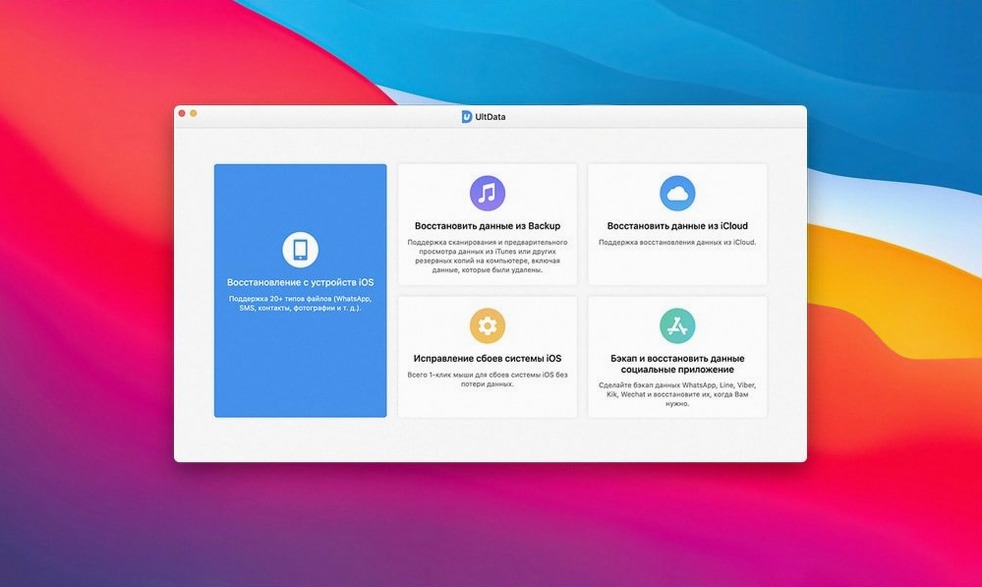
iMazing is a device manager first and a recovery tool second. It handles full backups, app file browsing and media transfer without iTunes, which UltData does not attempt. Where UltData pulls ahead is raw extraction from the device itself: three recovery modes (direct device scan, iTunes backup extraction, iCloud backup download) make it possible to grab Kik attachments or FaceTime history without needing a backup already in place. iMazing expects you to have a backup or to make one. For a user who just deleted a WhatsApp thread and has no backup at all, UltData is the more direct route.
UltData vs PhoneRescue
PhoneRescue by iMobie has a similar three-pronged recovery model and covers roughly the same data types. The difference shows in supported devices and interface languages. UltData lists compatibility back to the iPhone 4 and iPod touch 1st generation — PhoneRescue dropped some of those older models in recent versions. If you keep an iPhone 5 as a secondary device, UltData still reads it. The eleven interface languages in UltData also give it an edge in multi-language households or support desks where English is not the primary language.
UltData vs Dr.Fone
Dr.Fone bundles recovery with phone transfer, screen unlock and system repair modules. That breadth sounds useful until you notice the per-module structure: the recovery piece alone is comparable to UltData, and UltData handles LINE, Tango and Kik data explicitly, where Dr.Fone's supported app list varies by version and platform. For someone focused purely on pulling back chat history from third-party messengers, UltData's app coverage is more predictable across a single install.
Scanning Over a Slow USB 2 Hub or Worn‑Out Cable
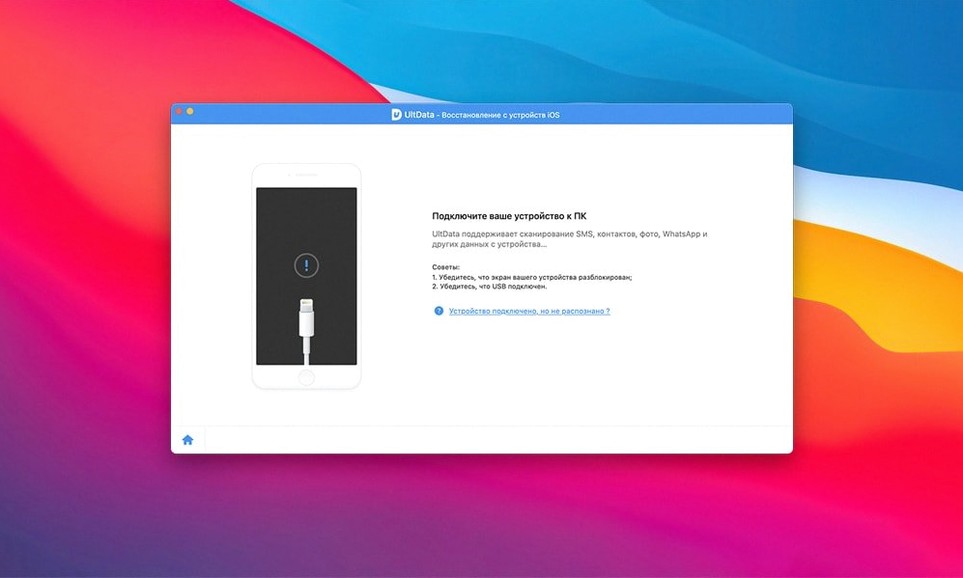
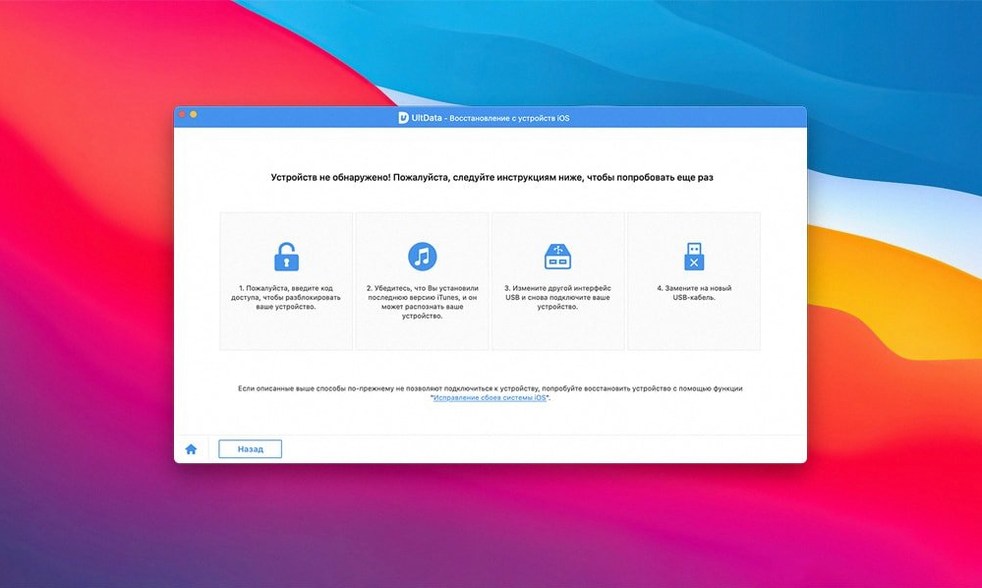
Two habits trip up first-time users consistently. The first is launching a full device scan while the iPhone is still connected via a slow USB 2 hub or a worn-out cable. The read phase is I/O heavy, and a marginal connection causes the scan to stall partway through — the progress bar sits at 47% for twenty minutes and the user assumes the app is frozen. Plugging directly into a Mac's built-in USB port with a cable that handles data (not a charge-only one) avoids this entirely.
The second mistake is choosing the wrong recovery mode for the situation. Someone who accidentally deleted a voice memo yesterday and still has the iPhone in hand often jumps to the iTunes backup mode, then finds nothing because the backup predates the memo. The direct device scan is the right path for recent deletions with no backup involved. The iCloud mode only helps when a backup exists online and the device itself has been wiped or replaced. Selecting the mode that matches where the data actually lives saves half an hour of scanning the wrong source.
A smaller but common slip: skimming past the file-type filter checkboxes before scanning. UltData defaults to selecting everything — contacts, messages, photos, app data, Safari history, voice memos, and so on. A full scan of all categories on a 256 GB iPhone takes time. If you only need Kik messages and nothing else, unchecking the other categories before starting cuts the scan duration noticeably.
Where UltData fits in a Mac workflow
UltData does not replace a backup habit; it sits downstream from it. The typical pattern is: an iPhone backs up to a Mac via the Finder (or iTunes on older systems), and UltData acts as the extraction layer when the backup alone is not enough — either because the backup is too old, the data was deleted between backups, or the backup itself is corrupted. Users who keep both Time Machine and iOS backups running gain a second safety net: if a Finder backup fails to restore a particular message thread, UltData can open that backup file directly and pull out the thread.
The app also complements Spotlight and Finder search on the Mac side. Recovered photos and documents land in a user-chosen folder, and once there, Spotlight indexes them like any other file. A recovered PDF from an iPad app shows up in a regular Finder search two minutes later. This matters for people who treat recovered data as part of an ongoing project rather than a one-time emergency grab.
For messaging apps, UltData works alongside the desktop clients. Recovering a WeChat or WhatsApp thread from an iPhone backup lets you read it on the Mac screen immediately, rather than squinting at the phone while scrolling. The extraction is read-only — UltData does not write recovered messages back to the phone — so the Mac becomes the viewing and archiving station.
Changes in recent versions
Version 9.5.0 tightened the iCloud backup download path. Earlier builds would occasionally time out on large backups over slow connections; the latest release handles chunked downloads with better resume behaviour, which reduces failed extractions when pulling from iCloud on a home connection with variable speed.
App-level support for third-party messengers expanded incrementally across the 9.x series. The addition of Tango and LINE data recovery did not appear in early 9.x releases but arrived before 9.5.0, meaning users who updated from version 8 or an early 9.0 build gained new chat recovery options without switching tools.
On the Mac side, the Gatekeeper workaround installation step (terminal-based bypass) remained consistent through recent versions — a reflection of the app's distribution outside the App Store rather than a new development. The interface itself saw refinement in the scan-results panel: preview thumbnails for app photos and app videos load incrementally now instead of blocking the results list, which makes browsing a large recovery set faster than in the 8.x versions.
- OS X 10.8 or later
- Intel 64-bit processor
Questions on file
Does UltData for Mac support the iPhone 11 or later models?
The documented supported devices go up to the iPhone XS, XS Max and XR series. Newer models are not listed in the official compatibility specs.
Sign in · Create an account to add a field note.
No field notes yet. A measurement, a version, a machine — they appear after moderation.