Mac Apps
Termius 9.35.4
Mac AppsUpdated
| Requirement | On file |
|---|---|
| macOS | macOS 10.13 or later |
| CPU | Apple Silicon, Intel 64-bit |
| Download | 220 MB |
Port forwarding is the first tab I check in a new SSH client, because a forwarded local port is usually the difference between inspecting a service and guessing about it. Termius puts it under the connection settings rather than hiding it in a config file, which makes the setup legible at a glance.
One task: reach a remote database through an SSH host
- Create a host entry with the remote server's address, port, and authentication details.
- Open the host settings and add a local port forward, such as 5432 to 127.0.0.1:5432 on the remote side.
- Save the host, open a session, and connect the local database client to the forwarded port.
- Keep the session running in a tab while working in the database tool.
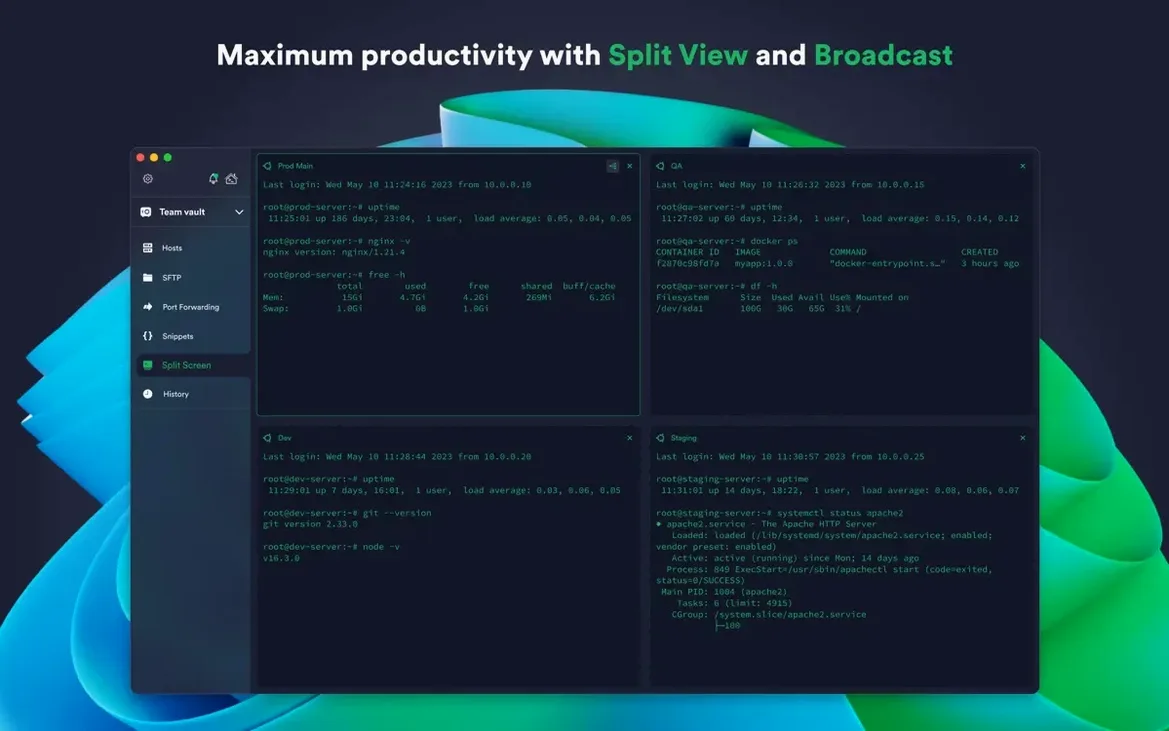
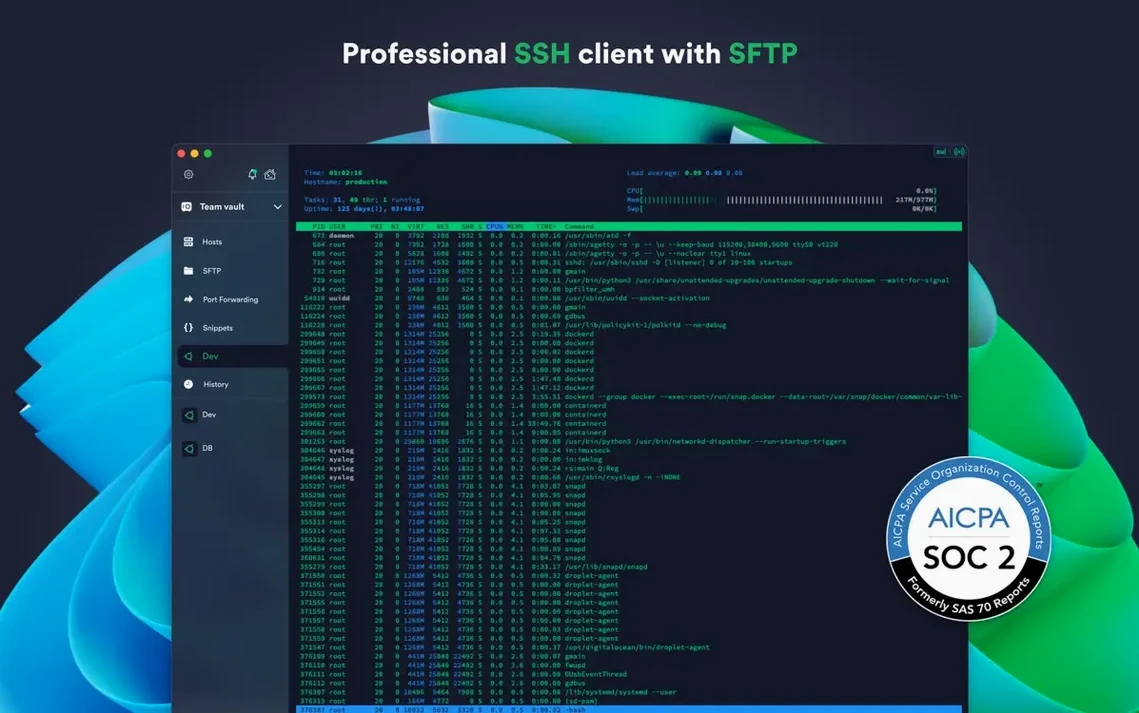
Multiple sessions sit side by side in tabs or a split view, so the terminal stays visible while the forwarded connection does its work. Shared command history means the tunnel setup and the SQL inspection commands remain available in one place on the next launch.
Syncing encrypted host lists across desktop and laptop
Connection settings and credentials can sync through encrypted cloud storage, which matters when the same host list is used from a desktop and a laptop. Touch ID or Face ID protects stored credentials on macOS, and the account supports two-factor authentication. For hosts provisioned through AWS or DigitalOcean, the integration pulls connection details without manual entry. The desktop app runs on macOS 10.13 or later, with the interface in English.
Option-click a tab to duplicate the session and directory
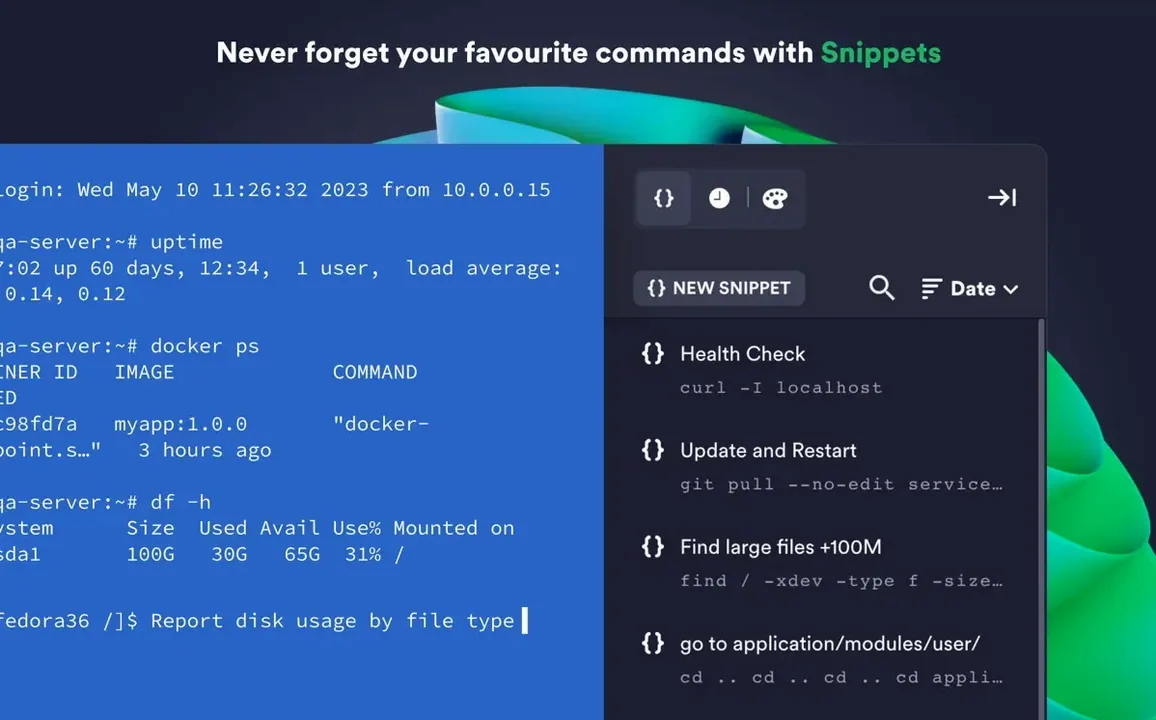
A double-click on a saved host opens the session immediately, bypassing the right-click menu. Holding Option while clicking the "New Tab" button duplicates the current session in a fresh tab, complete with the working directory if the shell reports it. The snippet library supports {{host}} and {{port}} placeholders, so one saved command works across a dozen different hosts without editing.
Termius stores a per-host terminal bell setting. On hosts where tab-completion triggers a beep, silencing the bell for that connection alone keeps the rest of the sessions audible. The scrollback buffer length is also per-host, not global — useful when tailing logs on one machine while keeping the others lean.
Keyboard shortcuts for splitting panes (Cmd+D horizontal, Cmd+Shift+D vertical) work from any focused terminal. Typing Cmd+K clears the scrollback of the active pane only, not the whole window. The SFTP sidebar can be toggled with Cmd+Shift+S without disconnecting the session.
Click ssh:// links anywhere to open hosts in-app
Termius registers itself as a handler for ssh:// and sftp:// URL schemes. Clicking a link in a browser, a note, or a task manager opens the host directly in the app, or adds it to the host list if it is not already saved. The share sheet in Safari and Notes sends a hostname or IP address to Termius with one tap.
The app respects macOS text substitutions and keyboard layouts, including custom press-and-hold accents and the emoji picker, which is useful when editing snippets that contain non-ASCII strings. Drag-and-drop works from Finder into the SFTP pane for uploads, and from the terminal selection into any native text field. The Touch ID integration ties into the macOS local keychain, not a proprietary store, so credential unlocking follows the same biometric policy as the rest of the system.
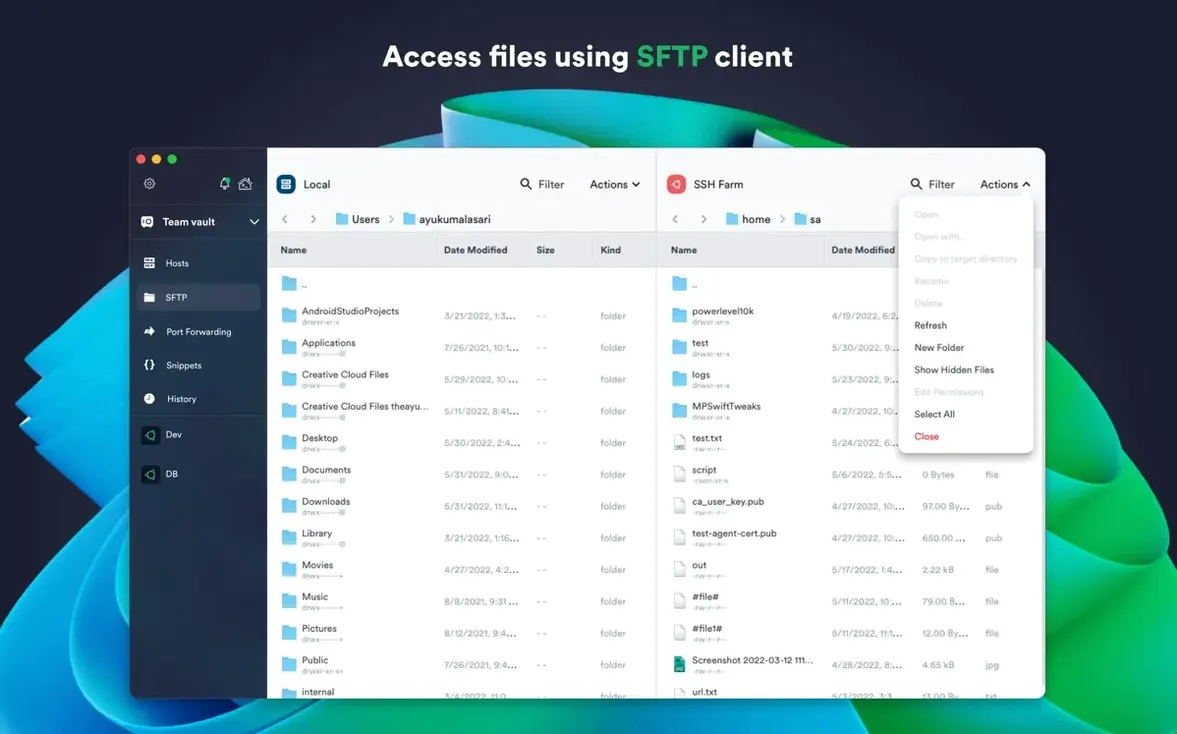
For users who download Termius mac outside the sandboxed App Store build, the local terminal feature gives direct shell access on the Mac itself. That means one window can hold a local zsh session, an SSH connection to a cloud instance, and an SFTP pane for file transfers, all sharing the same snippet library and command history.
Saved credentials can override the system key agent
The most common mistake is saving credentials inside a host entry and then wondering why the key agent does not pick them up. Termius uses the system SSH agent by default when agent forwarding is enabled, but a host configured with an explicit password or key file will ignore the agent for that connection. Clearing the credential field and leaving it blank forces the agent to handle authentication.
Another frequent stumble is the SFTP path field defaulting to the home directory. Users pasting a full file path into the remote address bar end up with a "file not found" error because the path is relative. Preceding the path with / resolves it, but the habit of clicking the folder icon to browse avoids the problem entirely.
Beginners often leave the "Keep alive" interval at zero, then lose idle sessions when the network drops. Setting it to 30 seconds in the host's advanced settings prevents firewalls and NAT routers from closing the connection. For mobile-heavy workflows where the IP address changes often, Mosh support is available but must be enabled per host — it is not on by default, and some users overlook the checkbox entirely.
A morning for a site reliability engineer
At 07:15, an SRE opens Termius and sees the saved host group for the staging cluster. She double-clicks the jump host, which prompts Touch ID to unlock the stored ed25519 key. Once the session is up, she splits the pane vertically and opens the database primary in the right half. A third tab holds the log aggregator, with a dark solarized theme to distinguish it from the other two sessions.
A deployment script she saved as a snippet six weeks ago still works — the {{host}} placeholder resolves to whichever hostname is active when she taps it. The forwarded port from the jump host to the internal metrics dashboard lets her open the browser and confirm the rollout without a separate VPN. The whole setup, including the split layout and the snippet library, was synced from her desktop machine overnight, so nothing needs rebuilding.
- Stability — improvements across the app.
- macOS 10.13 or later
- Intel and Apple Silicon
- Interface language: English
Questions on file
Does Termius support Mosh and Telnet?
Yes. Termius connects to remote hosts with SSH, Mosh, Telnet, port forwarding, and SFTP.
Can I use the same saved hosts on more than one Mac?
Yes. Connection settings and credentials can sync through encrypted cloud storage across the desktop app on macOS, Windows, Linux, iOS, and Android.
Sign in · Create an account to add a field note.
No field notes yet. A measurement, a version, a machine — they appear after moderation.