Mac Apps
Tuxera NTFS 2023.1
Mac AppsUpdated
| Requirement | On file |
|---|---|
| macOS | OS X 10.9 or later |
| CPU | Apple Silicon, Intel 64-bit |
| Download | 111 MB |
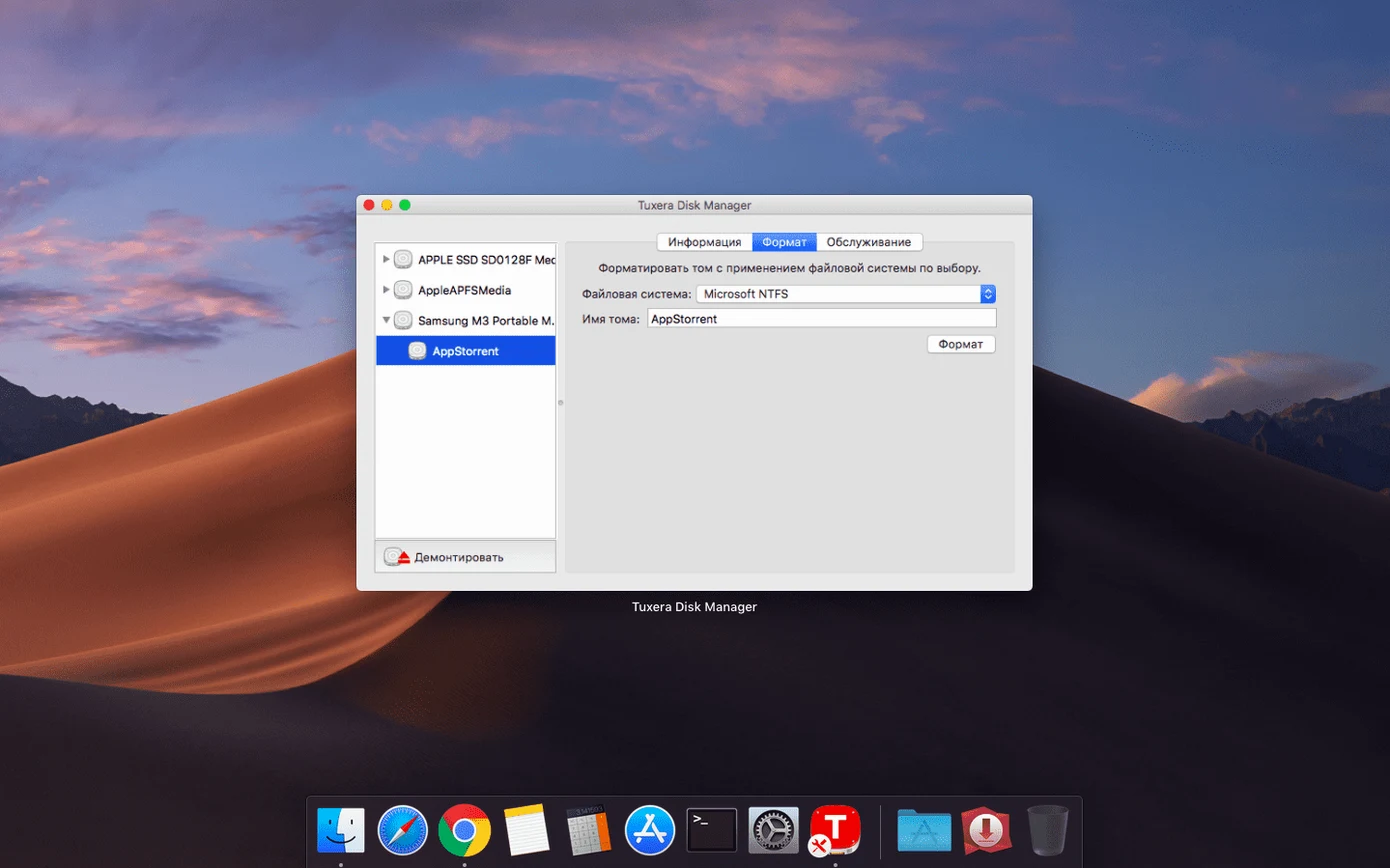
You've plugged a Windows-formatted USB drive into your Mac and realised you can open files but can't change them. Tuxera NTFS is a driver that removes that restriction, adding write support for NTFS volumes in macOS. Version 2023.1 also fixes incorrect date and time stamps on files copied to NTFS drives.
- Copy a large folder from the Mac to an NTFS USB drive and confirm the modified dates survive the transfer.
- Open a document from an NTFS volume, edit it, and save it back in place.
- Delete a test file from the Windows drive through Finder to check full write access.
- Run the volume verification tool on a drive you use frequently with both Windows and Mac.
- Mount an NTFS drive while Windows runs in a virtual machine and move files between the two environments.
Pulling project archives from a Windows office drive on a MacBook Pro
Clara runs a small architectural studio. She keeps project archives on a 4 TB external drive formatted as NTFS because the office workstations run Windows. At home, she uses a MacBook Pro. On a Thursday evening, she needs to pull three large Revit models from the archive, add revision notes to a PDF, and return everything to the drive before Friday's client meeting.
She plugs the USB-C drive into her Mac. Finder shows it in the sidebar within a couple of seconds — the name she gave it in Windows appears unchanged. She opens the drive and navigates to the project folder. Without Tuxera NTFS, the PDF sitting there would be read-only; she would have to copy it to the desktop, annotate it, then boot into Windows to move it back. Instead, she double-clicks the PDF. Preview opens it. She adds her notes, presses Save, and closes the file. No dialogue warns her about a read-only volume. The save completes as if the drive were APFS or HFS+.
Next, she selects the three Revit files — roughly 900 MB each — and drags them to a folder on her desktop. The copy progress bar moves at the speed the USB connection allows; the driver itself adds no perceptible overhead. Once the files are on the internal SSD, she opens them in a viewer, checks the family parameters, and closes them again. She does not need to edit these, so they stay on the desktop.
Before ejecting, she right-clicks the drive in Finder and chooses the verification option from the Tuxera section of the context menu. A small window runs through the NTFS structures and reports no errors. She ejects the drive, carries it back to the office in the morning, and plugs it into a Windows machine. Every file is where she left it. The modified date on the PDF matches the moment she saved it on the Mac, not some arbitrary Unix epoch or a timestamp shifted by the timezone offset. That is the 2023.1 fix doing its quiet work.
A kernel extension that sits under every app, no helper window needed
Tuxera NTFS operates as a kernel extension — a file system plugin that sits underneath every application on the Mac. This means it does not require a separate window, a helper app kept running, or a special import dialogue. Once installed, it integrates with the same subsystems that handle APFS, HFS+, and exFAT volumes.
Finder and File System Operations
All standard Finder actions work on NTFS volumes: copy, move, rename, delete, and Get Info. Metadata that macOS can map to NTFS attributes — name, size, timestamps, permissions where possible — flows through without intervention. The driver respects macOS Trash conventions too. Deleting a file from an NTFS drive moves it to a hidden .Trashes folder on that volume, matching the behaviour of native file systems.
Time Machine and Backup Tools
Time Machine does not back up to NTFS volumes — Apple restricts its destination formats — but reading files from an NTFS drive into a Time Machine backup source works without issue. Third-party backup utilities such as Carbon Copy Cloner and ChronoSync can target NTFS drives as sources or destinations provided the driver is present. The volume appears as a standard mount point in /Volumes, so any tool that walks the file system tree sees it.
Virtual Machine Integration
Users who run Windows inside Parallels Desktop, VMware Fusion, or UTM often keep shared folders on a physical NTFS partition. With the driver loaded, macOS and the virtual machine can access the same volume simultaneously — the guest OS uses its native NTFS driver, while the Mac uses Tuxera's. This avoids the performance hit of network-based shared folders and eliminates the 4 GB file size ceiling of FAT32-formatted shared volumes. A typical setup: a Boot Camp partition mounted read-write in macOS while Windows 11 runs in Parallels from that same partition. Both operating systems see their own system files and the shared user data.
Disk Utility and Terminal
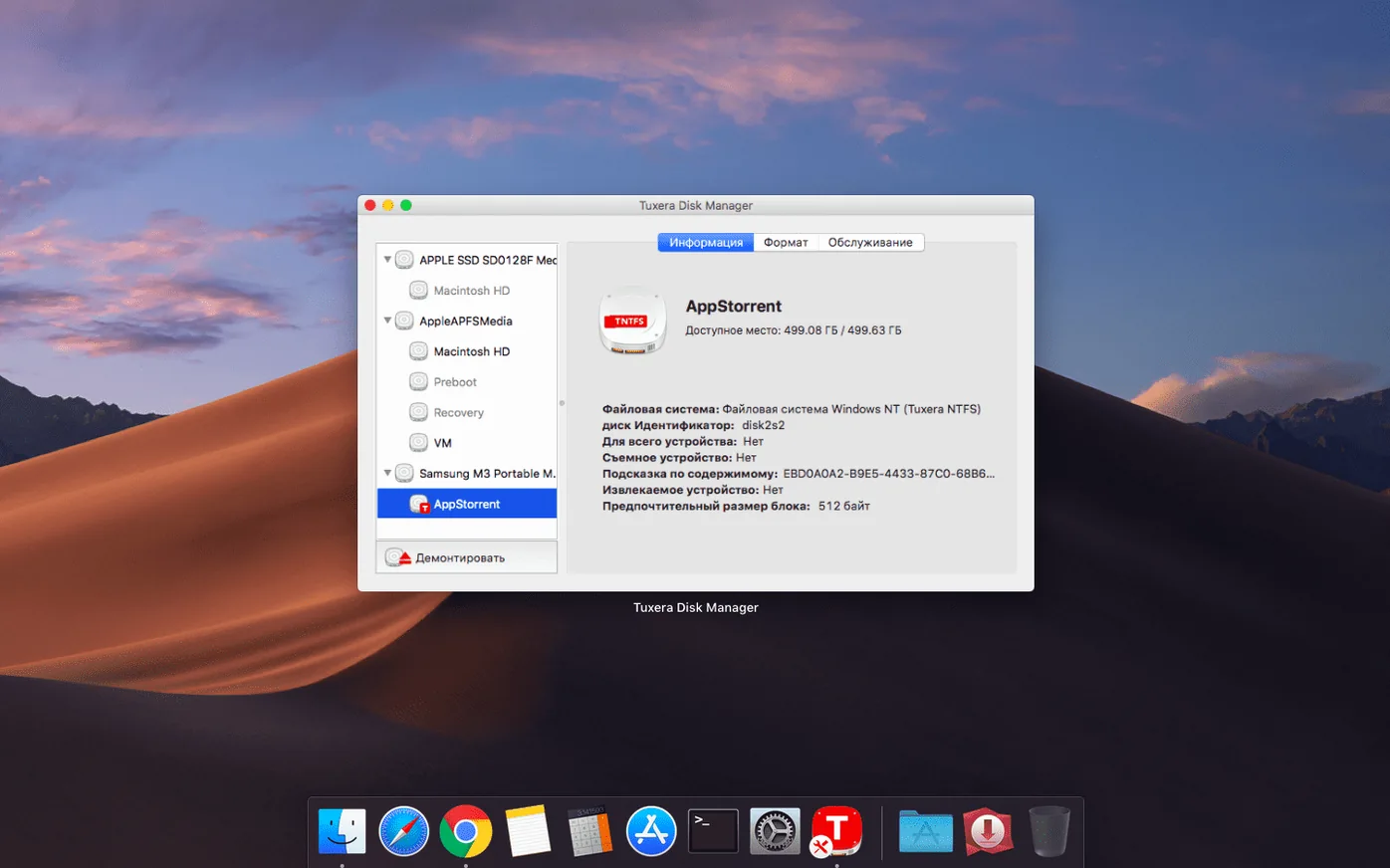
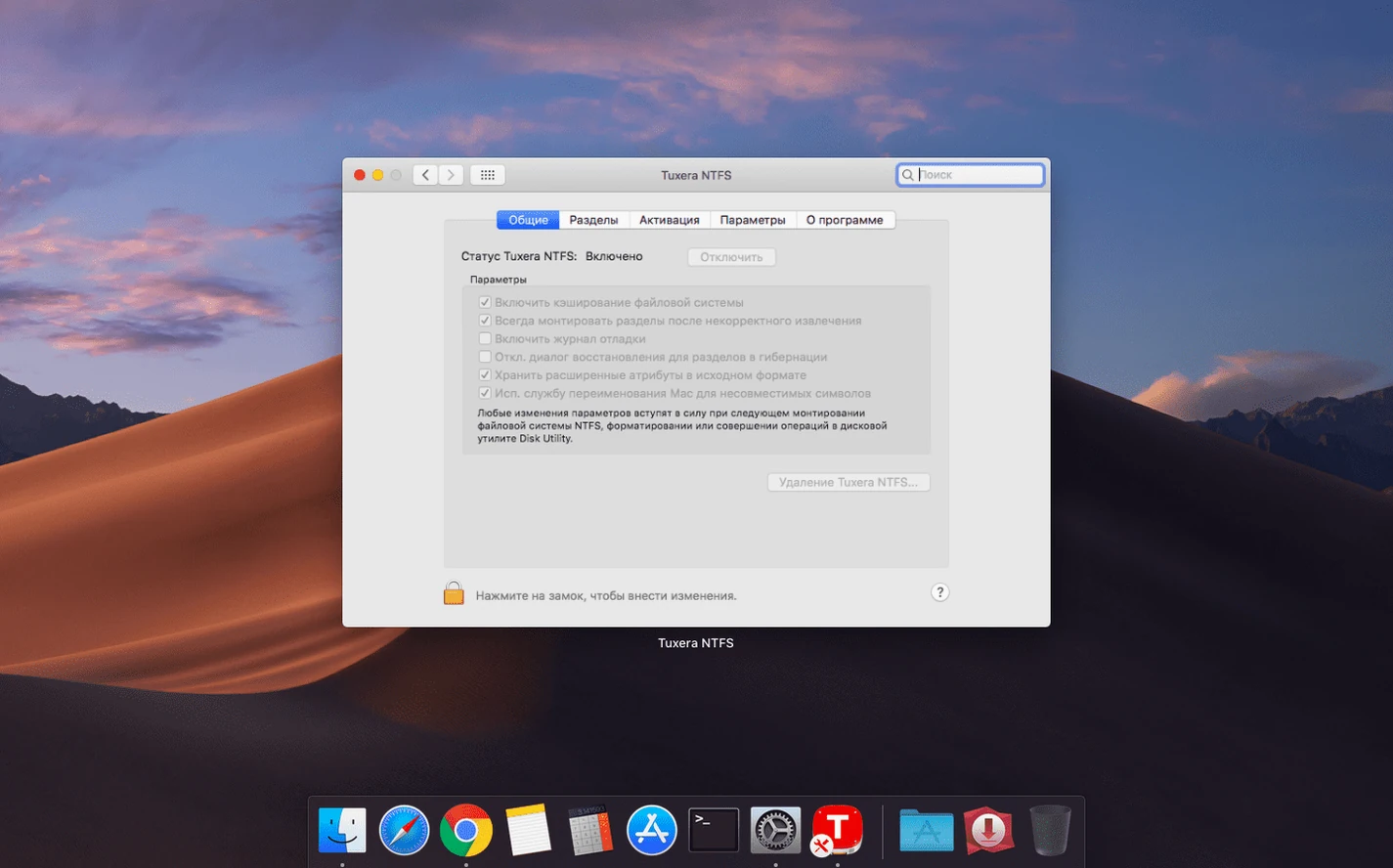
Disk Utility can see NTFS volumes and their partition maps, but it cannot repair or reformat them — Apple's tooling stops at recognition. Tuxera extends this with its own volume verification and repair utility, accessible from System Preferences (a dedicated pane appears after installation) or from the Finder context menu. On the command line, standard Unix tools behave as expected. rsync, cp, mv, and rm all work on mounted NTFS paths. Shell scripts that process files across file systems require no modification. A user can pipe find /Volumes/WinDrive -name "*.dwg" straight into an archiving command and trust that the output will match what Windows would produce.
Spotlight and Indexing
Spotlight does not index NTFS volumes by default — the driver does not inject metadata importer plugins into the system. Files on an NTFS drive remain searchable only by name through Finder's search bar. For users who want full content indexing, a workaround is to keep working copies on the Mac's internal drive and use the NTFS volume as cold storage or transfer medium. This is a macOS limitation, not a driver shortcoming; exFAT volumes face the same restriction.
Data safety, macOS updates, and coexisting with other file system tools
Most questions that come up in forums and support threads fall into a handful of categories: safety of existing data, behaviour after macOS updates, and how the driver coexists with other file system software.
Will installing the driver risk the data already on my NTFS drives? The driver implements NTFS write operations according to Microsoft's published specification. It journals metadata changes where possible and does not alter the on-disk structure unless you explicitly write, delete, or modify files. Reading a drive — just browsing folders or opening documents — triggers no writes beyond updating the last-access timestamp, which the driver handles conservatively. The verification and repair tool runs a read-only check by default; it asks for confirmation before committing any corrections. That said, any file system driver sits close to the hardware, and a power loss during a write operation carries the same risk it would on Windows. The sensible precaution — keeping a separate backup of irreplaceable data — applies regardless of which OS or driver you use.
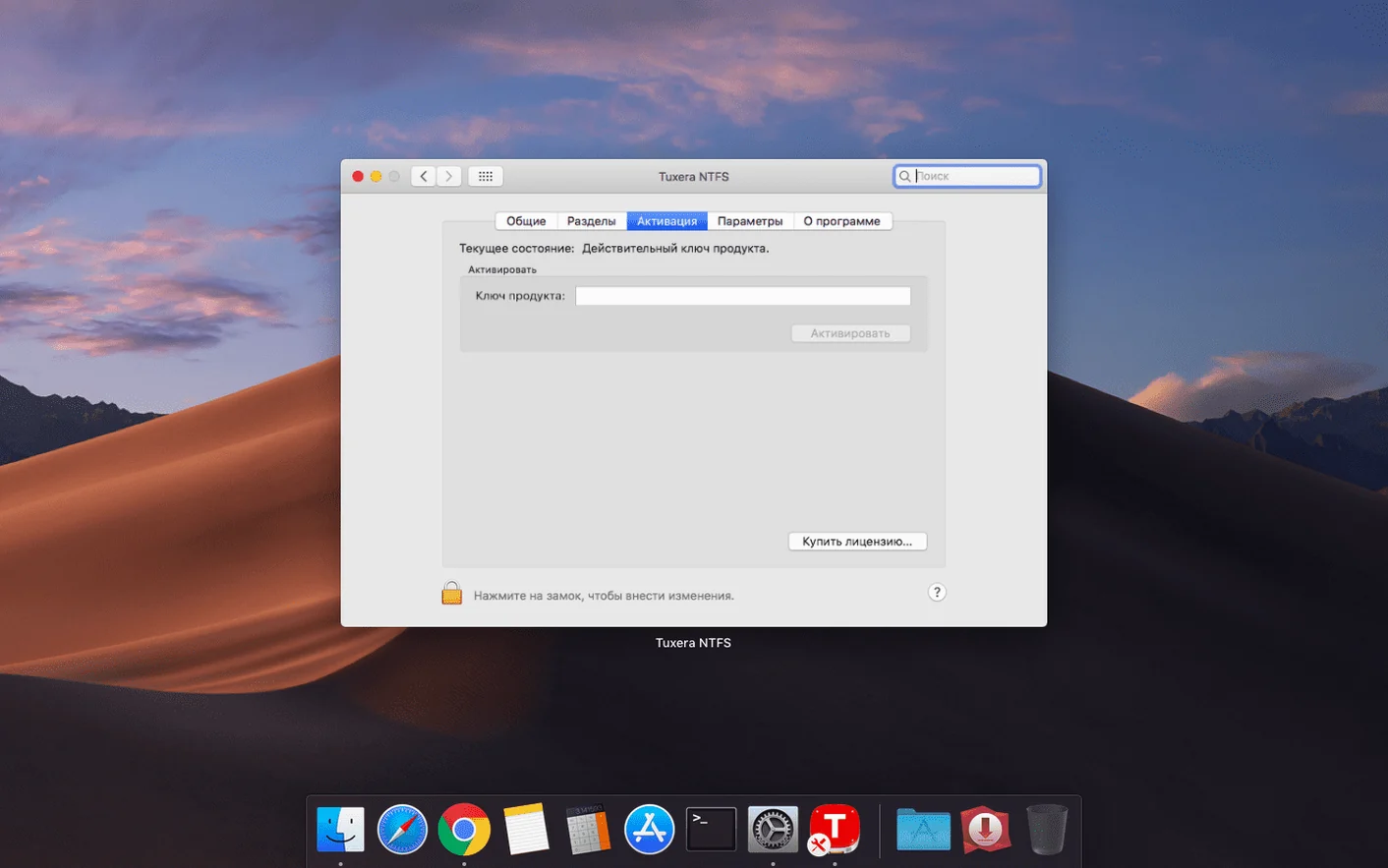
What happens when macOS updates? Apple's major OS upgrades occasionally change kernel extension APIs. Tuxera typically releases a compatibility update within days of a new macOS version reaching public beta. The 2023.1 build supports everything from OS X 10.9 Mavericks through the current release. Minor point updates — 14.3 to 14.4, for example — rarely affect the driver. When they do, the System Preferences pane notifies you that an update is available. The activation survives official updates without requiring re-entry of registration details.
Can I use this alongside other NTFS software or FUSE-based solutions? Running two kernel-level NTFS drivers simultaneously is not recommended. Conflicts arise because both try to claim ownership of newly attached NTFS volumes. The installer checks for known conflicts — it will warn if it detects Paragon NTFS or an active FUSE-based NTFS implementation — but it cannot account for every possible combination. The safest approach is to uninstall competing NTFS drivers before installing Tuxera. The uninstaller included in the disk image removes the driver cleanly, including its preference pane and kernel cache entries.
Does the driver slow down file transfers compared to Windows? The throughput ceiling is set by the USB or Thunderbolt bridge and the drive's own controller, not by the driver. Sequential reads and writes on a modern USB 3.2 Gen 2 SSD reach within a few percent of the hardware limit. Small-file random I/O shows a measurable difference because NTFS metadata handling involves more overhead than APFS or ext4, but the gap is not something a user moving project folders or media files would notice. The driver also supports NTFS compression — files compressed on Windows open transparently on the Mac without manual decompression steps.
Reading 200 GB of audio recordings from NTFS SD cards in the field
Mara is an ecologist who spends three weeks each quarter in a national park collecting audio recordings from passive acoustic monitors. The monitors write to SD cards formatted as NTFS by a Windows-based field laptop. Each card holds roughly 200 GB of WAV files — tens of thousands of short clips — organised in a deep folder hierarchy by date and sensor ID.
Back at base, Mara docks her M1 MacBook Air and inserts an SD card via a USB reader. She needs to copy the entire card to an external drive for archival, then pull a subset of recordings into a Python analysis script that runs in a conda environment on the Mac. Without NTFS write support, the archive step would require an intermediate drive formatted as exFAT or a slow network transfer to a NAS. With Tuxera NTFS, she opens the SD card in Finder, selects the root folder, and drags it to a folder on her 8 TB NTFS archive drive. The copy runs in the background while she starts her analysis.
Her Python script uses os.walk to traverse the mounted NTFS path directly. It reads the WAV headers, filters files by timestamp, and copies the matching clips to her working directory on the internal SSD. The script also writes a CSV log back to the NTFS card — a small metadata file that the Windows laptop will pick up on the next field trip. The entire workflow, from SD card insertion to completed analysis, stays on the Mac. Mara does not touch a Windows machine or reformat a single card.
Pulling the NTFS drive without ejecting first
A few patterns show up repeatedly in support queries and forum posts from users who are new to running NTFS on macOS.
Pulling the drive without ejecting. macOS warns about unsafe removal, but the habit from Windows — where quick removal policies are common — carries over. An NTFS volume that disappears mid-write can end up with a dirty flag set. The next time it mounts, the driver may refuse write access until the volume is checked. Running the included verification tool clears the flag in most cases. Teaching the muscle memory to right-click and eject, or to use the keyboard shortcut Command-E, avoids the problem entirely.
Expecting NTFS permissions to carry over cleanly. NTFS supports access control lists that have no direct equivalent in macOS. A file owned by a specific Windows user SID will not map to a Mac user account. The driver presents files with standard POSIX ownership — typically the logged-in Mac user — and sets broad read-write permissions. Users who rely on NTFS permissions for security should test the behaviour with a sample file before assuming cross-platform access restrictions will hold.
Reformatting a drive thinking the driver is not working. A freshly connected NTFS drive still appears as read-only in Finder's Get Info window even after installation. This is because Get Info reports the volume format and macOS's native capabilities, not the driver's. The real test is whether you can drag a file onto the drive or create a new folder. If you can, the driver is active.
Installing the driver and immediately running a repair on a healthy volume as a "check." The verification tool is safe, but a repair operation rewrites some NTFS metadata structures. On a volume that has no errors, this is unnecessary and carries a tiny theoretical risk if the system loses power during the write. Verification alone is the sensible first step; repair only when the tool reports a specific problem.
Forgetting that NTFS is still a Windows-native file system. Fragmentation behaviour, maximum path lengths, and character restrictions in file names all follow NTFS rules, not macOS conventions. A folder name with a trailing space or a file name containing a colon will fail on NTFS even though macOS allows them. The driver returns a clear error in these cases, but the message references NTFS constraints, which can confuse someone who has never encountered them before.
These five actions cover the driver's main benefit: treating NTFS volumes like native Mac storage for everyday file operations.
- Timestamps — fixed an issue that could result in incorrect date or time stamps for files copied to NTFS volumes.
- OS X 10.9 or later
- Intel and Apple Silicon Macs
Questions on file
Can Tuxera NTFS repair a damaged Windows drive?
Yes, the software can verify and repair NTFS volumes from macOS.
Does Tuxera NTFS work with Windows in a virtual machine?
It supports working with files when Windows runs in a virtual machine on the Mac.
Sign in · Create an account to add a field note.
No field notes yet. A measurement, a version, a machine — they appear after moderation.