Audio
Native Instruments Reaktor 6.5.0 Rev2
AudioUpdated
| Requirement | On file |
|---|---|
| macOS | macOS 10.15 or later |
| CPU | Apple Silicon, Intel 64-bit |
| Download | 144 MB |
Sound designers and electronic musicians who build their own instruments gravitate toward environments that don't fence them in. Here is how Reaktor 6.5.0 Rev2 answers the questions people type before they install it.
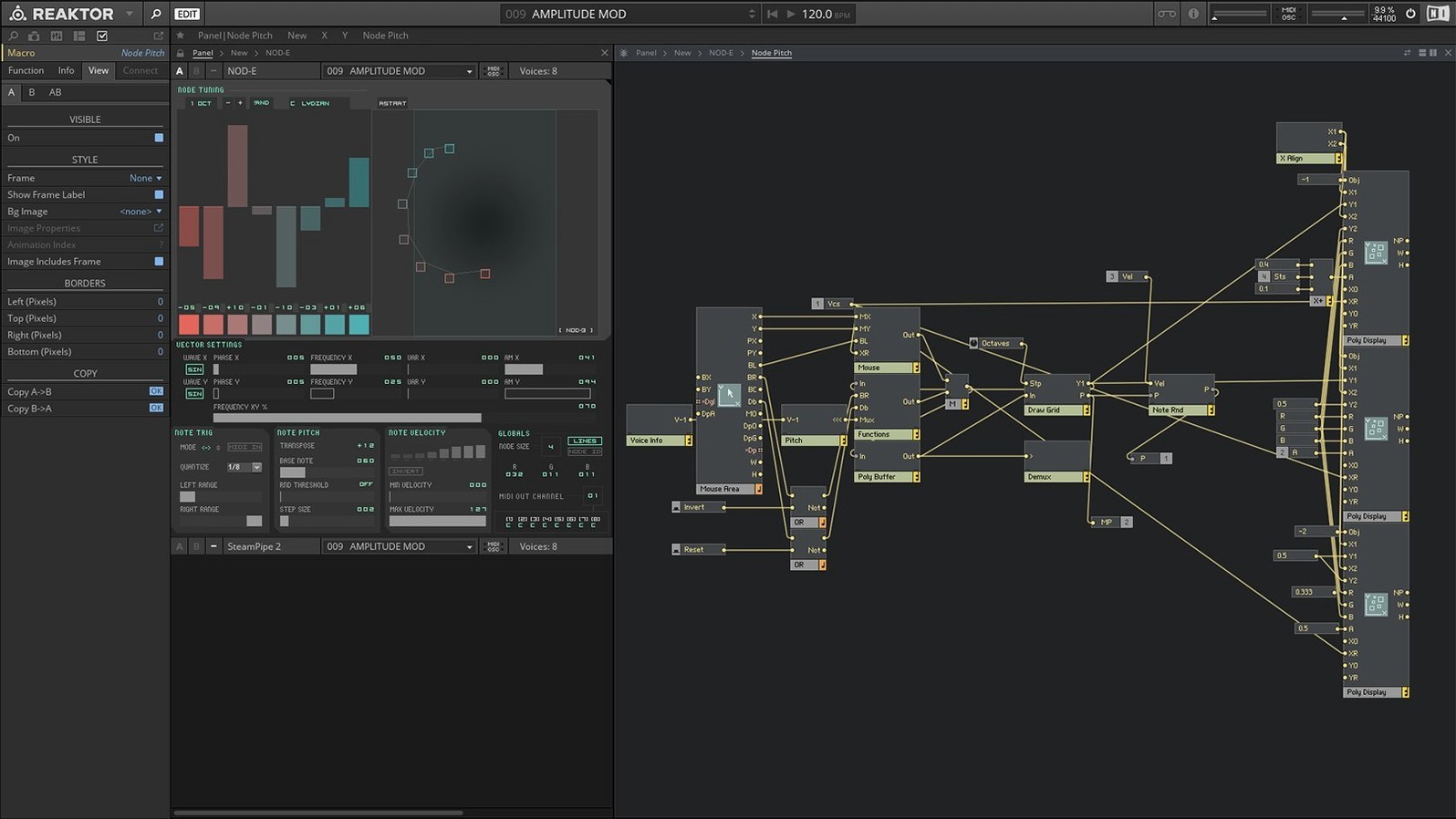
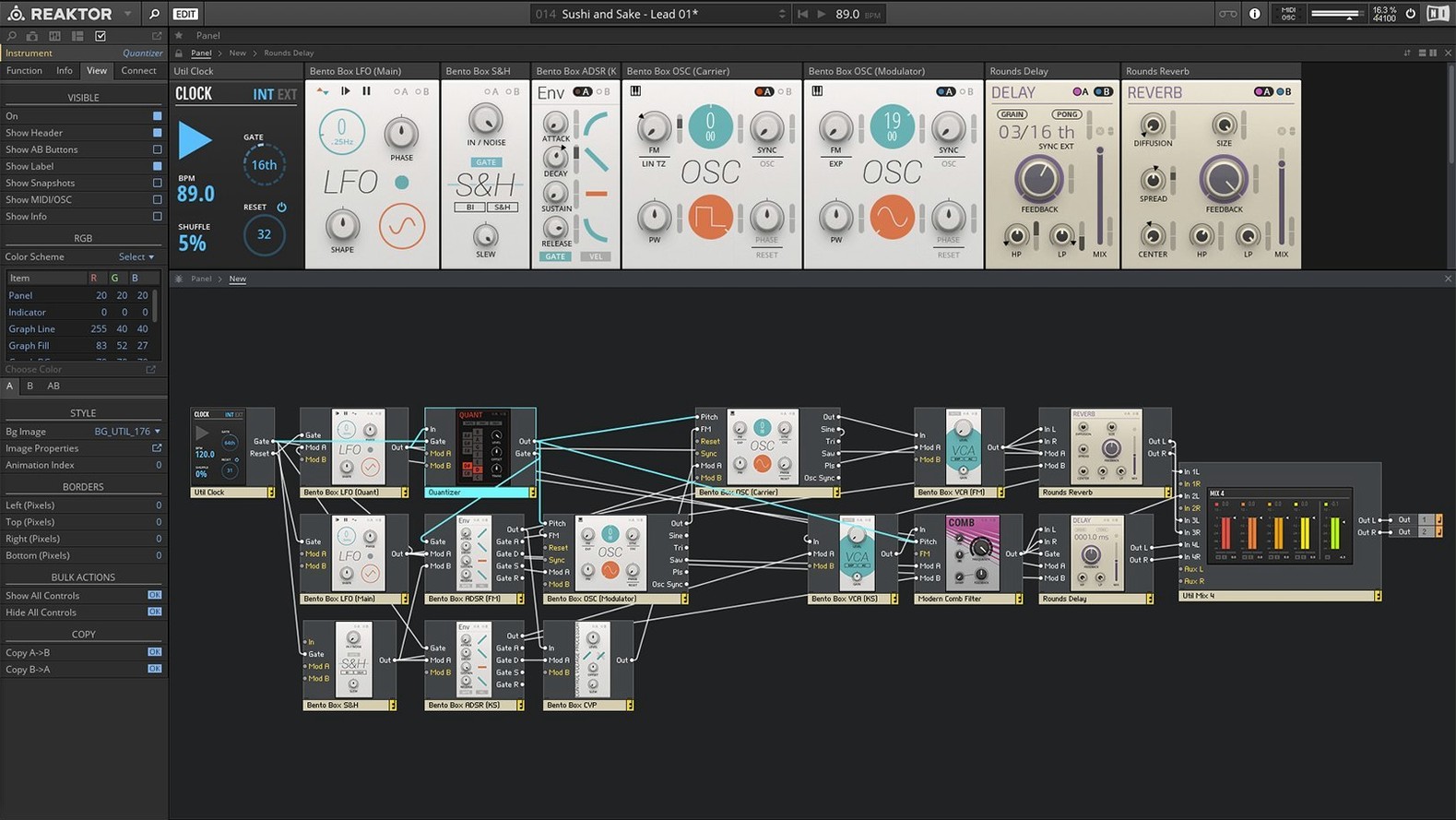
Framework — a modular studio that runs instruments, effects and samplers inside one application. The open architecture lets you patch blocks at a high level or drop down to core DSP math.
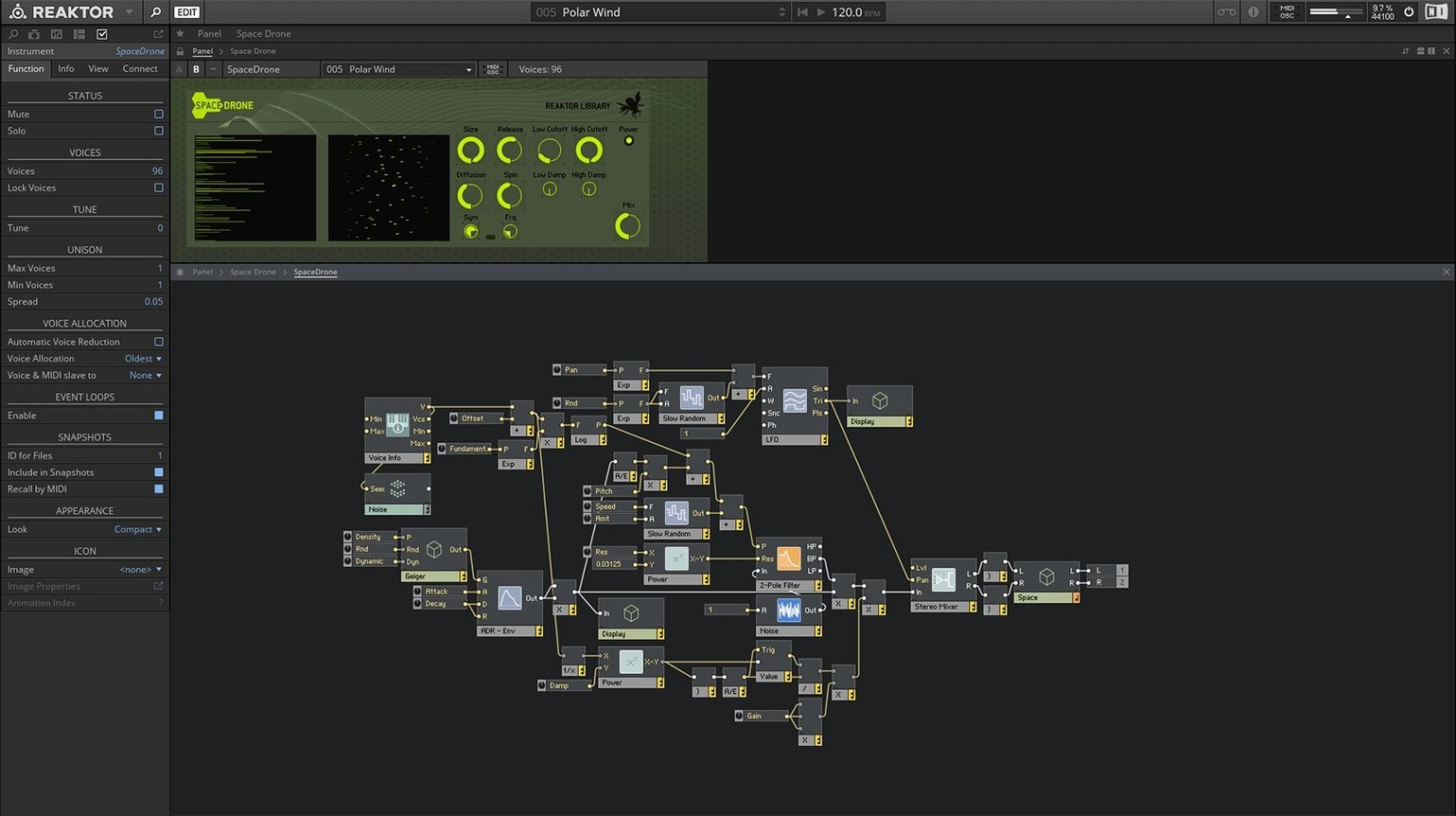
Core Technology — version 6 introduced a visual editor for building custom modules from low-level primitives. You draw the signal path rather than linking pre-made macro objects.
Factory content — 23 new instruments ship with version 6, covering synths, drum machines and sequenced effects.
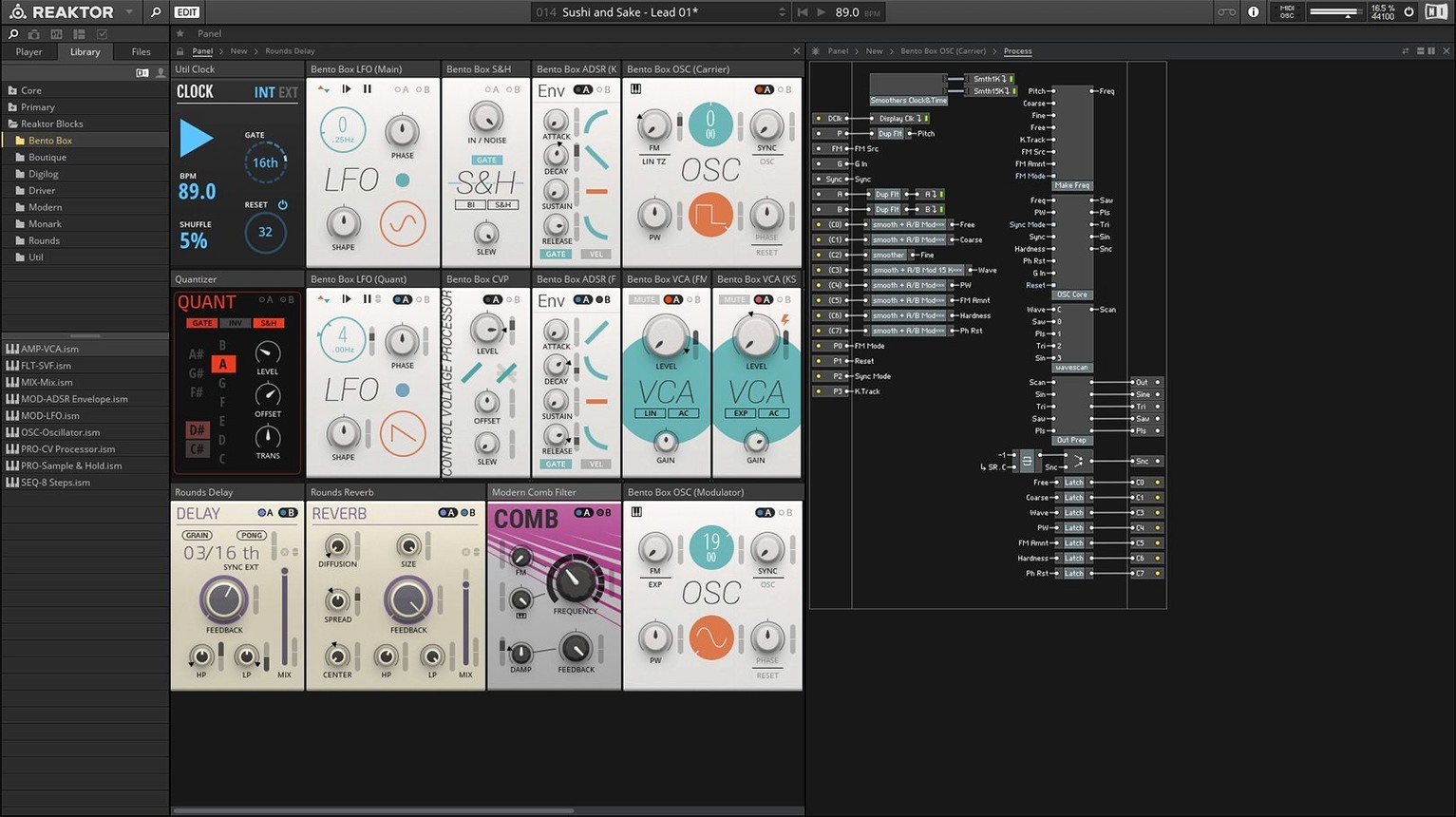
User Library — a community-fed collection of devices uploaded over two decades. You find everything from physical modelling ensembles to glitch machines, all open for inspection and modification.
CPU — native Apple Silicon support means the signal graph runs directly on M-series chips without Rosetta translation. Intel 64-bit Macs are also supported.
Reaktor next to two other modular environments
A fair comparison starts with Max/MSP and VCV Rack, because both share the open-ended wiring metaphor but draw different lines around what you can touch.
Max/MSP (Cycling '74) gives you a blank canvas and a set of low-level objects — oscillators, filters, maths operators, buffers. You build everything from first principles. The payoff is total control over signal flow and logic. The trade‑off is time: a simple subtractive synth takes an afternoon to patch and debug. Reaktor sits one layer higher. You can drop into Core and work at the DSP level, but you can also grab Blocks, wire them in minutes, and still crack open any component to see the internals. Max does not ship with a comparable library of finished, playable instruments.
VCV Rack mimics a Eurorack hardware system. Its core library is free; paid modules expand the palette. The patching experience is immediate and the voltage metaphor is familiar to modular users. However, VCV Rack is a standalone instrument — it does not load inside a DAW as a plug-in without a third‑party bridge, and you cannot build a custom module from scratch inside the application. Reaktor operates as a VST3/AU/AAX plug-in and a standalone app, and its Core layer lets you author new modules visually, then use them inside your own ensembles.
Where Reaktor pulls ahead is in the depth of its factory library and the twenty‑year accumulation of the User Library. You download a physical modelling string ensemble, a spectral granulator or a West Coast complex oscillator, and every macro is open. You can learn by reverse‑engineering someone else's work, which neither Max nor VCV Rack makes quite as frictionless.
Patch a metallic resonance in minutes, not hours
Sound designers working in post‑production or game audio get a fast prototyping environment. You need a metallic resonance that tracks pitch and responds to velocity; you patch a modal bank in Blocks, map the controls to MIDI, and record the output. No coding, no compiling. The same patch saves as an ensemble and loads inside your DAW session.
Electronic musicians who perform live value the snapshot morphing and the macro mapping system. You assign eight performance controls per instrument, store snapshots, and interpolate between them during a set. Reaktor handles the parameter smoothing, so you avoid zipper noise when crossfading filter states.
Educators and students of DSP find the Core layer a rare teaching tool. You draw a waveguide, a biquad structure or an FFT analyser, and the signal path is visible. The textbook equation becomes a block diagram you can hear. Because the Core cells compile to native code on Apple Silicon, the performance is close to hand‑written C — fast enough that a classroom exercise on a basic MacBook Air runs without glitches.
Collectors of unusual instruments — the people who type reaktor 6 download and then spend an evening browsing the User Library — discover that the community has built devices no commercial plug‑in replicates: a Tibetan bowl modeller, a circuit‑bent speak‑and‑spell emulator, a feedback network that never quite repeats. These ensembles are not just presets; they are architectures you can tweak or dismantle.
How Reaktor fits with other apps and macOS features
Inside a DAW, Reaktor works as a multi‑output instrument. In Ableton Live, you route each Block's audio to a separate track for processing with native effects. In Logic Pro, you save a channel strip with Reaktor and its MIDI assignments as a patch, then recall it from the Library pane. The plug‑in reports latency to the host, so delay compensation stays accurate even with oversampled Core modules.
Standalone mode talks to Core MIDI and Core Audio directly. You connect a controller keyboard via USB, select an audio interface from the system list, and play without opening a DAW. This setup suits live rigs where you run Reaktor alongside hardware synths through a mixer.
macOS Accessibility features — VoiceOver, zoom, reduce motion — pass through to the Reaktor interface because the framework uses standard Cocoa views. The wiring view and the structure panel remain navigable with keyboard focus, though complex nested macros benefit from a large display.
For users who search reaktor 6 mac and install on a recent Apple Silicon machine, the AUHostingService runs the plug‑in out‑of‑process in Logic, isolating a crash so it does not bring down the session. Reaktor's own crash recovery saves the ensemble state every few minutes; if the plug‑in does go down, you reopen it and recover the last snapshot.
Integration with the Native Instruments ecosystem matters too. Reaktor instruments appear inside Maschine and Komplete Kontrol browsers with mapped parameters and previews. The NKS mapping standard means the eight macro knobs and the patch‑browsing buttons on a Komplete Kontrol keyboard work without manual MIDI learn.
Dump the conservative defaults for modern hardware
Several defaults ship with conservative values that suit older Intel machines. Five adjustments make an immediate difference on current hardware.
Sample rate and block size. The standalone app defaults to 44.1 kHz and a 512‑sample buffer. Switch to your interface's native rate — often 48 kHz or 96 kHz — and lower the buffer to 128 or 64 samples if your machine handles it. This cuts round‑trip latency without audible artefacts on Apple Silicon.
CPU core limit. In Preferences → System, the "Multiprocessing" option defaults to off. Enable it and set the core count to match your machine's performance cores (typically four on an M1/M2, six on an M1 Pro). Reaktor then distributes parallel signal paths across cores, which helps large ensembles with multiple independent voices.
GUI refresh rate. The panel animation speed, set under Preferences → Display, ships at 25 frames per second. Raise it to 50 or 60 fps if you use animated meters or waveform scopes. The GPU load is negligible on modern integrated graphics; the meters become noticeably smoother.
Snapshot save location. By default, snapshots save inside the ensemble file. For performance setups, switch to external snapshot storage so you can share a single ensemble across projects and have instant recall of different states without duplicating the instrument file.
User Library path. The default download location buries content inside the system drive's Application Support folder. Point it to an external SSD if your library grows beyond a few hundred ensembles — some users who type reaktor 6 torrent end up with sizeable collections, and a dedicated drive keeps the system volume lean.
- Core editing — Reaktor Core Technology added for visual creation of custom DSP modules from primitives.
- Instruments — 23 new instruments included with version 6.
- macOS 10.15 or later
- Apple Silicon or Intel 64-bit processor.
Sign in · Create an account to add a field note.
No field notes yet. A measurement, a version, a machine — they appear after moderation.