
Audio
VOX: MP3 & FLAC Music Player 3.7.7
AudioUpdated
| Requirement | On file |
|---|---|
| macOS | macOS 10.15 or later |
| CPU | Apple Silicon, Intel 64-bit |
| Download | 78 MB |
People who keep a meticulously tagged FLAC library on a NAS, or who simply want a straightforward player for a folder of MP3s without handing their collection over to Apple Music, tend to land on the same solution. VOX positions itself as a dedicated alternative for local and network playback, and version 3.7.7 stays the course.
No New Features, Just Hi-Res Engine Upkeep
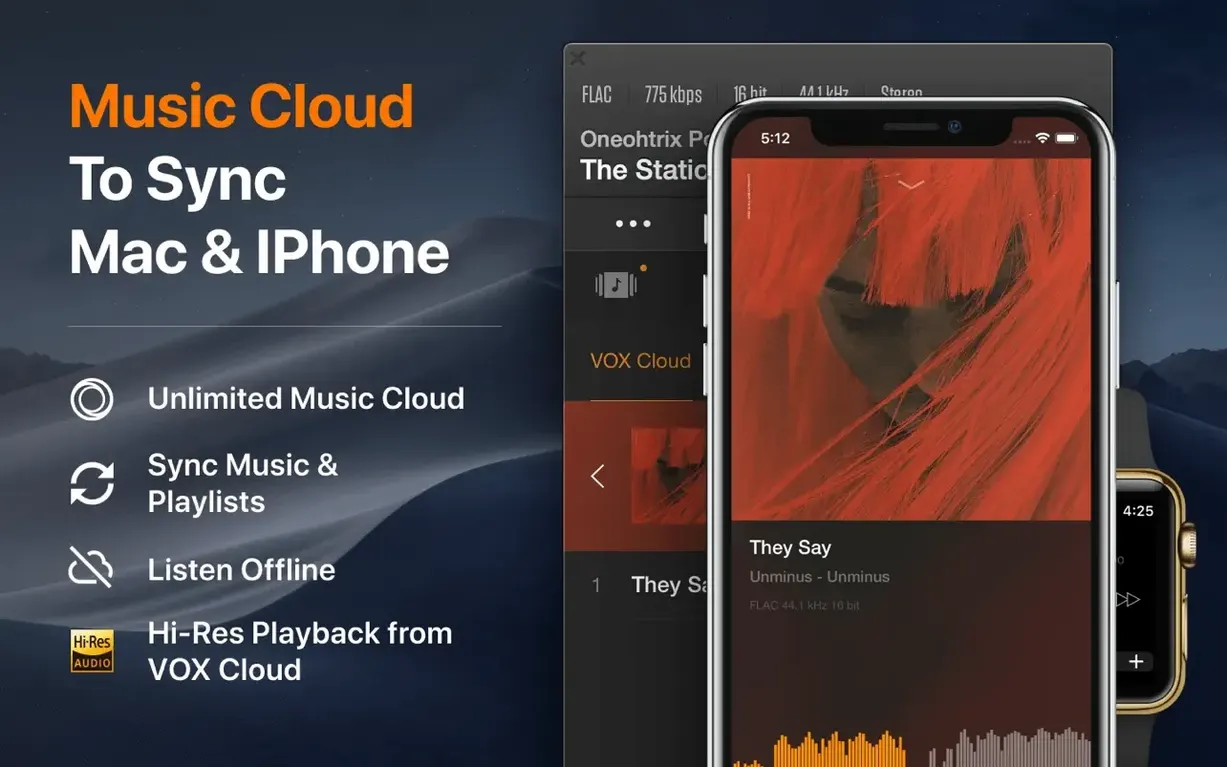
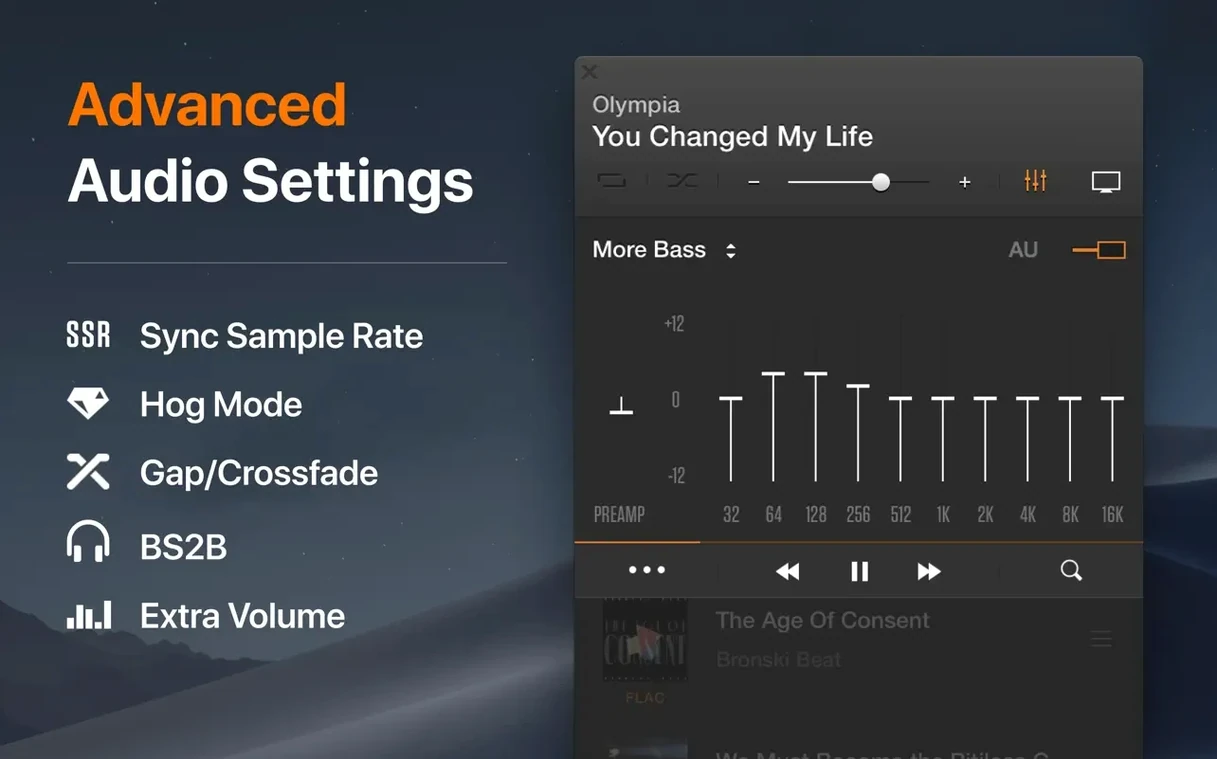
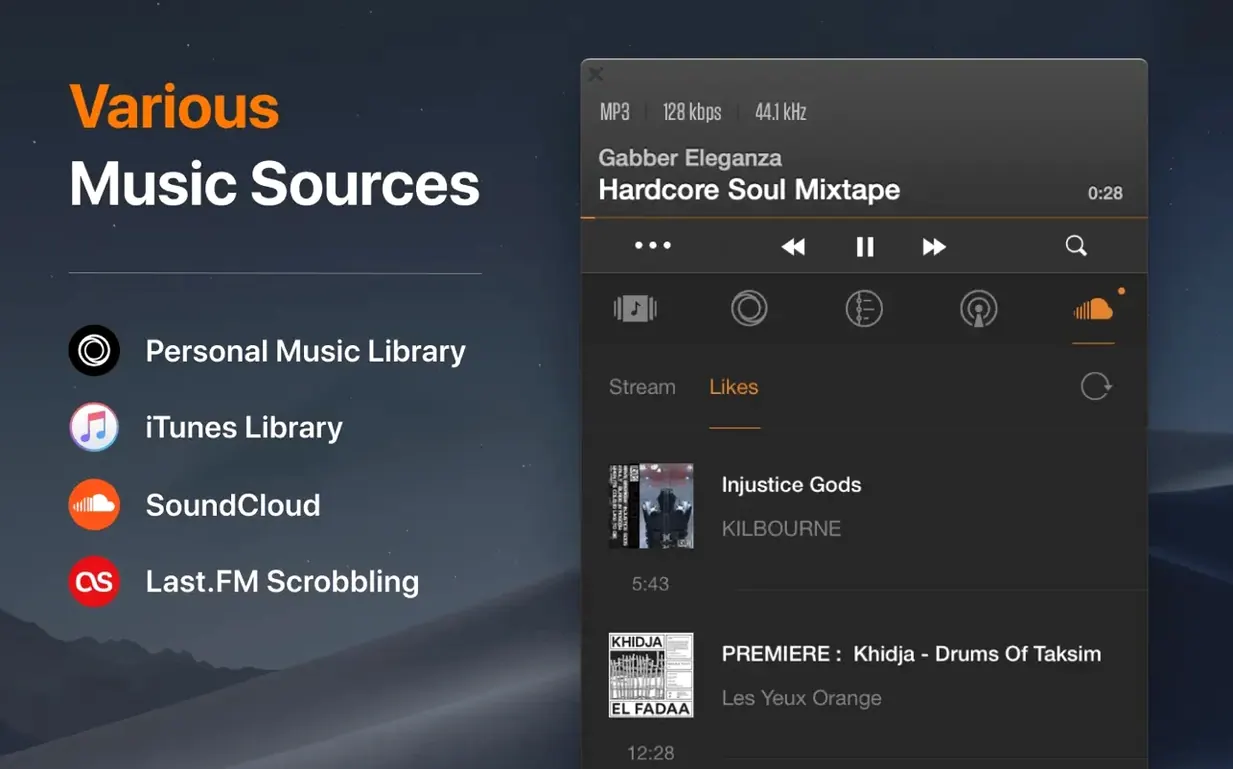
Version 3.7.7 is a maintenance release with no new feature bulletins. The underlying engine—Coppertino’s own, not a wrapper around Core Audio—continues to handle Hi-Res output up to 24-bit/192 kHz across both ARM and 64-bit Intel Macs. Format support remains broad: FLAC, APE, WAV, ALAC, MP3, WMA, and OGG are all covered. The interface ships in Russian, English, Traditional Chinese, and Japanese, and the minimum requirement stays at macOS 10.15. What you get is essentially the same player that has occupied this niche for several years: no streaming service tie-ins, no library-management ambitions, just a window that plays high-resolution files from wherever you store them.
Mac-Only, Network-Attached Library Playback
The structural decisions that define VOX remain untouched. It is a Mac-only application. Its network playback covers local disks, mounted NAS shares, and standard network drives, which matters if your library lives on a home server. The audio pipeline still bypasses the system mixer when outputting to an external DAC. For users who want bit-perfect playback without configuring Audio MIDI Setup manually, that single architectural choice has always been the reason to install it—and it has not shifted in 3.7.7.
How VOX sits among similar Mac players
Three other applications tend to appear in the same conversation: IINA, Pine Player, and foobar2000 for Mac. Each takes a different angle on local playback, and the differences show up quickly in daily use.
IINA is a video player first, built on mpv. It handles FLAC, APE, and DSD as a side effect of its decoding pipeline, but offers no dedicated music-library view, no CUE-sheet navigation, and no direct-output mode for a DAC. It works fine for opening a folder and hitting play, yet anyone with a structured lossless collection will run into its limits within a week.
Pine Player shares more DNA with VOX—it prioritises Hi-Res output, bit-perfect switching, and a minimal interface—but its format support narrows at multichannel material. VOX handles 5.1 playback without extra routing, which matters for a small subset of live concert rips and DVD-Audio extractions. Pine Player also updates less predictably, and its UI has stayed closer to an early-2010s aesthetic.
foobar2000 on macOS is the wildcard. Its plug-in architecture and customisable layout attract users who want to script their playback chain. The trade-off is that it feels like a Windows transplant; the interface does not follow Mac conventions, and setting up bit-perfect output to a specific DAC requires more manual steps than VOX's single preference toggle.
800 FLAC Albums on a Synology NAS
Consider someone who digitised a CD collection over several years: roughly 800 albums, all FLAC, embedded ReplayGain tags, organised as Artist / Year – Album / Tracknumber – Title.flac on a Synology NAS. The macOS Music app refuses to index FLAC at all. A transcoding workflow to ALAC would double storage and break the folder structure. Dragging the root music share into VOX brings the whole tree into the left sidebar within seconds. CUE sheets embedded in single-file album rips split into separate track entries without intervention. Because the audio engine ignores the system volume control when an external DAC is selected, the user can leave macOS output set to internal speakers for alerts while the DAC handles playback independently. That one routing behaviour removes the accidental-upsampling problem that plagues several other players.
Apple Silicon Keeps 24-bit/192 kHz Fans Silent
- Apple Silicon native builds — The transition arrived before 3.7.7 and has been stable since. On M-series machines, CPU draw during 24-bit/192 kHz playback stays low enough that the fans rarely spin, which was not the case under Rosetta with earlier releases.
- Interface language consolidation — The current four-language set (Russian, English, Traditional Chinese, Japanese) slimmed down from an earlier wider roster. Users of removed localisations now see English fallback strings.
- Network-path handling — Somewhere in the 3.6.x cycle, Coppertino fixed a long-standing bug where SMB shares with spaces in volume names would disappear from the library after a Mac reboot. The path caching in 3.7.7 retains them reliably.
- DSD-to-PCM conversion — Early versions dropped DSD playback on DACs that lacked native DSD support. Current builds decode DSD to PCM automatically when the connected device cannot accept the raw stream, so the same file plays on a wider range of hardware without manual format-switching.
- Less frequent updates — The release tempo has slowed considerably. Where 2020–2021 saw four or five releases annually, 2024–2025 has settled into occasional maintenance updates. The feature set has not expanded in that period, but the existing feature set has not broken either, which is part of why people searching for a VOX MP3 & FLAC Music Player crack Mac often find the standard build runs smoothly once they confirm their audio output settings are correctly configured.
- macOS 10.15 or later
- Apple Silicon or 64-bit Intel processor
Questions on file
What audio formats does VOX support?
VOX plays FLAC, APE, WAV, ALAC, MP3, WMA, and OGG files, with Hi-Res output up to 24-bit/192 kHz.
Can VOX play music from a network drive?
Yes, it can access and play audio files stored on NAS devices and standard network drives.
Sign in · Create an account to add a field note.
No field notes yet. A measurement, a version, a machine — they appear after moderation.