Design
FontLab 8.4.3.8984
DesignUpdated
| Requirement | On file |
|---|---|
| macOS | macOS 10.14 or later |
| CPU | Intel 64-bit |
| Download | 131 MB |
Designing a typeface from scratch often means fighting the tool as much as the curves. A new weight or alternate character set can turn into hours of manual adjustment if the editor lacks precise control over outlines, metrics, and encodings. FontLab 8 brings those controls into one workspace built specifically for the realities of font production, so the first few sessions feel directed rather than disorienting.
Start in the Glyph Window
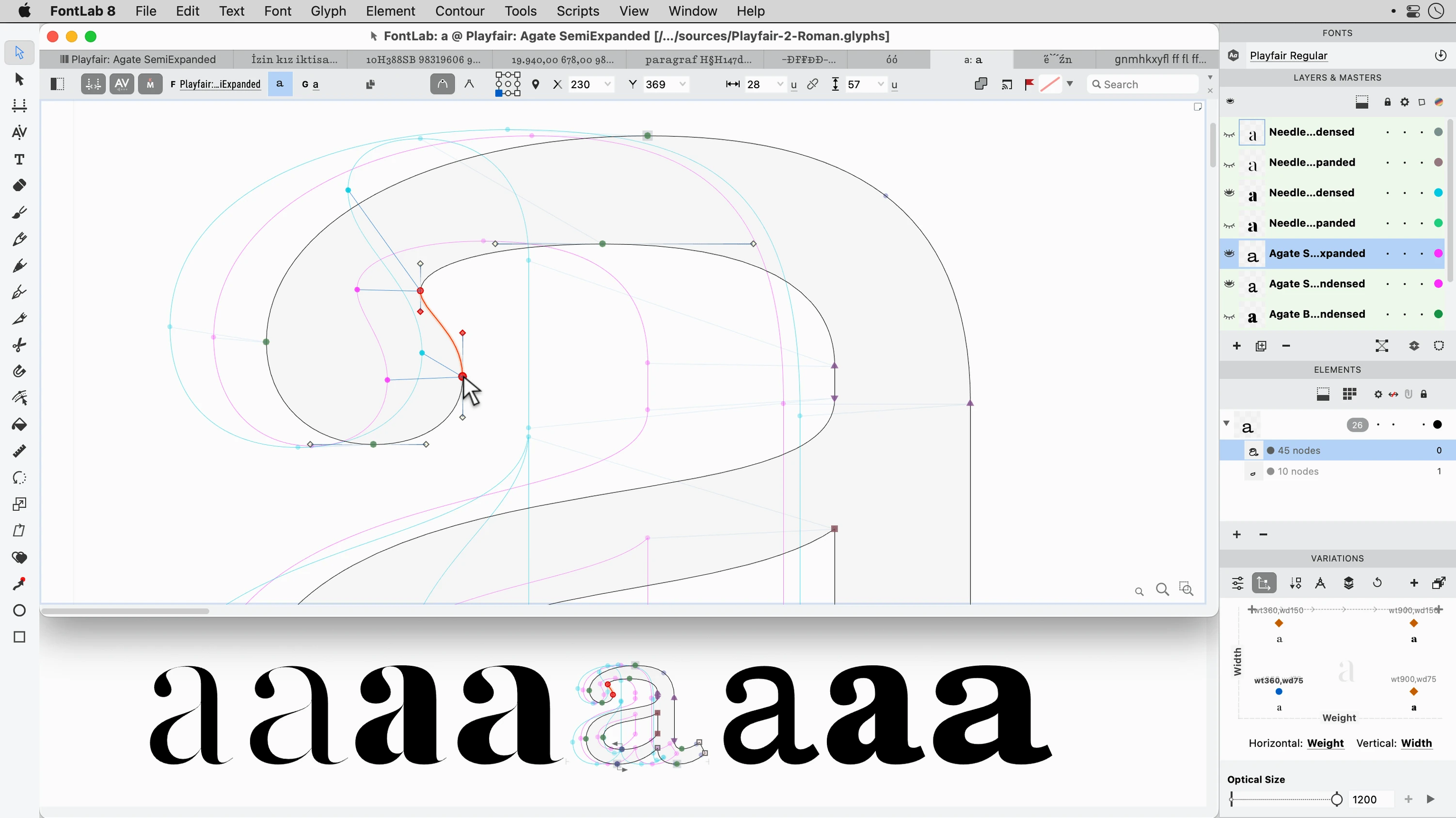
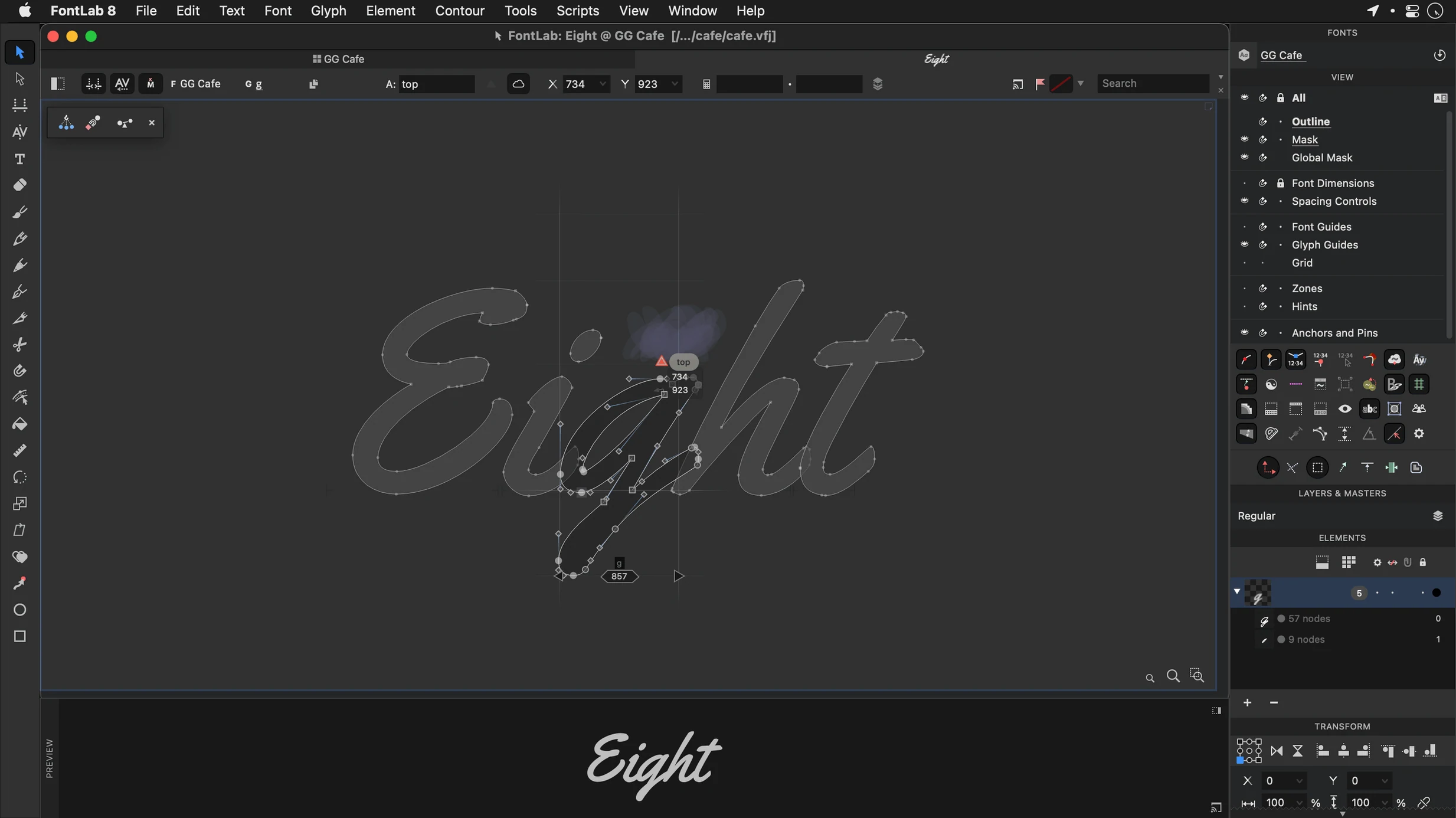
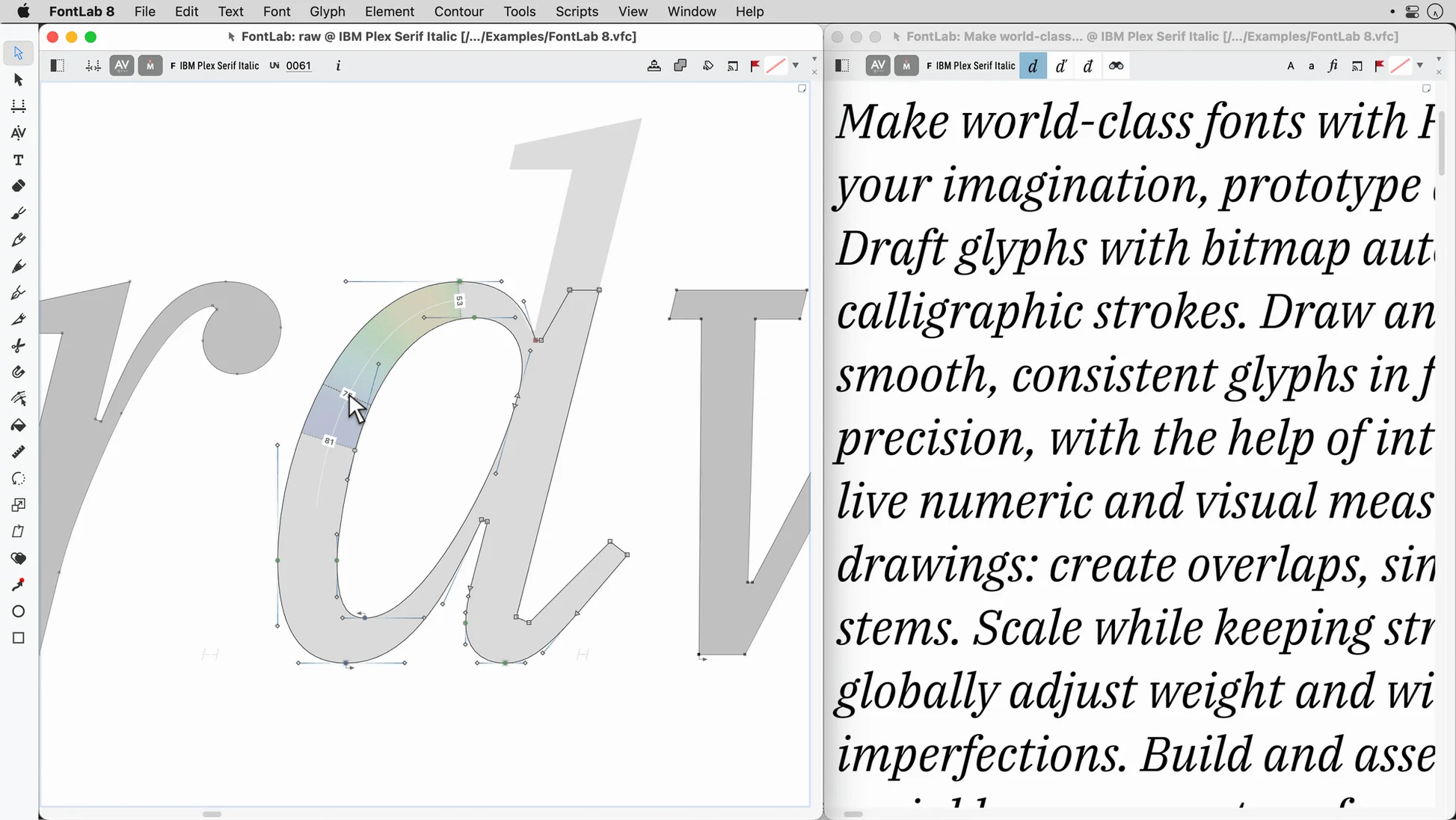
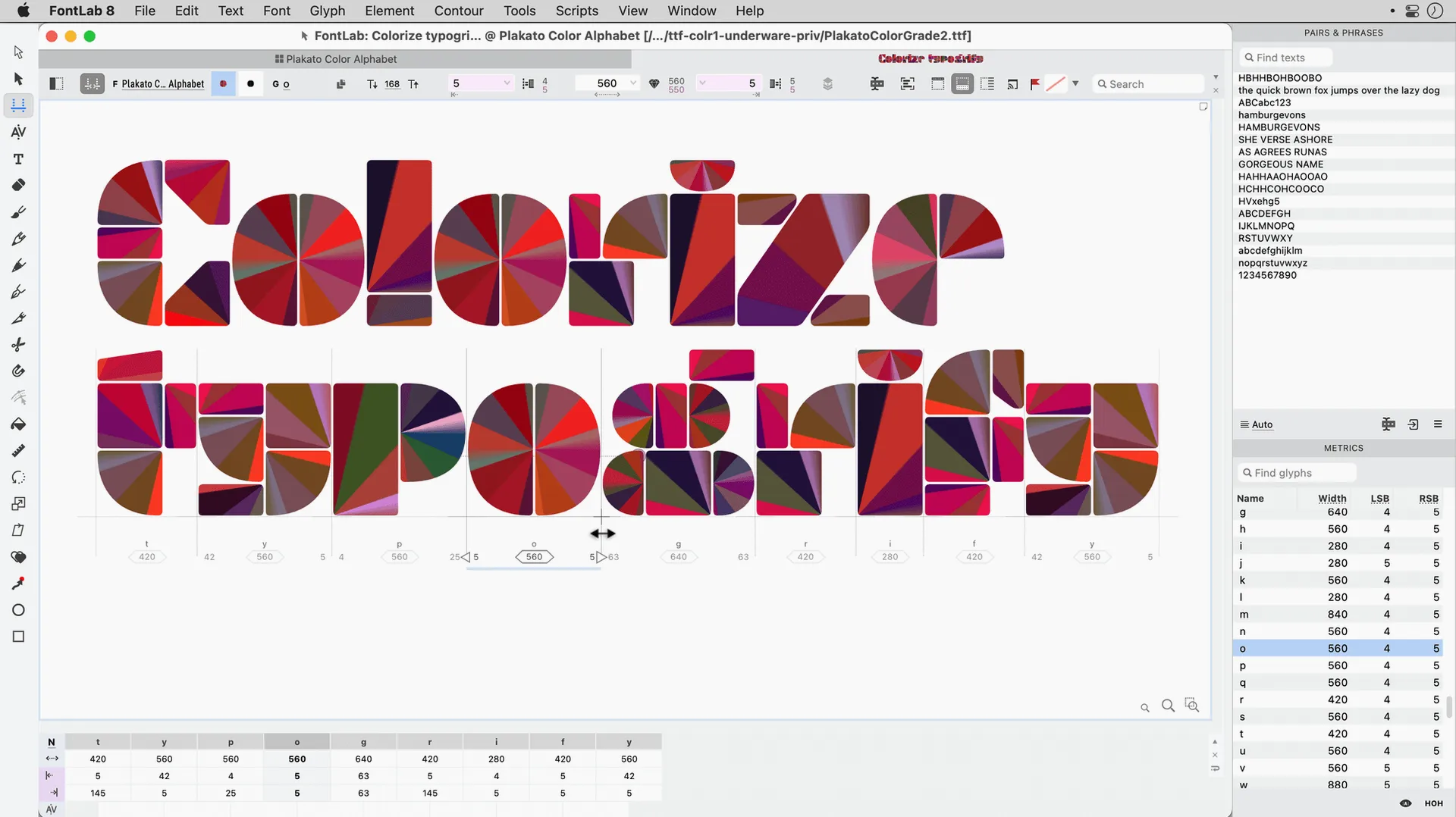
Open a blank project and double-click any cell in the Font Window. That opens the Glyph Window, where the vector drawing tools live. The Pen, Pencil, and Rapid tools each approach outline construction differently. Newcomers often find the Rapid tool the most forgiving — click and drag to build a contour node by node while the app auto-balances curve tension. Grid snapping keeps stems aligned from the very first character. If you prefer a physical sense of placement, drag a glyph straight from the sidebar into the editing area; the drag-and-drop glyph placement responds immediately, no import dialogue needed.
Shape One Master, Then Transform
Once a basic weight of a few letters exists, programmable font transformations turn a single master into a family skeleton. Select a glyph, open the Actions panel, and apply a Bold or Light transformation preset to see how contours shift. The results are editable, not baked-in, so you can tweak the new weight while keeping the original intact. Switching to the Metrics panel reveals sidebearings and kerning pairs that update live as you edit. Because FontLab supports TrueType AAT fonts and editable code pages, a project started in Latin script can later absorb Cyrillic or Greek character sets without rebuilding the encoding table from scratch.
Where FontLab fits in a working type designer’s system
No type editor does every job alone. Most workflows have a few trusted companions. Adobe Illustrator handles initial lettering sketches, Glyphs or RoboFont sometimes own the early design phase, and a Python scripting environment sits behind everything for batch tasks. FontLab 8 slots into that mix as the production-and-proofing hub. Import AI, EPS, TIFF, or BMP artwork as a background reference directly into a Glyph Window, trace over it with the Pen or Rapid tool, and the scan stays locked to the layer while you work. The built‑in viewer lets you compare side‑by‑side with reference fonts already installed on the system without opening a separate app.
On the macOS side, FontLab respects several system‑level features that speed up daily use. Dragging a font file from Finder onto the app icon opens it for inspection or editing, the same as double‑clicking. Copy and paste of outlines between FontLab and Illustrator works in both directions, and the colour tags you assign to projects in Finder carry through so you can group UFO and VFC files by client. Quick Look integration means you can press Space on a VFC file in Finder and see the font grid before launching the full app.
Drawing everything in one master and breaking interpolation
The first few projects often trip over the same handful of habits. Knowing them early saves a lot of backtracking.
Drawing everything in one master and then wondering why interpolation breaks. FontLab builds variable fonts from compatible outlines across masters. If your Light master has 32 points on an ‘O’ and your Bold master has 47, the app can’t interpolate cleanly. Use the Match Masters command after drawing to check point count and order before generating instances.
Ignoring the Font Audit panel until the day of export. That panel flagged missing glyphs, open contours, and overlapping paths from hour one. Checking it every twenty minutes stops a five‑minute fix turning into a two‑hour repair job.
Forgetting that kerning classes exist. New users sometimes manually kern every pair in the Metrics panel. Group glyphs with similar right‑ or left‑side shapes into a kerning class first, and the number of pairs shrinks from thousands to a few dozen. The class‑based kerning editor sits right next to the manual pair editor, so the two systems reinforce each other.
Overlooking the 200‑plus undo levels. The undo depth in FontLab 8 is generous, but only if you remember it’s there. Try a risky action, watch the result, and roll back in one keystroke. That alone makes exploration faster than sketching on paper.
Running FontLab alongside a UFO‑based workflow
Does it replace my current font editor or sit beside it? It can do either. If you already have a UFO‑based workflow in another app, FontLab reads and writes UFO natively, so you can move a project back and forth. Many teams use one editor for initial drawing and FontLab for spacing, kerning, hinting, and final build. There is no lock‑in format.
Will it handle Arabic and Hebrew right away? Yes — bidirectional text support and right‑to‑left shaping are built in. Open the Glyph Window, switch the text entry to Arabic script, and the cursor direction and character joining follow the Unicode shaping rules. The same editing tools work across Latin, Cyrillic, Greek, Arabic, and Hebrew without switching modes.
How steep is the move from FontLab Studio 5? FontLab 8 carries forward the core concepts — glyph cells, metrics, classes — but the interface is denser because more controls are visible at once. Studio 5 users usually spend the first afternoon finding where familiar commands now live. The Search for Command field in the Help menu cuts that search to seconds.
Is a FontLab 8 free download even a real thing? The app itself is a commercial release with a version number — 8.4.3.8984 at the time of writing — and any site offering a FontLab 8 crack or a packaged FontLab torrent is distributing an unofficial copy. The download floating around as a FontLab 8 torrent often lags behind the current build and strips out the library of documentation and sample projects that ship with the legitimate disk image.
Fixing open contours, path directions, and missing glyphs before export
Export fails with a “font contains errors” message. Run the Font Audit panel before export. The three most common causes are open contours, overlapping path directions, and missing glyphs in the encoding table. Click any error in the audit list and the Glyph Window jumps to the problem, usually with a one‑click fix button.
Sidebearings jump to unexpected values. Check whether auto‑metrics is on. The Metrics panel has a small toggle that recalculates sidebearings based on contour extremes. Useful when starting a new project, but turn it off once you begin fine‑tuning spacing manually.
The app feels sluggish on a large project. Large here means thousands of glyphs with many overlapping contours. Switch the Glyph Window preview from “Full” to “Wireframe” while editing; the vector data is the same, but the redraw load drops. Also, closing unused panels — especially the Live Metrics and Preview panels — reclaims a noticeable amount of drawing speed on Intel Macs.
Glyphs appear blank after importing a BMP or TIFF. The image imports as a background layer. Open the Layers panel for that glyph, click the eye icon on the background layer to make it visible, and adjust the opacity slider so you can trace over it comfortably. The image itself never converts to outlines; it stays as a guide.
FontLab 8.4 — 500 improvements over version 8
FontLab 8.4 — 900 improvements over FontLab 7
- macOS 10.14 or later
- Intel processor (x86 64-bit)
Questions on file
Which macOS versions does FontLab 8.4 support?
FontLab 8.4 needs macOS 10.14 or later; this build is for Intel Macs.
Sign in · Create an account to add a field note.
No field notes yet. A measurement, a version, a machine — they appear after moderation.