Office
Pages Creator Studio 15.3.1
OfficeUpdated

| Requirement | On file |
|---|---|
| macOS | macOS 15.6 or later |
| CPU | Apple Silicon, Intel 64-bit |
| Download | 292 MB |
32 interface languages ship with the app, including Hindi, Arabic, and Vietnamese. The 15.3.1 release tightens two image workflows that change how a page comes together. Consider a realistic task: assembling a product flyer with a custom graphic, a photo, and a structured comparison table.
Build a Flyer with Three Media Types
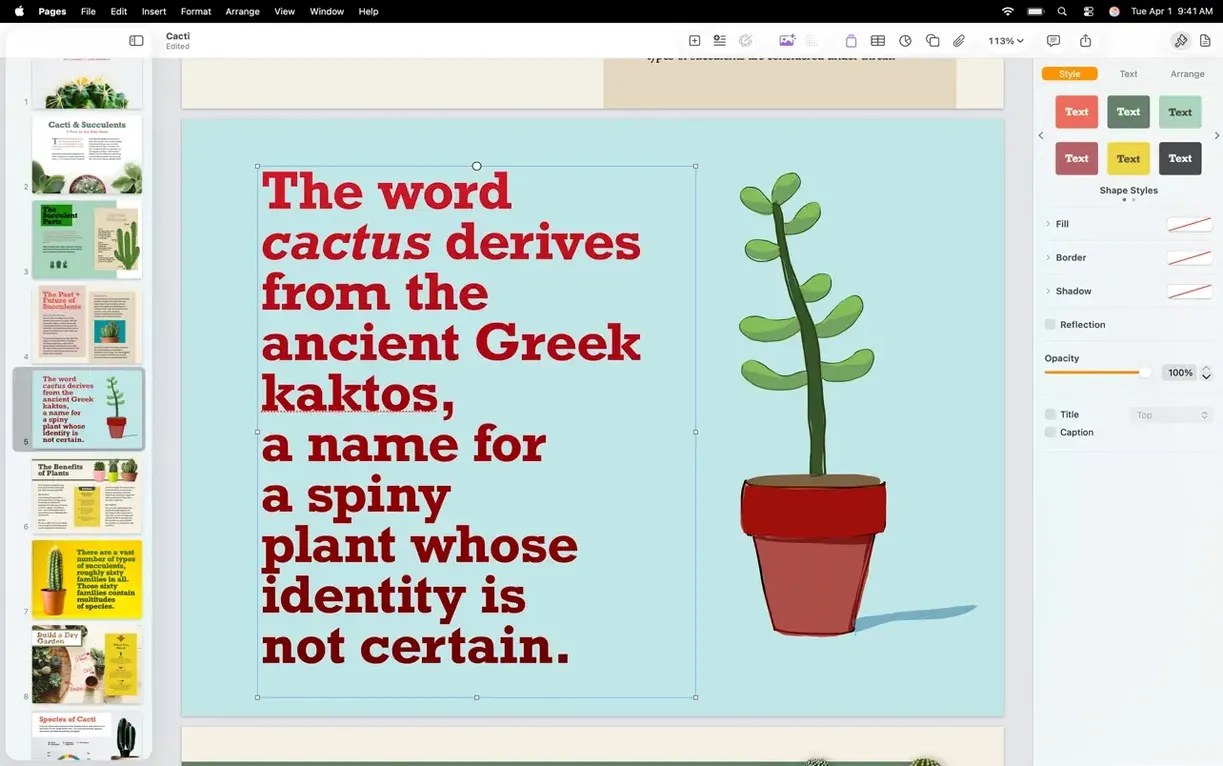
Start with a blank document. The body text goes into a two-column layout — a feature shot on the left, specs on the right. Pages automatically arranges lists and nested objects as you drag the column divider, so the table of contents and bibliography tools stay out of the way here, but the same reflow logic keeps the comparison table aligned when a row height changes.
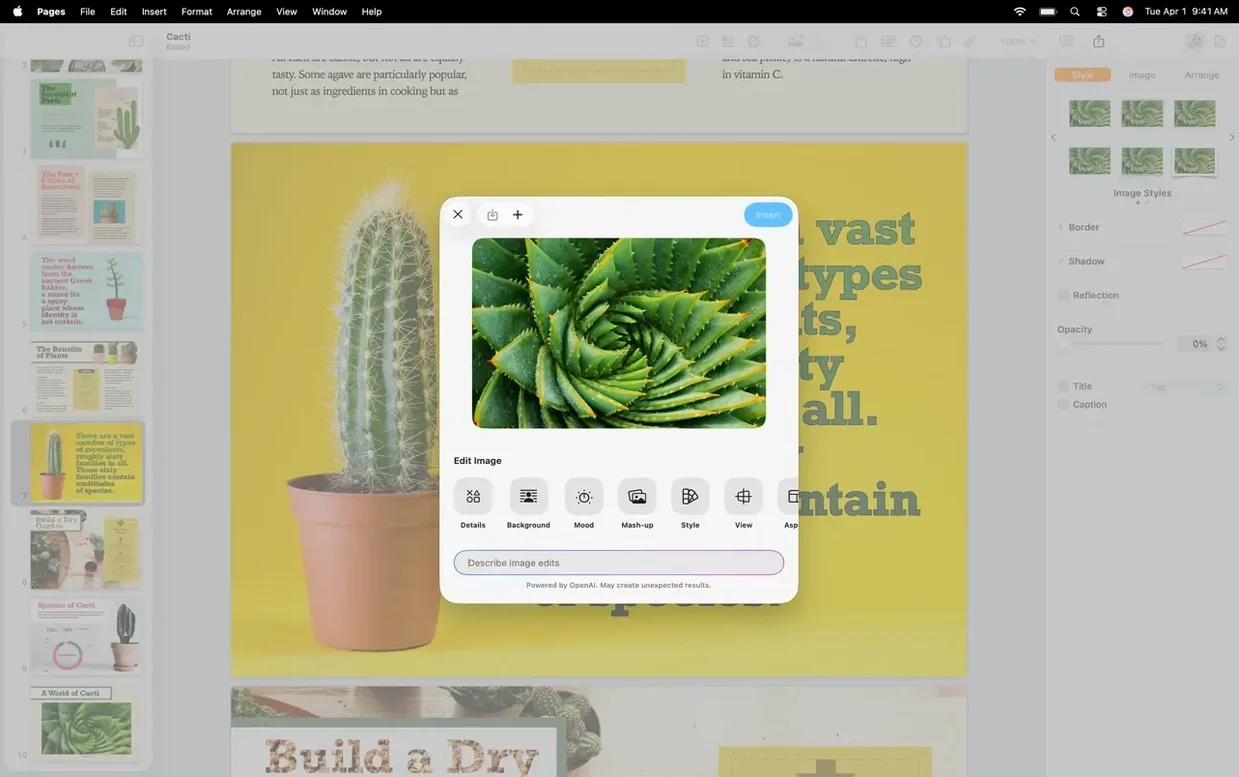
- Custom shape. Type a description like "hexagonal badge with gear teeth" into the shape generator (new in 15.3.1). The editable vector result drops onto the page; mask tools let you crop its fill with the photo you'll add next.
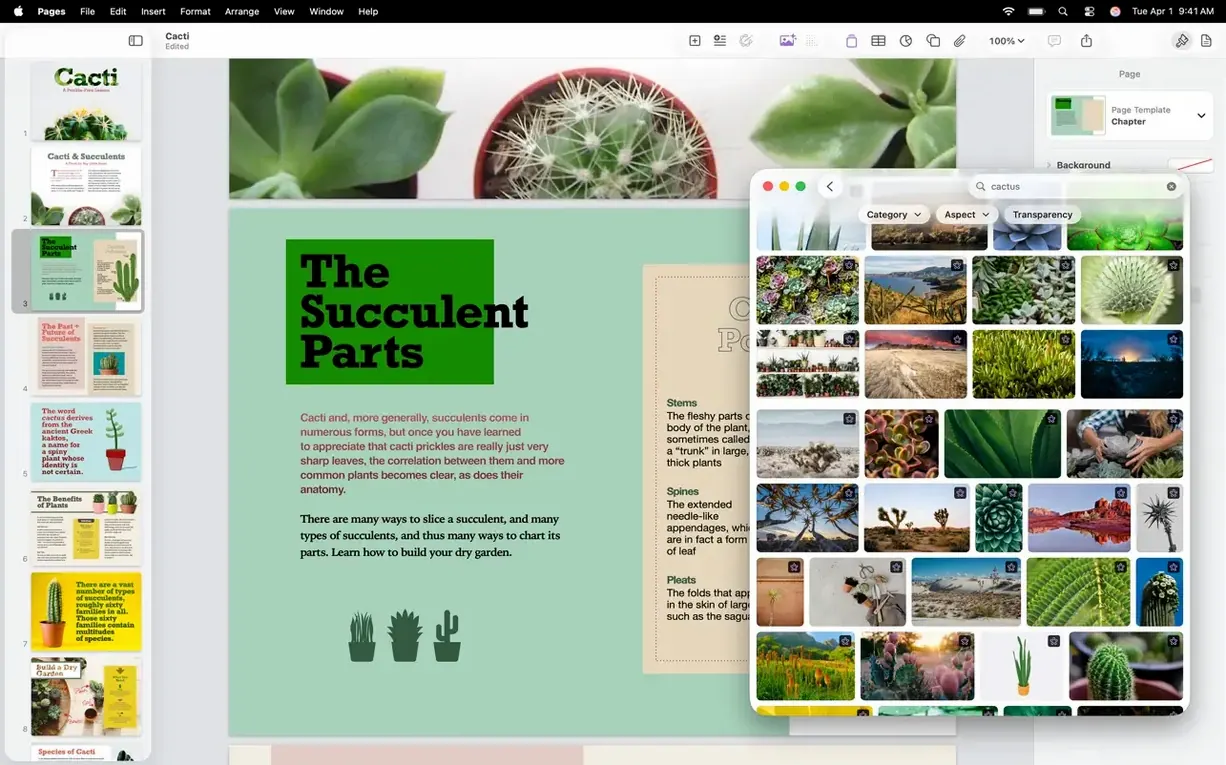
- Photo with external edit. Place a product image from the Content Hub. Right-click to open it directly in Pixelmator Pro, adjust the white balance, save — the document updates the instance without re-importing.
- Voice note. Record an audio clip directly into the document to annotate the design rationale. Playback sits inline like any other media object.
Where the Specs Sit
Pages 15.3.1 requires macOS 15.6 or later on Apple Silicon or Intel 64-bit hardware. The Content Hub image replacement path is shorter in this build — drag a new asset over an existing image placeholder and the swap completes without a format dialogue. Instant background removal still works on raster photos, though the editable shape generator only produces vector output. For a flyer that mixes custom geometry, photography, and live audio, the three tools cover the asset chain from blank canvas to shareable PDF without leaving the app for anything except pixel-level image edits.
Word documents open with tracked changes intact
People often ask whether Pages can open Microsoft Word files reliably. It can. The import filter reads .docx and .doc formats, and most layout attributes survive the round trip — tracked changes, comments, and paragraph styles generally map across without manual rework. Complex nested tables or legacy WordArt sometimes shift, but the app flags discrepancies on open rather than silently dropping them.
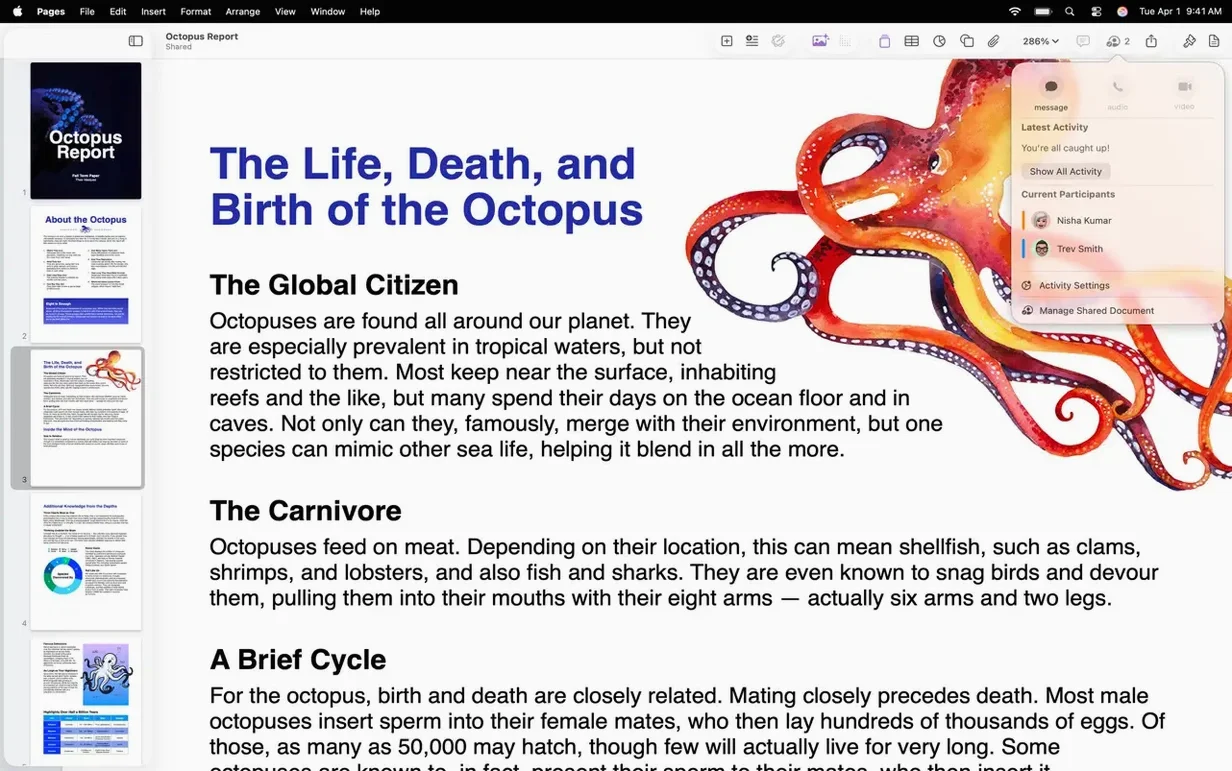
Another common question: does the app work offline, or is iCloud sign-in mandatory? Pages runs fully offline for local documents. iCloud sync and real-time collaboration need an Apple Account, but nothing stops you from creating, editing, and exporting files on a machine that has never touched a network. Collaboration links generate share URLs that non-Apple users can open in a browser; they do not need the desktop app.
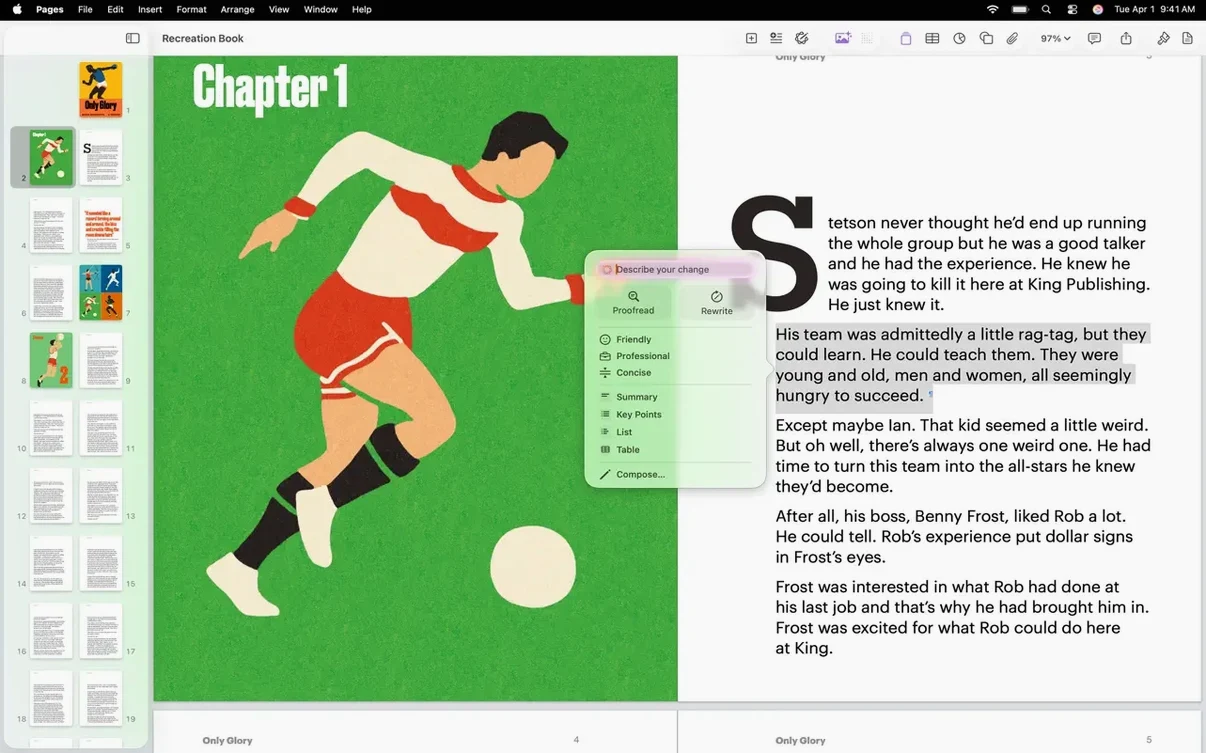
A third recurring topic is export fidelity. PDF output matches the on-screen layout exactly, including custom editable shapes generated from text descriptions. EPUB export targets books and longer documents and supports table of contents threading from built-in heading styles. The one format that occasionally surprises people is plain text: the app strips all media objects and reduces typography to unicode, which is standard behaviour but worth knowing before you send a heavily illustrated report to a TXT-only pipeline.
Switch ruler units to points for print precision
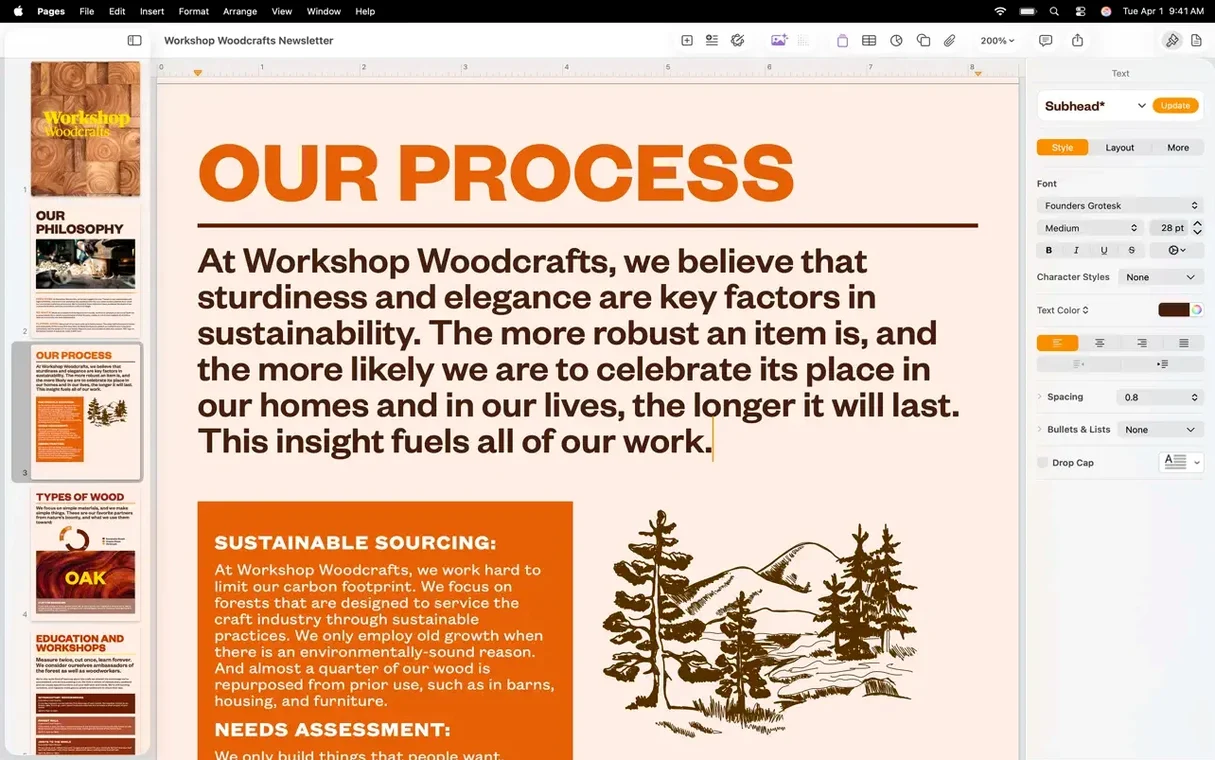
The default ruler unit mirrors your system locale, but changing it to points gives finer control when you work with posters or print layouts. Set it in Pages → Settings → Rulers. While you are in Settings, switch on invisibles under General → Show Invisibles — the pilcrow and space markers make column breaks and trailing whitespace obvious in multi-section documents, which saves time when a layout misbehaves at export.
Track changes defaults to author name pulled from your Mac user account. If you collaborate with people who know you by a specific name or handle, update it under Settings → General → Author Name before accepting any edits. The setting applies retroactively to the current document only; earlier files keep the name that was active when they were last saved.
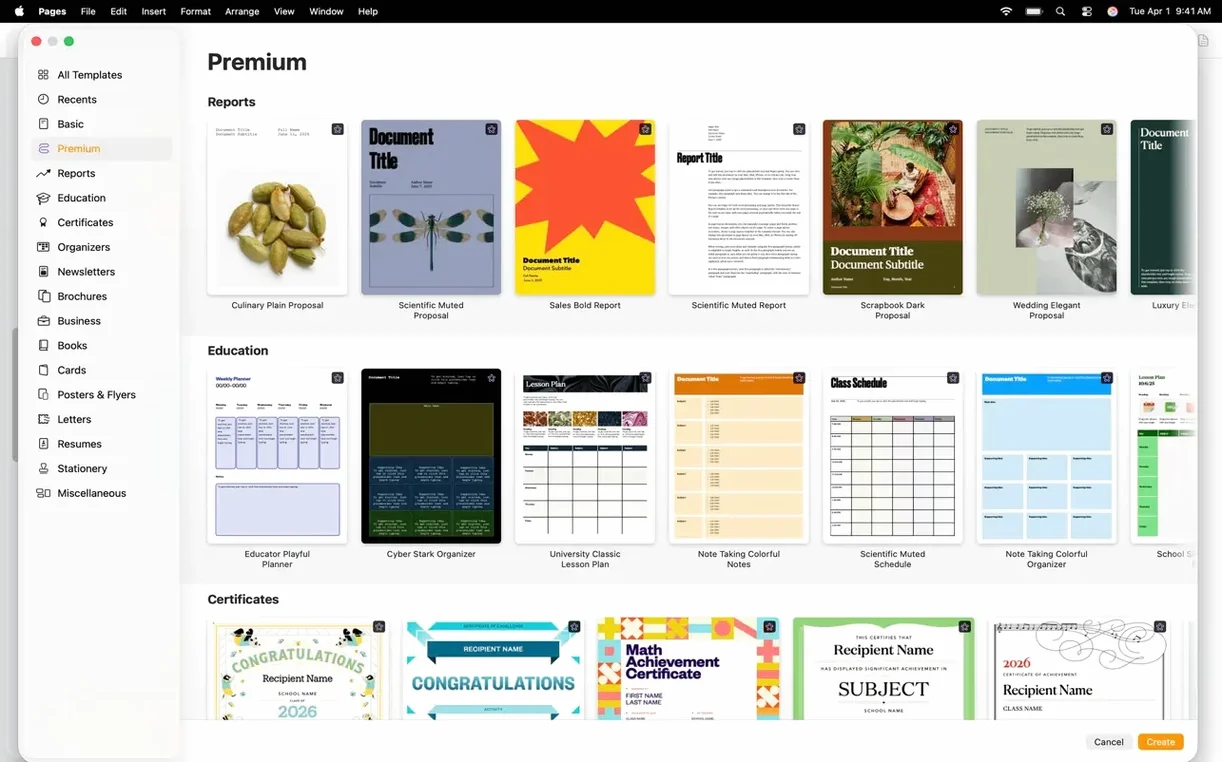
The template chooser on launch is skippable. Set Settings → General → For New Documents → Use template to your most-used blank or report template. The app opens straight into the document instead of showing the picker, which cuts a few seconds off every session.
Zotero bibliography formats APA 7 as you type
A linguistics PhD student opens a fresh landscape document to draft a conference poster. The bibliography tool has already ingested her Zotero export via the built-in EndNote XML reader, so citations format in APA 7th edition as she types. She places a spectrogram image from the Content Hub, then opens it in Pixelmator Pro to adjust the contrast so the formant bands read clearly at poster scale — the edited version updates in Pages without breaking the figure caption link. For the methodology box, she uses the new editable shape generator with the prompt "three-stage flow chart with rounded nodes," tweaks the connector arrows, and types directly into the shape text fields. A voice note records a reminder to check the statistical significance asterisks with her supervisor before the 5 p.m. print deadline. Two hours later she exports a press-ready PDF and an A4 handout version, both from the same file, using different page setups saved as sections.
- Image editing — Open an image from Pages directly in Pixelmator Pro; the edited version appears in the document.
- Shape generation — Custom editable shapes generated from a text description.
- Content Hub — Easier image replacement from the Content Hub inside the document.
- Stability — Bug fixes and performance improvements.
- macOS 15.6 or later
- Apple Silicon or Intel 64-bit hardware
Questions on file
What macOS version does Pages 15.3.1 need?
It requires macOS 15.6 or later on a Mac with Apple Silicon or an Intel 64-bit processor.
Sign in · Create an account to add a field note.
No field notes yet. A measurement, a version, a machine — they appear after moderation.