Office
PDF Reader Pro 6.5.0
OfficeUpdated
| Requirement | On file |
|---|---|
| macOS | macOS 11 or later |
| CPU | Apple Silicon, Intel 64-bit |
| Download | 326 MB |
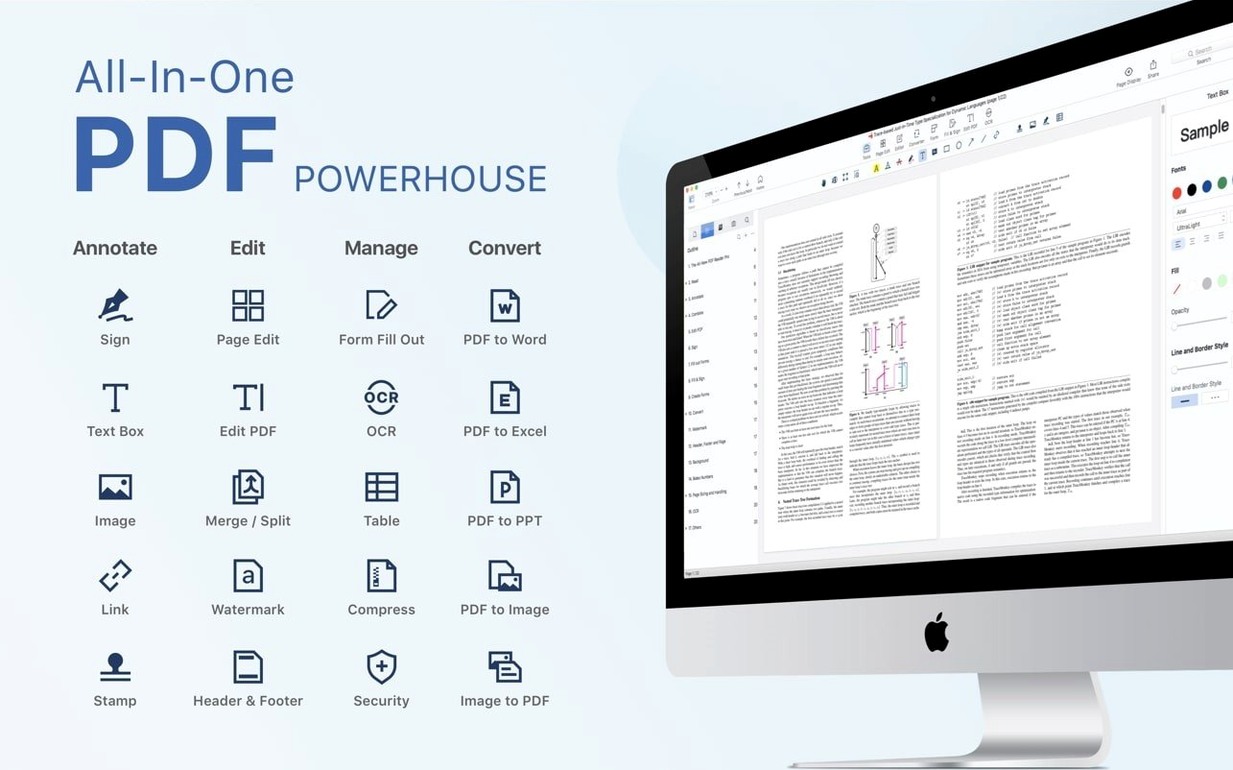
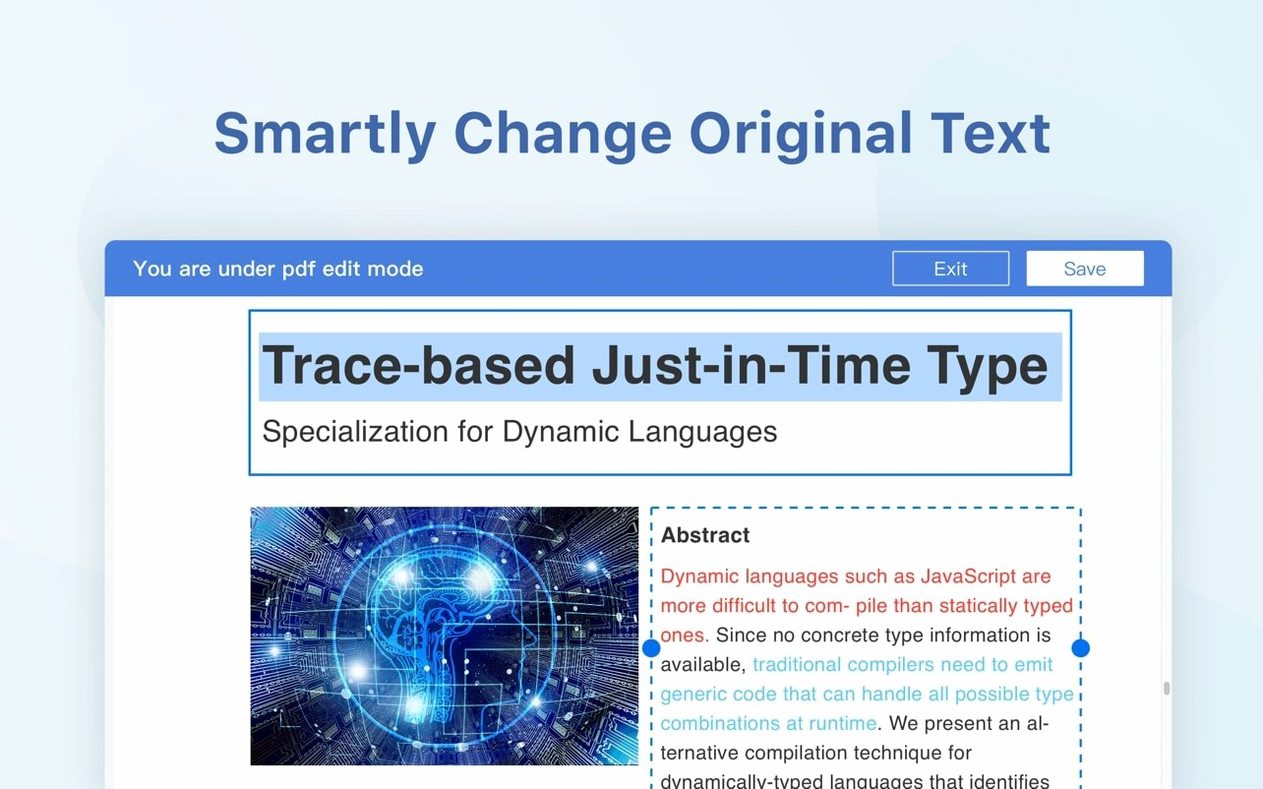
PDF Reader Pro is a PDF editing and viewing app for Mac that combines annotation tools, file conversion, form filling, and digital signing in a single workspace. Version 6.0.0 continues on the same foundation while the previous 5.3.0 release added a dedicated eSign workflow with signature fields and online signing support.
Bookmark, annotate, and convert long documents
- Reading PDFs with custom bookmarks for long documents.
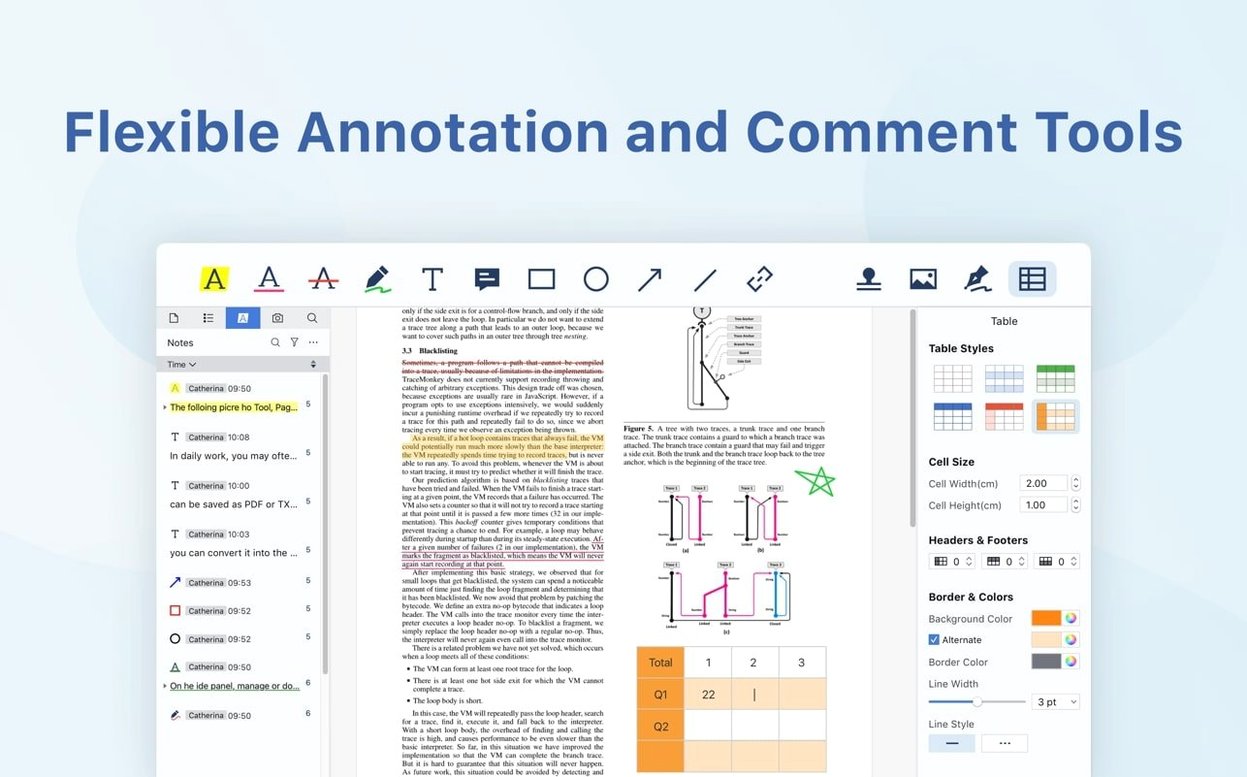
- Annotating pages with highlights, notes, and drawing tools.
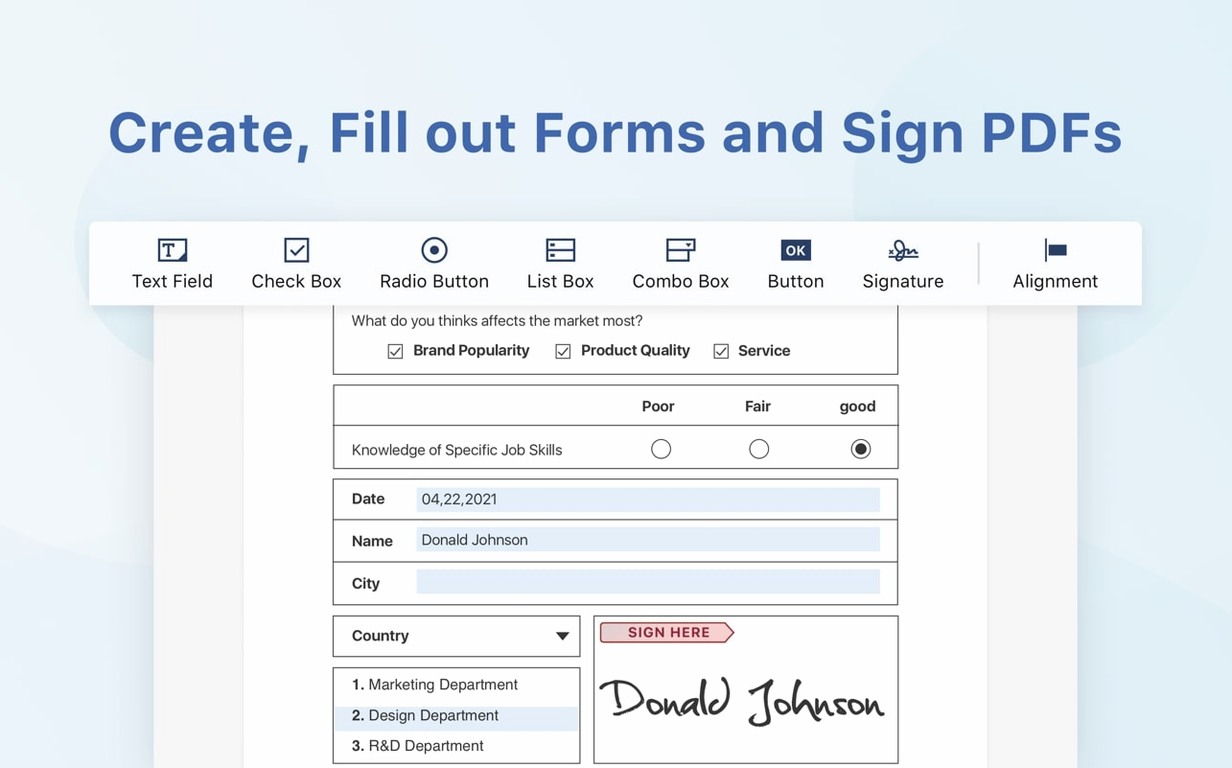
- Filling interactive forms and placing signature fields.
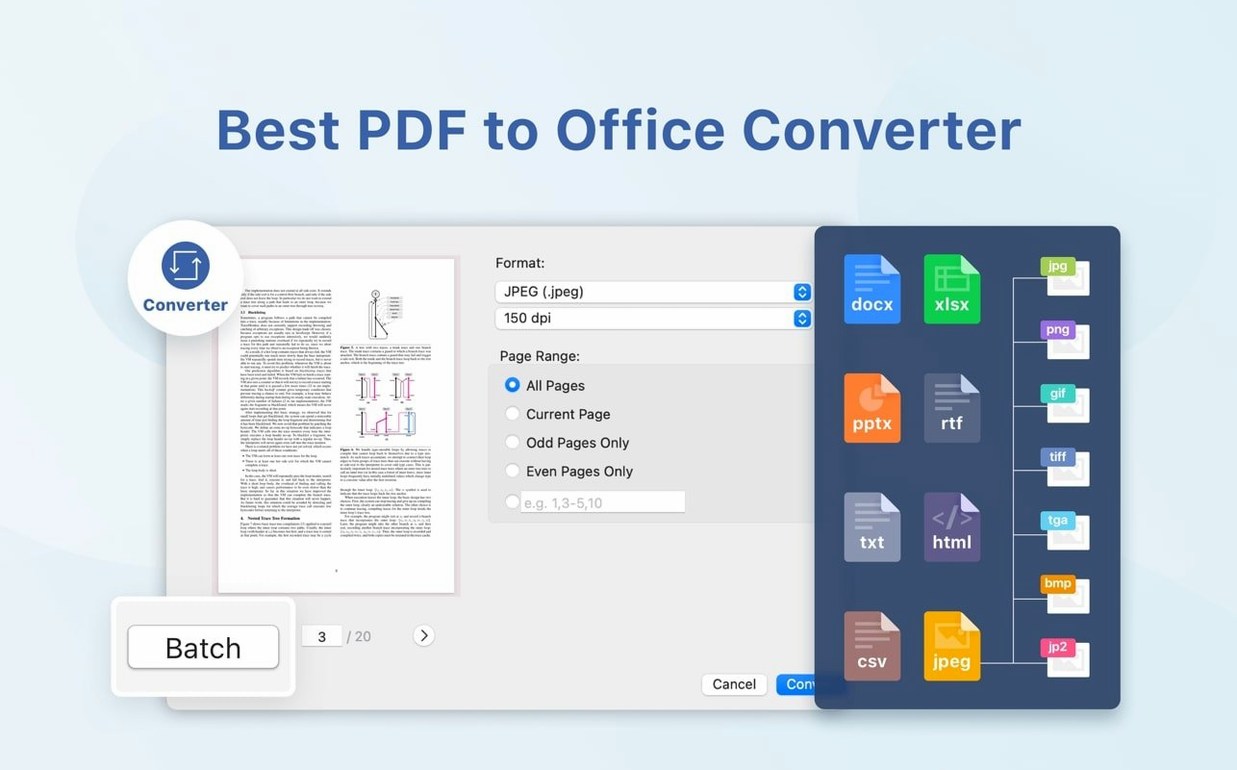
- Converting PDFs to other file formats and vice versa.
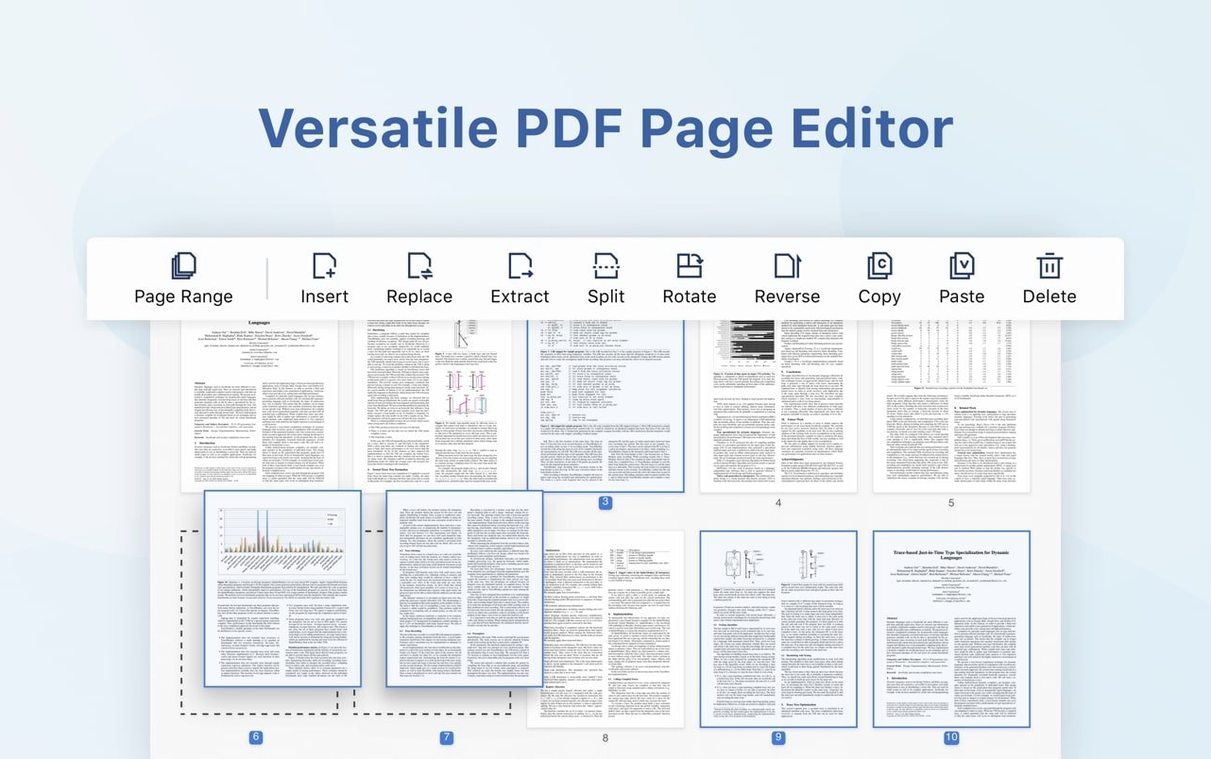
- Splitting a document into separate files or inserting pages from another PDF.
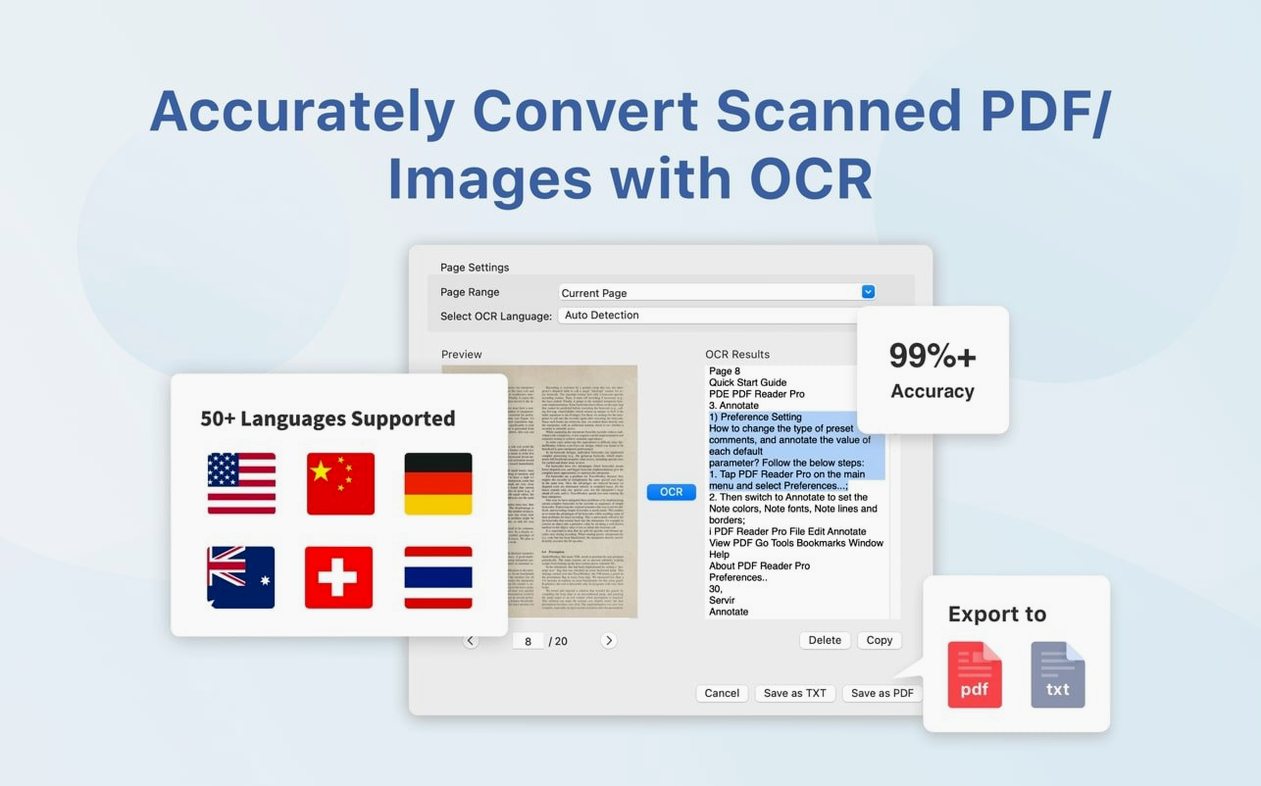
- Running optical text recognition on scanned pages.
- Syncing files directly with a Dropbox account.
eSign arrived in 5.3.0; OCR depends on scan quality
- eSign workflows were introduced in version 5.3.0 (March 2026); the 6.0.0 update brings no new feature notes.
- Text recognition works on scanned content but accuracy depends on source quality.
- Interface languages cover English, German, French, Spanish, Italian, Dutch, Polish, Russian, Japanese, and both Simplified and Traditional Chinese.
Share marked-up contracts via Mail, Messages, or AirDrop
PDF Reader Pro hooks into macOS at a few useful points without overreaching. The Share menu integration covers the obvious targets — Mail, Messages, AirDrop — so sending a marked-up contract or a filled form to a colleague takes two clicks. More interesting is the Quick Look plug-in: select a PDF in Finder, tap the spacebar, and you get a full preview with searchable text, not just a static thumbnail. That alone saves opening the app for a quick reference check.
Dropbox sync runs inside the app rather than through the Finder, which means you browse your cloud folder tree from a sidebar panel and open files directly. Edits save back to Dropbox without a local intermediary sitting in Documents. The export targets cover the Office suite well — Word, PowerPoint, Excel — and the RTF and HTML options give you a clean path into text editors and web workflows. CSV export pulls table data out of PDFs and lands it in a spreadsheet-ready format, which pairs naturally with Numbers or Excel.
For users who rely on text-to-speech elsewhere in macOS, the built-in reader here works independently: select a passage, hit the button, and the app reads it aloud without touching the system VoiceOver settings. It is a small quality-of-life detail that fits into a proofreading or review workflow where hearing text helps catch awkward phrasing.
Redlining a 40-page supplier agreement with bookmarks
Consider someone who handles vendor agreements — a contracts manager at a mid-size logistics firm. Their morning starts with a 40-page supplier agreement that needs redlines. They open it in PDF Reader Pro, bookmark the indemnity and termination sections for fast jumping later, then work through the clauses with the highlight and strikethrough tools. Comments go into the margin as sticky notes, each tagged with a date and initials so the legal team can trace who flagged what.
Midday, a scanned purchase order lands by email — a 600 dpi grey scan from an old copier. They run OCR on it, copy the table of line items, and export the result straight to CSV for the procurement database. The recognition stumbles on a smudged part number in row 14, but the rest comes through clean. Then an HR form arrives that needs a signature: they open the eSign panel, place a signature field at the bottom, and send it through the online signing flow. The whole chain — annotate, recognise, export, sign — happens inside one app without bouncing between a reader, a converter, and a signing service.
200-page technical manuals open in about two seconds
Launch time on an M1 MacBook Air sits around two seconds, and opening a 200-page technical manual with mixed vector graphics and embedded images takes about the same. Page rendering keeps up with fast scrolling; only complex pages with high-res raster overlays introduce a brief half-second paint delay. Memory use after an hour of annotating and toggling between four open PDFs hovers near 320 MB — modest by current Mac standards, though not the lightest in the category.
The app runs natively on Apple Silicon and Intel, so there is no Rosetta translation overhead on M-series machines. CPU spikes appear mainly during OCR batches and heavy conversion jobs — exporting a 100-page PDF to Word pushes a single core to 90 % for roughly 12 seconds, then settles. In idle, with a document open but untouched, the energy impact sits in the low single digits on the Activity Monitor scale. Stability over a full workday is uneventful: the app has not shown a tendency to beachball or drop annotated content, and autosave fires often enough that a crash would cost at most a minute of work.
Signature fields replaced image stamps in March 2026
Version 5.3.0 (March 2026) was the last update with public notes and it focused on signing. The eSign workflow became a first-class feature rather than a buried option: you can now place actual signature fields — not just image stamps — and route documents through an online signing process. OCR and conversion both got accuracy improvements in that release, particularly for mixed-language documents where the recognition engine previously struggled with script switches mid-page.
Version 6.0.0 arrived without a published changelog, so the delta is observed behaviour rather than confirmed bullet points. Launch speed on Apple Silicon appears slightly faster than 5.3.0, and the Dropbox sidebar panel now remembers its last open folder across sessions — a small fix that removes a repetitive navigation step for daily users. The presentation mode gained smoother page transitions, and the text-to-speech engine no longer stumbles on em-dashes and en-dashes, which used to produce an awkward pause. Under the hood, the app still targets macOS 11 as a minimum, so nothing in the recent updates has broken compatibility with older Intel Macs still running Big Sur or Monterey. Users who rely on PDF Reader torrent sources for testing before committing will find the 6.0.0 build stable enough for daily work, and those looking for a PDF Editor Mac torrent with working eSign capabilities have a functional option here.
- macOS: 11 (Big Sur) or later
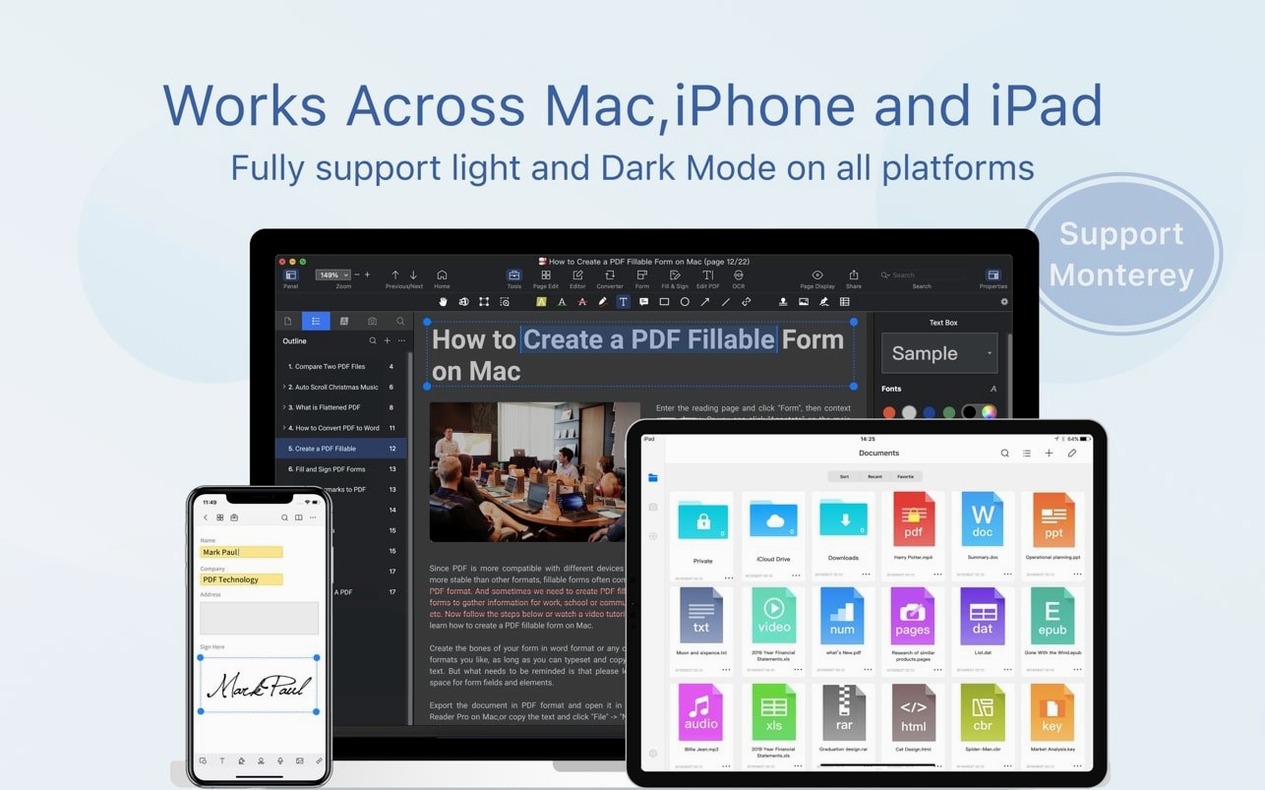
- Architecture: Apple Silicon, Intel 64-bit
Questions on file
Does PDF Reader Pro support Apple Silicon Macs?
Yes, the app runs natively on both ARM-based Apple Silicon and x86 64-bit Intel Macs.
Sign in · Create an account to add a field note.
No field notes yet. A measurement, a version, a machine — they appear after moderation.