
Office
QuickBooks Mac Plus 23.1.9.R10 Plus
OfficeUpdated
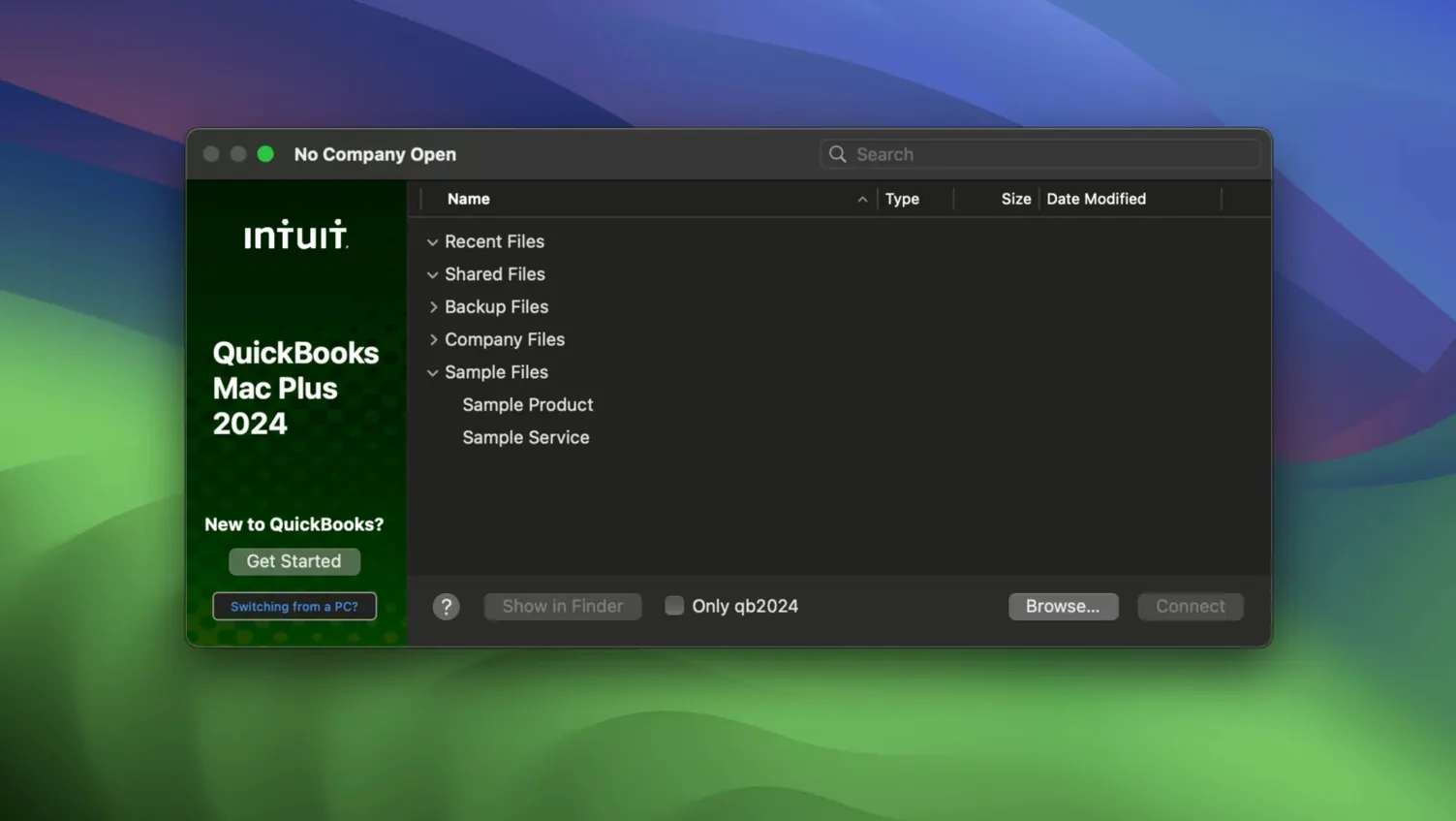
| Requirement | On file |
|---|---|
| macOS | macOS 12 or later |
| CPU | Apple Silicon, Intel 64-bit |
| Download | 169 MB |
A bakery owner reconciling weekend sales, a freelance carpenter sending invoices from a job site, and a small consultancy tracking quarterly tax obligations all work inside QuickBooks Mac Plus. It is accounting software built for the Mac that handles the core financial tasks a small business needs without moving to a web browser.
Ledger here, ad-hoc models stay in your spreadsheet
- Numbers and Excel. QuickBooks does not replace a spreadsheet for ad-hoc modelling or custom charts. It sits next to them: the general ledger, invoice history and expense categories live here; one-off analysis stays in a sheet.
- Bank feeds and receipt scanners. The app connects directly to bank accounts and stores uploaded receipts against transactions. A separate scanner app might give you finer image control, but the accounting link is already in place.
- macOS file structure. Company files behave like documents you can back up manually — R10 added a Backup Save As option and company-specific backup locations — so they fit into an existing Time Machine or cloud-sync routine without export gymnastics.
What the dashboard actually shows
The home screen pulls together income, expenses, paid invoices and recent activity into a single view. Automatic tax calculation runs in the background on invoices and expenses, which means less manual lookup when a BAS or sales-tax deadline arrives. Everything feeds the same company file, so the numbers you see on the dashboard match the figures on the reports you send to an accountant.
Command-N jumps to a new form based on your active window
QuickBooks Mac Plus hides a number of useful touches behind keystrokes and interface details that never appear in a toolbar. The Command-N shortcut opens a new invoice, estimate or receipt depending on the window you are in, which saves a trip through the Customers menu. In the register, typing a name into the Payee field starts matching against existing customers and vendors immediately — no need to open a separate search window.
Receipt handling has one detail worth knowing: dragging a PDF or image onto a transaction attaches it, but dragging it onto the left panel of the Receipts screen files it as a standalone receipt you can match later. The difference matters when you photograph a fuel docket on the road and want to assign it to a job after the fact.
Other small items:
- Column sorting in reports. Click any column header in a report to re-sort on that field. Date, amount and memo columns all respond, which makes scanning a long ledger faster than exporting to a sheet first.
- 90-day projection. The projected income and expenses view runs 90 days from the current date. It is a rolling window, not a fixed quarter, so the picture changes as payments clear.
- Backup Save As. R10 added manual backup with a chosen location per company file. If you keep two companies, each can point to its own folder without changing a global preference every time.
One company file per business, never merge two ventures
The first mistake is usually structural: creating a single company file for two separate businesses. The app treats each company file as its own set of accounts, tax settings and reports. Mixing a side business into a main company file makes the dashboard figures meaningless and forces cleanup work later. Two files, two folders, two backup locations.
Another common error is skipping the inventory list and just typing product names into invoice lines. QuickBooks tracks stock only for items entered in the inventory tool. When someone starts typing a product on an invoice, the app looks for a matching inventory item; if it finds none, the line becomes a free-text description with no quantity tracking, no cost basis and no stock adjustment. The fix is straightforward: enter the product or service first, then reference it on invoices and purchase orders.
Import missteps also show up early. The app reads Excel and Xero tables, but columns need to line up with the fields QuickBooks expects — invoice date, customer, amount, tax code and so on. A column labelled Total will not map to Amount automatically, and rows with merged cells or stray notes tend to be skipped. Checking the import preview before confirming the file saves a lot of undo work.
Finally, beginners sometimes treat the bank connection as a replacement for the register. Bank feeds pull transactions in, but they still need categorisation against the chart of accounts. Leaving every imported line as Uncategorised means the dashboard and reports show balances without meaningful expense breakdowns.
Spotlight finds your company file even with QuickBooks closed
The app leans on standard macOS behaviours in ways that make it feel native rather than like a port. Spotlight indexes company file names, so a search for a business name finds the file even when QuickBooks is closed. Time Machine picks up the backup folder as an ordinary file location, provided the company-specific backup destination is inside the TM volume.
For data moving out:
- Excel and Xero imports work both directions. You can pull existing tables in, but the same file formats serve when an accountant asks for a ledger dump. Reports export to sheets without losing column structure.
- Receipt photos from an iPhone. AirDrop a photo from the phone to the Mac, then drop it into the Receipts screen. The attachment lands as a file the transaction holds, and it prints or emails with the rest of the record.
- Mail and Messages. Invoices save as PDFs that attach to an email or a Messages chat without opening a separate PDF editor. The invoice number appears in the filename by default.
One integration people overlook is the Share menu inside report windows. A report can go to Notes, Reminders or Mail as a PDF or text extract. For a bookkeeper who hands a monthly P&L to a business owner, the Reminders route drops the file into a list that syncs over iCloud — no extra step in a document manager.
Stale bank sync after a macOS or bank security update
Bank feed stops updating. The connection can quietly drop after a macOS update or a bank-side security change. The fastest check is to open the bank account screen and look at the last sync time. If it is stale, disconnecting and reconnecting the account usually restores the feed; transactions already imported stay in the register.
Backup fails with a permissions message. R10's company-specific backup locations are the likely cause. If the backup folder sits inside a synced cloud folder that has restricted write access, the save stops. Point the backup at a local folder or a folder with full read-write rights, then try again.
Invoices look wrong on screen. A common culprit is a template that lost its font or logo after a macOS font cleanup. The invoice data is intact; the template references a font no longer installed. Choosing a different template from the invoice window, or reinstalling the missing font, brings the layout back.
Imported rows appear in the wrong account. The import maps all rows to a default account unless a column specifies otherwise. When a batch of expenses lands in Uncategorized or in the wrong expense account, the quick fix is a register view filtered to the import date, then a bulk re-categorise before the next reconciliation.
Search returns nothing for a known transaction. The search field looks only at the active window's list — invoices, receipts, register entries. A transaction from last year will not surface from the dashboard. Open the relevant list or register first, then search.
None of these require deleting the company file or starting over. QuickBooks Mac Plus keeps the data in one place, and most snags are fixed by reconnecting a feed, re-mapping an import or switching a template. The ones people hunt for online — quickbooks pro torrent, quickbooks torrent, quickbooks 2024 torrent, quickbooks for mac free download with crack, quickbooks enterprise torrent — lead away from the working app and toward files that do not match the current R10 build. The version that runs on macOS 12 and later, on both Intel and Apple Silicon, is the one described here.
- Backup — R10 adds a Backup Save As option for manual backups.
- Backup — R10 adds company-specific backup locations.
- macOS 12 Monterey or later
- Intel and Apple Silicon Macs
- English interface
Sign in · Create an account to add a field note.
No field notes yet. A measurement, a version, a machine — they appear after moderation.