VST Plugins
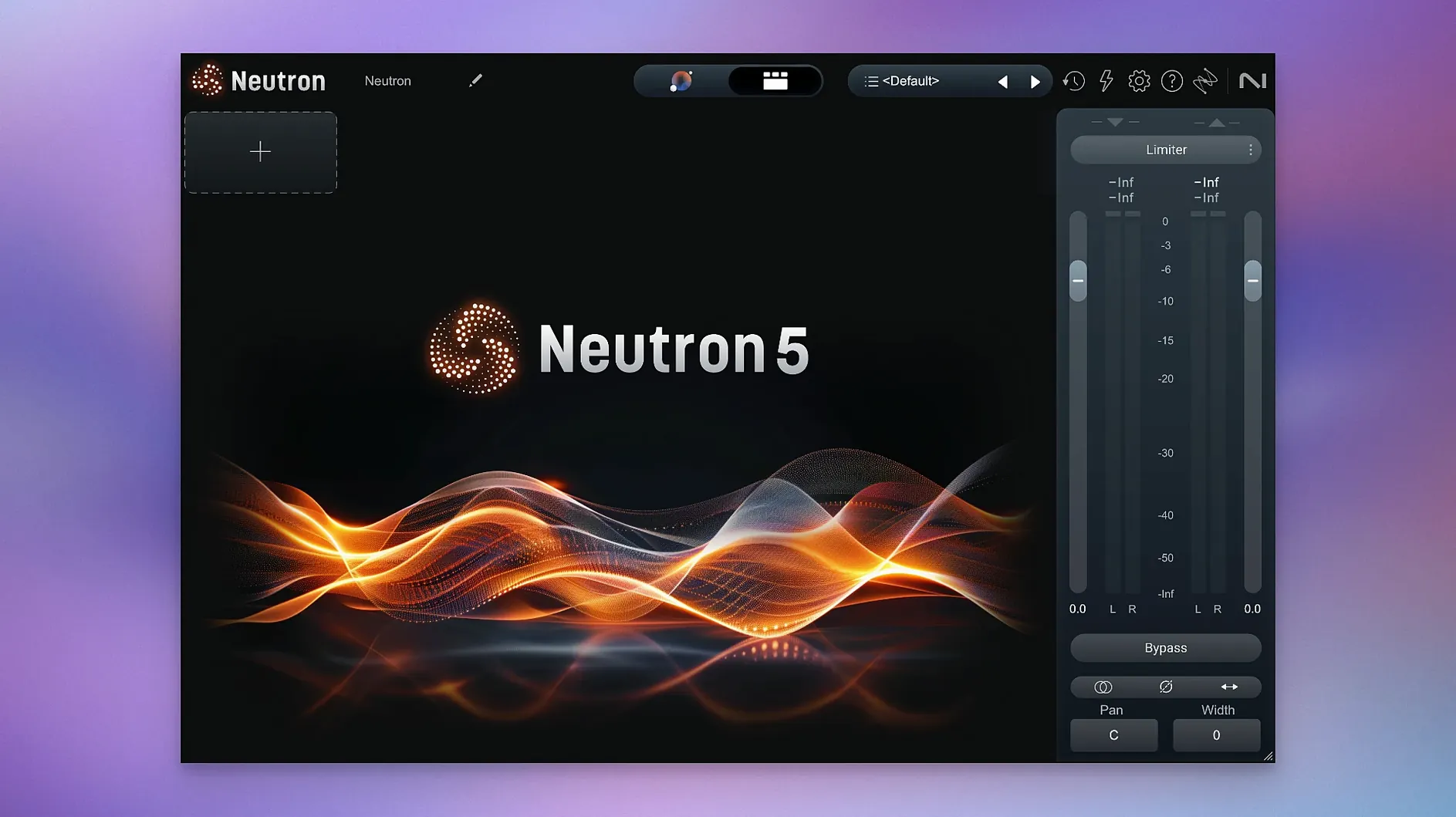
iZotope Neutron 5.2.0
VST PluginsUpdated
| Requirement | On file |
|---|---|
| macOS | macOS 13.4 or later |
| CPU | Apple Silicon, Intel 64-bit |
| Download | 928 MB |
Apple Silicon and Intel Support from macOS 13.4 Onward
Neutron 5 runs on Apple Silicon (ARM) and Intel (x86 64-bit) Macs. The current 5.2.0 release requires macOS 13.4 or later.
One Mix, Start to Finish
Take a drum bus where the kick and snare are fighting for the same low-mid space. Load the mothership plugin on the bus, open Mix Assistant, and feed it a short loop. It analyses the audio against a drum bus profile and sets a baseline EQ curve plus a compressor threshold within 30 seconds.
Switch on the Masking module between kick and snare. The display maps which frequencies overlap, and the Delta button lets you hear exactly what gets carved out. Apply 2 dB of dynamic reduction at 250 Hz on the snare side to let the kick body through. Engage Punch Mode on the master channel to visualise transient impact and widen the attack window slightly for more stick definition. The result is a bus where each element occupies its own space, measured by the real-time spectral display.
Custom Reference Tracks and Component-by-Component Control
- Engineers who want component-level control: the 10 plug-ins can be used separately or inside the mothership.
- Reference-based mixing: the Assistant accepts custom reference tracks alongside instrument profiles.
- Masking detection between two sources, with auditory feedback via Delta Buttons.
Maintenance Fixes and Processor-Heavy Demands on Older Macs
- Version 5.2.0 is a maintenance release; it fixed iLok surround authorization and adjusted macOS support.
- This is a processor-heavy suite. The 11 plug-ins demand careful resource management on older machines.
Double-Click Any EQ Band to Reset Gain and Frequency
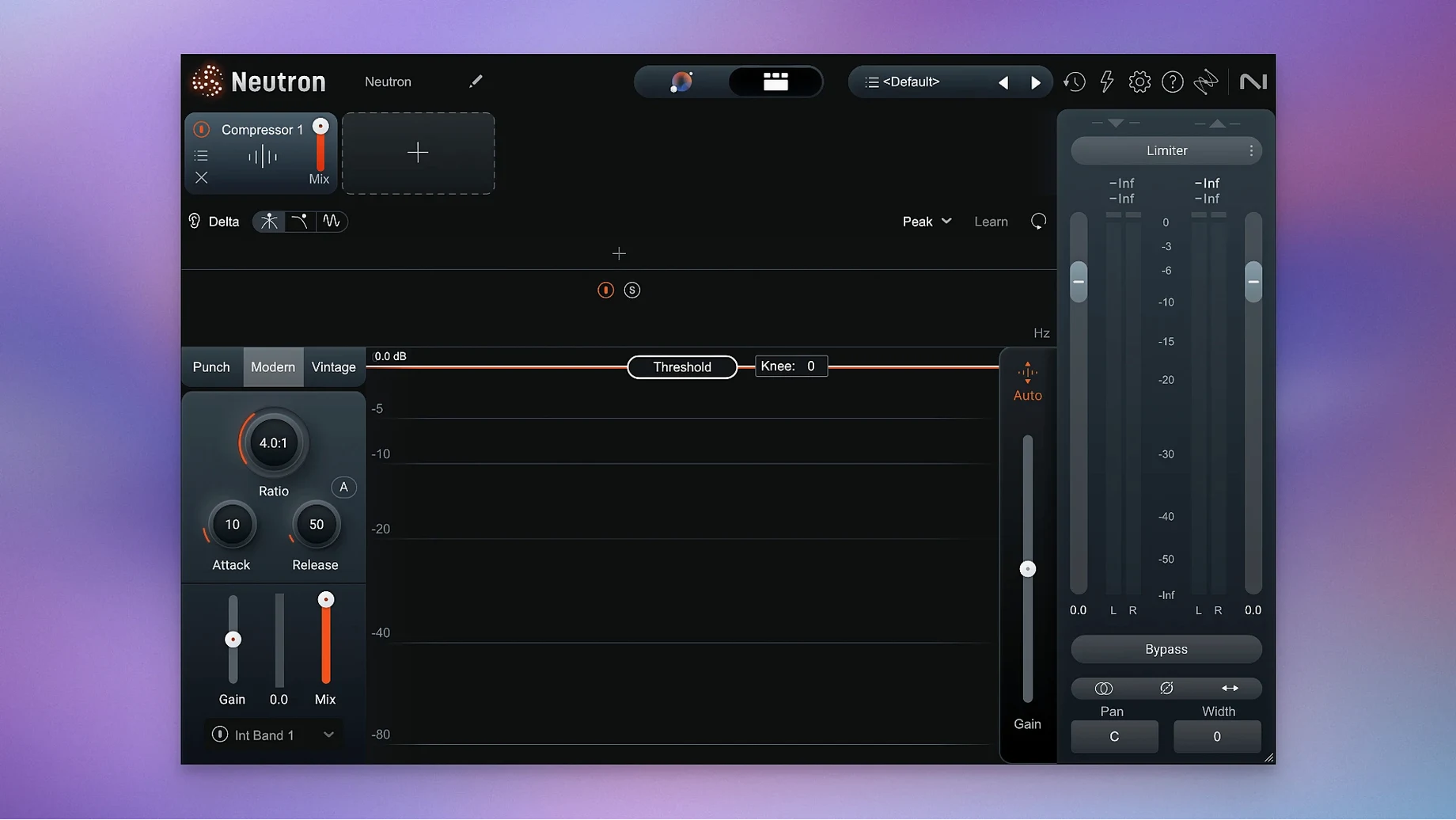
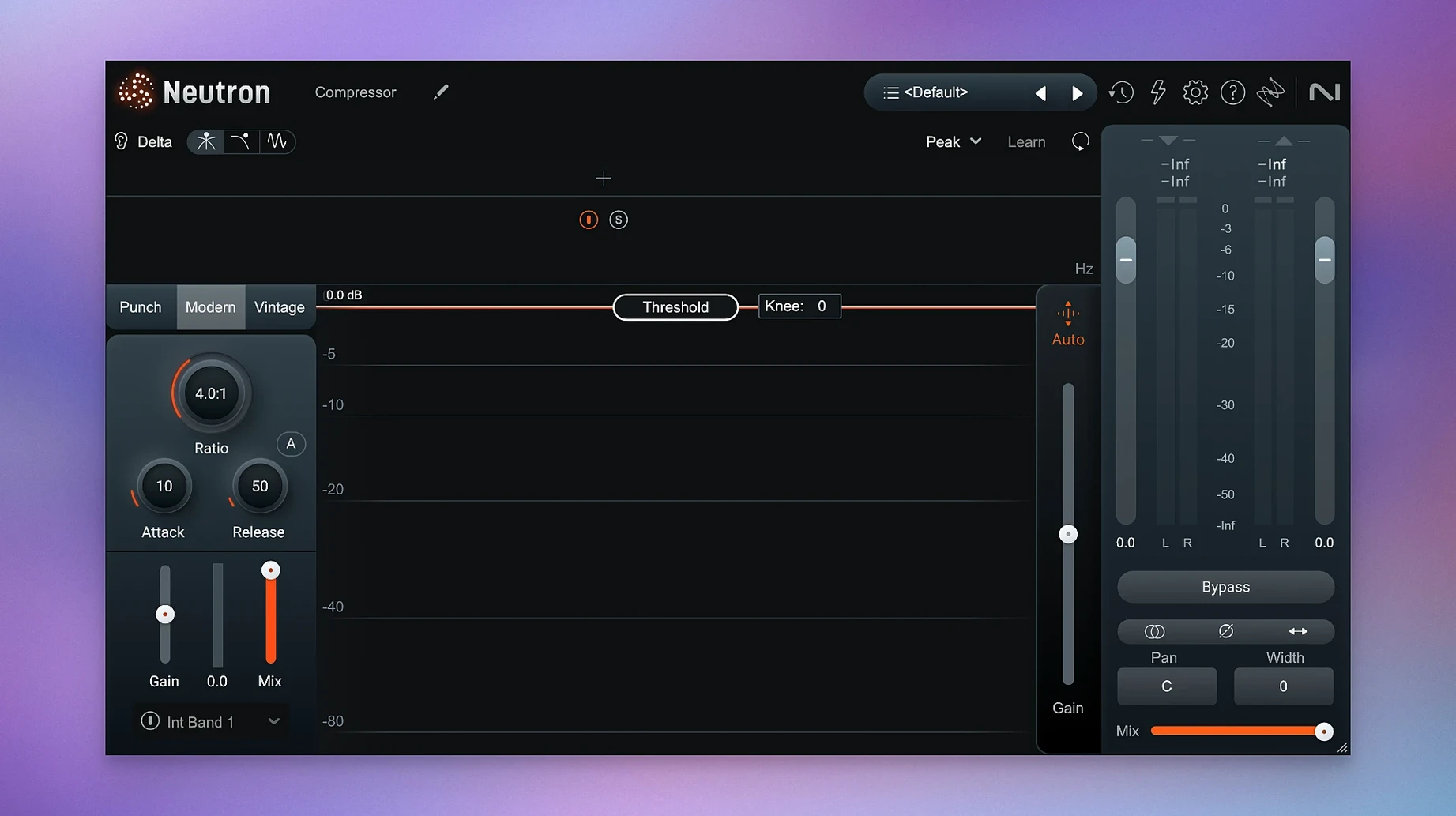
Several shortcuts hide in plain sight across the Neutron 5 modules. Double-clicking any band in the equaliser returns it to its default frequency and gain — a quick reset when you have pulled a curve too far. In the compressor, holding Option while dragging the threshold lets you hear the gain reduction as an isolated signal, essentially turning the compressor into a temporary Delta monitor without reaching for the module’s own Delta button.
The mothership’s Assistant View remembers your last five reference tracks across sessions. If you regularly mix against the same commercial release, you do not need to reload it each time. Right-click the reference slot and a small menu lists recent files. Less waiting, more listening.
Another overlooked detail: the output gain fader in every component module supports fine adjustment with Shift-drag. This matters when you are gain-staging across a chain of four or five modules and a 0.3 dB nudge is the difference between a clean handoff and a clipped next stage.
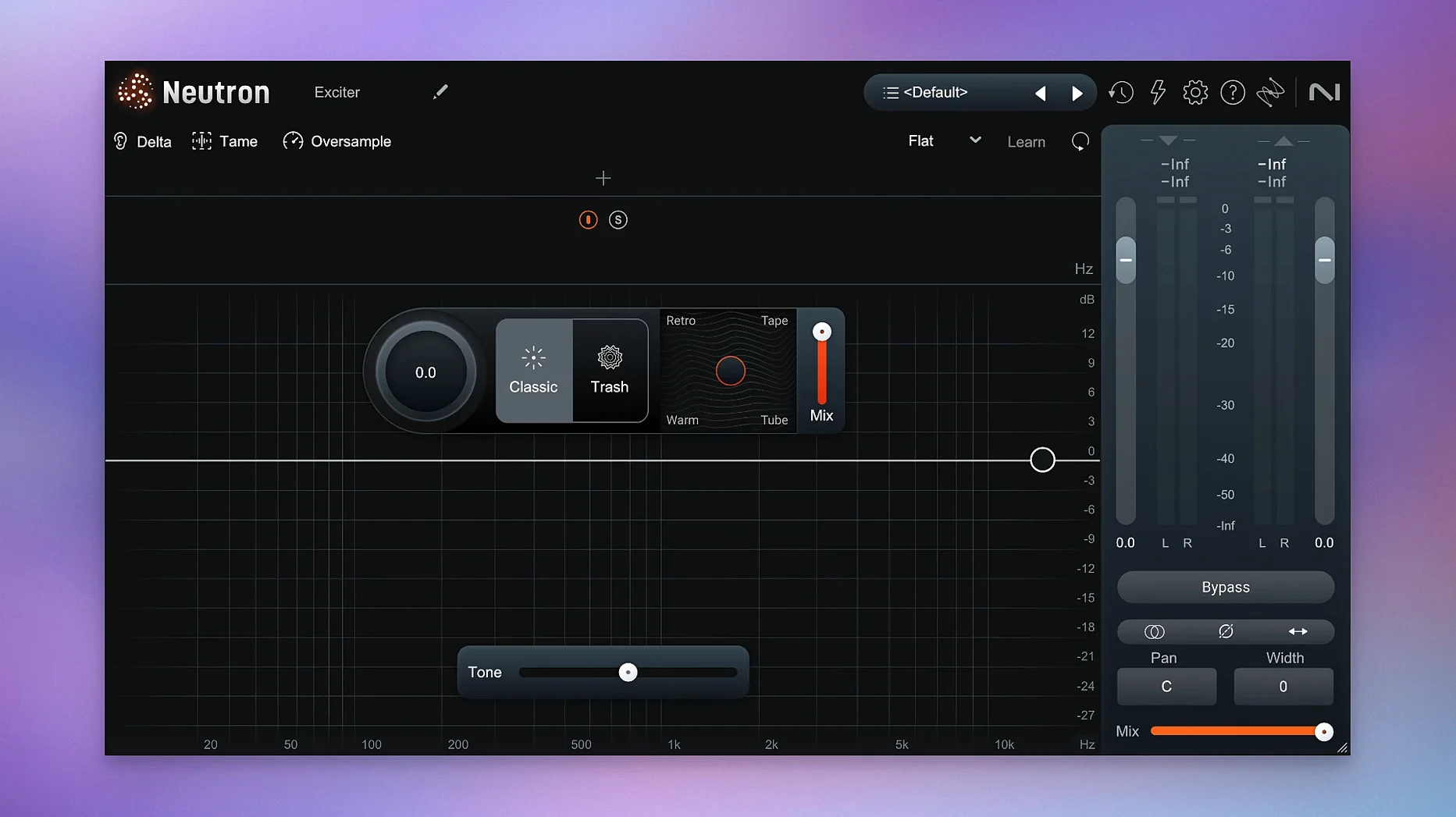
Trash Mode in the Exciter module has a hidden dry/wet blend accessible via the small triangle next to the Trash button. The default is 100% wet, which can overwhelm a vocal or acoustic guitar. Dialling it back to 30–40% retains the harmonic edge while keeping the source intelligible. The triangle is easy to miss because it appears only when Trash is active and the mouse hovers near the button area.
DAW Recognition via VST3, AU, AAX and the auval Validation Tool
Neutron 5 loads in any DAW that supports VST3, AU, or AAX plug-in formats. On macOS, AU validation happens through the standard auval tool — if Logic Pro or Ableton Live fails to recognise a component, running auval -s in Terminal often flags the offending module before you waste time rescanning the full library.
For users of iZotope’s own ecosystem, Neutron 5 mothership instances can host Ozone 11 modules when both are installed. This means you can insert an Ozone Imager after the Neutron Exciter inside a single plug-in window, cutting down on insert slot clutter. The inter-plugin communication uses iZotope’s shared framework, so latency stays consistent across the chain.
On the macOS side, Neutron 5 respects system-wide audio device settings. Sample rate switching happens automatically when the host DAW changes its project rate, but the plug-in’s internal oversampling is independent. You can engage 2× or 4× oversampling per module, which is useful on a vocal chain where 4× on the compressor reduces aliasing at higher ratios. The CPU hit is per-module, so you can leave the equaliser at 1× while the compressor runs at 4×.
The plug-in also writes standard automation parameters. Any knob or fader in Neutron 5 appears in the DAW’s automation lane list with a predictable naming scheme — Band 3 Gain, Comp Threshold, Masking Amount. If you use Logic’s Smart Controls or Ableton’s Macro mappings, you can map Neutron parameters without opening the plug-in window, which speeds up dialling in a static mix on a control surface.
For those who work with video, Neutron 5 passes audio through in surround configurations up to 7.1.2. Version 5.2.0 specifically addressed iLok authorization failures in surround instances, so post-production rooms using Dolby Atmos beds should see stable behaviour now. The Masking module works across channel pairs in multichannel setups, though it analyses only the two selected channels at a time.
All-in-One Mothership Versus Individual FabFilter Processors
Set Neutron 5 next to FabFilter Pro-Q 4 plus Pro-C 2 and the difference is structural. FabFilter’s approach is individual, world-class processors with deep control per module. You build a chain by inserting separate plug-ins. Neutron 5 wraps 10 modules into one mothership, which reduces insert management and lets the Assistant see the whole chain. The trade-off: FabFilter’s spectral display on Pro-Q 4 is more detailed, with a 24-band analyser that refreshes faster than Neutron’s. For surgical EQ, Pro-Q 4 wins on precision. For getting a mix balance in under a minute, Neutron’s Assistant does what FabFilter’s tools leave to the engineer’s ears alone.
Against Waves’ AI-centric plug-ins — the Clarity Vx and Smack Attack series — Neutron 5 is broader in scope. Waves focuses on single tasks: voice cleanup, transient shaping. Neutron’s Assistant tackles a full channel strip or bus, adjusting EQ, compression, and masking in one pass. Waves’ tools are lighter on CPU and work well on dialogue, but they lack the cross-module metering that Neutron offers. If you need to see how EQ changes affect gain reduction downstream, Neutron’s unified display shows it; Waves requires you to open separate plug-in windows and eyeball the meters.
Metric Halo’s ChannelStrip 4 is a closer comparison in concept — a single channel strip with gate, compressor, and EQ. It is leaner, using a fraction of the CPU that Neutron 5 demands. ChannelStrip 4 excels on tracking sessions where latency must stay under 2 ms. Neutron 5, with its AI analysis and multiband modules, sits better in mixing and mastering stages. ChannelStrip has no masking detection, no reference assistant, and no transient visualisation. If you mix on a laptop with 30 tracks, ChannelStrip keeps the session running; Neutron gives you more information per channel but you may need to freeze tracks more often.
Cleaning a Zoom H6 Interview: Fridge Hum and Hard Surfaces
Consider a dialogue editor working on a 45-minute documentary. The voiceover was recorded in a treated booth, but the interview tracks came from a Zoom H6 in a kitchen — hard surfaces, uneven levels, a fridge hum at 120 Hz. The editor drops Neutron 5 on the interview bus and loads the Voice profile in Mix Assistant. The Assistant suggests a high-pass at 100 Hz and a 3 dB cut at 400 Hz where the room resonance piles up.
The Masking module is assigned to the voiceover track as the primary source and the music bed as the secondary. The display shows a clash between 2 kHz and 4 kHz — exactly where the acoustic guitar in the bed fights the voice’s presence range. The editor applies 2.5 dB of dynamic reduction to the music side, triggered only when the voiceover is active. The Delta button confirms the guitar dips without losing its strumming body.
On the master output, Punch Mode shows the transient impact of each scene transition. One transition has a door slam that peaks 8 dB above dialogue level. The editor applies a limiter with a fast attack — 0.5 ms — and a threshold set to catch only the slam. The visual feedback in Punch Mode confirms the peak is tamed without touching the spoken word.
By the end of the session, the dialogue sits at a consistent -16 LUFS with the music bed audible but never intrusive. The editor saves the chain as a user preset named “Doc Interview Bus” and applies it to the next project’s interview tracks with one click.
iLok Surround Authorization Drops and the License Manager Fix
- iLok authorization drops on surround instances. Version 5.2.0 fixed this specifically. If you still see the issue, check that the iLok License Manager is updated to the latest build and that the Neutron 5 license is activated to the machine rather than the cloud. Cloud sessions time out on long renders.
- High CPU usage on Apple Silicon. Neutron 5 runs natively, but oversampling multiplies the load. On an M1 or M2, try running the mothership with 2× oversampling only on the compressor and limiter modules. Leave the EQ and Exciter at 1×. Freeze or bounce tracks with multiple Neutron instances before adding reverb sends.
- Masking module shows no analysis data. The module needs audio running through both the primary and secondary sidechain inputs. In some DAWs — notably Studio One and Cubase — you must manually route the secondary source to Neutron’s sidechain input via the DAW’s plug-in pin configuration. Check that the sidechain input is assigned to the correct track.
- Assistant sets extreme EQ curves. This happens when the analysis loop is too short or contains silence at the head. Feed the Assistant at least eight seconds of representative audio. If the profile still looks aggressive, reduce the Assistant Amount slider from 100% to 60–70%. The suggestions are a starting point, not a final decision.
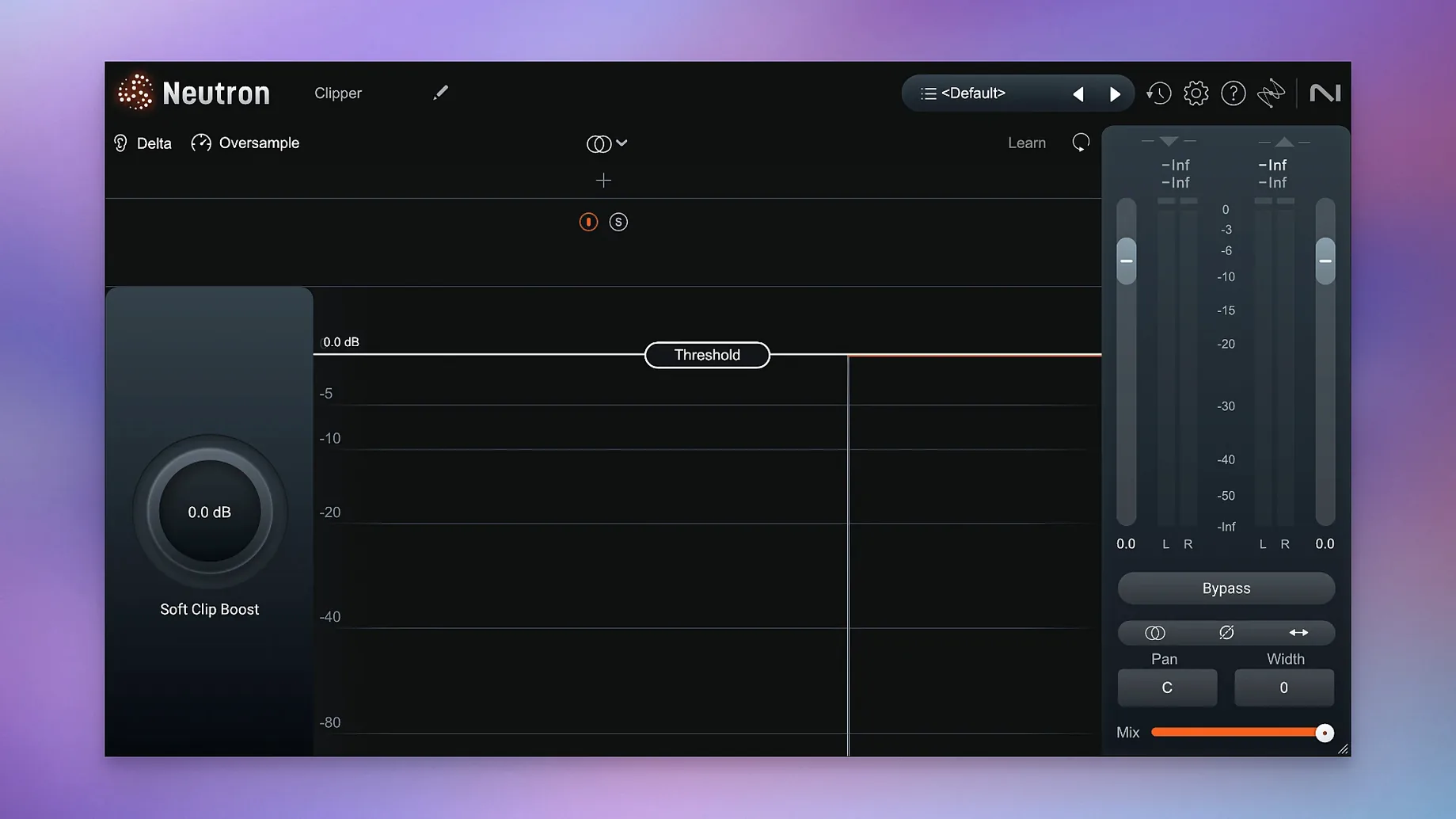
- Trash Mode introduces clicks at the start of notes. Trash Mode applies aggressive saturation with a fast envelope. On percussive material, back off the Trash amount to under 40% and increase the Exciter’s dry/wet blend. If clicks persist, insert a soft-clipper before the Exciter module inside the mothership chain to round off transients before they hit the saturation stage.
- Authorisation — Fixed iLok authorization not functioning in surround instances of Neutron 5.
- Compatibility — Changed supported macOS versions.
- macOS 13.4 or later
- Apple Silicon or Intel (64-bit)
Questions on file
What does the Masking module in Neutron 5 do?
It detects frequencies where two audio sources overlap and visually maps the masking, allowing you to carve out space with the Delta button for isolated monitoring.
How many plug-ins are included with Neutron 5?
The suite includes 11 plug-ins total: one mothership that hosts the modules and 10 component modules you can load individually.
Sign in · Create an account to add a field note.
No field notes yet. A measurement, a version, a machine — they appear after moderation.