VST Plugins
Komplete Kontrol 3.5.4
VST PluginsUpdated
| Requirement | On file |
|---|---|
| macOS | macOS 12 or later |
| CPU | Apple Silicon, Intel 64-bit |
| Download | 785 MB |
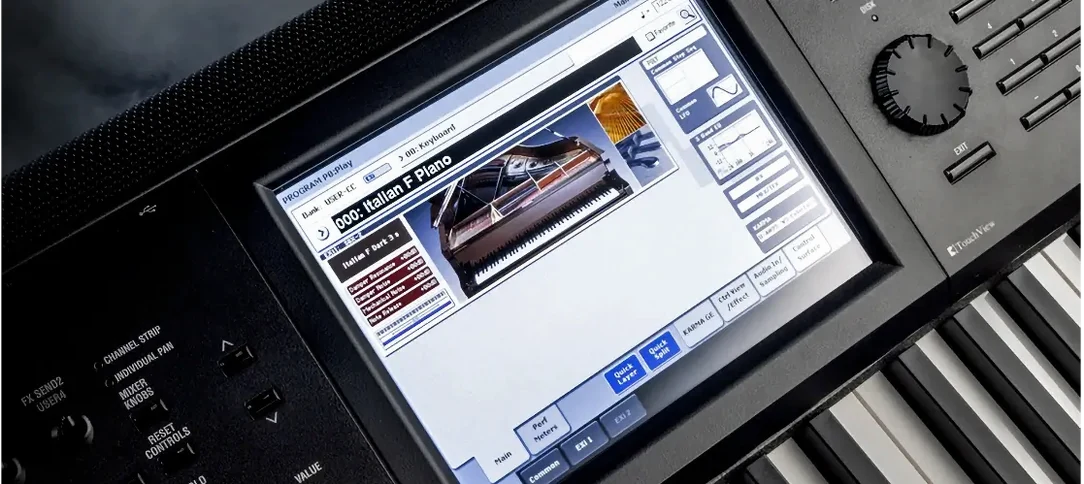
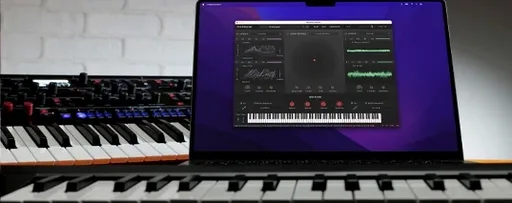
Komplete Kontrol is a browser and performance hub that loads instruments and effects, then maps their key parameters to your controller, mouse or keyboard.
Find and load a patch
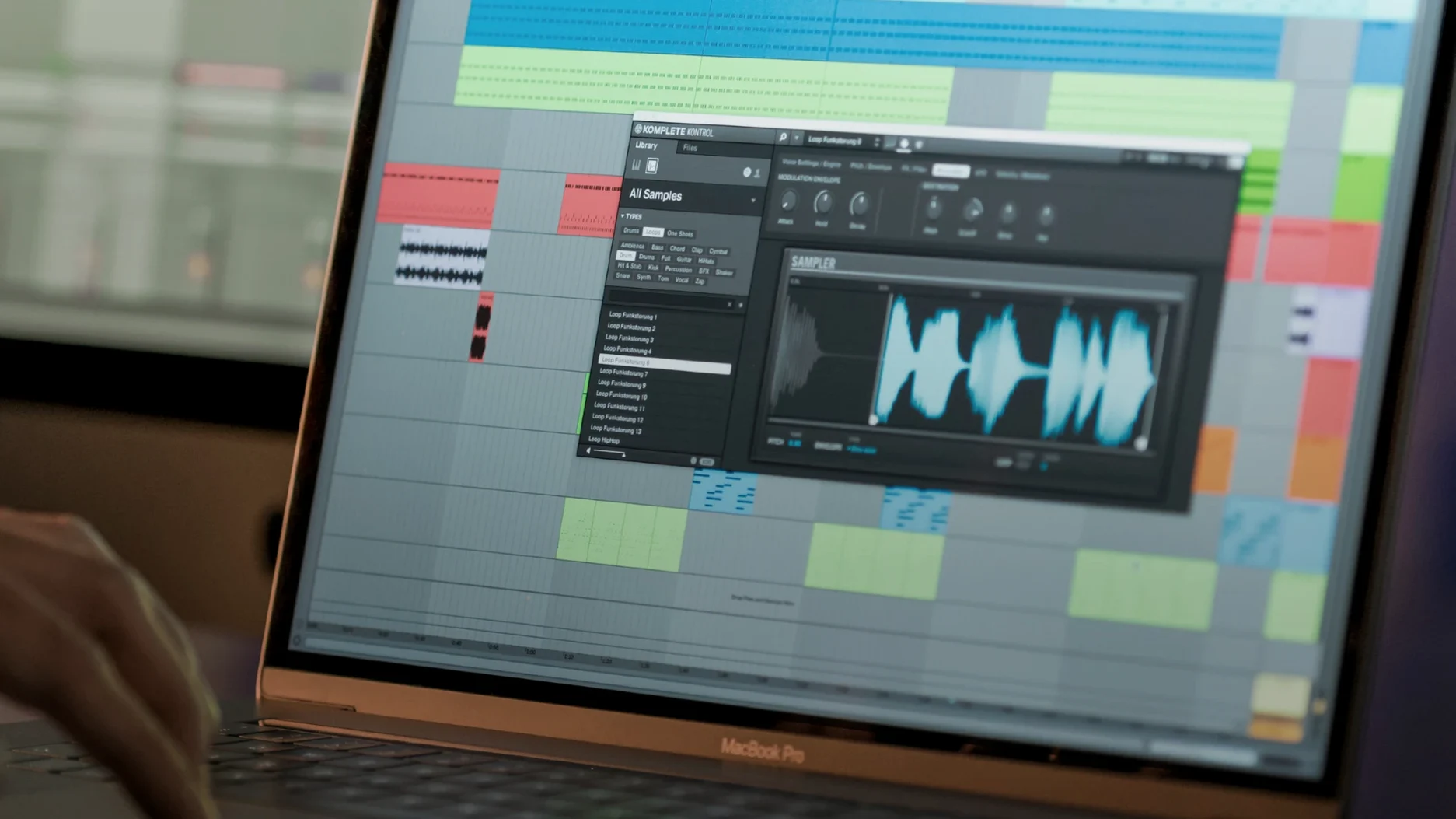
Tag-based browsing filters the catalogue by instrument type, character and timbre. Previews play instantly from a built-in sampler, and dragging a loop or one-shot straight to the DAW timeline bypasses the file manager.
Shape the sound with one hand
Smart Play offers more than 100 scales and modes. Chord mode stacks notes under a single key, while the arpeggiator locks timing to your project tempo — useful when you want movement without drawing MIDI.
Map parameters to hardware
NKS mapping exposes the most musical controls of every compatible instrument and effect. Turning a knob on an NKS controller adjusts the same parameter across any loaded patch, so a filter sweep or envelope change stays consistent from sound to sound.
Rescanning libraries after a fresh install
Library content not showing up after a fresh install is the most frequent headache. Open Preferences → Library and trigger a manual rescan. If the scanner still skips a valid NKS library, quit the standalone app, delete the Komplete Kontrol database file in ~/Documents/Native Instruments/Komplete Kontrol/ and relaunch — the software rebuilds its index on the next start.
Some users hit a blank plug-in window in Logic Pro after updating to version 3.5.4. The fix is usually a full Audio Units reset: close Logic, run auval -a in Terminal, then restart the DAW. On Apple Silicon machines, running Logic under Rosetta once often forces a proper validation pass for older NKS plug-ins that ship only as Intel binaries.
Parameter jumps on the Kontrol S‑Series MK3 are now addressed in this build, but if you still notice a knob fighting you, check that Pickup mode is selected in the controller assignment preferences — Scale mode can cause values to leap if the physical knob position is far from the software value.
When drag-and-drop of loops stops working in Ableton Live, the culprit is usually the VST3 sandbox. Switch to the AU version of Komplete Kontrol for that session, or add the plug-in to Live’s exempt list if you prefer VST3.
A beatmaker’s morning session
Mia runs an M2 MacBook Air with 16 GB of RAM and an S‑Series MK2 keyboard. She produces lo‑fi hip‑hop beats and builds kits from found sounds. On a Tuesday morning she opens Ableton Live 12, drops komplete kontrol 3.5 onto a MIDI track and browses to Drums → Acoustic → Dirty. Three kicks preview in the browser before she drags a crusty 808 one‑shot onto a Drum Rack pad.
She repeats the process for a snare, a hi‑hat and a vinyl crackle loop — all from different NKS libraries, all dragged without opening Finder once. Within six minutes she has a four‑bar pattern laid out. She switches the plug‑in to a Rhodes patch, turns on Chord mode and plays a five‑note progression with one finger, recording the MIDI into Live. The Light Guide on her keyboard shows which pads already have samples assigned, so she doesn’t double‑hit a pad while finger‑drumming.
Mia then loads a third‑party NKS effect — a tape emulation from a developer outside the Native Instruments ecosystem — onto the drum bus. The eight mapped macros appear instantly on the keyboard screen. She dials back the wow and flutter with the first two knobs, prints the result, and moves on. No menu diving, no MIDI learn.
Cold-launch and patch preview times
Cold‑launching the standalone app on an M1 Pro machine takes under four seconds, with the plug‑in loading inside a DAW in roughly two. Patch browsing is immediate once the database is built; previews trigger in well under half a second, even with multi‑gigabyte piano libraries.
Memory consumption depends entirely on what you load. An empty instance sits at around 180 MB of RAM. Loading a full orchestral library with multiple mic positions can push the plug‑in past 2 GB, though that is a function of the instrument, not the host. The browser itself adds negligible overhead once indexed.
Version 3.5.4 has been stable across a week of daily use in Logic Pro and Bitwig Studio on macOS 14. No crashes when swapping patches rapidly, no audio dropouts during drag‑and‑drop operations. The MK3 performance fix is noticeable: parameter changes from the keyboard now track smoothly, without the half‑second lag that plagued earlier 3.x releases.
Building a sub bass track in Logic Pro
1. Launch Logic Pro and create a software instrument track. Insert Komplete Kontrol from the AU Instruments menu.
2. The plug‑in opens to the browser view. Type “sub bass” into the search field. Three results appear: two from Massive X, one from a third‑party NKS partner. Hit the right arrow key to preview each. Load the third‑party patch with a double‑click.
3. The keyboard view replaces the browser. The S‑Series MK3 display shows the eight mapped macros — cutoff, resonance, envelope amount, drive and four others. Turn the first knob to open the filter while the transport runs.
4. Enable Smart Play → Scale → D Minor and set the arpeggiator to 1/16th notes with a two‑octave range. Play a single key. A rhythmic bassline runs in time with the project.
5. Hit the browser button again. Navigate to Loops → Synth → Sequence. Audition four melodic loops. Drag the chosen one into the arrangement window at bar 9. The tempo matches automatically.
6. Add a second instance of Komplete Kontrol on a new track. Load a piano patch. Hold Shift on the controller to layer it with the bass, then record both parts simultaneously — the Light Guide colours each zone differently so you know where the split point lies.
7. When the arrangement is done, bypass the arpeggiator on the bass track and print the MIDI to a region. Close the session. Total time from empty project to printed arrangement: seventeen minutes, no external instrument browsing, no manual mapping.
- NKS Connect support — added integration for compatible NKS Connect controllers.
- NKS Mode — new mode integration for those controllers.
- Performance — fixed issues when changing plug-in parameters from Kontrol S-Series MK3.
- macOS 12 or later
- Apple Silicon or Intel processor
Sign in · Create an account to add a field note.
No field notes yet. A measurement, a version, a machine — they appear after moderation.