VST Plugins
KORG TRITON 1.4.7
VST PluginsUpdated
| Requirement | On file |
|---|---|
| macOS | macOS 11 or later |
| CPU | Apple Silicon, Intel 64-bit |
| Download | 586 MB |
Version 1.4.7 is a maintenance release for the KORG Collection, keeping this plug-in stable on current macOS setups. Nothing in the sound engine has shifted; it is the same TRITON HI system that landed in the collection a few years back.
Multi-timbral stack for bass, pad, and lead in one instance
- Acts as a multi-timbral sound source sitting alongside drum machines and samplers you already use. Combination mode stacks up to eight parts, so one instance can cover bass, pad, and lead in a live stack or sequenced phrase.
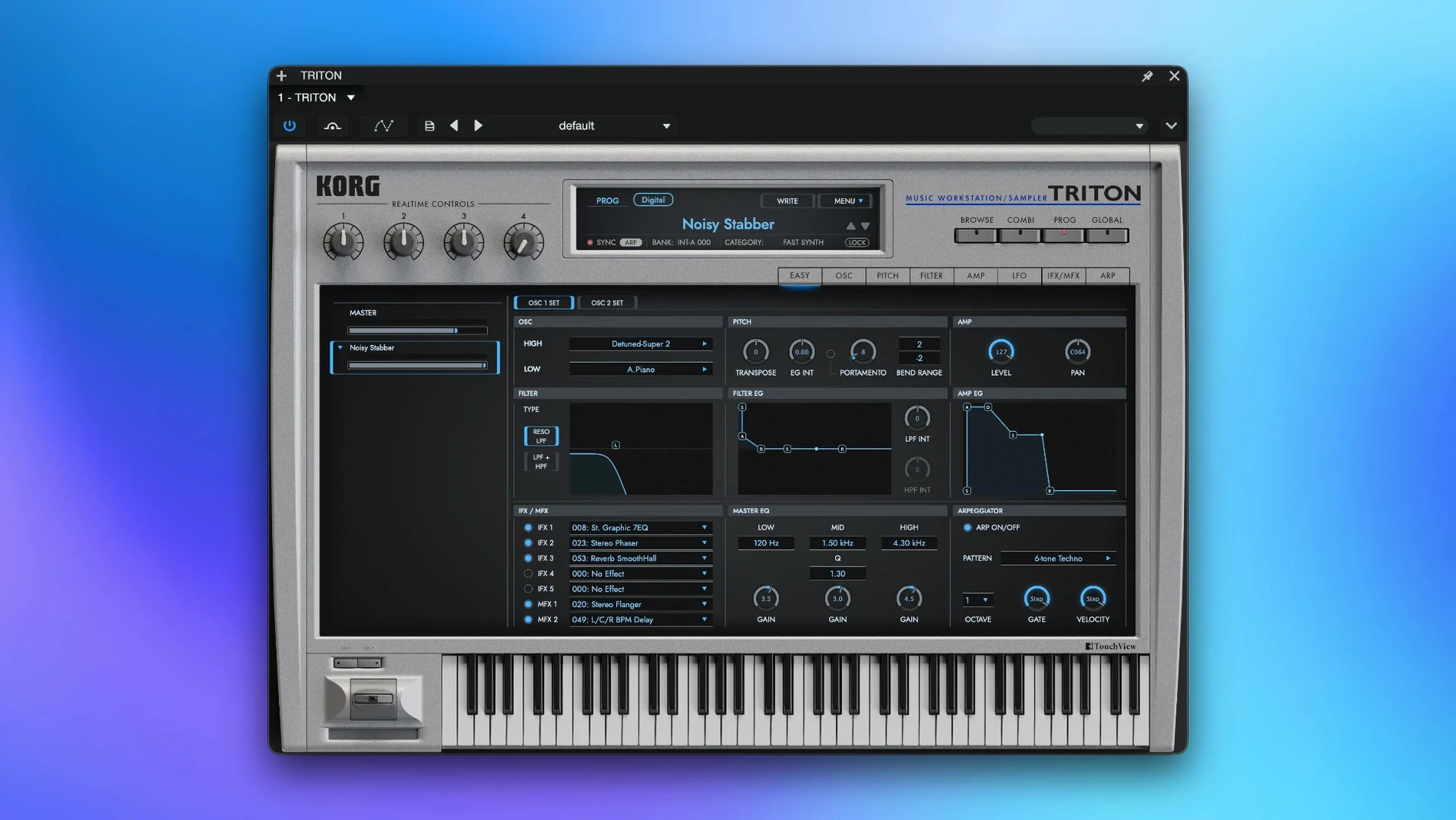
- Its two filter types and five insert effects give you a self-contained signal path before the audio ever hits your mixer. The master EQ then handles broad tonal shaping without a separate utility plug-in.
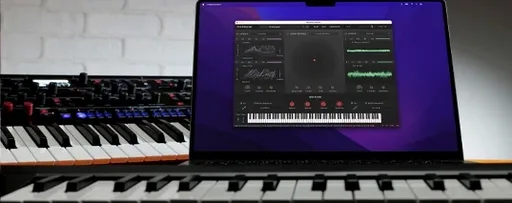
- Standalone operation means you can sketch ideas without opening a DAW, useful when you just want to play through the 4,000-plus sounds and capture a phrase quickly.
Core architecture from a spec point of view
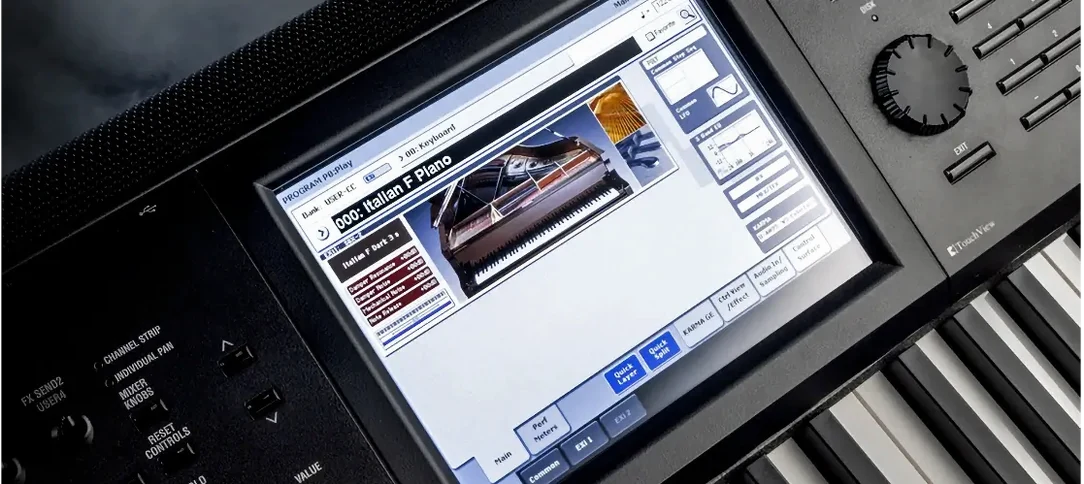
The engine replicates the TRITON workstation's signal flow: a dual-filter voice path, five insert effects assignable per track, and two master effects before a final master EQ. This layout matters because it mirrors the original hardware's routing logic, so old patch libraries translate without re-voicing. VST support and standalone mode cover the two most common usage patterns on a Mac—plug-in inside Logic or Ableton Live, or a fast scratchpad outside the DAW.
Skipping the 1999 signal flow and insert effect routing
Loading the plug-in and scrolling through presets is the easy part. The problems start when people treat TRITON like a modern sample player rather than a workstation from 1999.
Skipping the manual's signal flow diagram. The insert effects sit before the master effects, not after. A beginner slaps a delay into insert slot four and wonders why the reverb tail from master effect one comes through dry. Chain order is fixed, and understanding which slot feeds which bus saves an hour of head-scratching.
Ignoring Combination mode entirely. Many open the plug-in, pick a single Program, and never look at the eight-part Combi engine. That leaves seven layers of polyphony on the table. Even a simple split—bass on the lower two octaves, a pad in the middle, a lead up top—turns one instance into a self-contained arrangement block.
Overloading insert effects on every part. Five inserts across eight parts means 40 potential effects slots, but the CPU math is not infinite. Stacking a chorus, phaser, delay, and two compressors on a single pad part sounds lush until four parts in, the buffer crackles. The hardware TRITON had fixed DSP limits; the software does not magically remove them. Budget effects per part like you would on the real machine.
Treating the 48 kHz PCM samples as a weakness. Some users see "48 kHz" and assume lo-fi. The TRITON's character lives in its converters and output stage, not in sample rate numbers. A warm, punchy kick at 48 kHz through the internal EQ sounds more musical than a sterile 192 kHz recording of the same transient. Lean into the grit.
Assuming every sound is a finished patch. The 4,000-plus programs cover a lot of ground, but many are starting points. A "Dark Pad" preset with the filter cutoff at 2.3 kHz is meant to be opened up. Beginners flick through sounds unchanged and conclude the library is "dated." Move the cutoff knob. Swap the insert effect order. The engine rewards tweaking.
Late-90s ROMpler engine for hip-hop, trance, and game scores
Producers working in genres built on late-90s and early-2000s synth sounds. Hip-hop, R&B, trance, and video game scoring from that era leaned heavily on the TRITON's ROMpler engine. Having the exact multisamples—not a third-party recreation—means a bass hit or string swell sits in a mix the way listeners expect.
Keyboard players who run live splits and layers. Combination mode with eight parts is not a DAW trick; it mirrors the workflow a gigging musician used on the original workstation. A single MacBook Air instance can replace a rack of modules for a cover band set that needs piano, strings, brass, and synth leads in rapid succession.
Sound designers building patches from raw PCM. The dual-filter architecture, with its serial and parallel routing options, gives more shaping control than a typical ROMpler VST. Someone who understands filter resonance curves can turn a vanilla flute sample into a textured pad that does not sound like any factory preset.
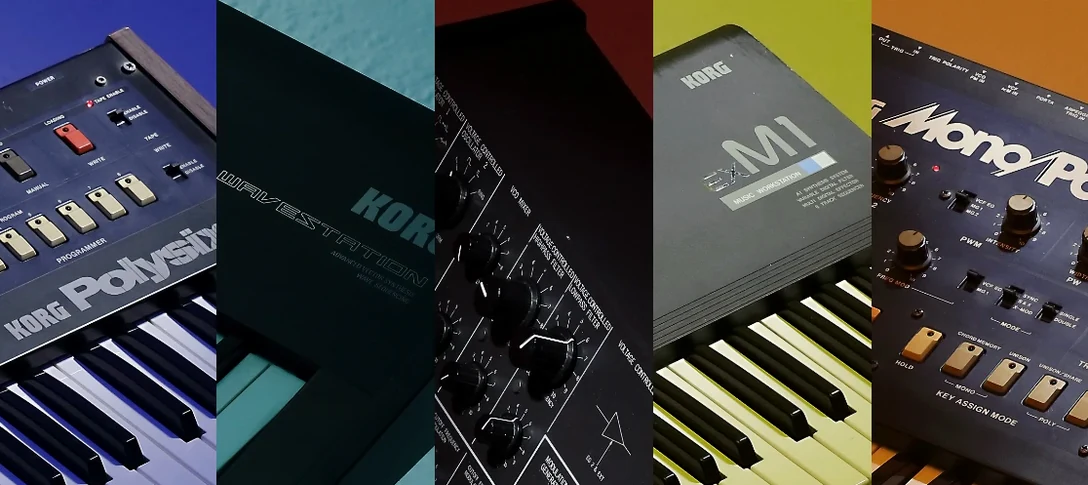
Users chasing a specific KORG Collection integration. If you already run the MS-20 or Polysix plug-ins from the same collection, TRITON slots into the mix with identical DAW behaviour, the same preset browser logic, and consistent MIDI CC mapping. Less friction when switching instruments mid-session.
A start-to-finish workflow: building a layered sci-fi pad
The goal is a slow-attack pad with a glassy top layer, a warm midrange bed, and a subtle rhythmic pulse—all from one TRITON instance.
- Open a new Combination. Initialise all eight parts to silence. The first four parts will carry the pad; parts five and six handle the pulse; parts seven and eight stay muted as spares.
- Assign programs to parts one through four. Pick a soft string ensemble for part one, a digital choir for part two, a slow-attack saw pad for part three, and a bell-like FM tone for part four. Tune parts three and four up by seven semitones each. This creates a harmonic spread without touching a chorus effect.
- Set key zones. Parts one and two cover the full range. Part three plays only above C3. Part four stays between C4 and C6. The bell layer now floats above the midrange, not muddying the lower octaves.
- Route insert effects. Part one gets a light chorus in insert slot one. Part two gets a phaser in slot two, mix set to 30%. Part three runs through a delay in slot three, tempo-synced at dotted eighth notes. Part four stays dry—bright bells do not need wet processing.
- Shape the pulse layer. Part five loads a muted guitar or pluck sound. Set its arpeggiator to sixteenth notes at the project tempo. Part six duplicates part five but with the arpeggiator offset by a thirty-second note. Pan part five left, part six right. The result is a stereo pulse that breathes without dominating.
- Set master effects. Master effect one: a hall reverb, decay at 2.8 seconds, high-pass the input at 400 Hz so the low end stays tight. Master effect two: a stereo compressor, ratio 2:1, attack 10 ms, release 200 ms. Master EQ: a 2 dB boost at 8 kHz for air, a 1 dB cut at 300 Hz to reduce boxiness.
- Play a chord and hold it. The pad swells with the bell shimmer sitting on top, the pulse ticks away in the stereo field, and the reverb tail glues everything without washing out the transient definition. One instance, six active parts, two master effects. Total CPU hit on an M1 Mac: roughly 12% in Logic Pro.
How TRITON fits with other apps and macOS features
DAW integration. As a VST plug-in, TRITON appears in any host that scans standard VST3 paths—Logic, Ableton Live, Cubase, Reaper, Bitwig. Multi-timbral operation works best in hosts that handle multiple MIDI input channels per track. In Logic, create a multi-timbral instrument track, set TRITON to Combi mode, and route eight MIDI channels from separate region tracks. Each part gets its own mixer automation lane without opening extra plug-in windows.
Standalone alongside other KORG Collection instruments. The standalone app uses Core Audio directly. Open TRITON and the MS-20 standalone apps simultaneously, route their outputs to an aggregate device in Audio MIDI Setup, and you have a two-instrument hardware-style rig without launching a DAW. MIDI mapping from a controller keyboard carries across both apps if they share the same MIDI input port.
macOS Audio MIDI Setup and aggregate devices. The standalone mode talks to any Core Audio interface. Combine a USB audio interface with the Mac's built-in output as an aggregate device, send TRITON's output to channels 3–4 on the interface, and still monitor system audio through the headphone jack. This is useful for streaming setups where you want instrument audio on a separate bus from the rest of the computer's output.
Third-party effect chains. TRITON's insert and master effects are self-contained, but nothing stops you routing a dry part out a separate output (if your host supports multi-out VST routing) and processing it through ValhallaDelay or Soundtoys Decapitator. The raw PCM from a TRITON string patch through an external tape saturator sounds entirely different from the internal compressor—and both approaches are valid for different mix contexts.
Compatibility with older project files. Because version 1.4.7 is a maintenance update, any sessions saved with earlier 1.x versions of the TRITON plug-in open without re-linking or re-authorising. The preset format has not changed. If you have a Logic project from two years ago that used the TRITON VST, it loads silently today, same patch names, same Combi routings.
- macOS 11 or later
- Apple Silicon or Intel processor
- VST-compatible host or standalone use
Questions on file
Does the KORG TRITON VST include the full sound set of the original workstation?
Yes, it contains more than 4,000 sounds derived from the original TRITON's PCM and synthesis engine, covering the same categories and bank structure.
Sign in · Create an account to add a field note.
No field notes yet. A measurement, a version, a machine — they appear after moderation.