VST Plugins
Kalifornia Dynamic KD Alkane 1.0.17.0
VST PluginsUpdated
| Requirement | On file |
|---|---|
| macOS | macOS 11 or later |
| CPU | Apple Silicon |
| Download | 270 MB |
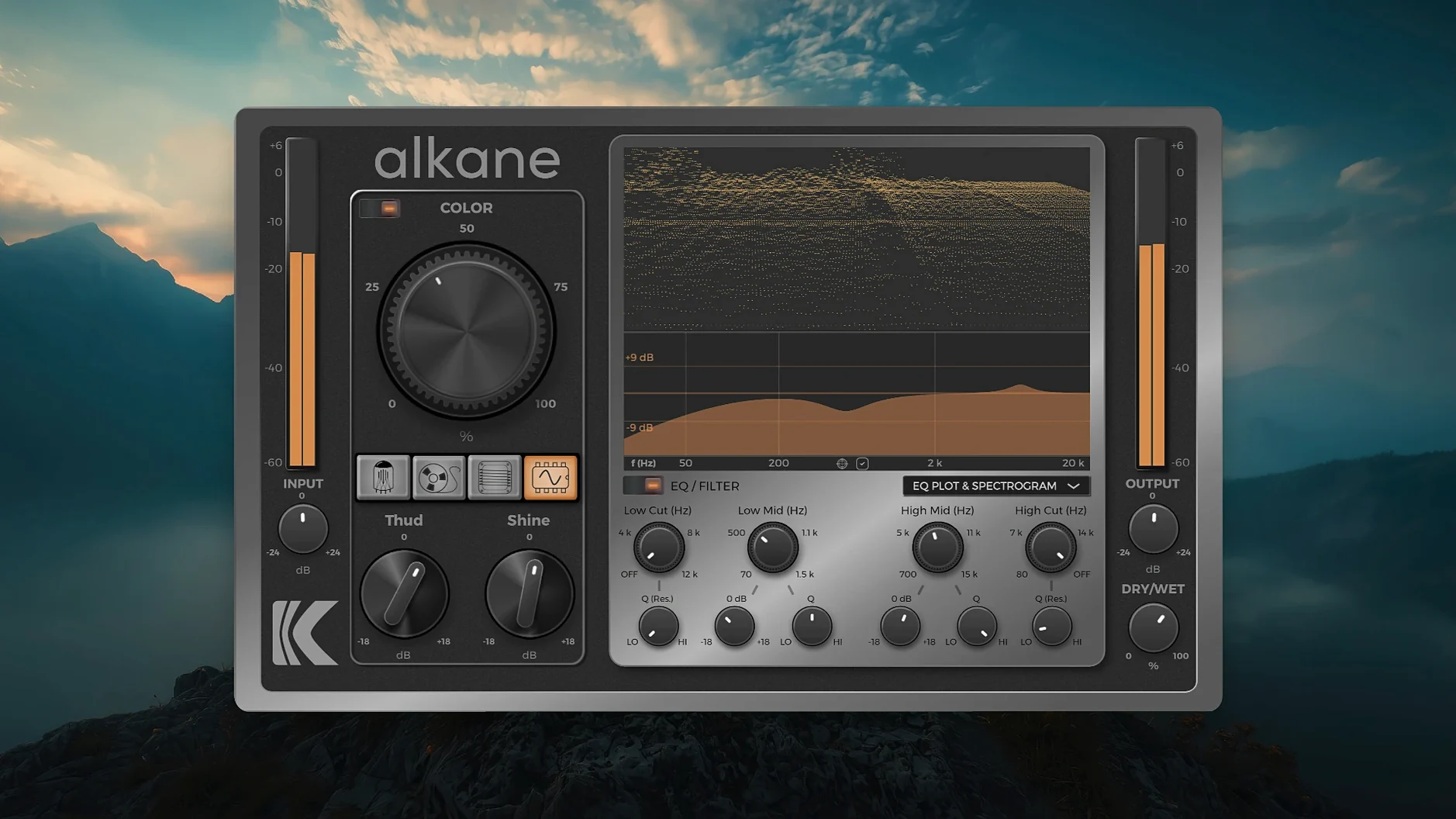
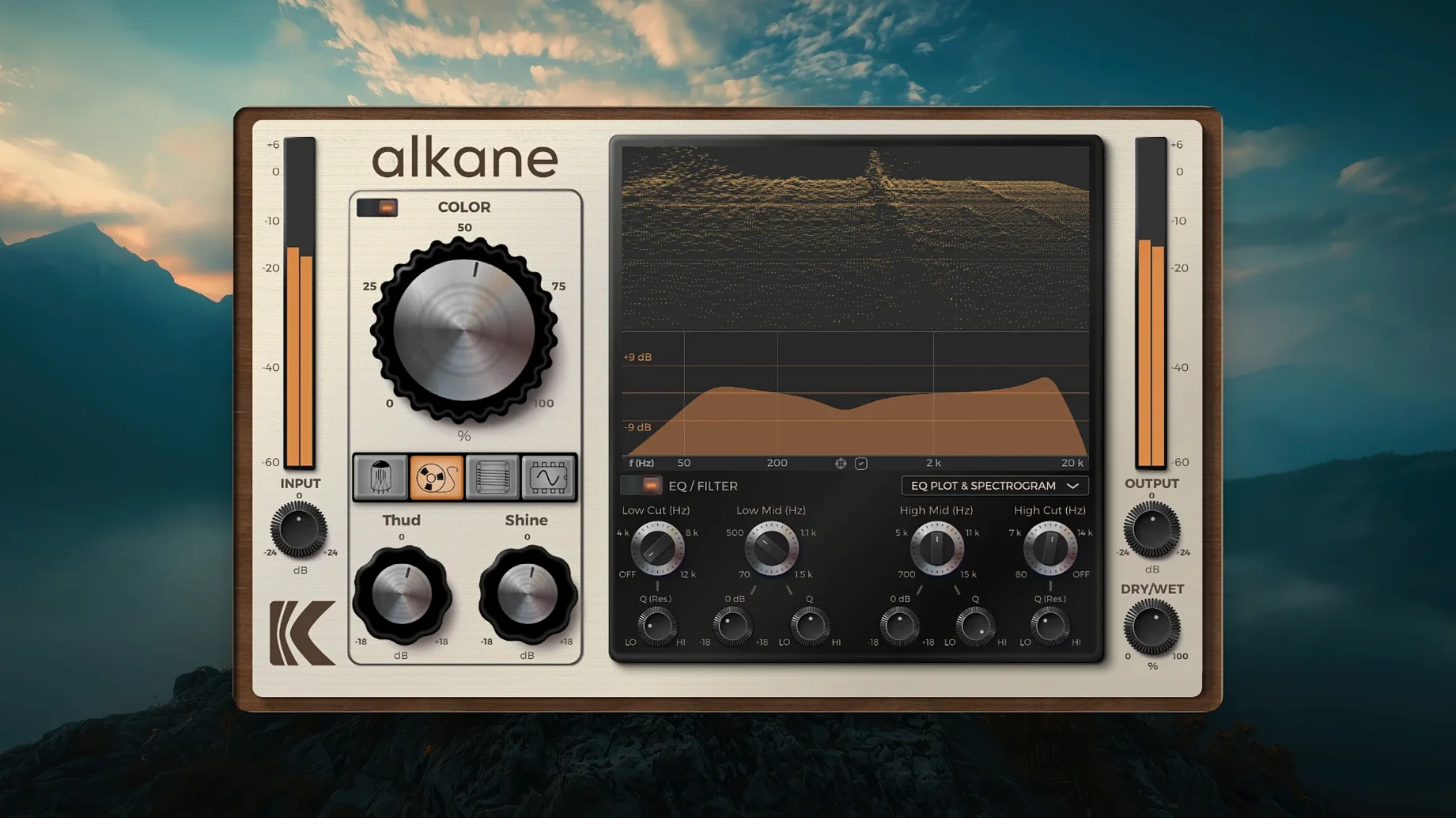
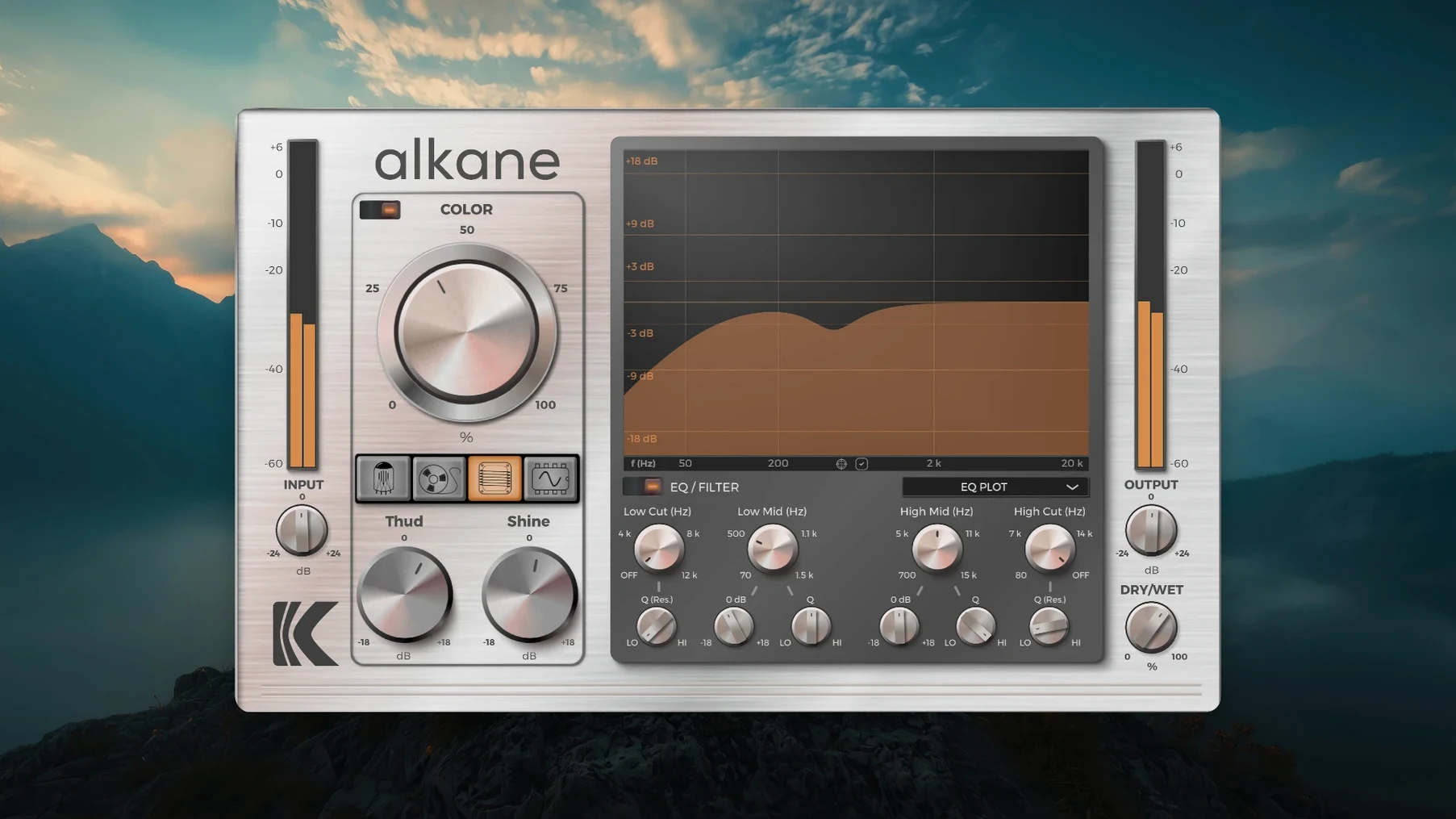
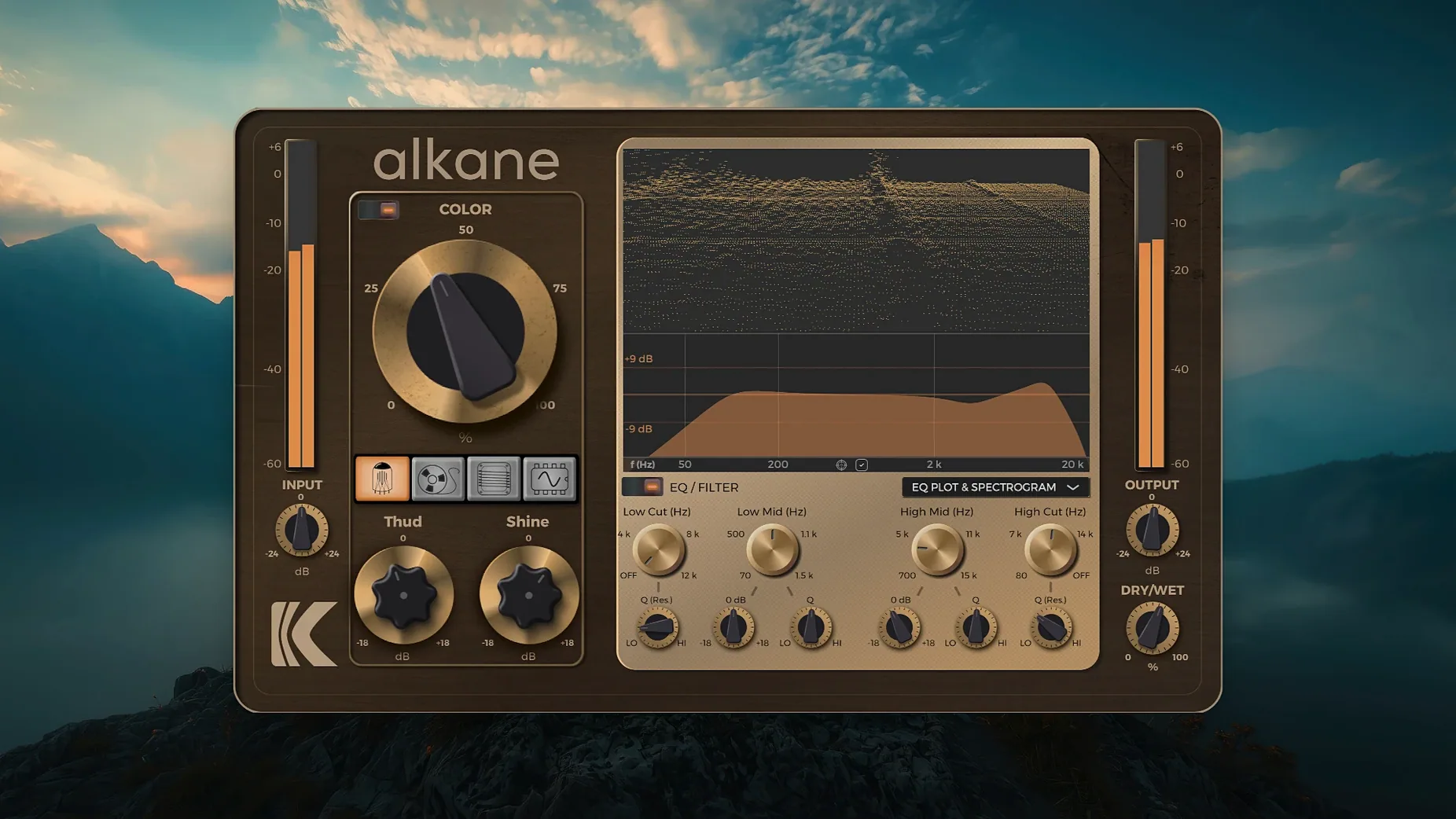
KD Alkane is aimed at producers and music designers who want to add analog character to tracks without leaving their DAW. It packs four harmonic processing circuits into a single Apple Silicon-native plug-in, with a visualizer that makes the signal chain easier to read.
- Runs on macOS 11 and later, with native Apple Silicon support.
- Available in AAX, AU and VST3 formats for Pro Tools, Logic, Cubase and other AU/VST3 hosts.
- Quad-circuit architecture feeds a Color module that applies transient-safe, non-linear harmonics.
- Integrated visualizer with a 3D spectrogram, EQ plot and parameter editor on one screen.
- EQ section includes high-pass and low-pass filters for shaping the harmonic content.
- Designed to add life and analog-style saturation without sounding like a simple distortion box.
The Color module is the core of the sound—it adds harmonics while respecting transients, so punch stays intact. Paired with the visual feedback from the spectrogram and EQ plot, it is straightforward to dial in warmth or edge and see exactly what is happening to the frequency spectrum as you work.
KD Alkane in a Real Session: Drum Bus Rescue
A mix engineer working on a dense indie-rock track had a drum bus that felt stiff—peaks hit right, but the body lacked weight and the cymbals came across as brittle. Instead of stacking three separate saturation plugs and an EQ, they loaded a single instance of KD Alkane on the drum bus. The Transformer circuit was set to about 35% drive, with the Color module pulling low-mids forward just enough to give the kick and snare a thicker physical presence. The high-pass filter trimmed sub-rumble below 40 Hz, and a glance at the 3D spectrogram confirmed that the 5–8 kHz region had softened without losing air. The whole fix took under two minutes, and bypassing Alkane made the untreated bus sound thin and two-dimensional by comparison.
Four Circuit Models, One Slot: Avoiding Single-Flavour Saturation
KD Alkane fits a narrow but real need: producers who want circuit-modelled saturation that does not force a single flavour on every source. Four circuit models in one plug-in mean fewer slot decisions and less plug-in churn.
Home-studio producers working with clean preamps. If your interface pres are transparent and your tracks sound a little sterile, the Tube and Tape circuits add weight without piling on mud. The transient-safe behaviour of the Color module stops the saturation from flattening attacks on percussive material.
Mix engineers who treat bus processing as a tone stage. The Transformer model works well on mix buses and instrument groups where subtle harmonic thickening is the goal. The parametric EQ and filters keep that thickening targeted—push the lows without rumbling the sub range, or add presence to a vocal bus without making sibilance painful.
Sound designers building layered textures. The Synth circuit pushes into more obvious distortion territory, and the real-time visualizer turns that into a learning tool. Watching how drive changes the harmonic series in the spectrogram helps you place a sound in a dense arrangement before your ears have fully adjusted.
It is less essential for engineers who already own a deep collection of hardware-modelled processors and prefer to chain three or four single-purpose units. But for anyone working fast on an Apple Silicon Mac who wants one plug-in that covers clean warmth, tape-style compression, transformer heft and synth-grade grit, Alkane fills the gap without bloat.
GUI Scaling and Session Recall Tightened for Daily Workflow
The 1.0.17.0 build tightened two things that affect daily workflow: GUI scaling on high-resolution displays and parameter recall across sessions. Earlier builds could shift control positions slightly when reopening a project on a different monitor setup—this release locks scaling more predictably, so what you saw when you printed a mix is what you get on recall. The visualizer panel also redraws faster when switching between the spectrogram and EQ plot views, a small change that removes a half-second stutter that could break concentration during detailed filtering work.
The Color module received a subtle recalibration of its transient detection, making it less likely to clamp down on fast snare flams or quick tom fills. The audible difference is minor on static material, but on busy drum tracks the harmonics stay more consistent from hit to hit. No new circuit models or format support appeared in this version—the update was about stability and visual responsiveness rather than feature expansion.
Workflow: Thickening a Bass DI Track
Here is a straight-line method for turning a clean DI bass recording into a round, present track that holds its own in a mix. The goal is harmonic richness without losing the fundamental or making the low end flabby.
- Insert KD Alkane on the bass track after any compression but before your amp sim, if you use one.
- Select the Tube circuit. Set Drive to roughly 20% and Output to compensate so the level matches the bypassed signal—keep the visualizer in spectrogram mode and watch for the second harmonic rising gently above the fundamental.
- Engage the Color module. Push the Color amount until the midrange body thickens audibly, then back off 5–10%. The transient-safe design keeps the pick attack clean even when the Color knob sits near 40%.
- Open the EQ section. Set the high-pass filter to 35 Hz with a 12 dB/octave slope to remove subsonic noise. Use the low-shelf band to pull 70–100 Hz up by 1–2 dB if the bass needs more chest.
- Switch the visualizer to the EQ plot view. Scan for any narrow buildup in the 200–400 Hz range that could cause mud. Use the second parametric band to cut a gentle 1–2 dB at the problem frequency, with a Q of 1.2–1.5.
- Toggle between the Tube and Tape circuits to audition which harmonic profile fits the arrangement. Tape often works better for busier mixes where the bass needs to sit rather than stand out; Tube suits sparser tracks where the bass carries the warmth.
- Print a short passage and check the result on small speakers. If the low end disappears, revisit the high-pass cutoff and the Color amount—too much harmonic excitation above 300 Hz can trick the ear into thinking the fundamental is louder than it is.
- macOS 11 or later
- Apple Silicon processor
- AAX, AU or VST3 host
Sign in · Create an account to add a field note.
No field notes yet. A measurement, a version, a machine — they appear after moderation.