VST Plugins
iZotope RX 12.1.0
VST PluginsUpdated
| Requirement | On file |
|---|---|
| macOS | macOS 14.7 or later |
| CPU | Apple Silicon, Intel 64-bit |
| Download | 3.6 GB |
A field recording lands on your timeline. The interview subject is clear but the gain was set too hot. Their dialogue clips on the plosives and a low 50 Hz hum runs under every word. You open RX.
| Detail | Spec |
|---|---|
| Version | 12.0.0 |
| macOS | 14.7 or later |
| Architecture | Intel & Apple silicon (native and Rosetta) |
| Interface | English |
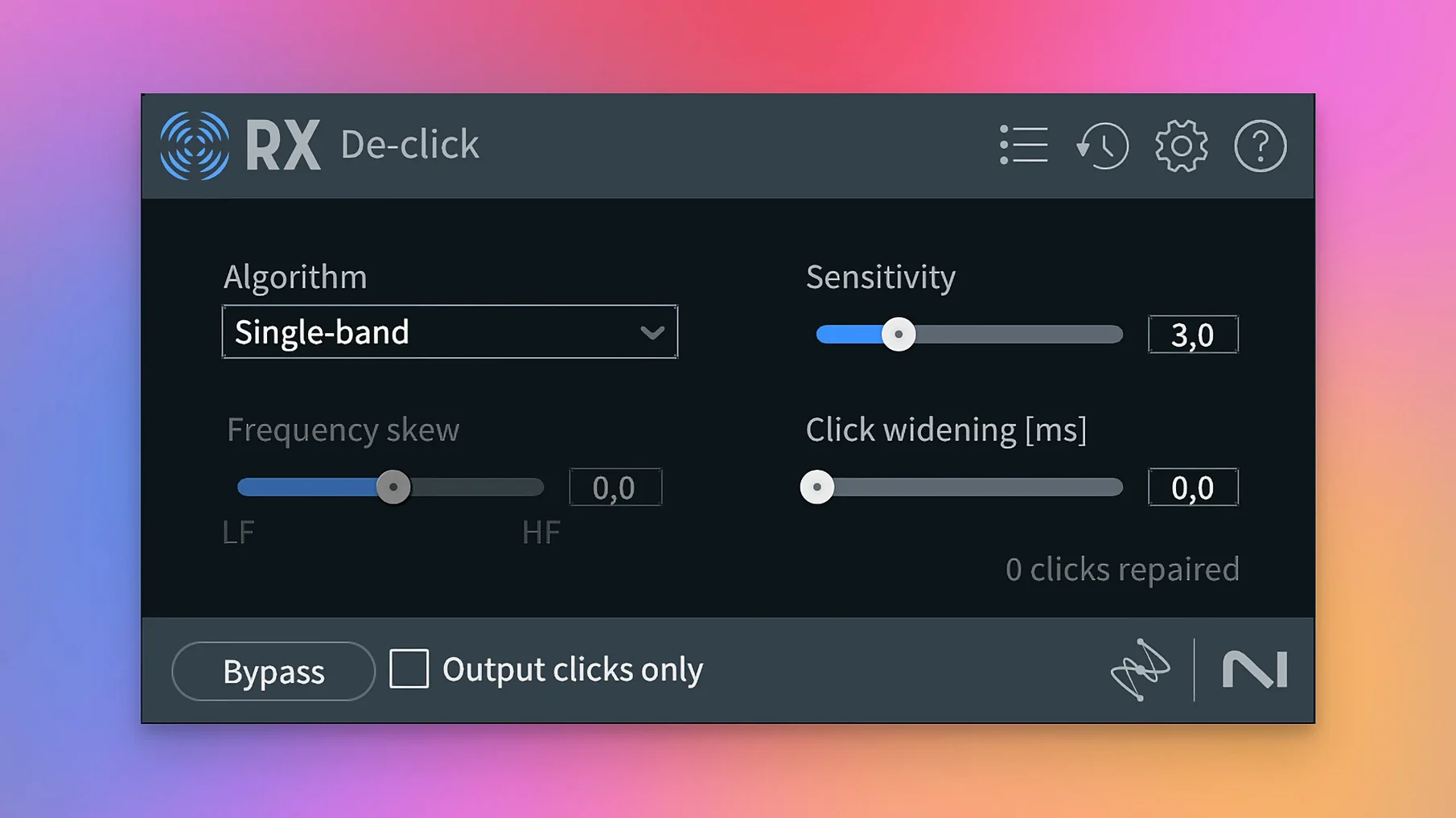
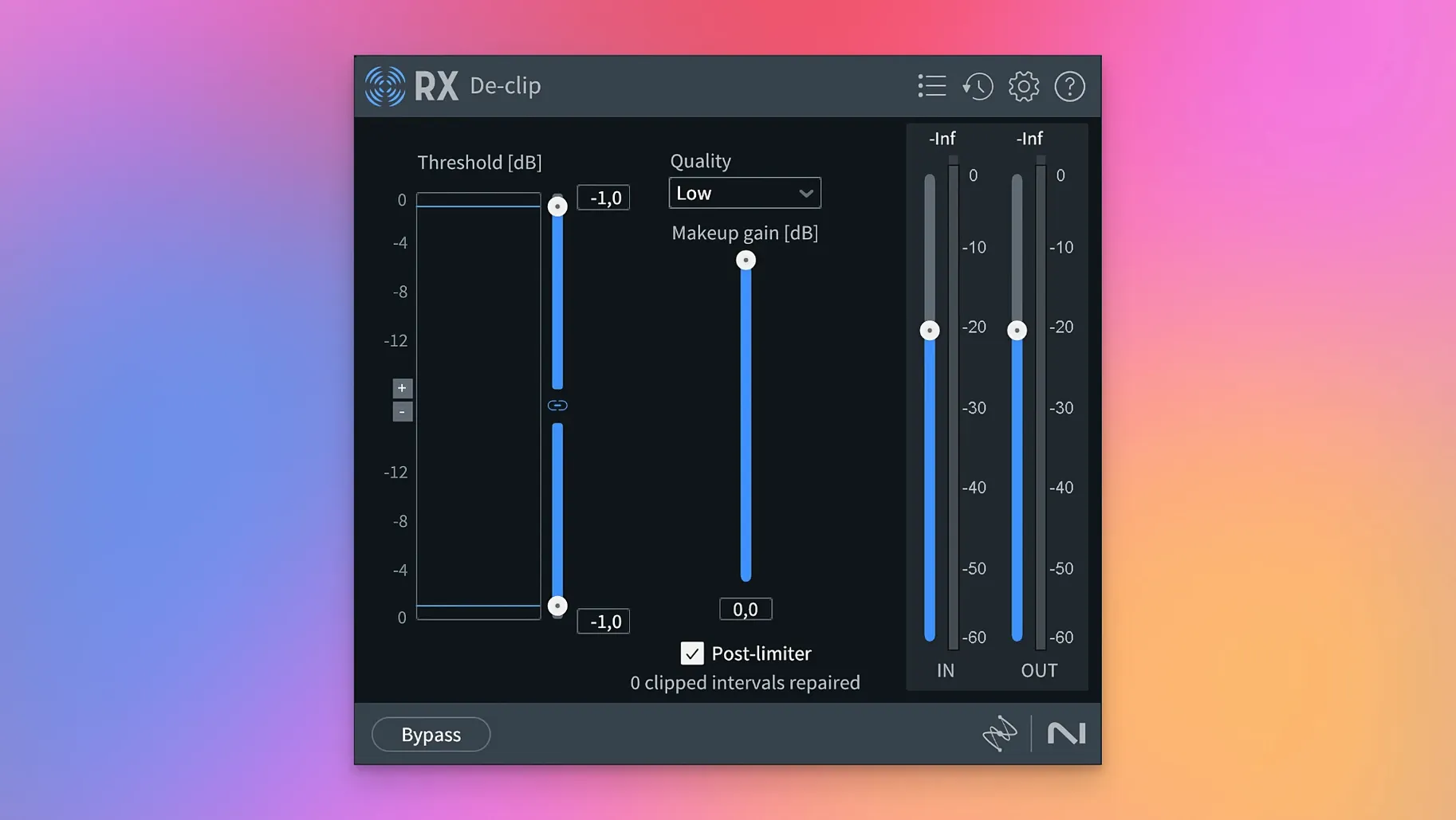
First, De-clip scans the waveform and redraws the squared-off peaks—restoring transient detail without flattening the natural dynamics of the voice. The module processes the selection in a couple of seconds. Next, De-hum isolates the 50 Hz fundamental and its harmonics. You set the base frequency, notch the worst two bands, and render. The rumble disappears without thinning the vocal body. A final pass through Dialogue Isolate lifts the speech out of the remaining room tone by suppressing background noise in real time. The track moves from unusable to clean in three steps, ready for the edit.
Dialogue Editors Repairing Production Audio Instead of Calling for ADR
Dialogue editors on tight post-production schedules lean on RX hardest. They face production audio with wind, generator hum, and lavalier rustle baked in. RX lets them fix a take instead of calling for ADR. The Repair Assistant alone can scan a clip, identify the top three problems, and apply a chain of De-noise, De-click, and De-hum with one click—then the editor tweaks from a known starting point.
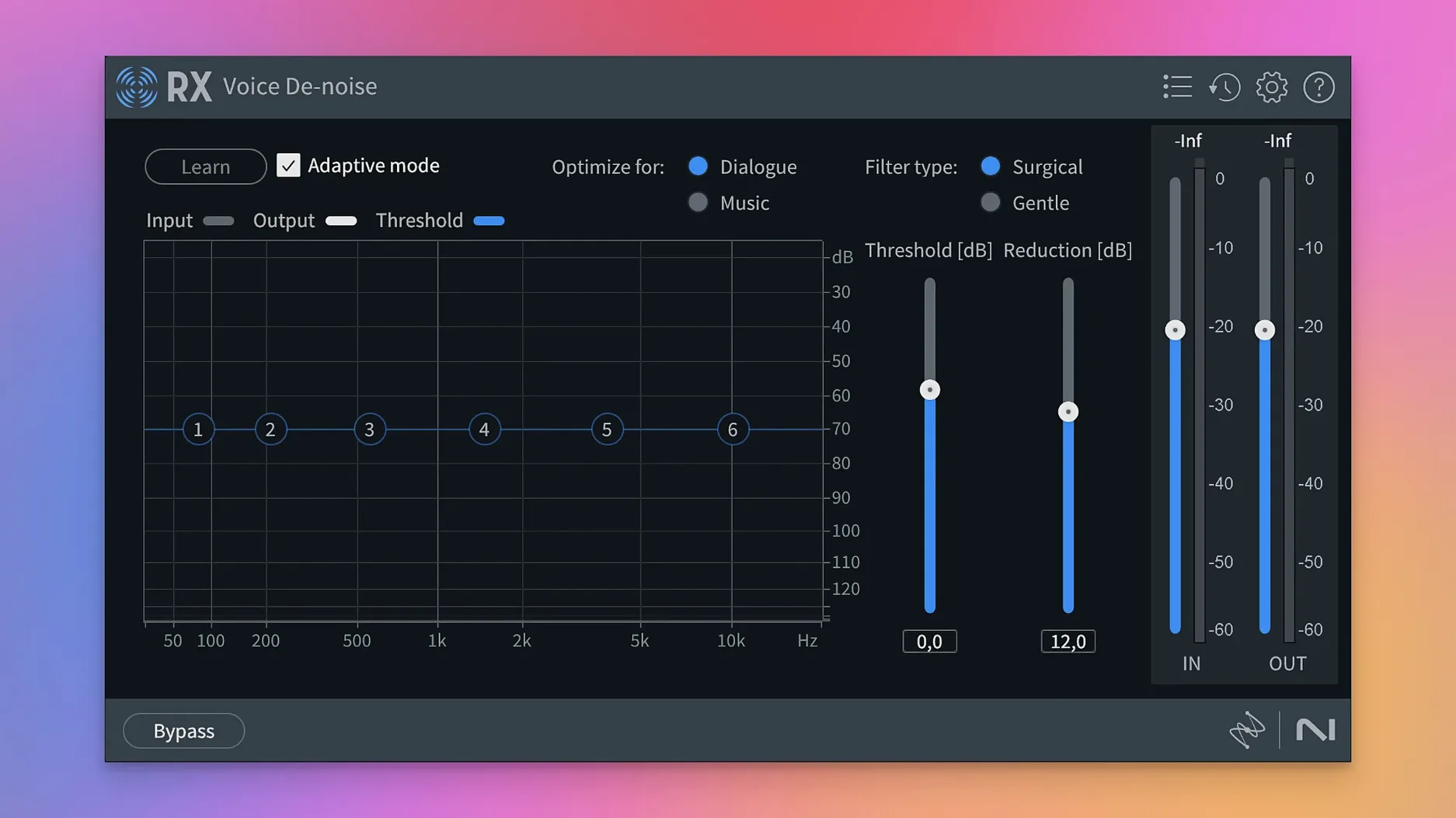
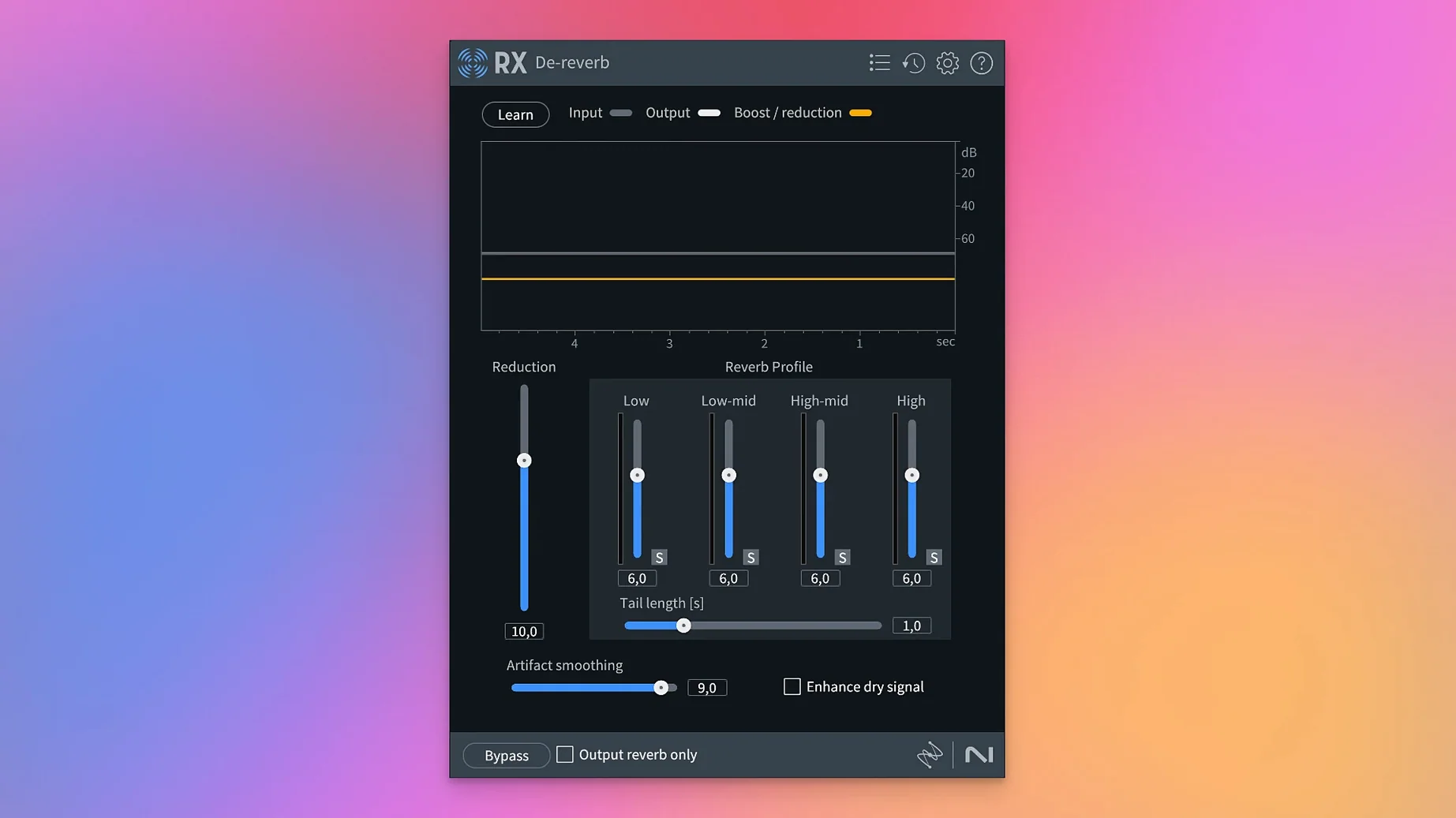
Podcast producers who record remote guests get a different kind of value. A guest's untreated room, a USB mic with a 6 dB noise floor, Skype artifacts compressed to 8 kHz—RX's Voice De-noise and De-reverb turn that into something that sits next to a studio-recorded host. Music Rebalance lets them pull an intro bed down by 4 dB under speech without touching a fader in their DAW.
Music producers and sample library curators use RX as a surgical tool. Vinyl rips pass through De-crackle and De-click, with the spectral view confirming that only the impulse noise is touched and the hi-hat transients stay intact. Field recordists who build sample packs use Spectral De-noise to learn a noise profile from 200 ms of silence, then subtract it across a 2-minute take of rain or footsteps, preserving the texture of the recording.
Game audio designers work with Stems View the most. When they inherit a mixed stereo file of a vehicle pass—engine, tyres on gravel, and a distant siren—they split it into four stems with Music Rebalance, isolate the tyre layer, and run De-bleed to remove engine rumble that bled across. The stem drops straight into the game engine without cross-contamination between layers.
Lowering Latency for Editing and Spectral Analysis After Install
Out of the box, RX processes at the highest quality but also the highest latency. The first stop after installation is the Audio preferences. Set Buffer Size to match your workflow: 512 samples for editing and spectral analysis, 128 or lower if you ride faders in real time through RX Connect from a DAW. On Apple silicon Macs, confirm that the Processing Engine is set to use the Neural Engine where available; modules like Dialogue Isolate and the new Scene Rebalance run noticeably faster that way.
Switch the Undo preference from disk-based to RAM-based if your session files stay under 2 GB. Disk-based undo writes to a temporary folder on the system drive and can slow down when you stack fifteen spectral edits. RAM undo keeps the history in memory and makes stepping back through repairs instantaneous.
In the Spectrogram display, increase the FFT size to 4096 or 8192 for dialogue work. The default 2048 gives a broad view but smears short transients like mouth clicks across adjacent bins. A higher FFT size sharpens the time resolution, so a click appears as a thin vertical line you can lasso and attenuate with a single selection, rather than a blob that overlaps the consonant you want to keep.
Turn on Adaptive Mode in De-hum the moment you open it. Static mode works for a known, fixed frequency—a 60 Hz mains hum in a studio. Adaptive mode follows hum that drifts, like a generator on location that varies from 49.8 Hz to 50.2 Hz as load changes. Set the number of harmonics to 8 for electrical noise; fewer for a simple ground loop, more if the hum has a buzz quality with energy up to 400 Hz.
Fixing Artifacts When Rendering Cuts at Non-Zero Crossings
The module previews fine but the render introduces artifacts. This happens most often when the selection boundaries cut through a waveform at a non-zero crossing. De-noise and De-click work best on whole clips or selections that start and end in silence. If you process only a short region in the middle of a word, the algorithm's tail can ring at the boundary. The fix is to extend the selection by 200 ms on each side, render, then trim the handles. Alternatively, enable Handle Length in the module's advanced settings and set it to 100 ms or more.
Dialogue Isolate makes the voice sound phasey or hollow. The default sensitivity is set for a strong signal-to-noise ratio. When the background is louder than expected—a café, a busy street—Dialogue Isolate pushes too hard and removes parts of the voice's early reflections that carry body. Drop the Reduction Strength from 10 to 6 or 5, and increase the Ambience Preservation slider to 25%. The voice keeps its natural room signature while the clatter drops behind it.
RX Connect drops audio or desyncs from the DAW. This usually traces to mismatched sample rates. If the DAW session runs at 48 kHz and the RX application opens at 44.1 kHz, the transferred clip plays at the wrong speed. Before sending audio via RX Connect, check that the Sample Rate in RX's Audio preferences matches the DAW session exactly. On first launch, RX defaults to the last-used rate, not the system rate, so a previous 96 kHz mastering session can cause a mismatch the next day.
Scene Rebalance creates unnatural gaps between dialogue and music. The module separates a stereo mix into dialogue, music, and effects stems by analysing spectral and spatial cues. When a character speaks over a string swell with overlapping frequencies, the algorithm can leave a "hole" in the music stem where the dialogue was removed. The workaround is to process in two passes: first with Separation set to Balanced, then spot-process the problem sections with Separation set to Gentle and a higher Artifact Smoothing value.
Salvaging Harbourside Dialogue from Seagulls and a PA System
Maya has forty minutes of production audio from a shoot at a harbourside market. The director wants the dialogue from a scene between two actors walking past fish stalls—usable, but the audio is a mess. Seagulls, a PA system announcing catch of the day, and a refrigeration truck that cycles on every three minutes.
She opens the first four-minute take in the RX standalone application. The Repair Assistant runs in fifteen seconds and flags three issues: broadband noise, intermittent clicks from a lavalier rubbing on a collar, and a low hum from the truck. She accepts the De-noise and De-click suggestions but skips the hum fix for now—she wants to handle that herself because the truck cycles on and off, and a static De-hum would leave artefacts in the sections where the hum is absent.
She switches to the Spectrogram view and zooms into the 30–120 Hz band. The truck hum is a solid orange bar at 58 Hz that appears in three blocks across the timeline. She opens De-hum, sets the base frequency to 58 Hz with 4 harmonics, enables Adaptive Mode, and selects each truck segment separately. Three renders later the hum is gone from those sections, and the clean sections between them are untouched.
Now the dialogue itself. The male actor's lavalier caught fabric rustle on every step. Maya opens De-crackle, sets the threshold to -45 dB, and previews. The rustle drops away but the actor's sibilants remain sharp. She bypasses the module, selects only the fabric-rustle regions manually in the spectrogram—they look like scattered orange speckles above 3 kHz—and attenuates them by 12 dB with the Gain module's spectral selection mode. The sibilants stay, the rustle disappears.
The PA announcements are the final problem. They overlap the female actor's lines. Maya opens Scene Rebalance, sets the separation to Gentle, and extracts a dialogue stem. The PA bleed drops by roughly 9 dB in the stem, enough that the actor is intelligible without the disembodied voice selling fresh snapper. She exports the cleaned take, and the DAW session updates with the repaired clip on the timeline. The whole pass took twelve minutes for four minutes of audio.
Stacking Voice De-noise and De-ess into a One-Click Module Chain
The Module Chain panel, docked on the right side of the RX application window, lets you stack modules in a processing order and run them all with one click. You might build a podcast chain of Voice De-noise into De-ess into Loudness Control, save it as a preset called "Remote Guest Cleanup," and apply it to every guest track in a batch. The chain runs top to bottom, so De-noise removes the broadband noise before De-ess analyses the sibilance—running them the other way would cause De-ess to misread the high-frequency noise as sibilance and over-process.
RX Monitor is a small floating window that outputs the difference signal between the original and processed audio. It is off by default and many users never turn it on. When you do, you hear only what the module is removing. For De-click, you hear isolated ticks and pops; for De-noise, you hear the extracted noise profile. If the difference signal contains bits of the vocal transient or the guitar pick attack, you are removing too much and need to back off the threshold. It is the fastest quality-control check in the application.
Instant Process is a holdover from earlier versions that still works in RX 12. Highlight a region in the spectrogram, hold down the Control key, and choose a module from the right-click menu. The module processes the selection immediately with its last-used settings, without opening the module window. It turns spectral repair into a two-second gesture once you have your go-to settings dialled in.
The Waveform Overview bar at the top of the main window shows the entire file no matter how far you are zoomed in on the spectrogram. A thin blue rectangle represents your current view. You can drag that rectangle to scrub across a two-hour file without zooming out and losing your place in a detailed edit. Next to it, the Transport controls support a jog wheel mode—hold Shift and drag horizontally across the waveform to scrub at variable speed, which is precise enough to locate a single frame's worth of clip distortion in a 48 kHz file.
The Batch Processor tab, hidden behind the main module panel, processes entire folders with a saved module chain. A dialogue editor can point it at a folder of 200 lavalier takes, apply a chain of De-hum, De-click, and Loudness Control set to -24 LUFS, and walk away. The output preserves the original file names with a suffix you define, and the processor logs every module's settings per file. If a take sounds over-processed, the log tells you exactly what De-click threshold was used so you can adjust and re-run only that file.
RX 12.1.0 delivers the developer’s latest round of fixes and performance improvements. Full details are listed in the official release notes.
- macOS 14.7 or later
- Apple Silicon or Intel 64‑bit processor
Questions on file
Does iZotope RX 11 work as a standalone application?
Yes, RX runs as a standalone audio editor and as a plug-in suite inside a DAW on Intel and Apple silicon Macs.
What repair modules come with RX?
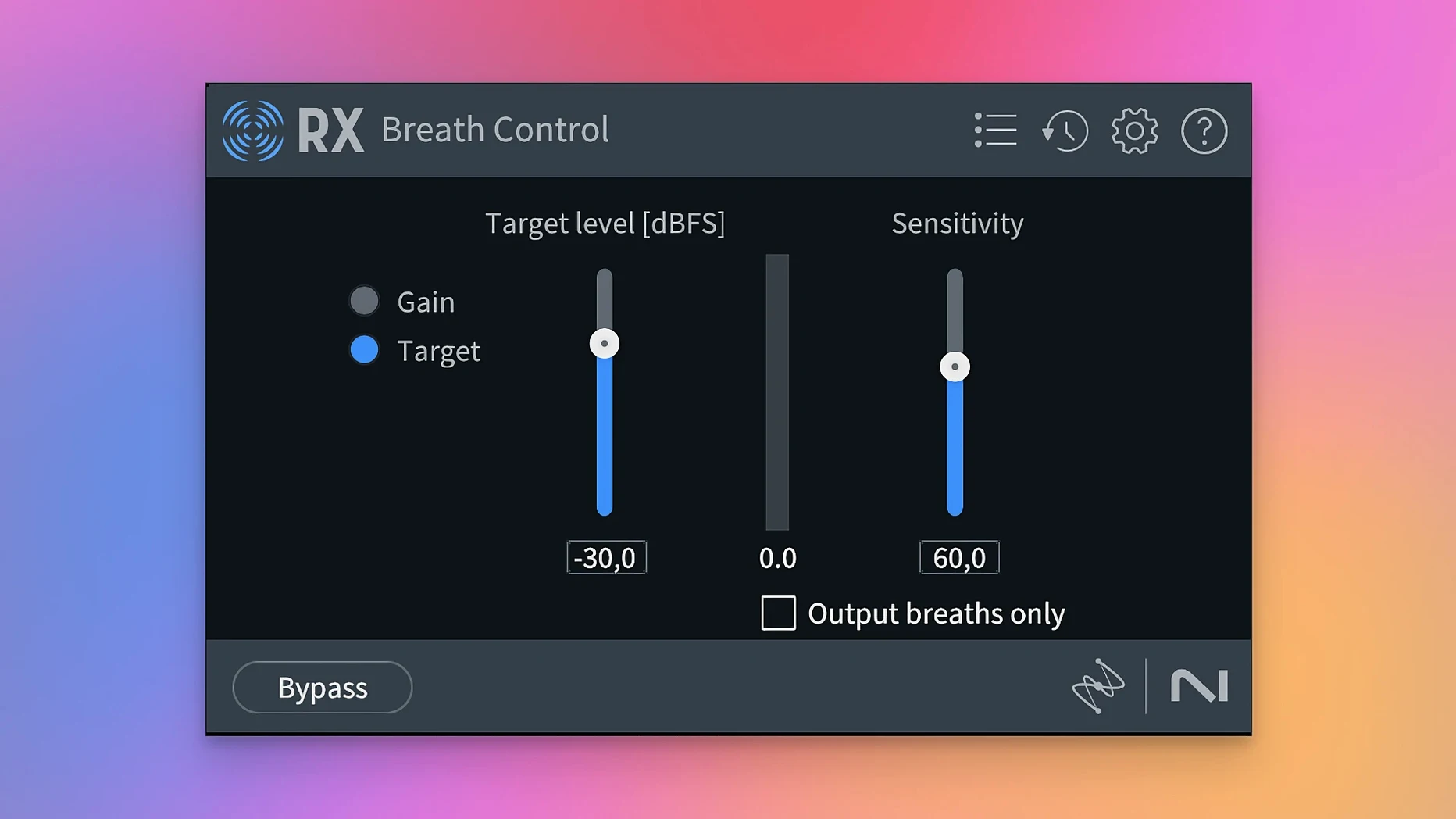
The package includes De-click, De-clip, De-crackle, De-ess, De-hum, De-reverb, Spectral De-noise, and the Repair Assistant.
Can RX 11 separate music from dialogue?
The Music Rebalance and Dialogue Isolate modules can independently adjust or isolate music and speech elements within a mix.
Sign in · Create an account to add a field note.
No field notes yet. A measurement, a version, a machine — they appear after moderation.