VST Plugins
Komplete FX Bundle 2026.1
VST PluginsUpdated
| Requirement | On file |
|---|---|
| macOS | macOS 10.13 or later |
| CPU | Apple Silicon, Intel 64-bit |
| Download | 3.2 GB |
You have a drum bus that feels too polite, so you strap Solid Bus Comp across it for glue, then push the mids with Passive EQ. A synth line needs movement, so Phasis adds a slow, stereo sweep that sits in the mix rather than on top of it. This is the kind of chain the bundle is built for.
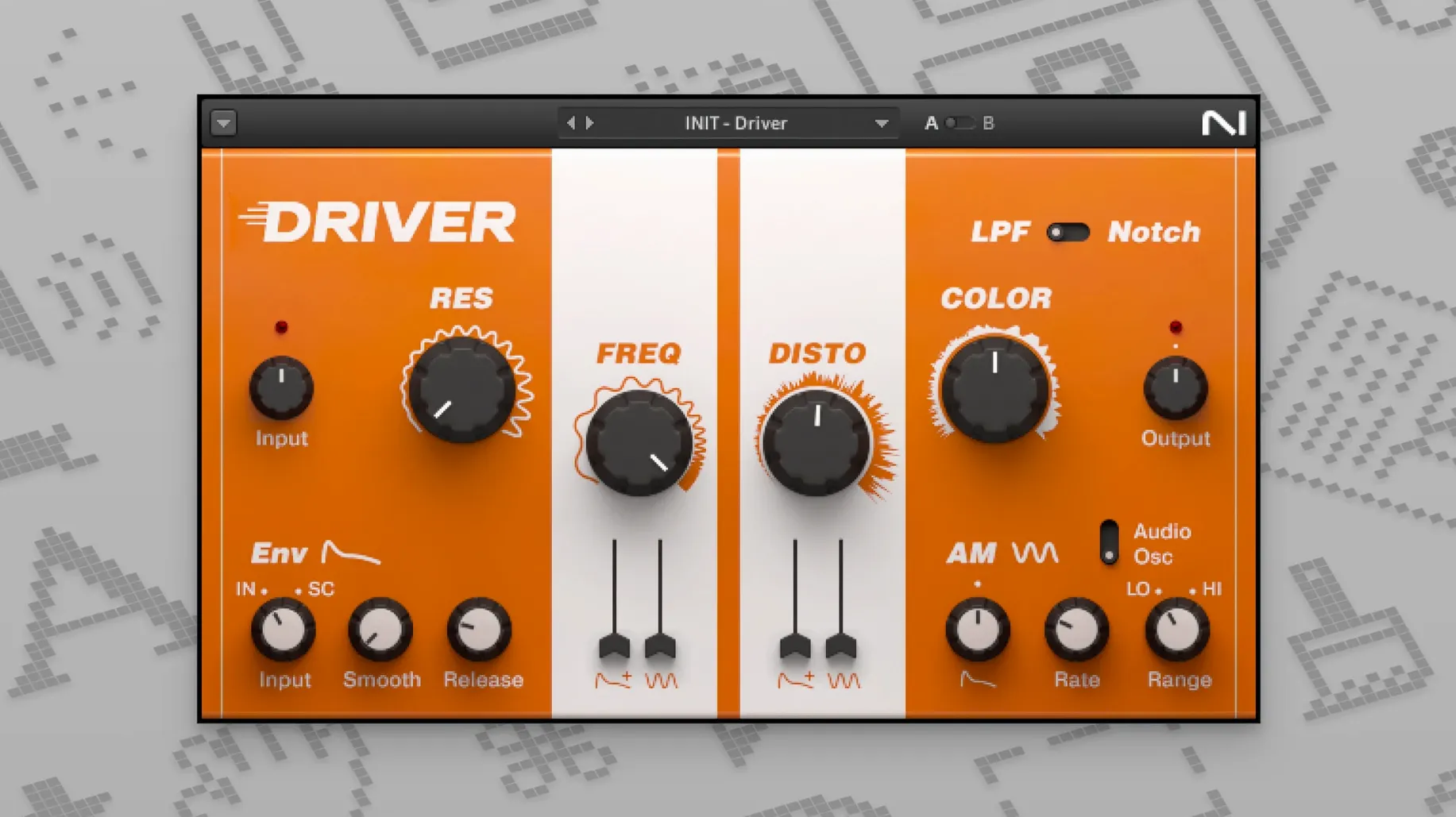
Phasis Tracks a Frequency You Choose
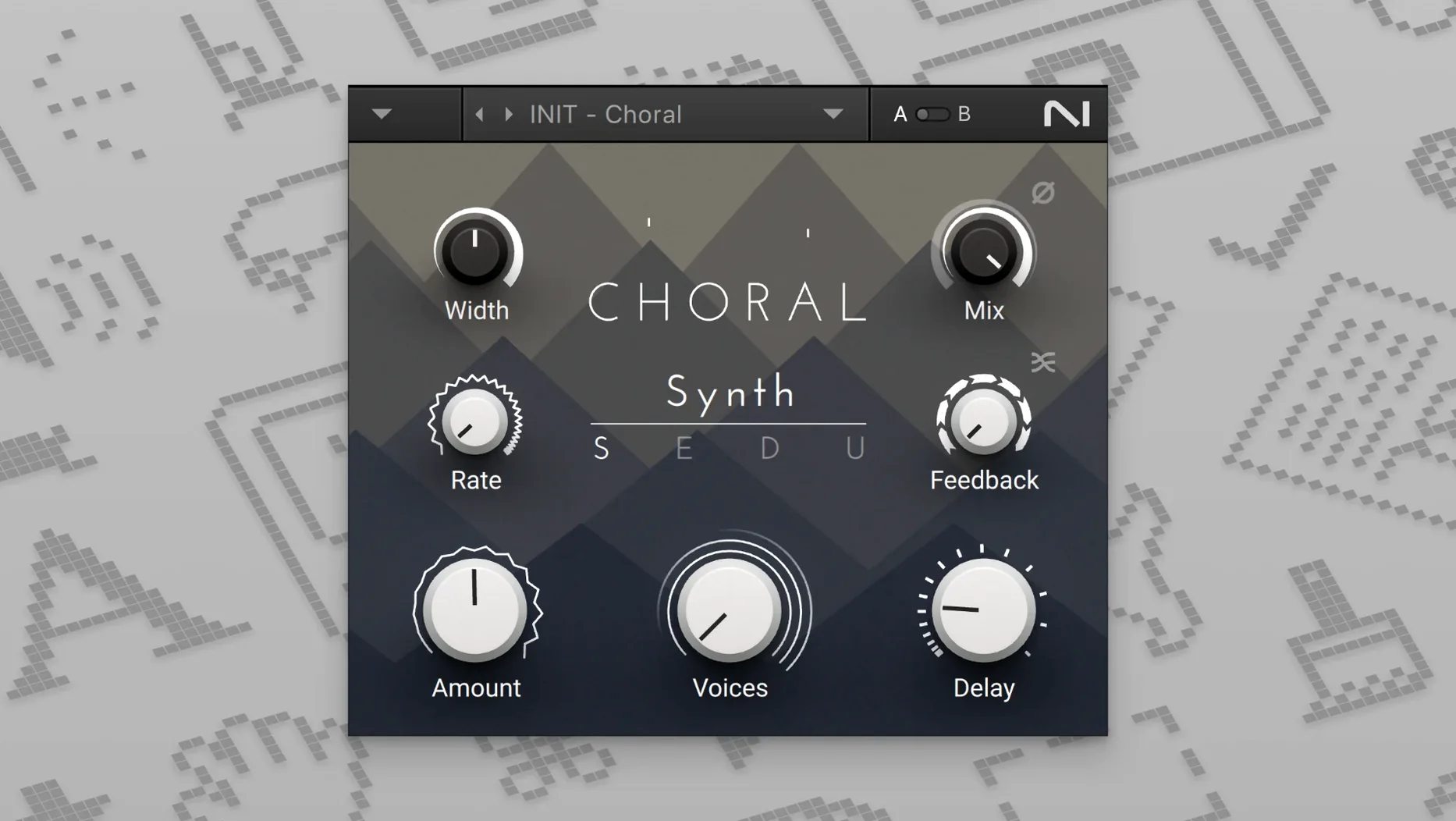
- The MOD PACK trio — Flair, Choral, and Phasis — gives you flanging, ensemble chorus, and phase-shifting that go well beyond a DAW's stock tools. Phasis, in particular, can be tuned to track a specific frequency range.
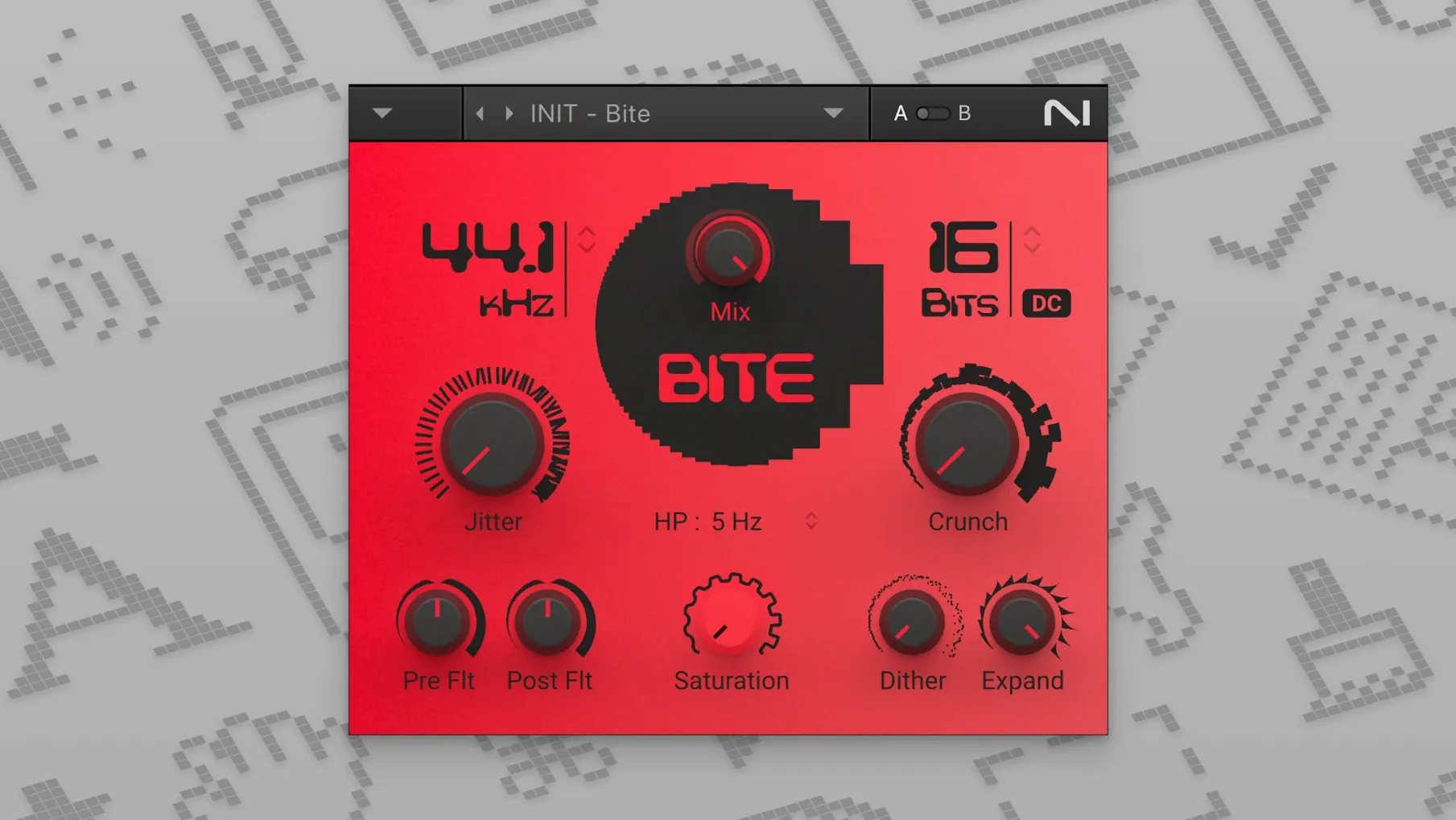
- CRUSH PACK delivers digital distortion and bit-crushed textures. It is not a gentle saturator; it is for rough, aliased artefacts that cut through a dense arrangement.
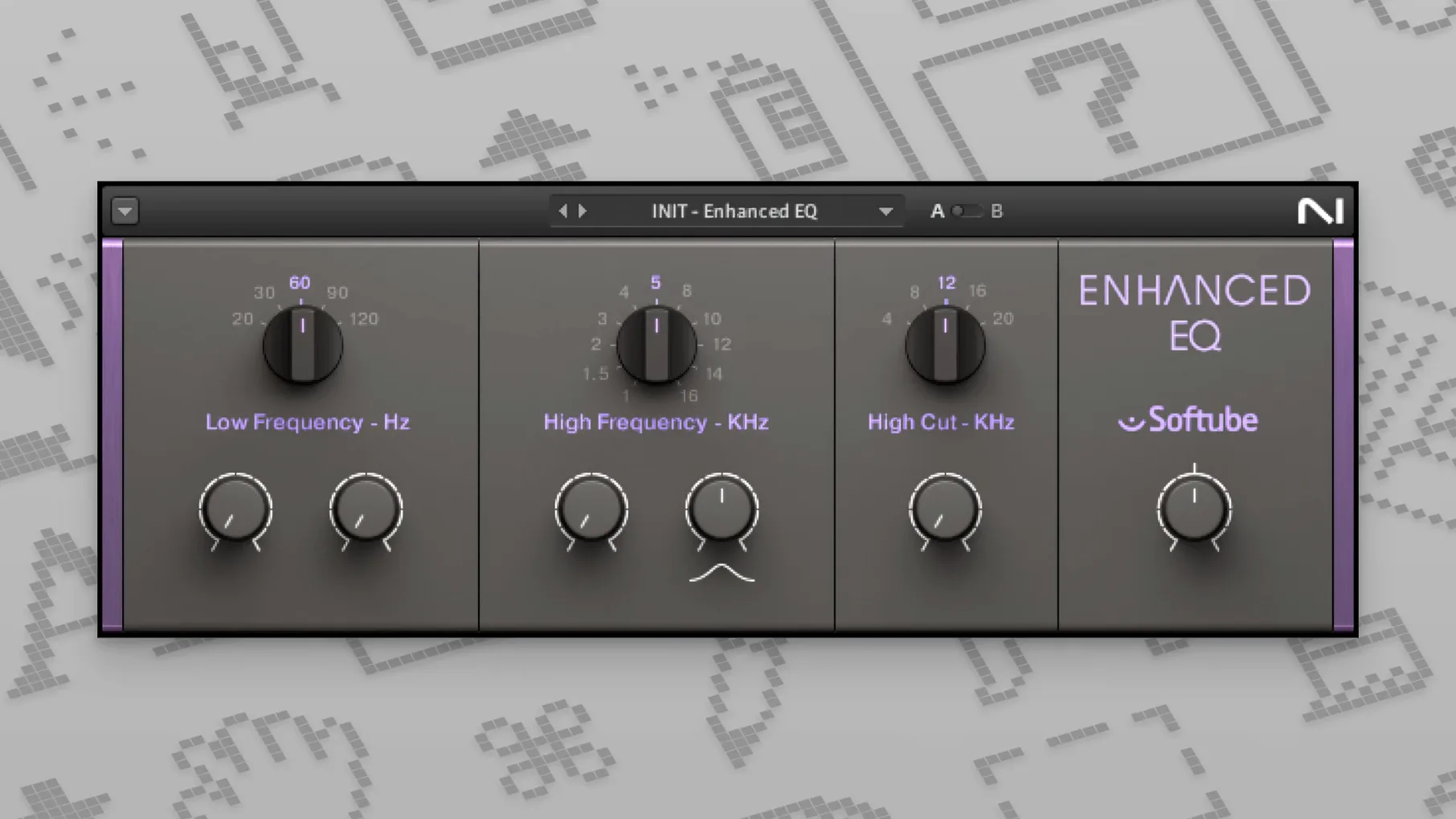
- The PREMIUM TUBE SERIES — Passive EQ, Enhanced EQ, and Vari Comp — models valve-stage colour. Vari Comp is a feedback-style compressor suited to sources that need to move forward in a mix without sounding squeezed.
Not a Full Channel Strip, by Design
- The collection is deep, but it is not an all-in-one channel strip. Solid EQ and Solid Dynamics cover clean, console-style processing, while the tube and crush packs sit at the extremes of colour.
- Interface language is English only; no localisation is included.
First hours with a bassline that won't sit
A producer opens a session where the bass part alternates between finger-style verses and a slapped chorus. The DI track is clean but lifeless — no weight in the subs and too much transient snap in the louder sections. They drop Transient Master first, pulling attack back 6 dB and adding 4 dB of sustain on the low band. That tames the slap without softening the note body. Next, VC 2A in limit mode knocks 3 dB off the peaks at a 10 ms release; the needle barely moves, but the waveform evens out. Finally, Solid EQ cuts 2.1 dB at 400 Hz with a broad Q and shelves 60 Hz up 1.5 dB. Five minutes in, the bassline anchors the track. No automation drawn, no clip gain edited — just three insert slots and a clear mental picture of what each tool does to a dynamic, harmonically simple source.
Settings You Should Change Straight Away
Replika XT: diffusion amount
The default diffusion setting on Replika XT's lush mode is 50 %, which can smear transients more than you want on rhythmic material. Dropping it to 10–15 % keeps the spatial wash while letting the dry attack cut through. For percussion sends, zero it out entirely and switch the algorithm to digital — the result is a clean, tapped delay that does not fight the groove.
Phasis: range low/high limits
Phasis ships with its frequency sweep spanning 80 Hz to 12 kHz by default. On a bass group, restrict the high limit to 2 kHz and set the modulation source to envelope; the phasing now tracks playing intensity only within the range that matters, avoiding fizzy artefacts on the top end when the player digs in.
Solid Bus Comp: sidechain filter
The 60 Hz high-pass filter in the internal sidechain is off from the factory. Enable it on any master bus or drum group. Without it, kick drum sub-energy pushes the compressor harder than the rest of the spectrum, and you end up compensating with a slower attack than the mix actually needs.
Passive EQ: gain staging
The tube-modelled output stage of Passive EQ clips softly at around −6 dBFS on the internal path. If you boost the low shelf by 4 dB or more, pull the output trim back by the same amount. You keep the harmonic thickening from the boost without pushing any downstream plug-in into an unexpected red.
Week one: small habits that save hours
- Save a “dry-run” FX chain for each bus. Spend an afternoon building a drum bus preset (Transient Master → Solid Bus Comp → Passive EQ), a vocal sweetener (VC 76 at 4:1, slow attack → Enhanced EQ → Replika XT on a send), and a synth width strip (Phasis → Flair → Raum). Name them clearly. In the first week, you audition a rough mix in minutes instead of scrolling plug-in menus every time.
- Use the A/B snapshot inside each plug-in. All the Komplete FX plug-ins include an internal A/B comparison — not just DAW bypass. Dial in a setting, store A, then push each control further than feels sensible and store B. Toggling between them teaches you what the parameters actually do faster than reading a manual.
- Set Replika and Raum sends, not inserts, for anything with a mix knob. Both plug-ins expose a dry/wet control, but putting them on a send and keeping the plug-in 100 % wet gives you independent EQ and compression over the effected signal. It also stops you from slowly turning up the mix knob during a long session and losing perspective on how wet the track has become.
Conveniences and shortcuts you will miss at first
- Alt-drag on any Solid Series threshold knob links the threshold and output gain in an inverse relationship. Push the threshold down 3 dB; the output rises 3 dB automatically. You level-match while dialling in compression, and your ears stop being tricked by loudness.
- Right-click any Replika XT parameter and choose “Link to Tap.” The delay time snaps to the current DAW tempo note value (dotted eighth, quarter triplet, etc.) and stays synced even if you tweak the tempo map later. The plug-in hides a full tempo-sync menu behind that right-click, and many users never discover it because the front panel shows milliseconds only.
- Double-click the Raum size readout. It resets to 50 % exactly, which is the neutral starting point for the room and hall algorithms. Useful when you have dragged the slider into an extreme and want a quick reset without reloading the plug-in.
- Shift-scroll over any knob in CRUSH PACK. It switches to fine-adjust mode, moving values in increments of 0.1 instead of whole units. Essential for dialling in bit-depth reduction around 8–10 bits where one step either side changes the character completely.
- VC 160 metering switch. The small “GR/OUT” toggle on the right of the VU meter changes the meter from gain reduction to output level. Leave it on GR during setup, then flick to OUT before you bypass the plug-in to check that your compressed signal matches the uncompressed level — all without opening another meter plug-in.
- Drag-and-drop preset import. You can drag an .nka preset file straight from Finder onto any opened plug-in window. No need to navigate the preset browser. If you trade chains with a collaborator, this cuts out half a dozen clicks per slot.
- Version — Updated to 2026.1.
- macOS 10.13 or newer
- Apple Silicon or 64-bit Intel processor
Questions on file
Which plug-in formats are included in the Komplete FX Bundle?
The bundle runs on ARM and 64-bit x86 Macs, supporting VST, AU and AAX formats from macOS 10.13 onwards.
What is the difference between the Solid Mix Series and the Premium Tube Series?
The Solid Mix Series provides clean, transparent console-style EQ, bus compression and dynamics, while the Premium Tube Series models valve-based colour and saturation.
Sign in · Create an account to add a field note.
No field notes yet. A measurement, a version, a machine — they appear after moderation.