VST Plugins
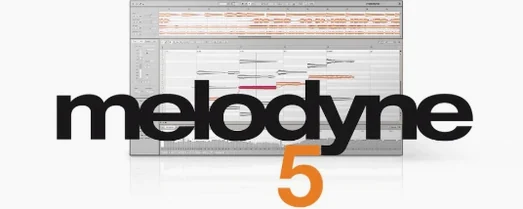
Melodyne 5.4.2.006
VST PluginsUpdated
| Requirement | On file |
|---|---|
| macOS | macOS 10.12 or later |
| CPU | Apple Silicon, Intel 64-bit |
| Download | 97 MB |
An untreated vocal in a dense mix sits awkwardly against a synth pad tuned to A432. You isolate the individual notes in the DAW, adjust their pitch centres by a few cents, and tighten the timing without a single stretch artefact.
Dial in percussive material with the right algorithm
Standard pitch detection assumes sustained tonal content, which falls apart on marimbas or muted guitar. The Percussive Pitched algorithm reframes the analysis to lock onto short-resonance sources, letting you retune a tabla stroke or reposition a deadened string without the warbling that generic algorithms introduce.
Shape note dynamics without touching a fader
The Fade Tool and Leveling Macro operate directly on the detected note blobs. Fades become part of the note itself — draw a curve across a sibilant-heavy phrase and the gain follows the blob boundary, not a track envelope. The Leveling Macro then evens out the perceived intensity across selections, useful before hitting a downstream compressor.
Inspect what the software reads before editing
The analysis separates pitch centre, noise content, breath components, and intonation drift into distinct visual layers. Before moving a note, you can check how much of the detected blob is unpitched air versus fundamental — a sanity check that prevents you from “correcting” a breath into a note.
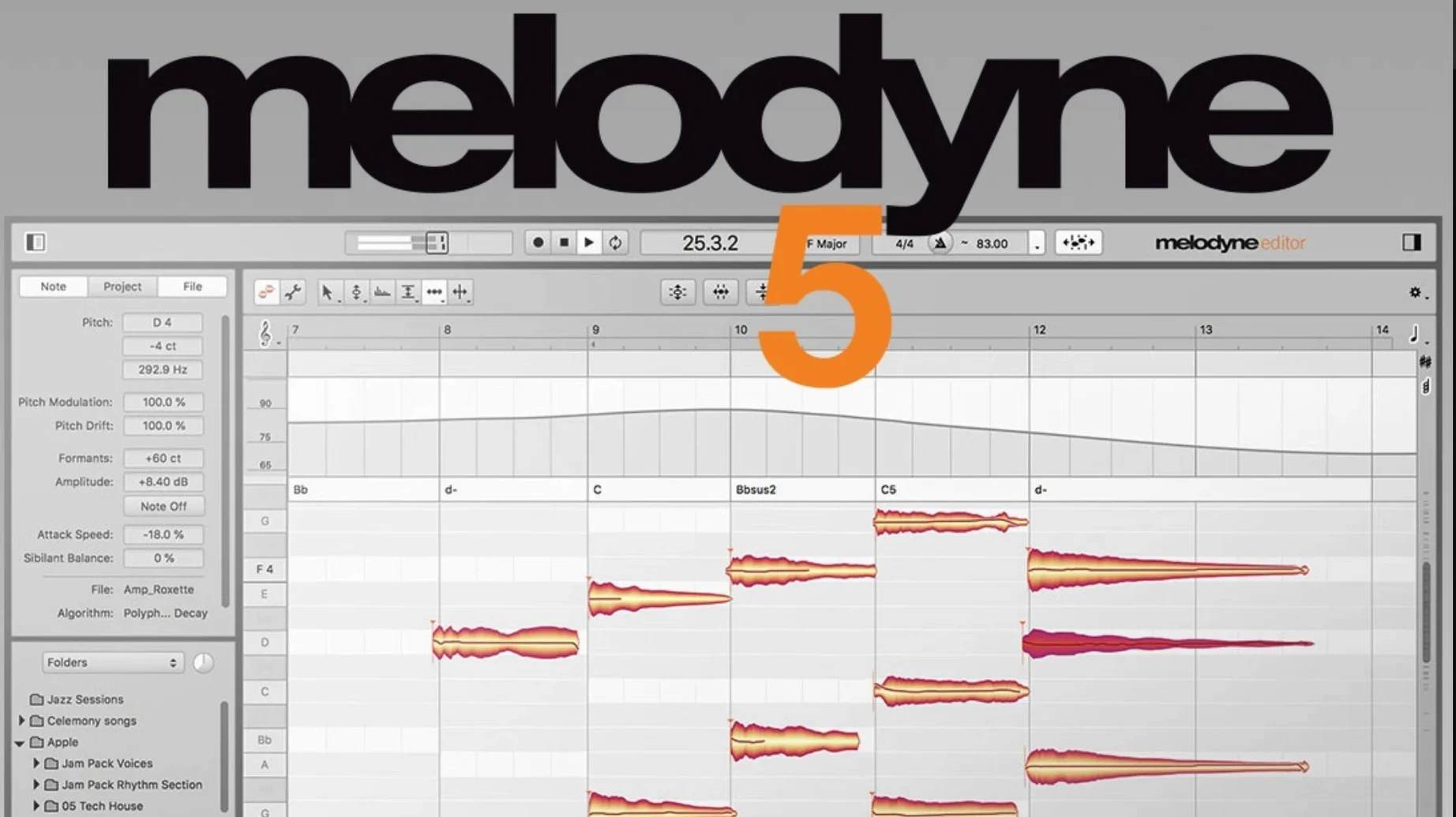
You open a project, drop Melodyne onto a vocal track as an ARA plug-in, and wait the few seconds it takes for the transfer to complete. The familiar orange blobs populate the editor — each one a note with its own pitch centre, timing, and amplitude envelope. You start by auditioning a phrase that felt slightly flat during tracking. The pitch drift line inside the blob confirms it: the singer scooped up to the note over roughly 80 ms, then settled about 18 cents below target. You select all the blobs in the phrase, open the Pitch Macro, and dial correction to 80 percent — enough to bring the intonation into line without erasing the glide that gives the performance its character.
Next you switch to the timing grid. A doubled acoustic guitar part has a few eighth notes that land noticeably behind the kick. You click the offending blob, engage the time handle at its left edge, and nudge it forward. The DAW playback loops while you work, so you hear the result immediately — the transient now locks with the drum hit, and the material between the two takes remains phase-coherent because Melodyne stretches only the moved section. Thirty seconds later you have cleaned up four bars of fingerpicking without touching a single crossfade.
You move to the Formant Tool. The background vocal double needs to sit higher in the stereo field without going chipmunk. You grab the formant handle and push it up by a semitone while leaving the pitch untouched. The voice thins just enough to separate from the lead, gaining an airier texture that slots into the 2 kHz range where the main vocal dips. You repeat the process on the harmony stack, then open the sibilant balance view to check that the formant shift has not exaggerated the esses. One note shows a spike in the noise band; you isolate the sibilant component and pull it back by 3 dB with the amplitude tool. The edit takes less than ten seconds and saves a de-esser chain later.
Before you close the session, you experiment with the chord track. Melodyne has detected the key as D minor, and the chord display above the timeline shows the harmonic rhythm of the verse. You select a piano part that was originally tracked in E-flat major and drag it onto the chord lane. The software remaps every note to fit D minor, voice-leading intact. You listen once, decide the third is too prominent in one voicing, and adjust that single note by hand. The whole operation — key change, audition, revision — spans perhaps two minutes. You commit the edits, close the plug-in window, and the DAW plays back the corrected audio with zero added latency.
Settings that repay the first five minutes
Out of the box, Melodyne makes a few assumptions about how you want to work. Changing them early prevents friction later.
Algorithm defaults. The software picks an algorithm based on the audio it receives, but the automatic selection skews conservative — it often chooses Polyphonic where Universal or Percussive Pitched would yield tighter results. Open Preferences, switch to the Algorithm tab, and set Percussive Pitched as the fallback for short-transient material. For monophonic sources, lock the default to Melodic and disable the automatic detection checkbox. You save a click on every transfer.
Scroll behaviour. Version 5.4.2 revised trackpad scrolling, but the zoom direction can still feel inverted if you expect the waveform to magnify under your fingertips. The Scroll & Zoom pane under Preferences lets you flip the vertical and horizontal axes independently. While you are there, set the mouse wheel to scroll vertically and hold Command to zoom, which matches the convention in most DAWs.
ARA data handling. If you use ARA mode in Logic Pro or Studio One, enable the preference that saves Melodyne data inside the DAW project file rather than as a separate document alongside the audio. It keeps your session folder clean and avoids broken references when you move projects between machines. The trade-off is larger project files, but for sessions under 50 tracks the difference is negligible.
Note colour mapping. The default colour scheme assigns a single hue to all blobs regardless of pitch deviation. Switch to Pitch Deviation mode in the View menu and the editor paints flat notes blue and sharp notes red, with intensity proportional to the offset. It becomes immediately obvious which phrases need attention before you hear a single bar.
Where Melodyne stands among Mac pitch editors
Three tools dominate the conversation when Mac users search for melodyne mac capabilities: Antares Auto-Tune Pro, Synchro Arts Revoice Pro, and Waves Tune Real-Time. They overlap in purpose, but the working methods diverge enough that picking one shapes your entire editing flow.
Antares Auto-Tune Pro applies correction in real time or via a graph mode that lets you redraw pitch curves. The graph editor gives you fine control over individual syllables, and the real-time engine is the industry standard for the hard-tuned vocal effect. Where Melodyne pulls ahead is polyphonic material and timing. Auto-Tune operates on a single monophonic source; throw a piano chord at it and you get nothing usable. Melodyne separates the notes inside that chord and lets you retune the third independently. For anyone working with full arrangements rather than isolated vocals, the difference is decisive.
Synchro Arts Revoice Pro focuses on alignment and doubling. Its APT (Audio Performance Transfer) engine copies the timing, pitch, and level contour from one performance to another — ideal for tightening stacked harmonies against a lead vocal. Revoice Pro handles pitch correction, but it is not its primary job. Melodyne offers deeper note-level editing, including formant shifts, sibilant isolation, and the Fade Tool. A studio that tracks dense vocal arrangements might run both: Revoice Pro for alignment and Melodyne for fine-tuning the results.
Waves Tune Real-Time sits somewhere between Auto-Tune and Melodyne but leans toward live use. It corrects pitch with minimal latency, making it suitable for stage monitoring or tracking with correction printed to tape. Its editing window is simpler — no note separation, no chord recognition, no formant manipulation. It does one thing quickly and transparently, but anyone searching for melodyne 5 free download mac alternatives hoping for the same depth of editing will find Waves Tune Real-Time a different category of tool entirely.
Double-click blobs for instant isolated auditioning
Some of Melodyne’s most useful behaviours hide behind modifier keys or context menus that are easy to miss on a first pass.
Double-click a blob to audition it in isolation. The shortcut bypasses the playback head entirely; you hear the raw note without whatever is happening around it. Hold Shift while double-clicking and Melodyne plays the note with its neighbours, which helps when judging whether a timing edit has introduced a gap.
Option-drag the pitch centre to reset it. When you have nudged a note too far and want the original pitch back instantly, Option-click on the blob and drag slightly. The pitch snaps to its analysed position. The same trick works for timing: Option-drag a time handle to revert a single note without undoing the last ten edits.
Command-Option-drag to scale multiple blobs proportionally. Select a phrase, hold both modifiers, and pull one blob’s amplitude handle. Every selected note scales relative to its original level rather than being set to an absolute value. The quiet notes stay quieter; the loud ones stay louder. It preserves the performance’s natural dynamic contour while bringing the overall gain up or down.
The Note Separation tool works in the background. If Melodyne detects two distinct pitches inside a single blob — a common occurrence on slide guitar or gliding vocals — the blob displays a faint dividing line. Click it and the tool splits the blob into two independent notes without re-analysing the entire track.
Scroll-wheel over a blob edge to nudge its start or end point. Hover the cursor over the left or right boundary of a note until it changes to a bracket icon, then scroll up or down. The boundary moves in 5-millisecond increments, faster than dragging and precise enough to clean up breath catches before a phrase.
ARA shows no blobs and other sticky failures with fixes
Even seasoned users searching for melodyne 5 rutracker advice or community tips eventually run into a handful of recurring issues. Most have straightforward fixes.
ARA transfer fails silently. You insert Melodyne on a track, open its window, and see no blobs. The DAW plays audio through the plug-in, but the editor stays blank. This usually means the ARA plugin version and the VST or AU version are both present in your plug-in folder, and the DAW loaded the wrong one. Remove the non-ARA version from your components or VST folder, restart the DAW, and re-insert Melodyne. The blobs should appear within seconds. On Apple Silicon Macs running Rosetta-native DAWs, ensure you are using the Universal Binary build — the Intel-only build sometimes fails to initialise ARA bridges under translation.
Pitch edits sound warbly on sustained notes. The Polyphonic algorithm applied to a held vocal note can misinterpret overtones as separate pitches, leading to flutter when you move the blob. Switch the algorithm for that specific segment to Melodic. You can right-click any blob and reassign the algorithm per note; the software re-analyses only the selected region. The fix takes seconds and cleans up the artefact completely.
Scrolling zooms the wrong axis. Since version 5.4.2 revised the trackpad handling, some users find that a two-finger vertical swipe zooms horizontally instead of vertically. The fix is in Preferences under Scroll & Zoom: uncheck “Use natural scrolling direction” and swap the assignments for horizontal and vertical gestures. The change applies immediately; no restart required.
A crash on opening a project. The 5.4.2 update specifically addressed a case where Melodyne could crash during ARA initialisation or plug-in instantiation. If you still encounter it, the culprit is often a corrupted ARA data chunk inside the DAW project. Open the project with Melodyne bypassed, remove the plug-in from the track, save under a new name, then re-insert it and transfer the audio fresh. The old edits are lost, but the crash stops.
Formant edits affect the wrong part of a chord. When you grab a formant handle on a note inside a polyphonic recording, Melodyne sometimes applies the shift to the entire chord because the separation confidence is low on that particular blob. Increase the Algorithm Sensitivity in the Note Assignment menu for that blob before touching the formant. A higher sensitivity forces a stricter separation pass, isolating the target note enough that the formant change stays local.
- macOS Sequoia — Optimisations and adaptations for the current OS.
- Trackpad — Scrolling behaviour on Mac trackpads has been improved.
- Crash fix — Resolved a crash that could occur when opening Melodyne in ARA and plug-in use cases.
- macOS 10.12 or later
- Apple Silicon or Intel processor
- English interface
Questions on file
Does Melodyne 5 run natively on Apple Silicon Macs?
Yes, the Mac version is supplied as a Universal Binary with native support for Apple Silicon and Intel processors.
Sign in · Create an account to add a field note.
No field notes yet. A measurement, a version, a machine — they appear after moderation.