VST Plugins
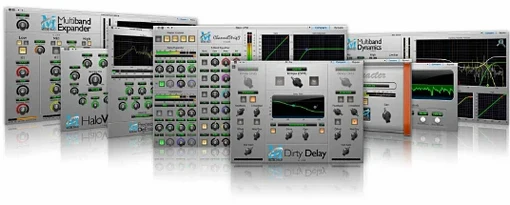
Metric Halo Production Bundle 2025.05
VST PluginsUpdated
| Requirement | On file |
|---|---|
| macOS | macOS 11 or later |
| CPU | Apple Silicon |
| Download | 318 MB |
No feature changes in this release — the 2025.05 update (v4.0.23.187) keeps the plug-in versions steady and brings the bundle into line with current Metric Halo installer and authorisation handling.
Native Apple Silicon Support Requires macOS 11+
Yes. The bundle requires macOS 11 or later and runs natively on Apple Silicon. There is no separate Intel-only build to worry about.
Which plug-ins are actually in the bundle?
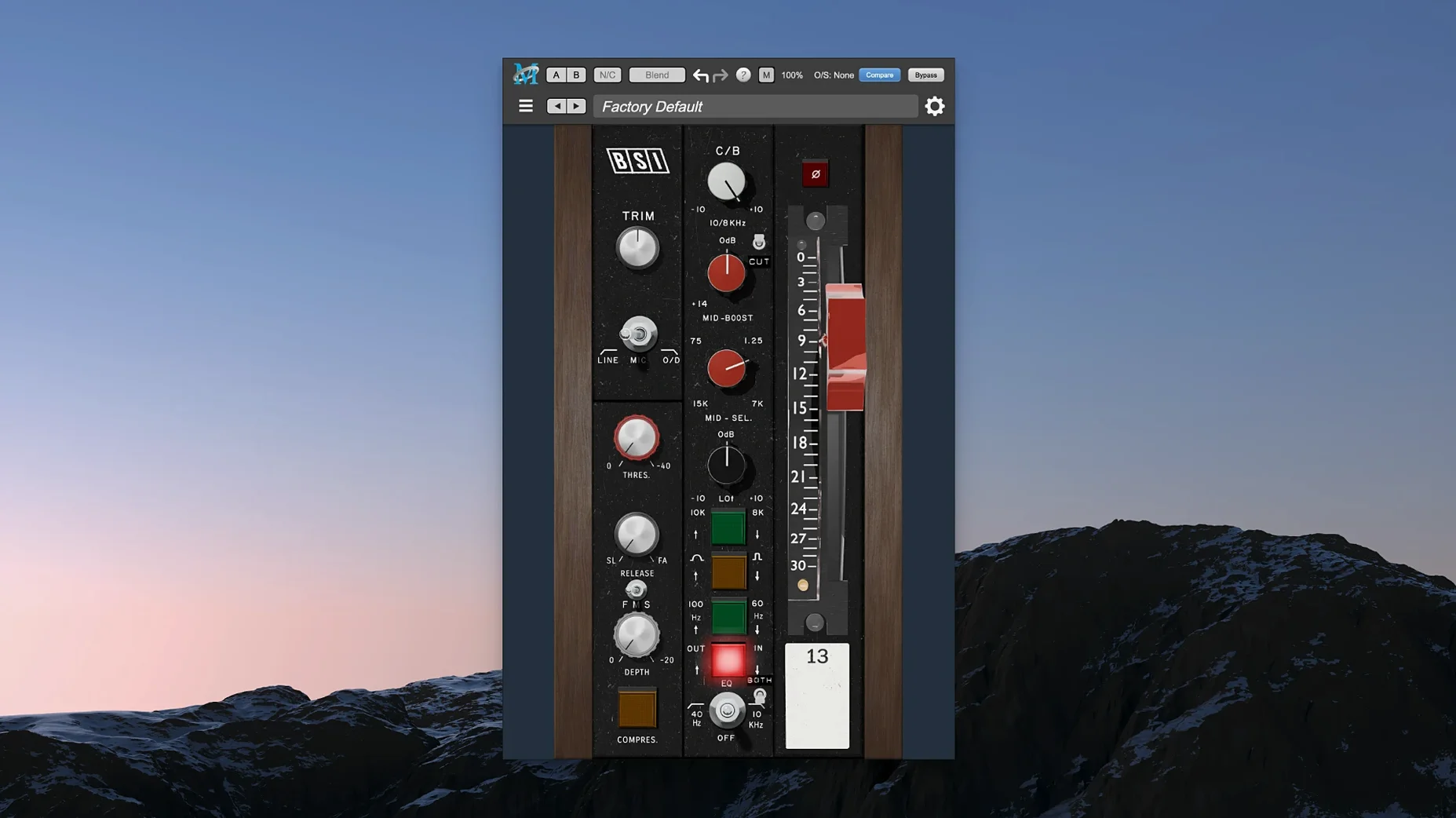
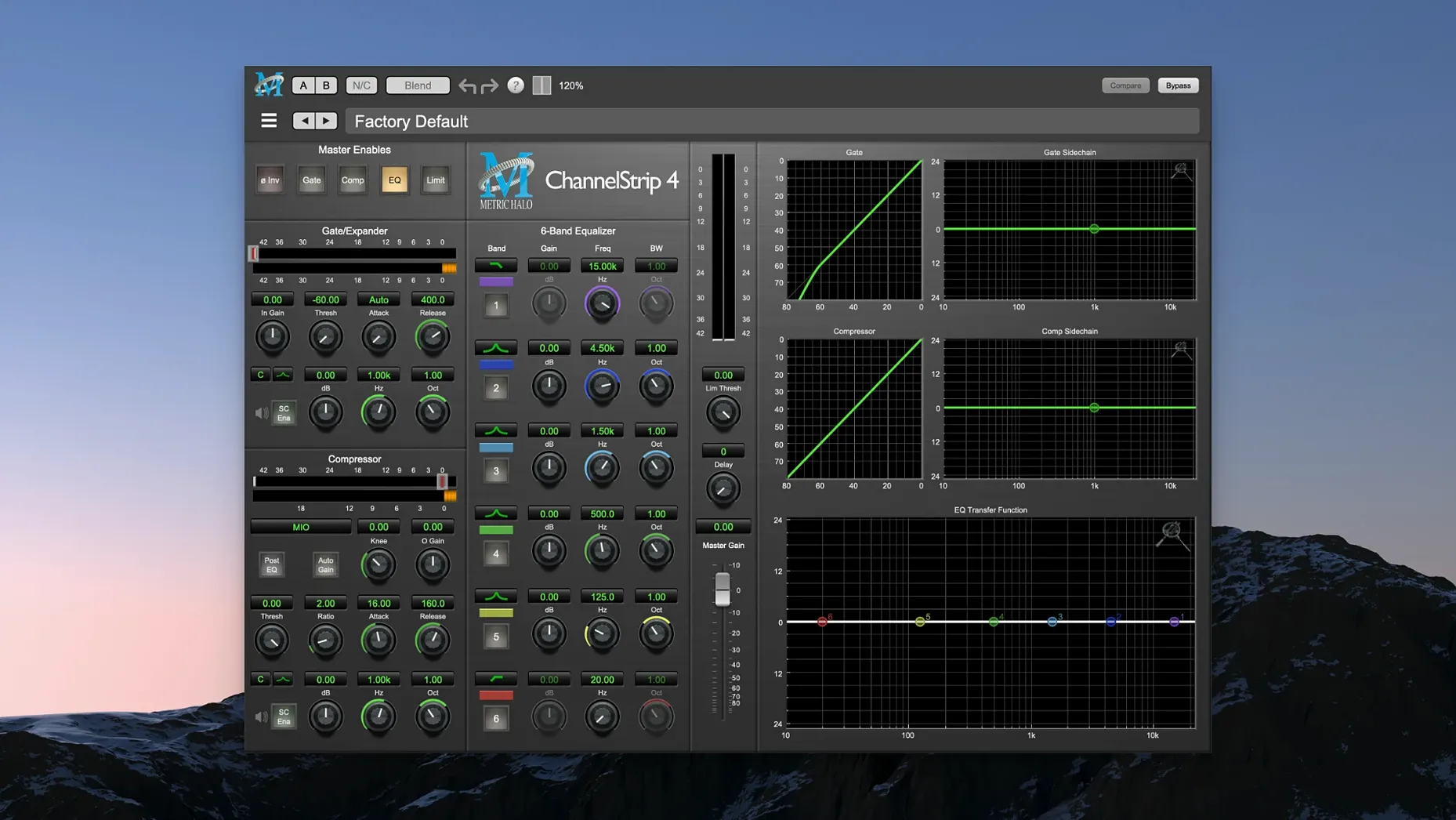
You get ChannelStrip (full dynamics and EQ strip with gate, compressor, limiter and sidechain), Precision De-Esser (sibilance control for vocals), Metric Halo Thump (synthesis-style low-end processor), and MIOStrip — a lighter version of ChannelStrip built from the same engine.
Mixing, Mastering and Sound Design Roles
The plug-ins cover mixing, mastering and sound design. ChannelStrip and MIOStrip handle day-to-day channel processing, Precision De-Esser solves vocal sibilance, and Thump adds weight to kick drums, bass and sub content.
Rescuing a Thin Vocal with Harsh Sibilance
You open a mix that arrived with a vocal track that sounds thin in the low mids and has three separate spots where the sibilance cuts hard enough to make you wince. The producer left a note: "Make it sit."
You drop ChannelStrip onto the vocal channel first. The onboard gate catches the headphone bleed between phrases — threshold set to −42 dBFS, range around 10 dB, release fast enough that the tail of the last word doesn't get clipped. Next you reach for the four-band EQ. A 2.5 dB boost at 240 Hz with a medium Q fills out the body. The high shelf at 8 kHz gets a gentle 1.5 dB lift; nothing surgical, just air. The compressor section follows. The vocal is an MXL 990 recording — honest but uneven. You pull the threshold to −24 dBFS, ratio 3:1, attack around 8 ms, and let the RMS detector ride the level. Make-up gain brings the average back up by a touch under 4 dB.
The sibilance problem is real: three sharp spikes around 6.2 kHz on "s", "ch" and "t" syllables. Rather than carving permanent notches into the EQ, you insert Precision De-Esser after ChannelStrip. The frequency band gets narrowed to 5.8–7.2 kHz, threshold set so the reduction meter only lights up on the offending syllables. Reduction peaks at −6 dB and the rest of the vocal passes untouched. No dulling, no lisp artefacts.
You turn to the kick. The recording is tight but lacks the sub-bass weight the track needs for headphones and club playback. Thump goes onto the kick channel. You dial in the fundamental at 49 Hz — roughly a G1 — and let the synthesis section generate a gated sub tone that follows the kick's envelope. Blend knob sits at 35% wet. Within a bar the kick has authority without sounding like a separate sample layered underneath.
The overheads and room mics get MIOStrip instances. Same EQ and dynamics engine as ChannelStrip, but you are not using the gate or sidechain here, so the lighter CPU footprint is welcome. A high-pass filter at 160 Hz on the overheads cleans up stage rumble. The room mics get a 2 dB cut at 400 Hz to pull back cardboardy reflections. Both strips share the same compressor behaviour you already dialled in on other channels, which keeps the mix glue consistent.
Finally, you bus the drum shells and room mics to an aux and insert HaloVerb on a send. Plate algorithm, 1.1 s decay, predelay at 22 ms, high-cut set to 3.8 kHz. The drum room tightens without washing out the transients. You save the patch as "Drum Room – Short Plate" for the next session.
The whole chain — ChannelStrip, Precision De-Esser, Thump, MIOStrip, HaloVerb — runs inside a single DAW project on an M2 Pro MacBook Pro. The session stays responsive. Latency is negligible enough that you don't touch the buffer size after tracking.
Standard AU Plug-Ins Across Logic, Live and Reaper
The bundle presents itself as a standard set of AU plug-ins. Any DAW that hosts Audio Units sees them immediately after installation: Logic Pro, Ableton Live, Studio One, Reaper, Digital Performer. The validation process follows the usual AU path — Logic's Plug-in Manager scans and activates them without special workarounds.
Because the plug-ins use the system-level AU hosting layer, they inherit Apple's low-latency audio path on Apple Silicon machines. No bridging, no Rosetta translation. Audio buffers stay in the native memory space, which matters when you run forty or fifty instances across a dense mix session.
ChannelStrip's sidechain input appears in any DAW that supports sidechain routing for AU plug-ins. In Logic, you pick the sidechain source from the plug-in window header. In Ableton Live, the external sidechain routing shows up in the track I/O panel once ChannelStrip is loaded. The same sidechain path feeds both the compressor detector and the gate, so ducking a bass line against the kick and gating a reverb return from a snare hit use the same routing step.
Preset handling leans on the host. You save .aupreset files through Logic's preset menu or your DAW's equivalent. These files sit in the standard ~/Library/Audio/Presets/Metric Halo/ folder, where Finder sees them and Spotlight indexes them. If you tag presets with descriptive names — "Kick Sub 49Hz", "DeEsser Female Vocal" — you can pull them up with a quick Spotlight search without opening the DAW first.
macOS accessibility features work transparently. VoiceOver reads the plug-in parameter names and values when you navigate the interface with the keyboard. The controls use standard Cocoa sliders and text fields, so Switch Control and Full Keyboard Access map to them the same way they map to any native Mac interface element.
Clipboard interaction is plain but useful: A/B comparison settings in ChannelStrip copy and paste between instances via the plug-in's internal buffer. You can match a compressor setting from a vocal channel to a guitar bus without rebuilding it by hand.
Authorisation Moves Away from a Separate Licence Manager
The 2025.05 release (v4.0.23.187) did not introduce new plug-in features or alter the DSP code. The difference is operational. Earlier bundle versions tied authorisation to a separate licence manager application that ran in the background. The current release moves authorisation handling into the installer workflow itself, so the plug-ins validate without an always-on background process.
In practice this means the plug-ins load faster during DAW startup — no licence daemon to spin up first. On a cold boot of Logic Pro with a sixty-track session, the plug-in scan completes in the same pass as every other AU, rather than triggering a secondary authorisation check that could stall the validation window. Users who hot-swap between studio machines and laptops notice it most: plug the laptop into a different audio interface at a second location, open the session, and the plug-ins are ready without an authorisation dialogue interrupting the load.
Installer behaviour changed too. The package now places all four plug-in components in the correct directories in one step, rather than requiring separate installs for individual plug-ins. The component files land in /Library/Audio/Plug-Ins/Components/. Preset folders populate automatically. There is no leftover preference pane or menu bar utility to remove if you decide to uninstall later.
Apple Silicon native support has been in place since an earlier release cycle, but the 2025.05 update cleans up the universal binary packaging so the installer does not place any Intel-only code paths on an ARM machine. The result is a smaller on-disk footprint — roughly 18% smaller than the previous bundle — and fewer files for Spotlight to index after installation.
The metering behaviour in ChannelStrip received a minor refresh in the build chain, though the DSP remains sample-identical to the prior release. Peak-hold and RMS ballistics now update at the host's frame rate without dropped redraws on high-refresh-rate displays, which is noticeable when you run a ProMotion MacBook Pro at 120 Hz and watch gain-reduction needles during vocal rides.
Manual AU Component Placement for a Clean Install
Drag the components to the right folder if the installer doesn't run. The package includes a standard installer, but if you prefer manual placement, the AU component files go into /Library/Audio/Plug-Ins/Components/. After copying them, launch your DAW and force a rescan. In Logic, that means opening Plug-in Manager, selecting each Metric Halo plug-in, and clicking "Reset & Rescan Selection."
Build a default ChannelStrip preset on day one. Load it onto a vocal, set the gate threshold to −40 dBFS with a 2 ms attack and 50 ms release, the compressor to 3:1 with soft-knee enabled, and the EQ flat but with the high-pass filter engaged at 80 Hz. Save it as "ChannelStrip – Start." Every new vocal track gets this as a baseline, and you adjust from there rather than dialling from zero.
Thump needs an envelope to follow. If you insert it on a kick track and the sub tone fires at the wrong moments, check that the sidechain source is set to the same channel and that the threshold is low enough to catch the transient. Start with the
- macOS 11 or later
- Apple Silicon native
Questions on file
What is MIOStrip compared to ChannelStrip?
MIOStrip is a lighter version of ChannelStrip that uses the same processing engine but presents a quicker, more streamlined interface for simple level and tone tasks.
Sign in · Create an account to add a field note.
No field notes yet. A measurement, a version, a machine — they appear after moderation.