VST Plugins
Minuit Solstice 1.2.0
VST PluginsUpdated
| Requirement | On file |
|---|---|
| macOS | macOS 12 or later |
| CPU | Apple Silicon, Intel 64-bit |
| Download | 117 MB |
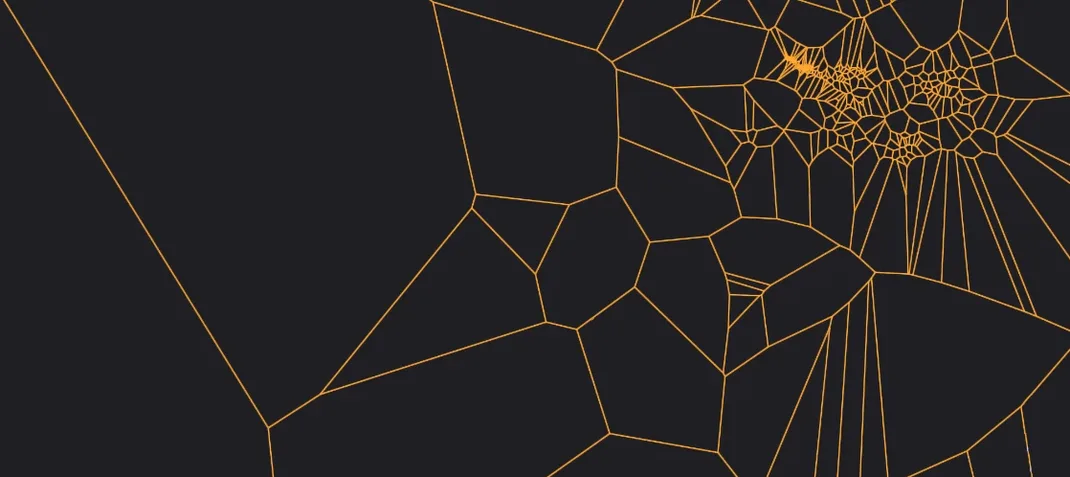
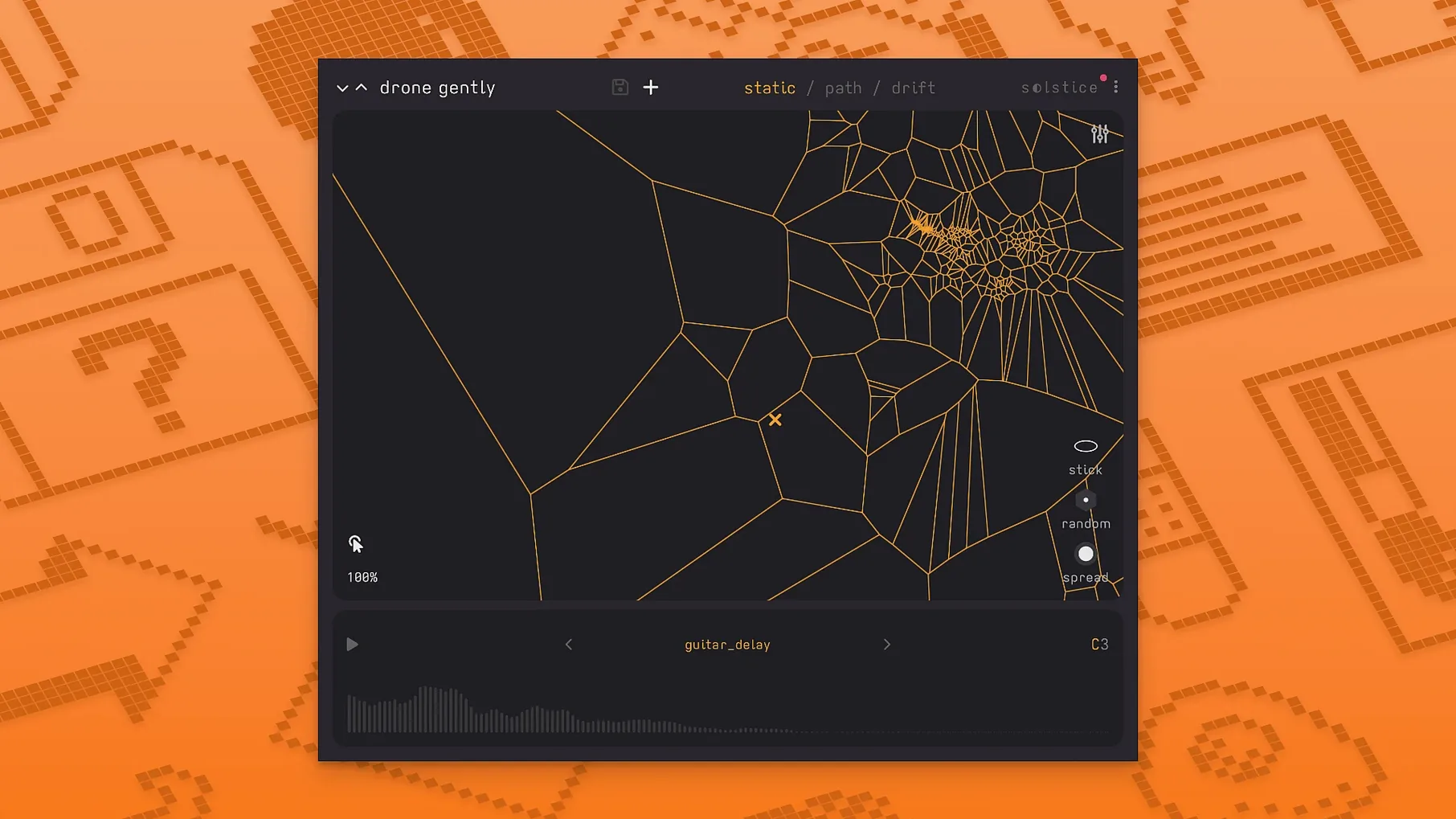
If you have spent time with a granular synth and wished the grain cloud had a clearer geography, Solstice occupies a similar headspace but replaces the cloud with a defined map. It analyses a loaded sample and projects its sonic material onto a two-dimensional plane. Dragging the cursor across that plane morphs between regions rather than triggering discrete slices, which makes it closer to a wavetable navigator than a conventional sampler.
Version 1.2.0 runs natively on Apple Silicon and Intel Macs under macOS 12 or later. Host support covers AU and VST3 formats. The plugin detects the root note of a sample automatically, and pitch shifting stays crisp even when you pull the cursor into the far reaches of the map. MPE controllers are now recognised, so per-note expression data feeds directly into the sound engine, and MTS-ESP integration keeps microtuning consistent across a session.
The spectral effects section adds five processors: texture, tilt, flutter, stretch, and bloom. Each pushes the sound in a different direction — tilt warps the spectral balance, flutter introduces rapid pitch instability, and bloom smears transients outward. Reverb modulation control ties into that set, letting you animate the tail without touching an external send. The whole thing leans toward ambient, experimental, and aleatoric work, though a clean map and a short decay can sit inside a pop mix without feeling out of place.
Single samples rarely cover this much ground. Map points that would be separate keygroups in a traditional instrument become continuous territory here, and the cursor movement determines how much of that territory you traverse in real time.
A sound designer’s first ten minutes
A film sound designer loads a 22-second field recording of a train station — announcements, rolling luggage, the squeal of distant brakes. The sample has too much useful material to chop manually, and a simple loop would waste the detail. Solstice analyses the file and spreads the timbral clusters across the map: metallic squeals cluster bottom-left, low rumbles sit centre, and the public-address voice lands in a tight region top-right. With a MIDI controller sending slow, held notes, the designer drags the map cursor through the rumbles and stops at the edge of the voice cluster. The morph is smooth enough that the transition sounds like a single event — machine noise bleeding into language. A short stereo bounce lands directly into the timeline. No slicing, no crossfade edits, just a single pass recorded as audio.
Cursor coasts to a halt after you let go
A few interactions are easy to overlook on a first pass through the interface.
- Cursor inertia. When you release the mouse or lift a finger from a trackpad mid-drag, the cursor does not stop dead — it coasts briefly. The drift distance is short, but it softens the endpoint of a manual move and makes a quick gesture sound less mechanical.
- Shift-drag for fine positioning. Holding Shift while dragging slows the cursor by roughly a factor of four. That single change turns a rough sweep across half the map into something precise enough to land on a single transient buried inside a dense cluster.
- Root-note override. Auto-detection works well, but Option-clicking a map point sets it as the manual root. That is useful when a sample contains a dominant pitch that the algorithm misses — a bowed cymbal with a strong fifth, for example — and you want all MIDI input to reference that frequency.
- Reverb modulation lane. The modulation depth for the internal reverb can be assigned to a continuous controller. Map it to a mod wheel and you can push the tail from tight and dry to a pitch-wavering wash during a single held chord, without opening the effects panel.
Route map movements into bus processing chains
Solstice runs as an AU or VST3 instrument, so it slots into any host that supports those formats. In a Logic Pro session, routing its output to a bus lets you treat the map movements as source material for further processing — a Space Designer impulse response, a step-filtered delay line, or a Tremolator synced to project tempo. MIDI from a random arpeggiator fed into Solstice produces a stream of short note-ons, each triggering a different map position, which turns a static sample into a rhythmically unpredictable texture generator.
MPE support means a controller like a ROLI Seaboard or an Expressive E Osmose can send per-note pitch bend and pressure. Pressing harder on a key shifts the playback position slightly toward denser clusters, while a vertical slide tilts the spectral balance via the tilt effect. The integration is not deeply configurable — there is no per-voice modulation matrix — but the default mapping is musical out of the box. MTS-ESP ties it into the broader microtuning ecosystem: load a Scala file in an MTS-ESP master plugin and Solstice follows the tuning without manual setup. That keeps it in tune with hardware synths and other software instruments that speak the same protocol.
Drag-and-drop from the Finder is supported, so a sample pulled straight from a desktop folder replaces the current map instantly. That makes quick A/B testing of similar recordings — two different microphone positions of the same source, for instance — a matter of dragging one file onto the interface while a MIDI note holds the cursor in place.
Workflow: building a key-tracked pad from a piano resonance sample
- Load a short sample of a piano’s undamped strings resonating after a staccato chord. The sample is about four seconds long, recorded with the sustain pedal down.
- Let Solstice run its analysis. The resulting map places the initial attack transient in a small island at the far left, while the sustained ringing harmonics spread across a broad central region.
- Set the Drift parameter to a low value — roughly 0.12 — so the cursor moves on its own but stays within a constrained radius. Increase Drift Speed to taste; a setting around 0.8 Hz introduces movement without obvious periodicity.
- Engage the bloom spectral effect at 40 % wet. This smears the attack of each new note-on just enough that the start of the resonance feels bowed rather than struck.
- Assign the tilt effect depth to aftertouch. Light pressure keeps the spectrum balanced; firmer pressure shifts energy toward higher partials.
- Play a four-note chord across two octaves in the host DAW. Each voice triggers a slightly different map position because of the drift, so the chord evolves continuously. The bloom effect smooths note starts, and aftertouch controls the brightness per chord.
- Record the output as a stereo track for about 30 seconds. The result is a pad that moves without obvious looping, built entirely from four seconds of source material.
The same workflow works with a vocal phrase, a bowed metal object, or a synthesizer arpeggio: short source, drift-enabled map, one or two spectral effects, and live controller assignment. Each combination yields a different kind of sustained texture, but the steps remain compact enough to recall without a preset.
- Basic MPE support — per-note expression data now feeds the sound engine.
- MTS-ESP support — microtuning follows the session-wide tuning table.
- Five spectral effects — texture, tilt, flutter, stretch, and bloom processors added.
- macOS 12 or later
- Apple Silicon or Intel processor
- AU or VST3 host
Sign in · Create an account to add a field note.
No field notes yet. A measurement, a version, a machine — they appear after moderation.