VST Plugins
Neural DSP Archetype Rabea X 1.0.1
VST PluginsUpdated
| Requirement | On file |
|---|---|
| macOS | macOS 10.15 or later |
| CPU | Apple Silicon, Intel 64-bit |
| Download | 742 MB |
Version 1.0.1 tidied up a handful of early bugs and added a few quality-of-life refinements — nothing that changes the sound, but enough to make the plugin feel more settled in a session.
Runs Natively on Apple Silicon, AU and VST3
Archetype Rabea X runs natively on Apple Silicon and Intel Macs from macOS 10.15 onward. It ships in VST2, VST3, AU and AAX formats, plus a standalone app. That covers Logic Pro, Ableton Live, Pro Tools, Cubase and any AU host without bridging.
Monosynth Pitch Tracking from Your Guitar
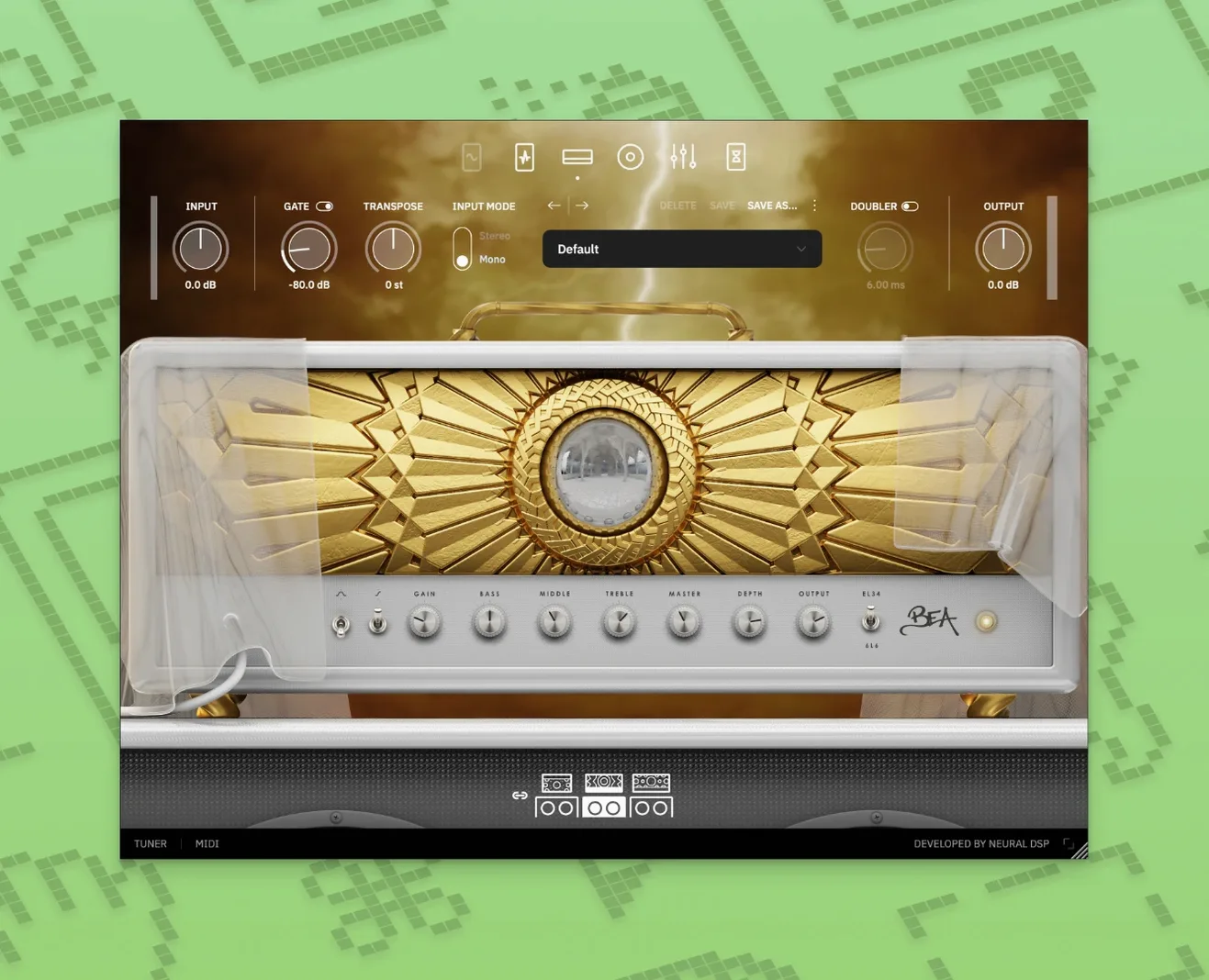
- Players building rigs around a single plugin — three amps, a full pedalboard and cabinet section in one window.
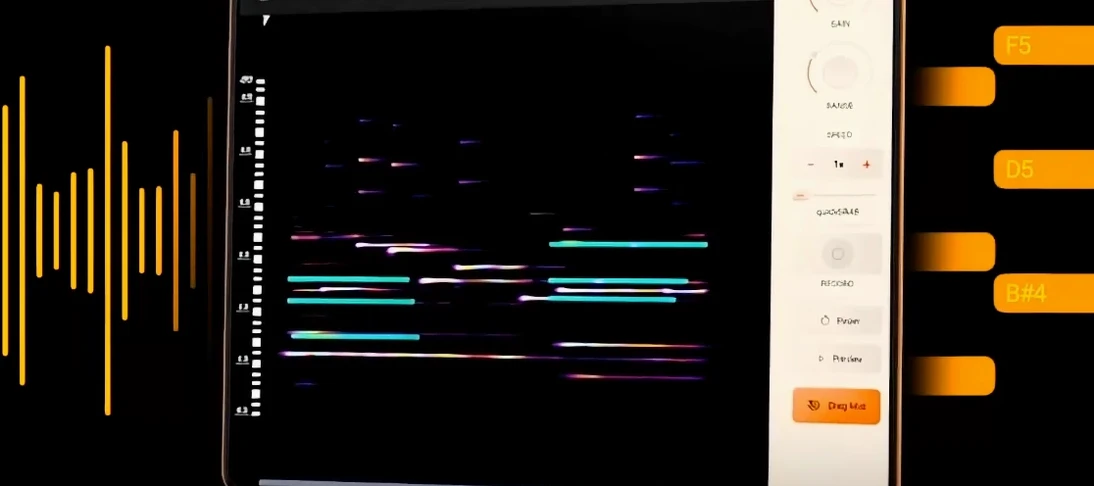
- Producers who treat the guitar as a texture source. The Overlord monosynth tracks pitch from a guitar input and generates a clean synth waveform you can run through the amp models or effects.
- Session work where you need to recall a DI-plus-amp-plus-synth chain without patching hardware.
Overlord Synth Tracks Only Single-Note Lines
- Overlord is monophonic. Chords will confuse the tracking; it is built for single-note lines.
- No MIDI-out from the synth engine — the audio stays inside the plugin.
- The plugin was built from scratch, so presets from the older Rabea plugin do not load here.
Small conveniences tend to surface only after a few sessions, and Archetype Rabea X has a handful worth knowing before muscle memory sets in.
Shortcuts and quiet features
Double-clicking any knob resets it to its default value — faster than hunting for a centre detent. The same gesture works on slider controls in the cabinet section and on the graphic EQ bands.
Command-click (or right-click) a parameter to open a fine-adjustment mode. The control moves at roughly one-tenth the normal speed, which makes small EQ cuts or subtle room-mic blends far less fiddly with a trackpad.
The input and output meters are not just eye candy. A small peak-hold segment lingers for about two seconds after a transient, and clicking either meter clears the peak reading. If you are gain-staging a chain that includes the Overlord synth, those peak indicators become your first check against unexpected internal clipping.
Preset navigation has a quirk that reads as a bug on first encounter: the arrow keys skip through the preset list only when the preset browser is open. With the browser closed, those keys do nothing. Once you learn the behaviour it stops being a surprise, but it is worth filing away before you assume the plugin has stopped responding to the keyboard.
Lock Your Sample Rate to Avoid Drift
The standalone app defaults to a sample rate that follows your system audio device. If you normally track at 48 kHz but your interface is set to 44.1 kHz after a restart, the plugin will follow suit without warning. Open the audio preferences once and lock the sample rate to your usual tracking value — the setting lives under Audio/MIDI Settings in the standalone menu.
Buffer size is set to 256 samples out of the box, which is a safe middle ground. On an Apple Silicon Mac, dropping it to 64 or 128 samples rarely causes problems and makes the Overlord synth feel noticeably more immediate. The tracking engine feeds off the dry DI signal, so the buffer size directly affects the perceived latency of the synth voice against your playing.
The noise gate in the pedal section is on by default. It is aggressive: even a moderate threshold setting can clamp single-coil hum faster than you might want for held notes. If your first impression is that sustain dies strangely early, pull the gate threshold back to around -55 dB and open the release control a little. You can always tighten it later for staccato palm-muted parts.
Dial In the Mic Position Before Building Amps
Spend ten minutes with the cabinet section before you build a single amp preset. The stock IRs are solid, but the internal microphone positioning is where the cabinet block earns its keep. Dragging the mic toward the dust cap pushes presence without needing an EQ shelf, and moving it off-axis tames fizz from the lead amp channel without losing articulation. Save two or three mic setups as user cabinet presets early — you will reference them across every amp model.
The three amplifiers share no DNA: clean is mid-scooped American-style, rhythm is tight and British-voiced, lead is high-gain with a pronounced upper-mid push. On day one, run the same DI loop through all three with the cabinet block bypassed, just to hear where each amp places the midrange. That mental map saves time later when you need a tone that cuts through a dense mix.
Overlord demands a clean tracking signal. If your DI has weak pick attack or heavy finger noise, the synth engine will warble on note onsets. Place a light compressor before the plugin — hardware or ITB — with a fast attack and a 2:1 ratio. The improvement in tracking stability is immediate, especially on the lower three strings.
One user, one afternoon
A film composer opens a cue that needs a slow, evolving drone under a dialogue scene. The brief says “organic but not acoustic.” She plugs in a baritone guitar, loads Archetype Rabea X on an insert, and activates Overlord with a triangle wave on oscillator one and a sine wave an octave below on oscillator two. Both oscillators are routed through the clean amp model with the gain backed off to 9 o’clock and the cabinet replaced by a full-range IR she imported last month.
She sets a long reverb from the built-in pedal section — wet at 40 %, decay at roughly 3.2 seconds — and plays a single D for eight bars, letting the triangle wave carry the harmonic motion while the sine reinforces the fundamental. The note decays naturally into the reverb tail. She prints the track, then duplicates it and pitch-shifts the copy down a perfect fifth in the DAW. The two layers create a shifting interval that never quite repeats the same phase relationship. The whole patch took under three minutes to build, and the producer later asked whether she had tracked a hardware modular synth. She had not.
- General — Quality-of-life improvements and bug fixes from early user reports.
- macOS 10.15 or later
- Apple Silicon or Intel processor
Questions on file
Does Archetype Rabea X run natively on Apple Silicon Macs?
Yes. The plugin includes a native Apple Silicon build for VST2, VST3, AU and AAX, so it runs without Rosetta on M-series Macs.
Sign in · Create an account to add a field note.
No field notes yet. A measurement, a version, a machine — they appear after moderation.