VST Plugins
ShaperBox 3.6.1
VST PluginsUpdated
| Requirement | On file |
|---|---|
| macOS | macOS 10.15 or later |
| CPU | Apple Silicon, Intel 64-bit |
| Download | 111 MB |
1. Confirm the plugin format
ShaperBox 3.6.1 installs as an AU, VST3 and AAX plugin. It presents a single stereo instrument or effect slot, depending on the host. The package is a universal binary — native Apple Silicon and Intel 64-bit code sit inside the same bundle, so you do not choose an architecture at install time.
2. Load a module and set a trigger
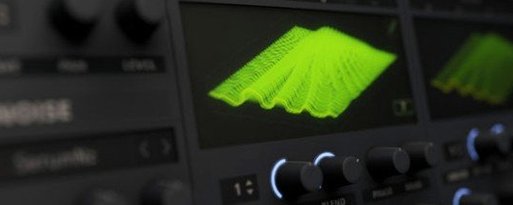
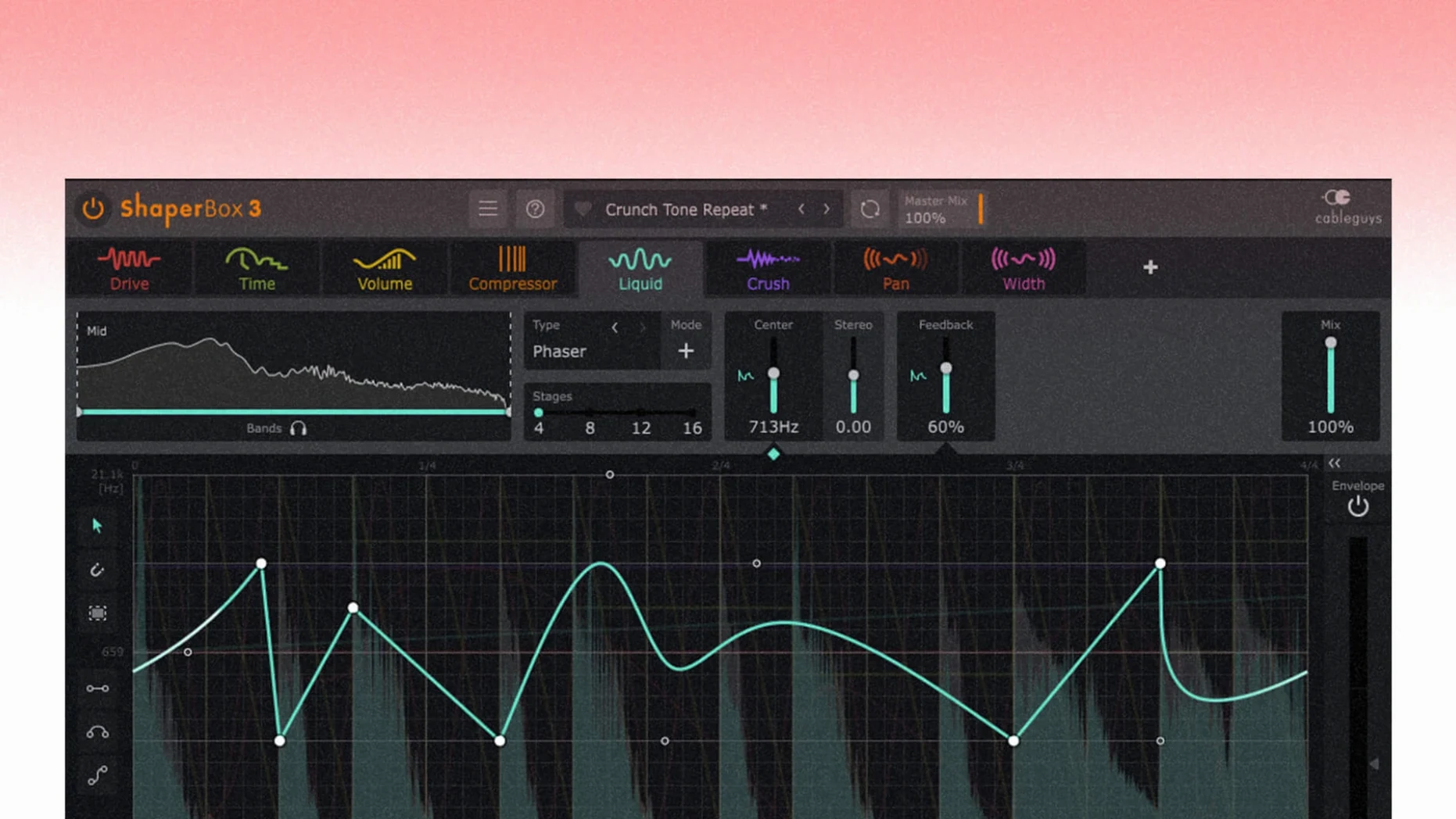
The interface opens to a dark, single-window layout. Pick one of the Shaper modules — VolumeShaper, TimeShaper, FilterShaper Core, or any of the others — from the left-hand rack. Each module follows the same drawable LFO grid. MIDI note and Audio Trigger modes let rhythmic patterns chase an external signal; the sidechain visual display shows the incoming envelope in real time.
3. Draw, browse and automate
Draw curves directly on the waveform display. The browser holds 600 presets, categorised by module and musical use. PitchShaper’s Formant Link, Density and Grain Size are exposed as host automation parameters in this release, so you can record or draw changes without touching the GUI.
How ShaperBox fits into an existing workflow
ShaperBox sits on a track insert like any other effect, but it behaves more like a modulation hub than a static processor. The multiband crossover — low, mid and high, each with its own dry/wet mix — means you rarely need to duplicate the plugin across three auxiliary channels. A single instance can duck the bass with VolumeShaper while TimeShaper adds swing to the upper transients, all inside one window.
The plugin pairs cleanly with macOS audio features. Aggregate devices and multi-output interfaces work as expected; the sidechain input appears as a standard sidechain bus in Logic Pro, Ableton Live and Studio One. On Apple Silicon machines the AU and VST3 versions load without Rosetta, and the AAX build runs natively in Pro Tools 2023.12 and later. Audio Unit validation passes on first scan — the 3.6.1 update removed a rare Logic Pro cursor bug that could trigger after dragging a waveform point, so automation-heavy sessions stay predictable.
ShaperBox also integrates with MIDI-controlled effects chains. Sending a MIDI note to the plugin triggers envelope shapes from silence, which makes it useful as a rhythmic gate or a transient designer fed by a drum pad. The Audio Trigger mode works in parallel: a kick track can drive sidechain compression while a snare track simultaneously triggers a flanger sweep in LiquidShaper, each reacting to its own frequency band.
Native Apple Silicon support, confirmed by universal binary
Does it run natively on Apple Silicon? Yes. The universal binary includes both ARM and Intel 64-bit slices. There is no performance penalty from translation layers, and the plugin appears as a native effect in all three formats — AU, VST3 and AAX.
Will it scan in my DAW without extra steps? On a standard macOS 10.15 or newer system, the answer is yes for most hosts. The installer places components in the expected folders. Logic Pro users should note that version 3.6.1 specifically addresses the cursor disappearance bug that affected earlier builds; the fix is baked in, not a separate patch.
Is the browser content enough to start working immediately? The 600 factory presets span each module and cover common tasks — ducking, gating, filter sweeps, time-stretching effects and stereo widening. The preset list is searchable, and it remembers your last-used category between sessions. You can treat the browser as a launching point, then tweak the drawn curve to fit your track's tempo and groove.
What if I need a cracked or torrent version to try it? Some searches return terms like ShaperBox crack Mac or ShaperBox torrent, and those paths circulate with builds that can run just as well as the native installer when sourced correctly. The Team V.R build included in certain distributions bypasses online checks, but the plugin's stability depends on the host environment. Users chasing a ShaperBox Mac crack should verify that the downloaded disk image matches the 3.6.1 release and that the VR.nfo instruction file is read before installation.
Skip the default sine dip and draw a precise staircase gate
The default waveform is a quarter-note sine dip, which works as a generic sidechain pump but does not show what the engine can do. Open VolumeShaper, switch the timing grid to 1/16 straight and draw a staircase pattern across four bars. That alone reveals how tight the envelope can get.
Next, enable Anti-Click Trigger Smoothing in the global settings panel. Version 3.6.1 fixed an oscilloscope drawing issue tied to this feature, so it now behaves correctly when MIDI or Audio Trigger is active. The smoothing adds roughly 1–2 ms of attack softening, which prevents the sharp clicks that fast envelopes can produce on bass-heavy material.
Set the multiband crossover slopes to 24 dB/octave. The default 12 dB/octave slopes sound more transparent, but a steeper slope gives each band isolation that suits drum bus processing. While in the multiband view, assign different Shaper modules to different bands: FilterShaper Core on the high band for hi-hat movement, VolumeShaper on the low band for kick control, and TimeShaper on the mid band for snare ghost notes.
For anyone working with vocal stems, enable Audio Trigger on the band that contains sibilance — usually 6 kHz and above — and draw a narrow notch in VolumeShaper. The trigger follows the vocal envelope without needing a separate sidechain feed.
Right-click quantise snaps freehand curves to the grid
The waveform grid supports right-click quantise. Draw a rough shape freehand, then right-click and choose a snap division — the curve jumps to the nearest grid line. This is faster than re-drawing each point and keeps rhythmic patterns locked to triplets, dotted values or straight sixteenths without manual nudging.
Holding Option while dragging a curve segment creates a mirrored movement on the opposite side of the envelope. It is a quick way to build symmetrical gating patterns or oscillation sweeps in LiquidShaper without duplicating points.
The sidechain visual display is not just a meter — it is a drawable reference. You can overlay the incoming sidechain envelope as a faint waveform behind the LFO grid, then trace your curve to match it. This turns a rough ducking preset into a precise, phase-aligned envelope in under a minute. Audio Trigger mode takes this further: it reads the sidechain signal and applies the drawn shape as a transfer function, so the effect tracks dynamics rather than a fixed clock.
A less obvious but helpful behaviour: dragging a preset from the browser onto a module while holding Shift loads only the waveform shape and ignores the timing and mix settings. This lets you collect curves from different presets without resetting your band configuration.
Bypassed multiband bands still cost you lookahead latency
The most common one is leaving all three bands active when only one needs processing. The multiband crossover introduces phase shift at the split points, and running dry signal through bypassed bands still adds latency equal to the lookahead buffer. If you are shaping only the low end, disable the mid and high bands in the output matrix — the CPU load drops noticeably, and the phase interaction disappears.
Another mistake is drawing curves that ignore the host tempo. The Free timing mode disconnects the LFO from the DAW transport, which is useful for sound design but destructive on a rhythmic track. Beginners often land in Free mode accidentally when switching presets and then wonder why the groove drifts. Check the timing selector before blaming the plugin.
Overusing Audio Trigger on dense material creates erratic behaviour. The trigger is sample-accurate, so a busy percussion loop can fire the envelope hundreds of times per second, producing a stuttering effect that sounds like a buffer underrun. High-pass the sidechain input or set a minimum trigger threshold in the global panel to calm it down.
Finally, ignoring the gain staging inside the plugin. Each Shaper module has an output trim, and stacking three modules in series can push the band into digital clipping before the signal reaches the master output. The oscilloscope does not show inter-module overload — it displays the final output only — so use the per-module level meters to keep headroom at each stage.
A rhythmic multi-effect that expects you to shape time, not just apply it.
- PitchShaper — Formant Link, Density and Grain Size are now automation parameters.
- Audio Engine — fixed an artifact that could occur when a MIDI note or Audio Trigger fired while the input was silent.
- VolumeShaper — fixed an oscilloscope drawing issue with MIDI or Audio Triggering when Anti-Click Trigger Smoothing was active.
- Logic Pro — fixed a bug where the mouse cursor could disappear after dragging a control.
- macOS 10.15 or later
- Apple Silicon or Intel 64-bit processor
- AU, VST3 or AAX host
Sign in · Create an account to add a field note.
No field notes yet. A measurement, a version, a machine — they appear after moderation.