VST Plugins
STL Tones Bundle 2026.07
VST PluginsUpdated
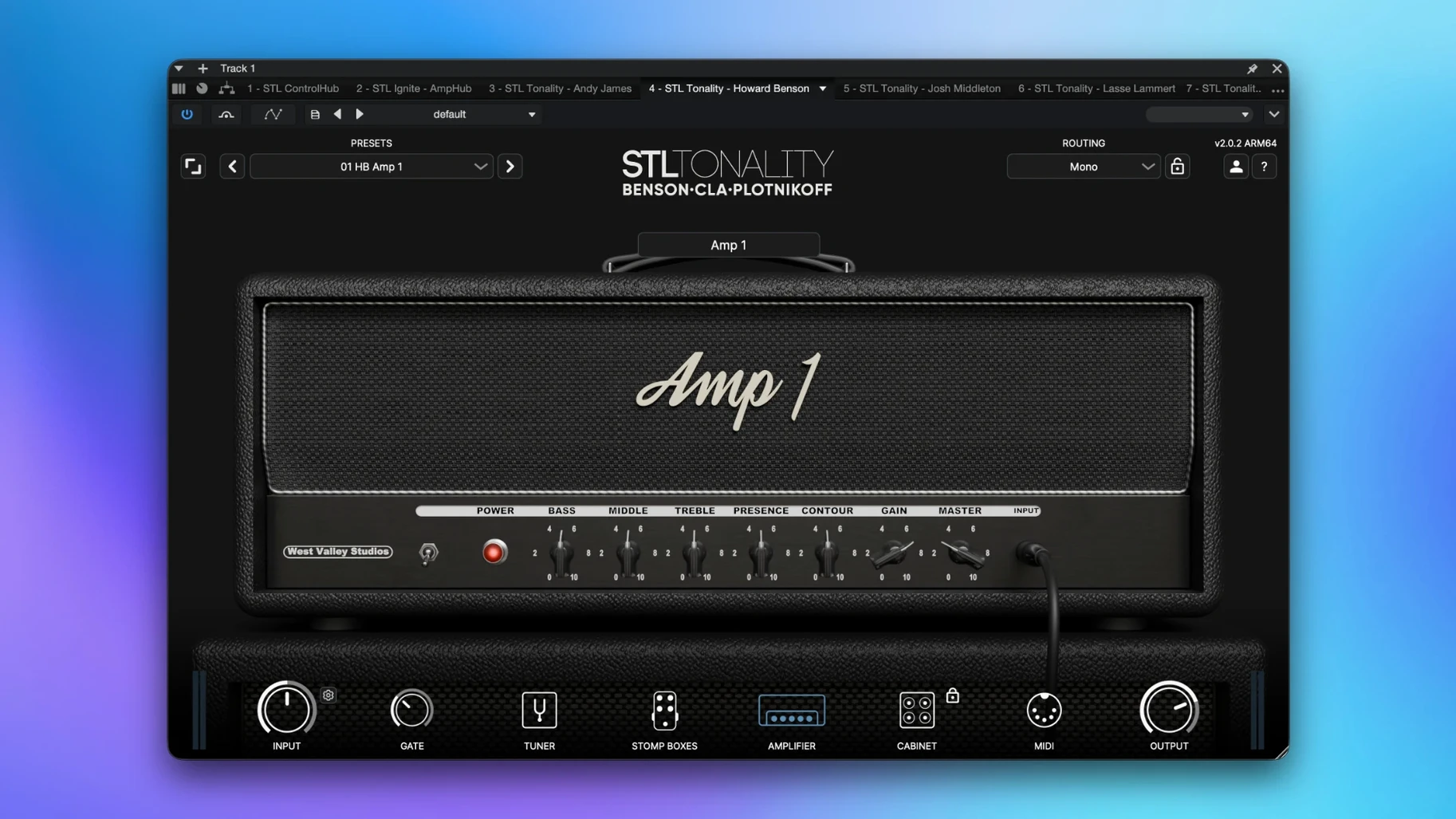
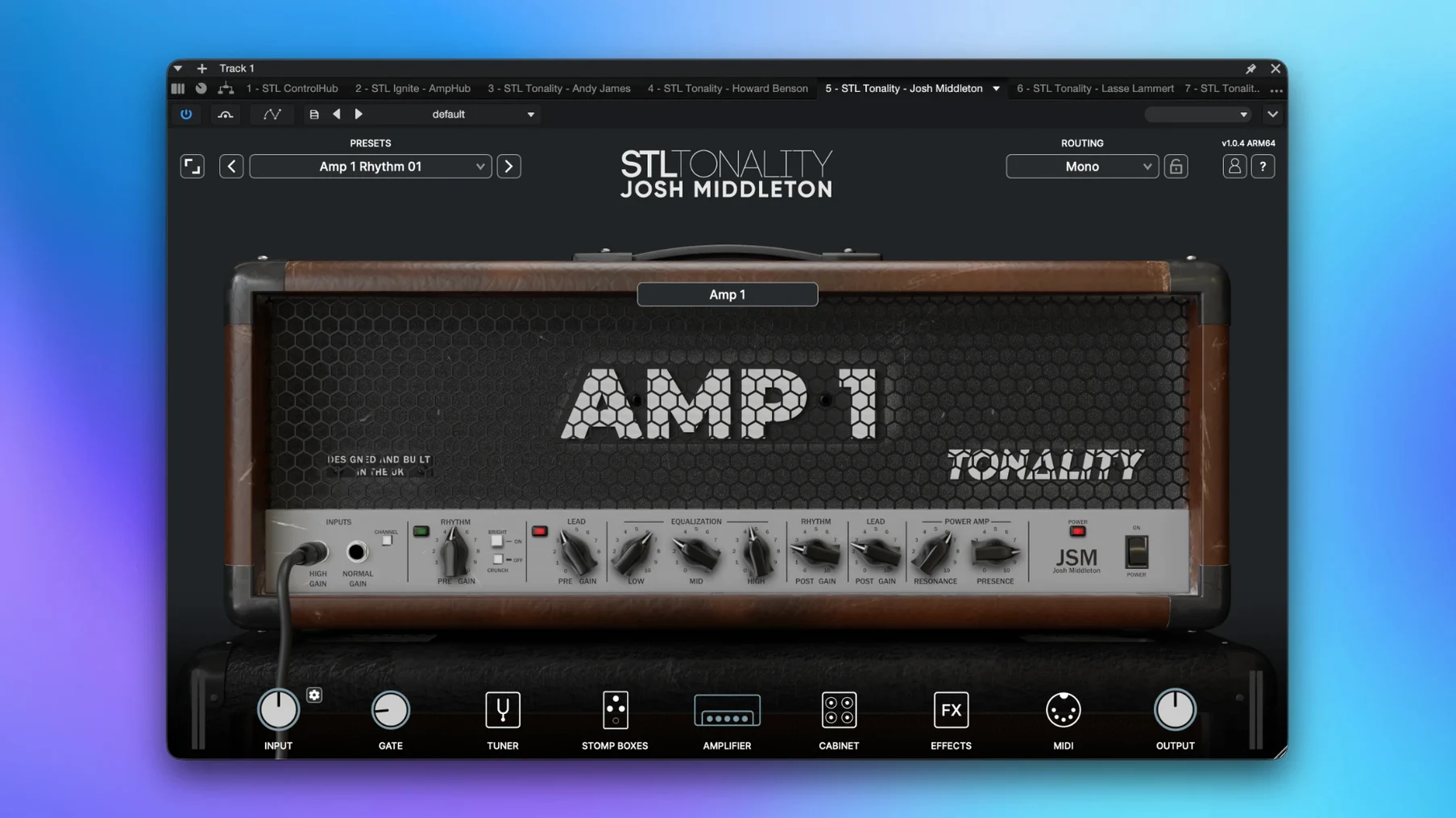
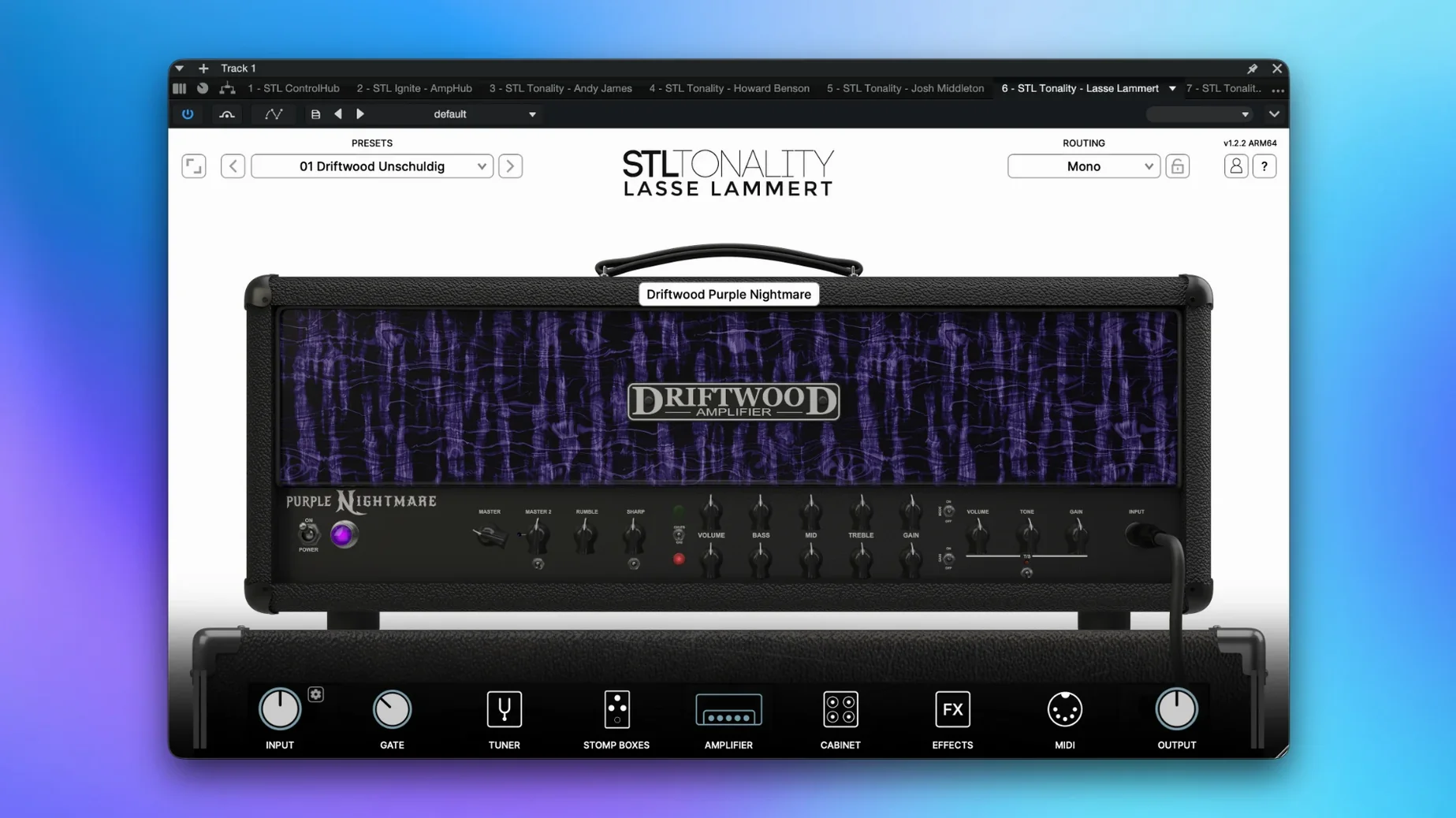
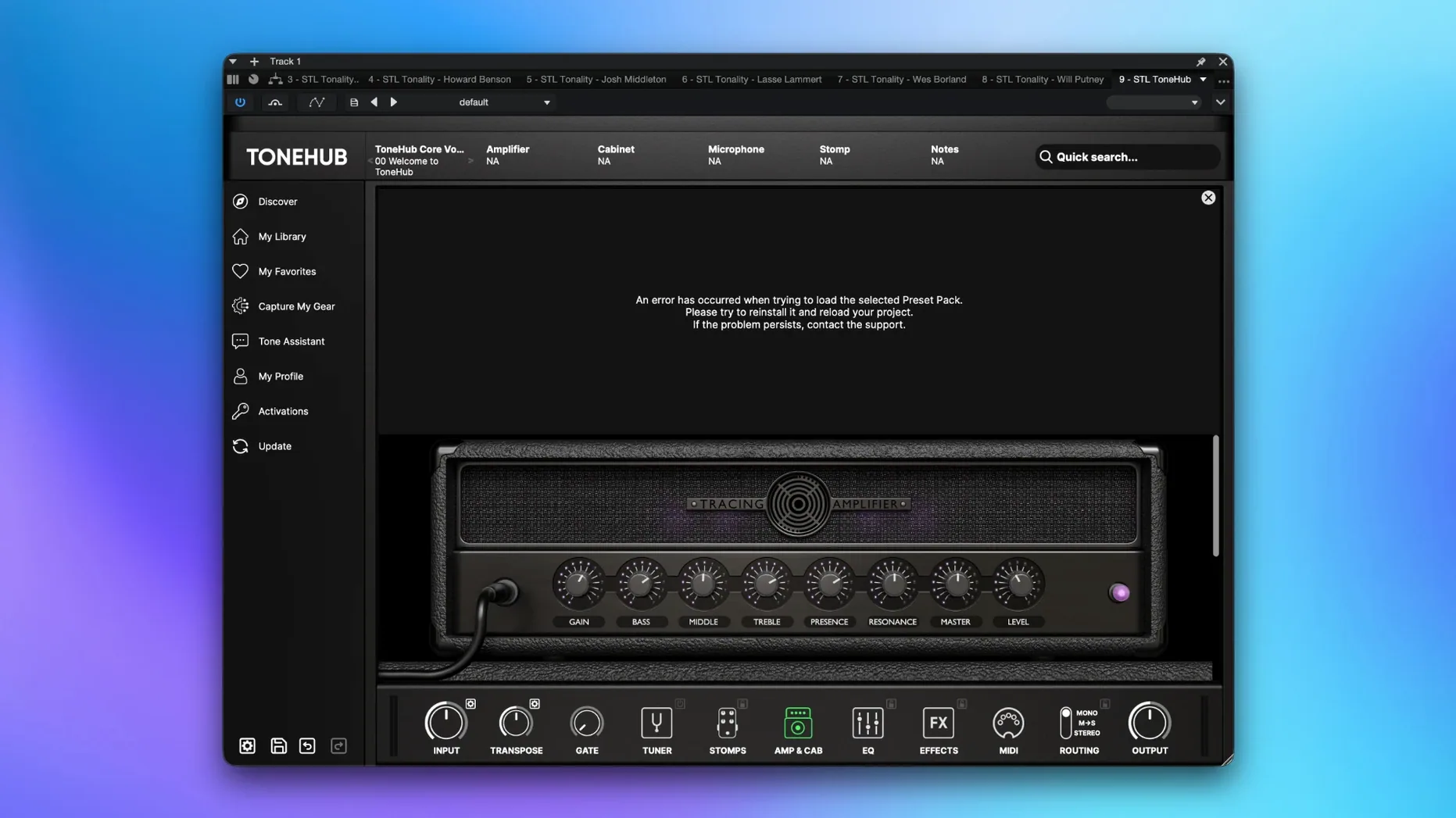
| Requirement | On file |
|---|---|
| macOS | macOS 10.13 or later |
| CPU | Apple Silicon, Intel 64-bit |
| Download | 3.5 GB |
A set of STL Tones audio plug-ins covering guitar tone shaping and mixing chains for modern production sessions.
Tracking guitars
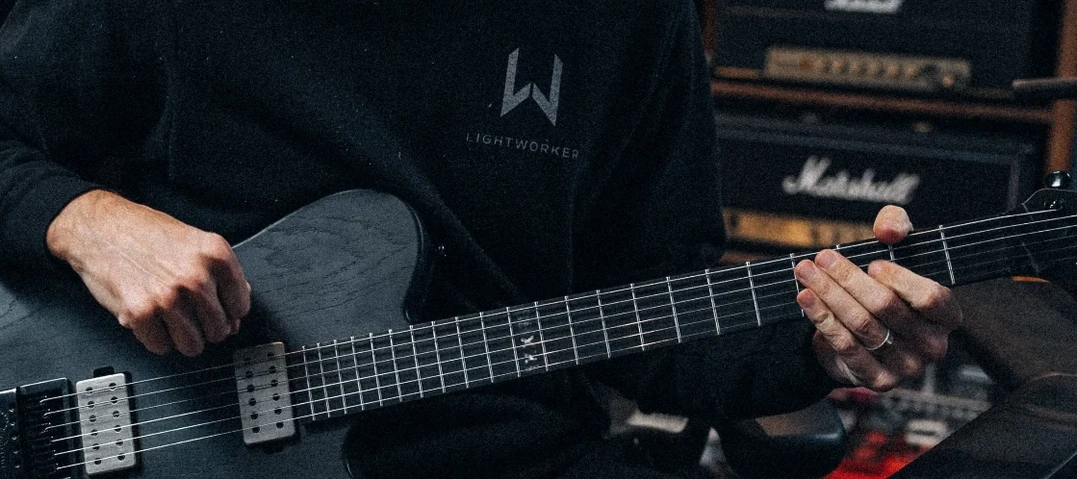
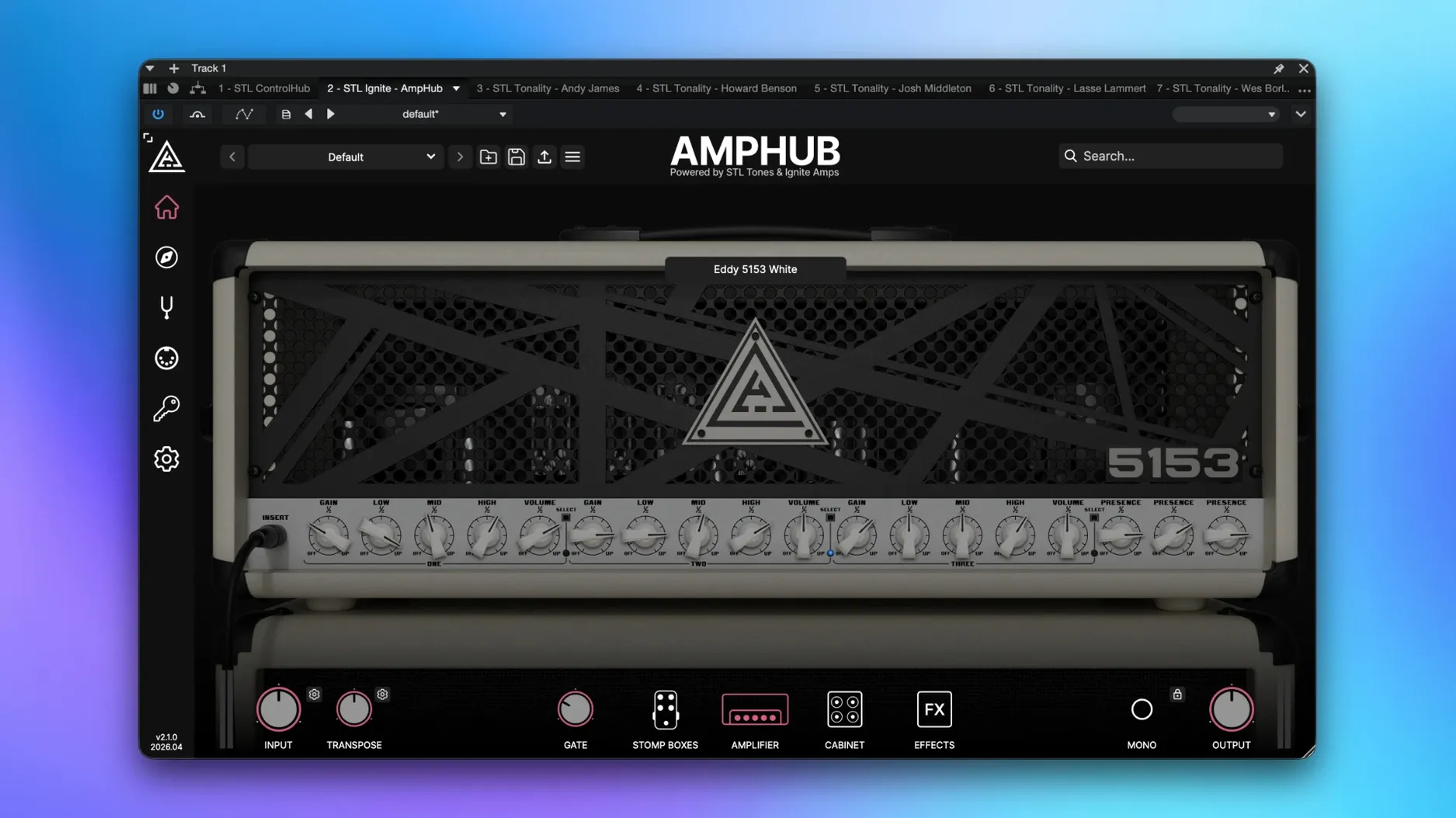
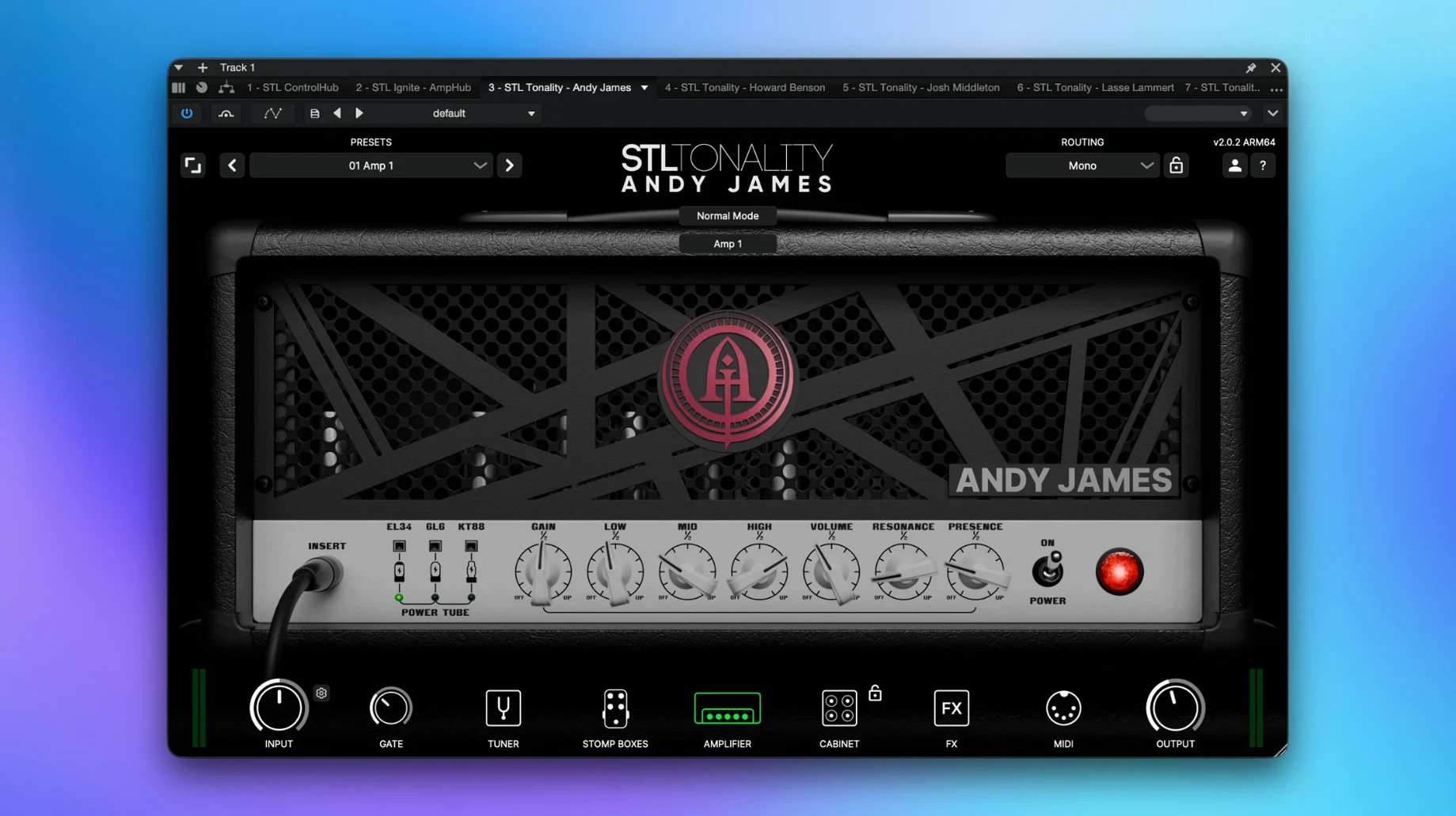
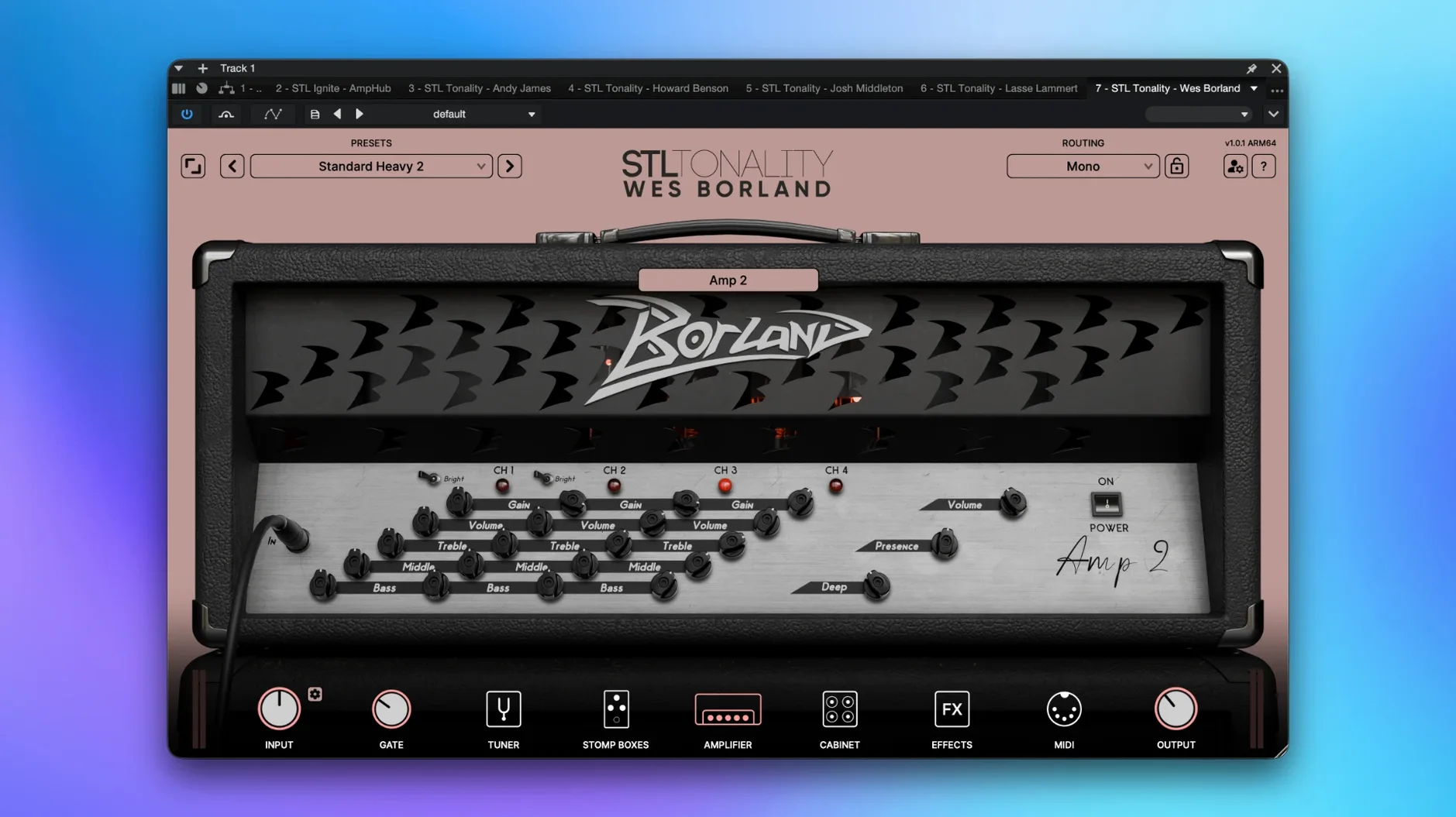
Load an amp-sim plug-in on a mono audio track to capture DI signals with tones shaped by profiles recorded by established industry names.
Shaping the bus
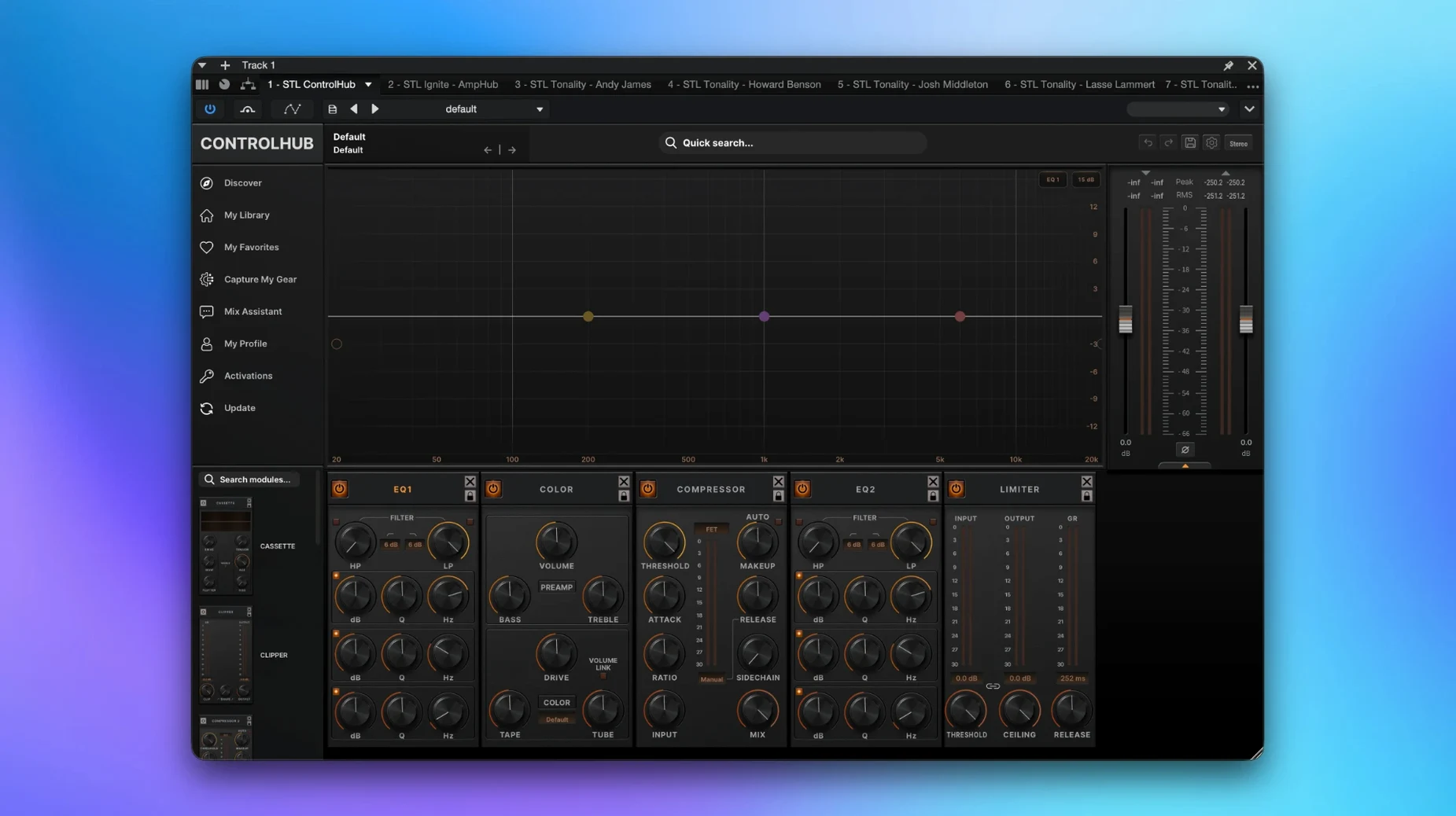
Insert a mixing chain plug-in on a drum or instrument bus for studio-grade processing that sits inside the session rather than relying on external hardware.
Polishing the master
Quick fixes for first-session tripwires
A handful of things tend to trip people up during the first few sessions — most are quick to fix once you know where to look.
Plug-in not showing up in the DAW
After running the installer and following the included activation steps, one or two plug-ins sometimes stay hidden. On Apple Silicon machines this usually means the host launched in native mode while a component hasn't been scanned yet. Close the DAW, open it using Rosetta (Get Info on the app and tick the checkbox), let it scan the new plug-ins, then switch back to native. Logic Pro users can also force a rescan from the Plug-in Manager by selecting the missing entry and choosing Reset & Rescan Selection.
Latency spikes on ARM builds
A few amp models run heavier convolution routines that push the buffer harder on M-series chips when multiple instances are stacked. Raising the I/O buffer to 256 or 512 samples in your DAW audio settings clears it up without affecting tone. For tracking, keep a single amp-sim instance active and freeze or bounce the rest.
Noise floor on high-gain profiles
Some profiles were captured with real preamp chains that carry a subtle noise floor — it's baked into the impulse response, not a fault of the plug-in. Insert a gate ahead of the amp-sim and set the threshold around -48 dB to -42 dB. The gate inside the STL plug-in itself is fast enough for tight riff work, but an outboard gate plug-in with look-ahead gives cleaner note tails.
Preset banks missing after activation
If the library browser shows blank slots, the preset folder path likely points to an old directory. The activation instructions included with the 2026.07 package note the default location, but some DAW versions override it. Point the plug-in's internal browser to /Library/Application Support/STL Tones/Presets and restart the DAW.
DI tracking and template workflows that click instantly
The collection suits several workflows more than others — not because of any limitation, but because the toolset aligns tightly with certain tasks.
Home studio guitarists tracking DI into a template. The amp-sims let you commit to a tone during tracking and still tweak the cab, mic blend, and post-EQ after the fact. This cuts mixing time later and gives you a reactive playing feel through the monitors while recording.
Producers who build mix chains inside the box. Rather than stacking six different developers' compressors and saturators, the mixing plug-ins share gain-staging conventions internally. Pushing one stage into the next behaves predictably, which speeds up decisions on dense pop or rock arrangements.
Bassists who double as their own engineer. The tone-shaping tools cover clean DI blending, parallel distortion, and low-end control in a single insert. That matters when you're playing and mixing the same session — fewer windows, faster results.
Mix engineers preparing stems for clients. Dropping a mixing chain on a stem bus and printing through it yields consistent colour across a record without recalling external gear settings for each revision.
Conservative defaults you’ll want to override early
A few defaults are conservative by design. Adjusting them early gives a clearer picture of what each plug-in can do.
Oversampling on the amp-sims
Most amp models run at 2× oversampling out of the box. Switching to 4× or 8× in the plug-in's global settings tightens the top end on high-gain patches and reduces aliasing on sustained notes above the 12th fret. The CPU cost is modest on Apple Silicon — test it on a single instance before applying it across a full session.
Input gain calibration
The amp models respond to the DI level they receive. A signal that peaks at -18 dBFS to -12 dBFS on the interface meter keeps the gain staging in the sweet spot for most profiles in the bundle. If your pickups are unusually hot, drop the interface preamp gain by 4–6 dB before the plug-in; the touch response cleans up noticeably.
Cabinet IR blend
Many presets load with a single impulse response panned centre. Blending a second IR — usually a ribbon mic captured a few centimetres off-axis — and setting the mix to roughly 35% widens the stereo image without losing midrange focus. The phase-alignment switch on the cab section is worth engaging after blending to avoid low-end cancellation.
Mix-chain output ceiling
The studio-grade processors in the bundle default to an output ceiling of -0.3 dBFS. For stems heading to mastering, setting it to -1.0 dBFS or lower prevents intersample peaks on conversion. It's a small move that saves a recall later.
MIDI control assignments
Any continuous parameter — drive, volume, reverb mix — can be mapped to a MIDI controller. Right-click the knob, choose Learn, and move the hardware control. Mapping input gain and the amp's master volume to expression pedals turns the plug-in into a reactive live rig for sessions where you play through the software in real time. The STL tones bundle Mac full version includes the same MIDI learn engine across all plug-ins, so the mappings stay consistent when you swap between tools in the same project.
Place a limiter or final-stage processor on the stereo output to apply professional mix-chain character before export.
- macOS 10.13 or later
- Apple silicon or Intel 64-bit processor
- Host DAW that supports AU, VST3 or AAX plug-in formats
Questions on file
Which macOS versions does the STL Tones Bundle support?
It requires macOS 10.13 or later and runs natively on both Apple silicon and Intel 64-bit Macs.
Sign in · Create an account to add a field note.
No field notes yet. A measurement, a version, a machine — they appear after moderation.