VST Plugins
Strymon Plugin Bundle 2026.02
VST PluginsUpdated
| Requirement | On file |
|---|---|
| macOS | macOS 12 or later |
| CPU | Apple Silicon, Intel 64-bit |
| Download | 427 MB |
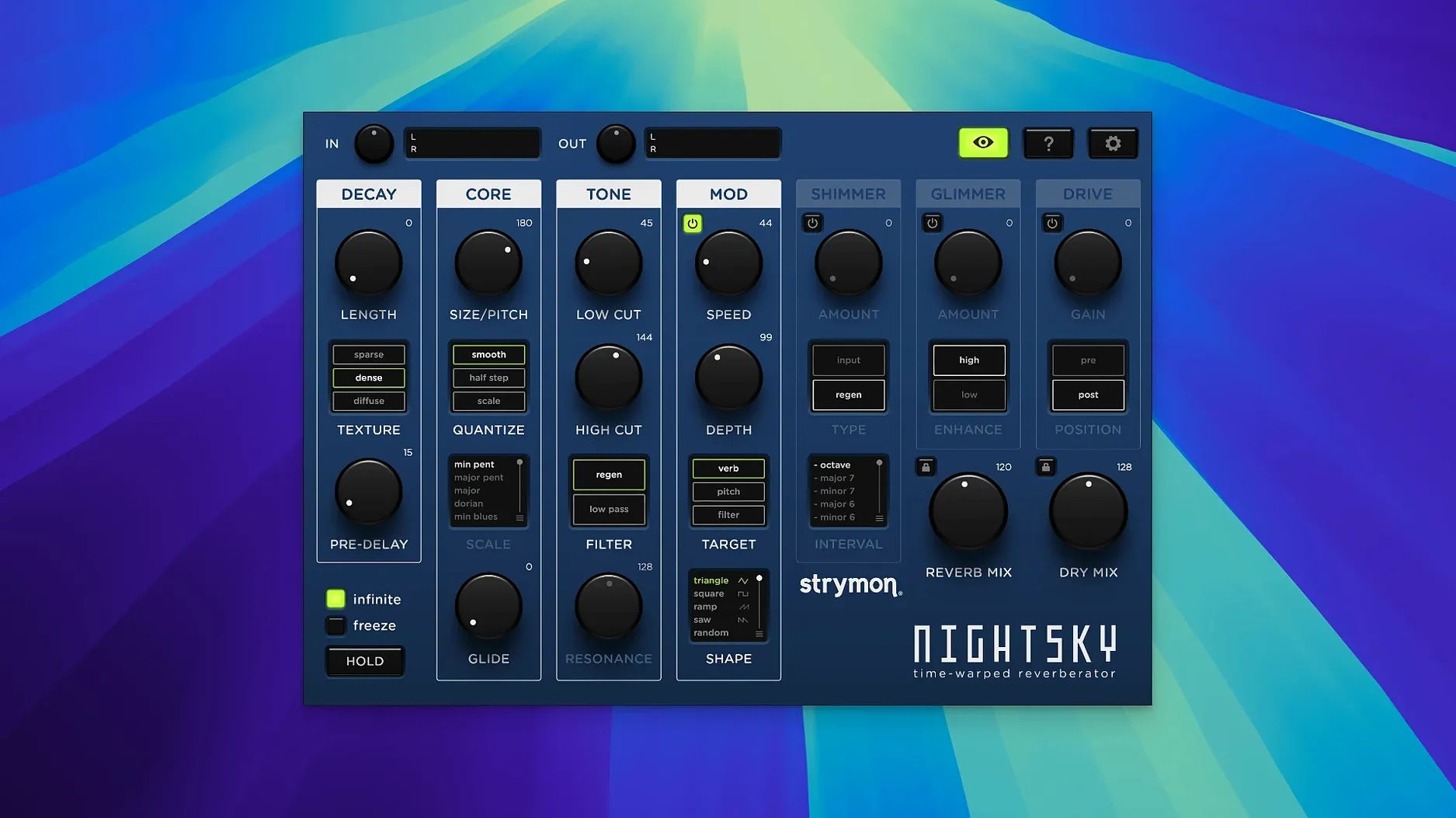
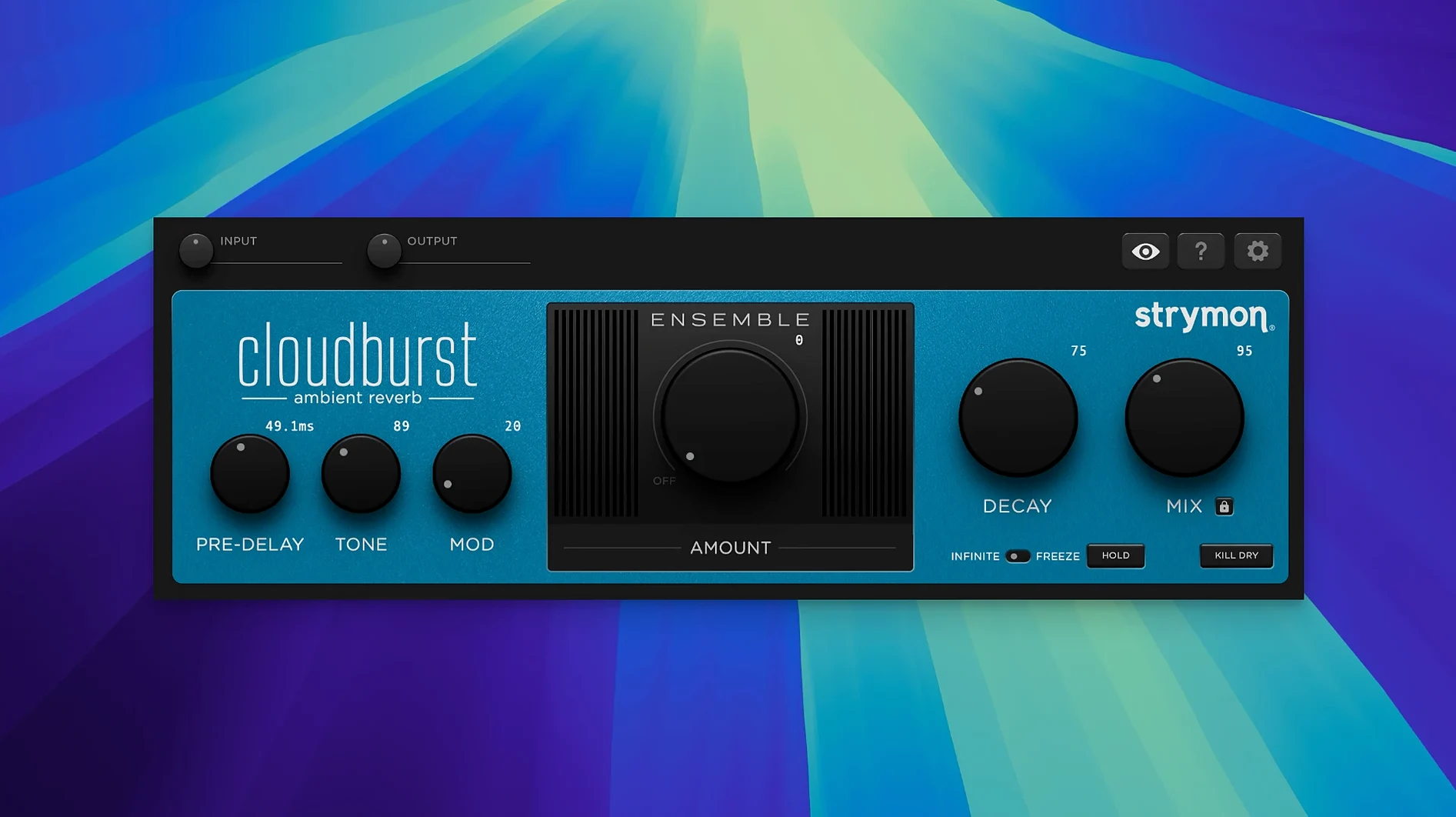
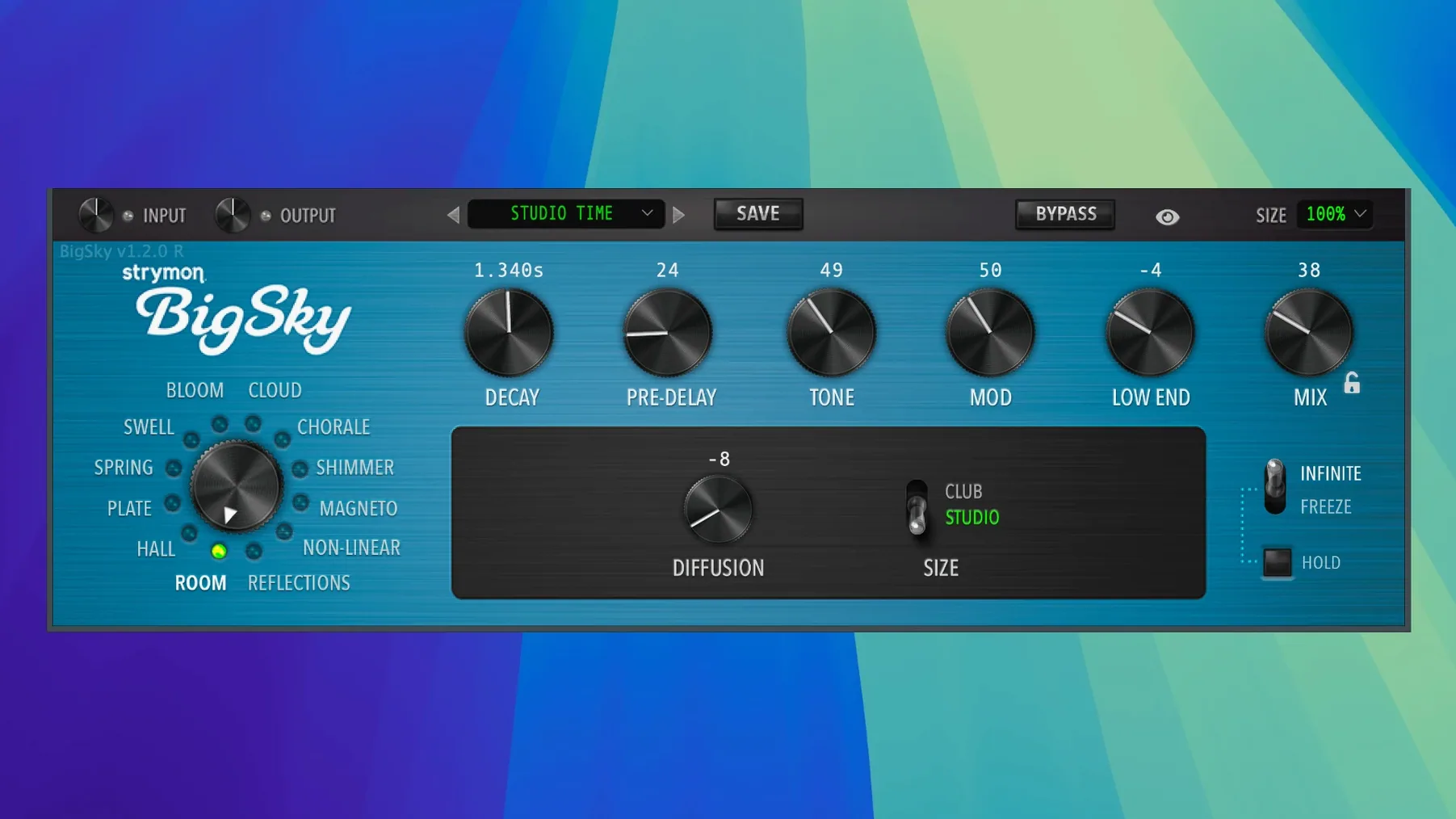
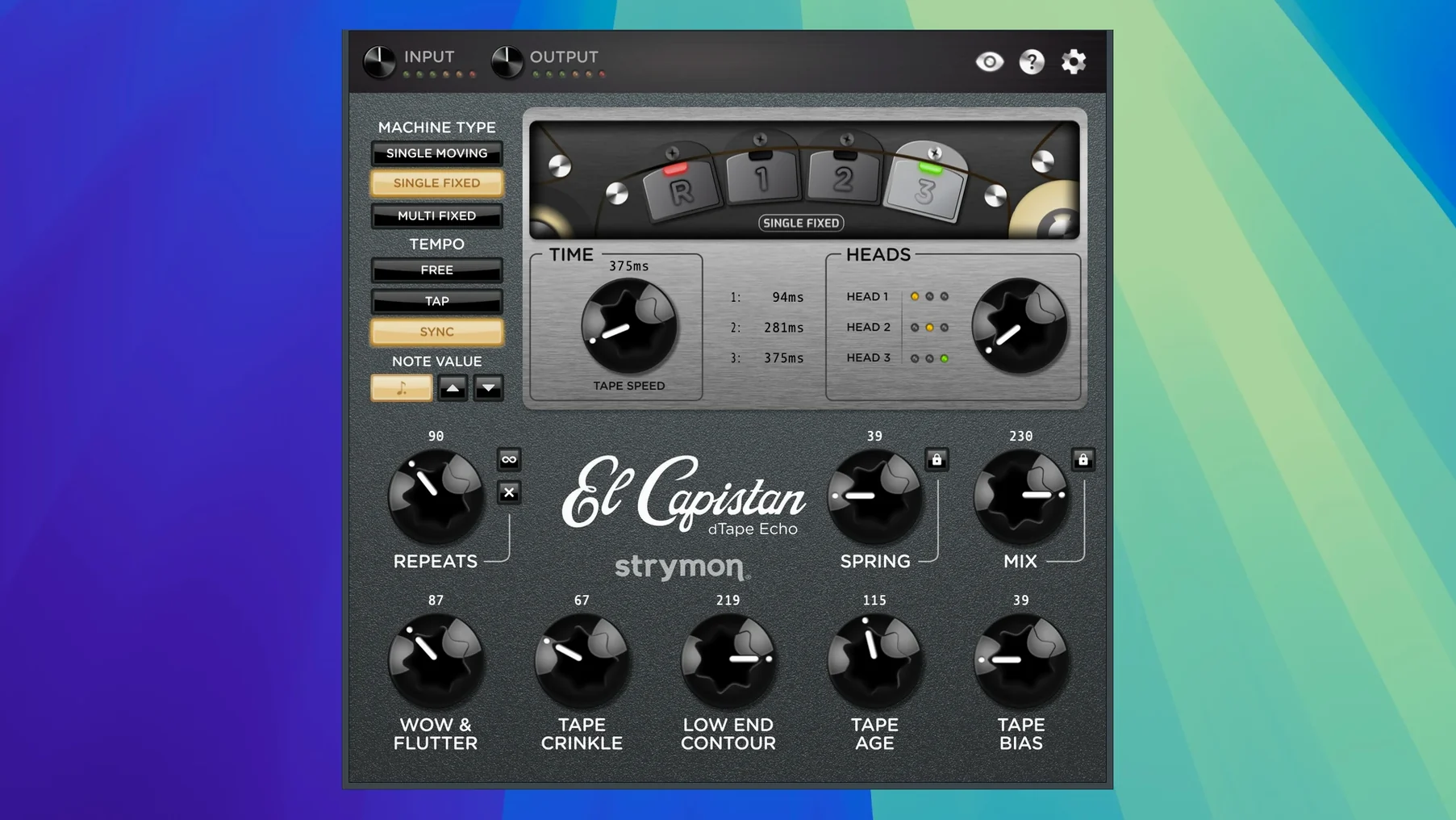
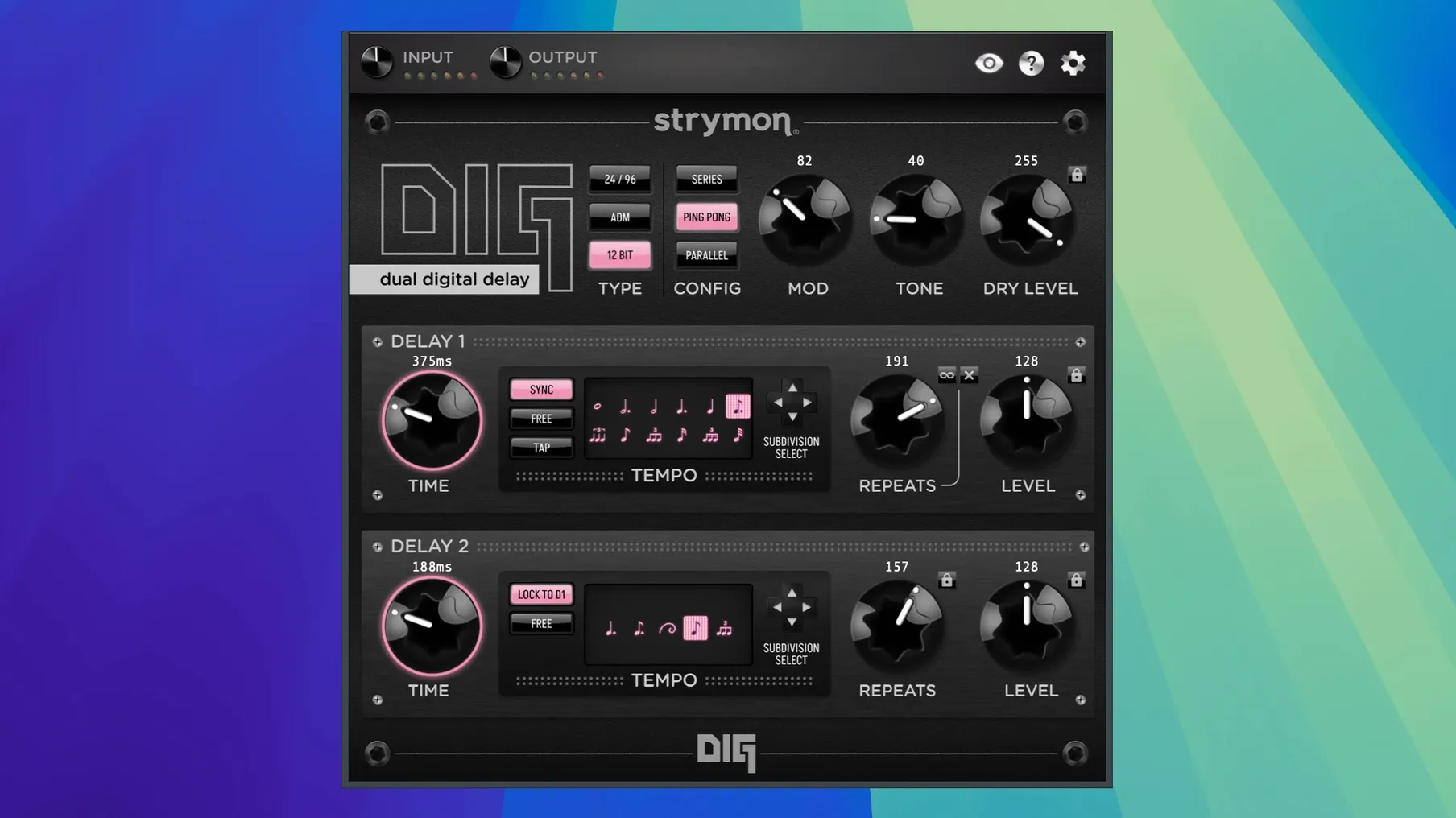
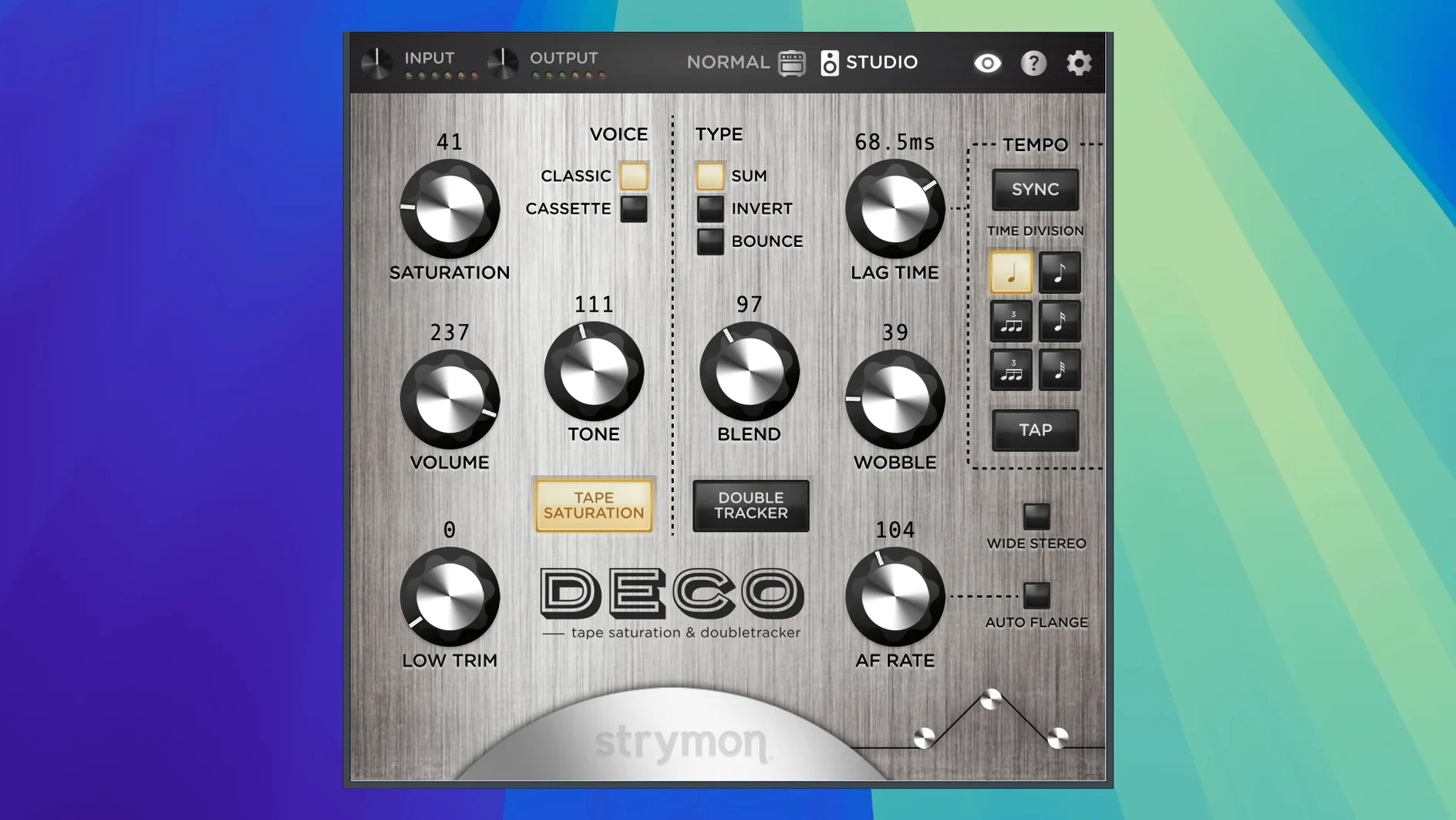
A shimmer trail that doesn't collapse into glassy hardness — that's the Cloudburst reverb engine, and it sits alongside five other processors in the 2026.02 revision. The bundle gathers BigSky, Cloudburst, NightSky, DIG, Deco, and El Capistan into a single installation, all validated for macOS 15 Sequoia.
Host formats and system requirements
- Plug-in formats: AAX, AU, VST3. NightSky explicitly lists all three; the remaining five follow the same host compatibility.
- Operating system: macOS 12 or later.
- Processor: Intel Core i5 or Apple M1 (NightSky's stated minimum; applies across the collection).
- Memory: 8 GB RAM minimum, per NightSky's spec.
What each plug-in does
BigSky delivers 12 discrete reverb algorithms. Cloudburst leans soft and airy, with a tail that stays diffuse even at long decay times. NightSky shifts into experimental territory, altering the character of the reverb tail in ways that suit sound design more than traditional ambience. Deco handles tape saturation and a dual flanger/chorus topology, while the Echo Plugin Bundle collects DIG and El Capistan — two delay lines with distinct voicing. The 2026.02 update improves BigSky and Cloudburst reverb algorithms, adds unified MIDI Learn across the collection, and introduces Native Instruments NKS 2.0 integration for all six plug-ins.
Fluid GUI Redraws Under Automation Load
On a current Apple Silicon machine running macOS 15, the plug-ins load within two to three seconds in Live 12 and Logic Pro. GUI redraws stay fluid even when automation lanes are visible and the transport is rolling. Memory footprint varies by algorithm: Cloudburst and DIG sit around 180–220 MB per instance in AU format, while BigSky's denser algorithms can push toward 340 MB. That is modest by modern reverb standards, though stacking six or seven instances in a large session nudges the pressure onto RAM rather than CPU. The processing load is spread efficiently across efficiency and performance cores; a single BigSky instance on the "Chorale" algorithm shows roughly 8–12% load on a single core in Logic's meter, leaving headroom for virtual instruments and bus processing.
No unexpected dropouts appeared during extended playback at 48 kHz with a 128-sample buffer. Plug-in state recall is accurate across session reloads and when switching between AAX and VST3 formats in different hosts. One quirk worth noting: the NKS 2.0 mapping files load faster in Komplete Kontrol than in Maschine, where the browser shows a slight hesitation before displaying the unified MIDI map, perhaps half a second longer than expected. Stability under heavy automation is unremarkable in the best sense — parameter sweeps on the El Capistan time control produce no clicks or timing artefacts, and the tape age parameter interpolates cleanly even when mapped to a hardware fader via MIDI Learn.
Cloudburst Vocal Bus in 30% Wet
Start by dragging Cloudburst onto a vocal bus. Set the mix to 30% wet, push the decay to roughly 2.8 seconds and pull the tone control back to 11 o'clock to keep sibilance from exciting the tail. The result is a bloom that sits behind the voice rather than wrapping around it — useful when the lyric needs to stay forward. Next, insert Deco on a drum room mic track. Dial the saturation to 3 on its 0–10 scale, blend to taste, and engage the wobble control with a slow rate for a subtle pitch warble that mimics a degrading tape machine without obscuring transients. Bounce the processed track in place to free up the plug-in slot, then open El Capistan on a send. A single-repeat slap at 120 ms with the tape age halfway up and low-end contour rolled off gives a synth lead some forward throw without clouding the low mids.
Later, BigSky goes on a return track with the "Cloud" algorithm selected. A decay of 4.1 seconds, pre-delay at 80 ms, and the modulation depth set conservatively to 1.2 produce a wide ambient wash that stays out of the way of the kick and bass. The unified MIDI Learn system ties the mix control of that BigSky instance to a rotary encoder on a controller, making it simple to ride the reverb return during a breakdown. By the end of a two-hour session, five instances are active, memory pressure sits in the green on a 16 GB M1 Pro machine, and the only freeze used was on the drum bus — the rest ran live throughout playback and mix adjustments.
iLok Cloud vs. Machine Licence
Does it need an iLok dongle? Activation requires an iLok account and an internet connection, but a physical USB dongle is not mandatory. The licence can reside in the iLok Cloud session or on the machine itself. An active connection is required at launch; once authorised, the plug-ins can run through a session without constant phoning home.
Is the strymon plugin bundle mac download a single installer? Yes — the disk image contains a unified installer that places all six plug-ins into the correct component, VST3 and AAX directories in one pass. There is no need to run separate installers for individual titles, and the process follows the standard macOS “drag to Applications” or package-based routine depending on the build.
How does it compare to the hardware pedals? The algorithms are direct ports, not approximations. BigSky, El Capistan and Deco reproduce the pedal voicings at the DSP level, which means the reverb diffusion patterns and tape compression curves match the physical units. The plug-ins add stereo width controls, full automation and preset management that the pedals do not offer, but they lack the analogue dry-through path. Anyone used to blending wet and dry signals on a pedalboard should factor in host latency compensation when running the plug-ins on aux tracks versus inserts.
Can I run it on an older Intel machine? Yes. The minimum is an Intel Core i5 and macOS 12. Older Xeon-based Mac Pros from the trash-can era with sufficient RAM will load the bundle, though session size will determine how many instances are practical. The plug-ins are 64-bit only and will not appear in hosts running under Rosetta for 32-bit compatibility layers.
- NightSky — updated to v1.2.0
- All plug-ins — Native Instruments NKS 2.0 integration added
- All plug-ins — unified MIDI Learn system added
- BigSky and Cloudburst — reverb algorithms improved
- Volante — tempo-sync issue fixed
- Compatibility — macOS 15 Sequoia support added
- macOS 12 or later
- Intel Core i5 or Apple M1 processor
- 8 GB RAM
- AAX, AU, or VST3 compatible host
Questions on file
Which plug-in formats does the Strymon bundle include?
The bundle supports AAX, AU, and VST3 formats. NightSky's documentation confirms all three, and the other five plug-ins follow the same compatibility.
What macOS version do I need for the 2026.02 release?
macOS 12 or later is required. The update also adds official support for macOS 15 Sequoia.
Sign in · Create an account to add a field note.
No field notes yet. A measurement, a version, a machine — they appear after moderation.